> For the complete documentation index, see [llms.txt](https://docs.infraon.io/product-help/llms.txt). Markdown versions of documentation pages are available by appending `.md` to page URLs; this page is available as [Markdown](https://docs.infraon.io/product-help/explore-more/use-cases/ticket-management/ticket-creation.md).

# Ticket Creation

## Creating Tickets in Infraon Infinity

<figure><img src="https://content.gitbook.com/content/BqsHrj8dFIJiK3toEp18/blobs/tI4BJbQiAUEqNtVPqJTt/Ticket%20Creation%20(5).jpg" alt=""><figcaption></figcaption></figure>

Infraon Infinity offers three primary methods for creating tickets.

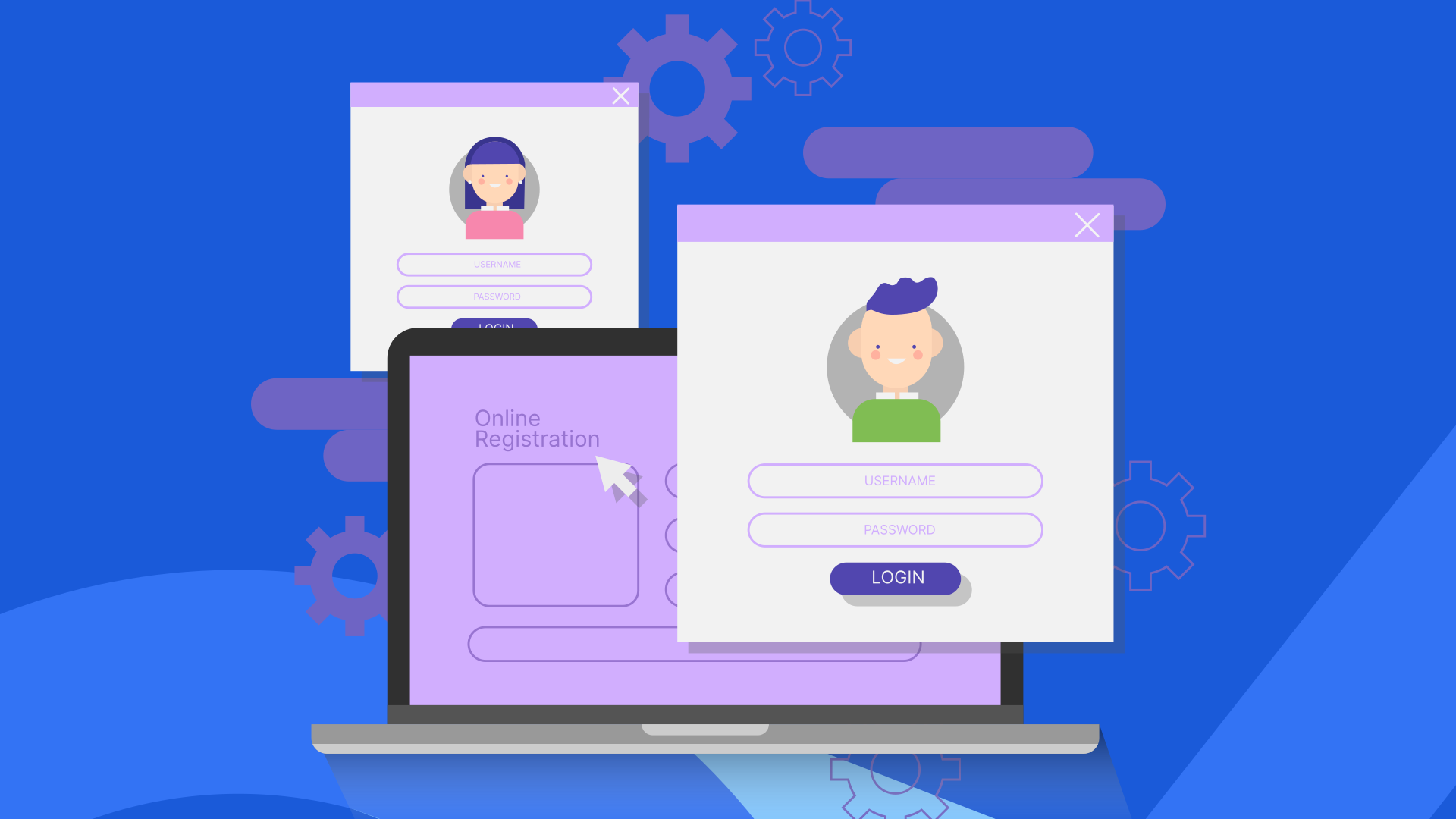
<img src="https://content.gitbook.com/content/BqsHrj8dFIJiK3toEp18/blobs/FveA2zvWkm2UgP6fcz3R/19.png" alt="Right pointing backhand index" data-size="line"> The first method is through the Self-service portal, where end users can log in and raise their tickets.

<img src="https://content.gitbook.com/content/BqsHrj8dFIJiK3toEp18/blobs/FveA2zvWkm2UgP6fcz3R/19.png" alt="Right pointing backhand index" data-size="line"> The second method involves an email-to-incident feature. By configuring the support email, any emails sent by an end user automatically generate a ticket in the Infraon Infinity platform.

<img src="https://content.gitbook.com/content/BqsHrj8dFIJiK3toEp18/blobs/FveA2zvWkm2UgP6fcz3R/19.png" alt="Right pointing backhand index" data-size="line"> The third method is via the technician portal. If an end user cannot use email or the self-service portal, they can directly contact a technician. The technician can create a ticket for the end user within the admin portal.

The following sections provide a detailed look at these different methods of ticket creation.

<table data-view="cards"><thead><tr><th></th><th></th><th data-hidden data-card-cover data-type="files"></th><th data-hidden data-card-target data-type="content-ref"></th></tr></thead><tbody><tr><td><strong>Created by Technician</strong>  </td><td><a href="/product-help/explore-more/use-cases/ticket-management/ticket-creation/created-by-techician.md">Learn More</a></td><td><a href="https://content.gitbook.com/content/BqsHrj8dFIJiK3toEp18/blobs/ZKWtA1gzcS40fN3GvYXi/Created%20by%20Technician.svg">Created by Technician.svg</a></td><td></td></tr><tr><td><strong>Email to Incident</strong>  </td><td><a href="/product-help/explore-more/use-cases/ticket-management/ticket-creation/email-to-incident.md">Learn More</a></td><td><a href="https://content.gitbook.com/content/BqsHrj8dFIJiK3toEp18/blobs/57XnVn8O4CY0ZZihw64t/Email%20to%20Incident.svg">Email to Incident.svg</a></td><td></td></tr><tr><td><strong>Self Service Portal</strong>  </td><td><a href="/product-help/explore-more/use-cases/ticket-management/ticket-creation/self-service-portal.md">Learn More</a></td><td><a href="https://content.gitbook.com/content/BqsHrj8dFIJiK3toEp18/blobs/4dmmmGaUC455QmY3aCy8/Slef%20Service%20Portal.svg">Slef Service Portal.svg</a></td><td></td></tr><tr><td><strong>Trigger Configuration</strong> </td><td><a href="/product-help/explore-more/use-cases/ticket-management/ticket-creation/trigger-configuration.md">Learn More</a></td><td><a href="https://content.gitbook.com/content/BqsHrj8dFIJiK3toEp18/blobs/ZXUkC1ZrEACAJ2145NBa/Slef%20Service%20Portal%20(1).svg">Slef Service Portal (1).svg</a></td><td></td></tr></tbody></table>