This release introduces enhancements across Workflow, IMACD, and IT Assets to improve workflow automation, strengthen data visibility, and simplify asset and software inventory management. These updates enhance operational efficiency, provide greater control over asset information, and deliver a more streamlined user experience.
Key Updates
Workflow
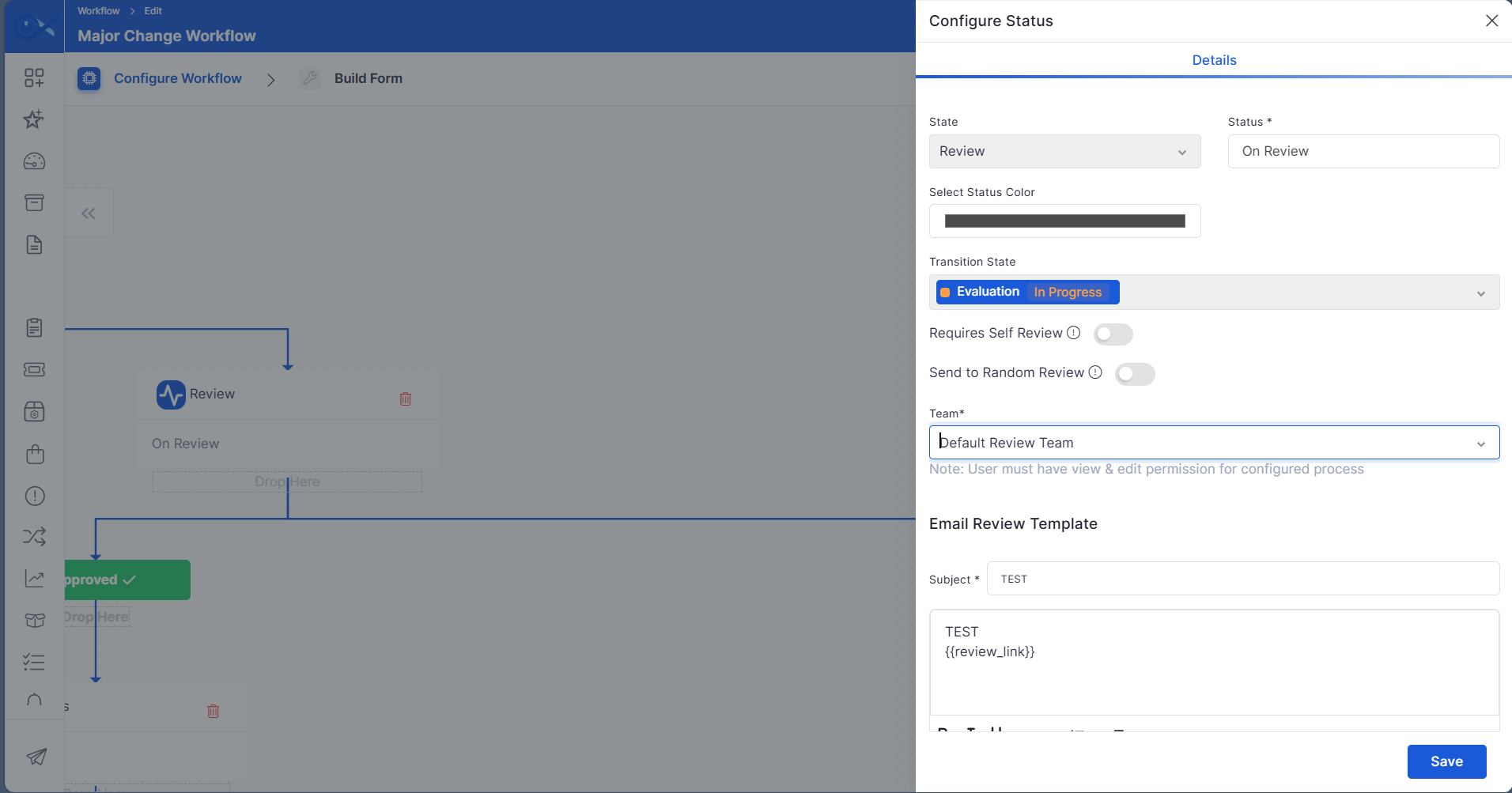
Reviewers can be selected by anyone from the available members in the review team
The Ask for Review workflow has been enhanced to provide greater flexibility in assigning reviewers, enabling organizations to automate the review process and reduce manual intervention.
Allow reviewers to be automatically assigned to the ticket requester when self-review is required.
Enable review requests to be assigned to a randomly selected eligible member from the configured review team.
IMACD
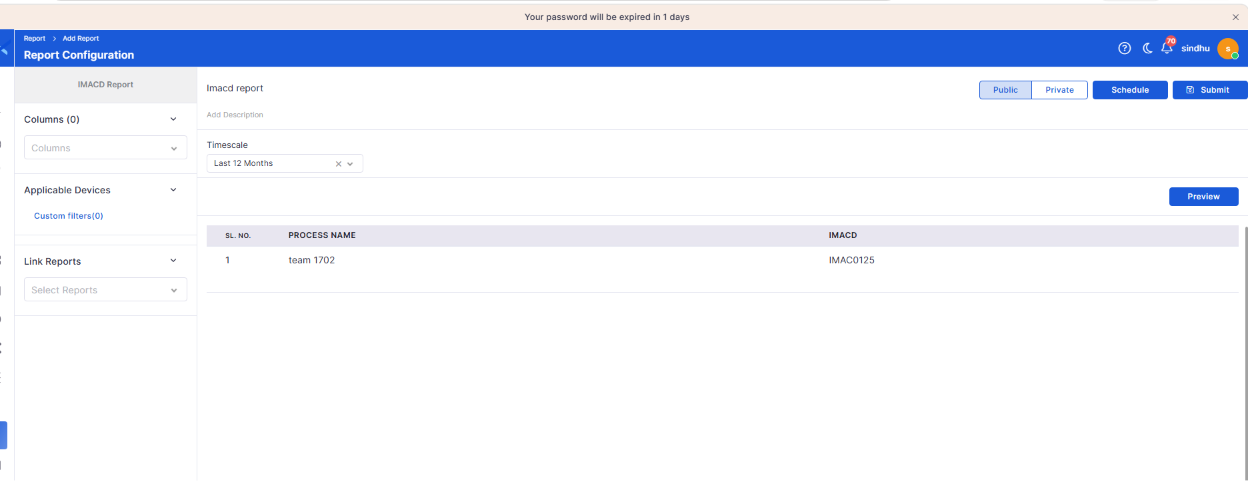
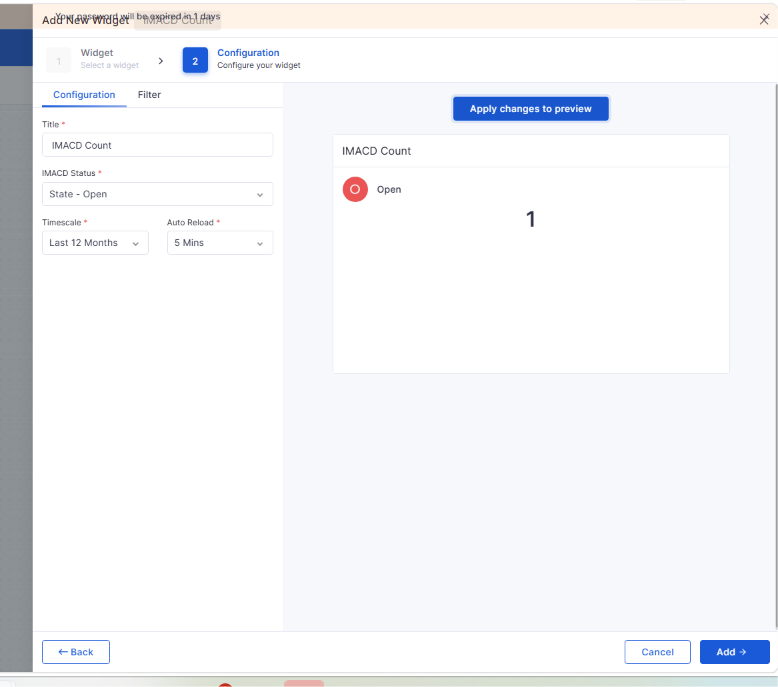
Data visibility should be implemented for the IMACD report and dashboard
Data visibility rules are now consistently applied across IMACD reports and dashboard widgets, ensuring users can access only the information allowed by their assigned permissions.
Enforce data visibility across IMACD reports and dashboards.
Restrict unauthorized access to sensitive information.
IT Assets
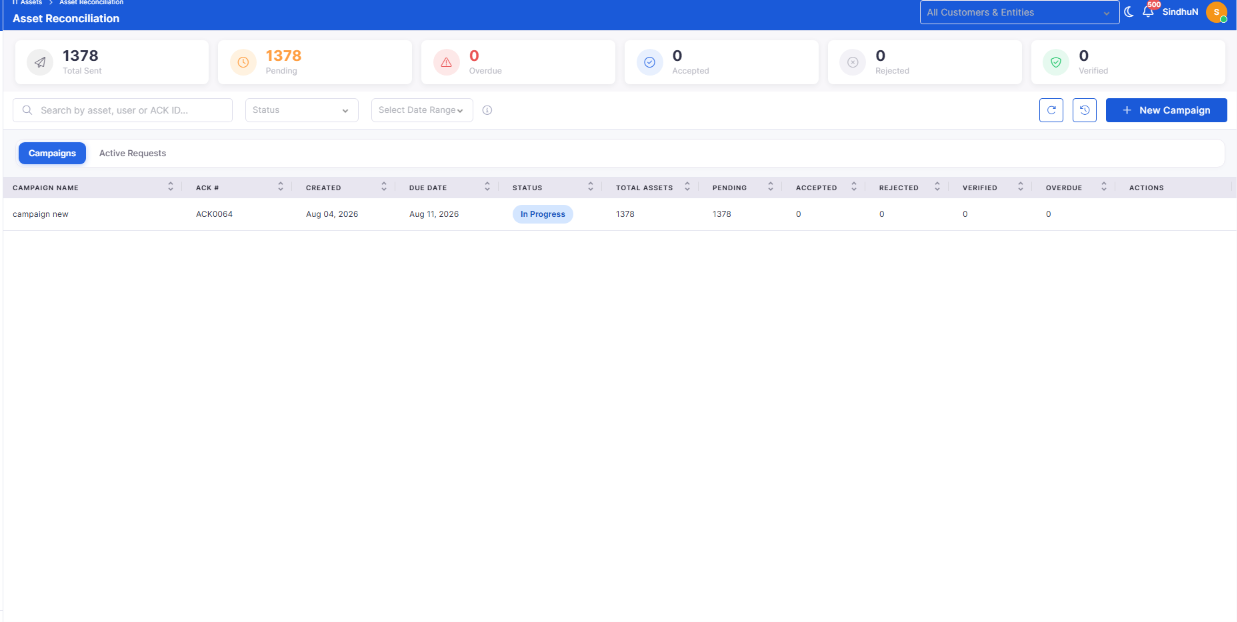
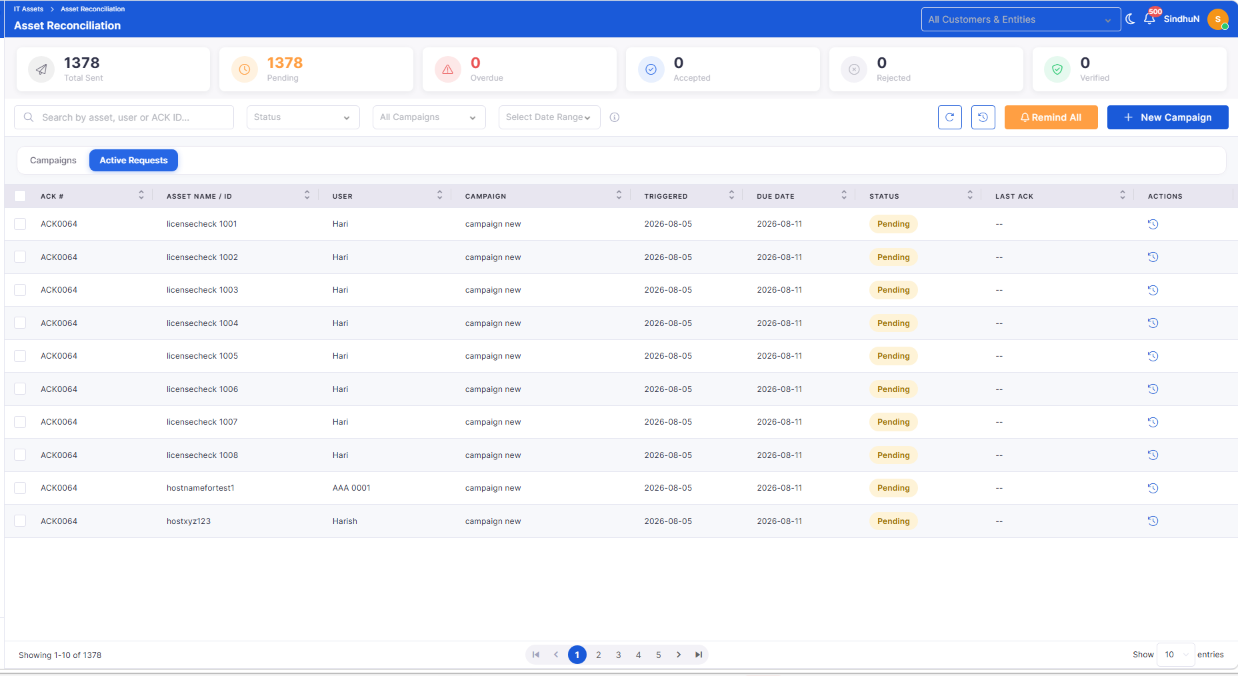
Asset - Manual Reconciliation
Manual reconciliation capabilities have been introduced to help organizations verify asset ownership and maintain an accurate inventory.
Initiate manual reconciliation for organizational assets.
Improve inventory accuracy through asset verification.
SBOM Data Lifecycle and Server-Side Cleanup
Software Bill of Materials (SBOM) lifecycle management has been enhanced to ensure software inventory remains current and relevant.
Automatically maintain software inventory as managed assets change.
Remove obsolete software inventory associated with retired assets.
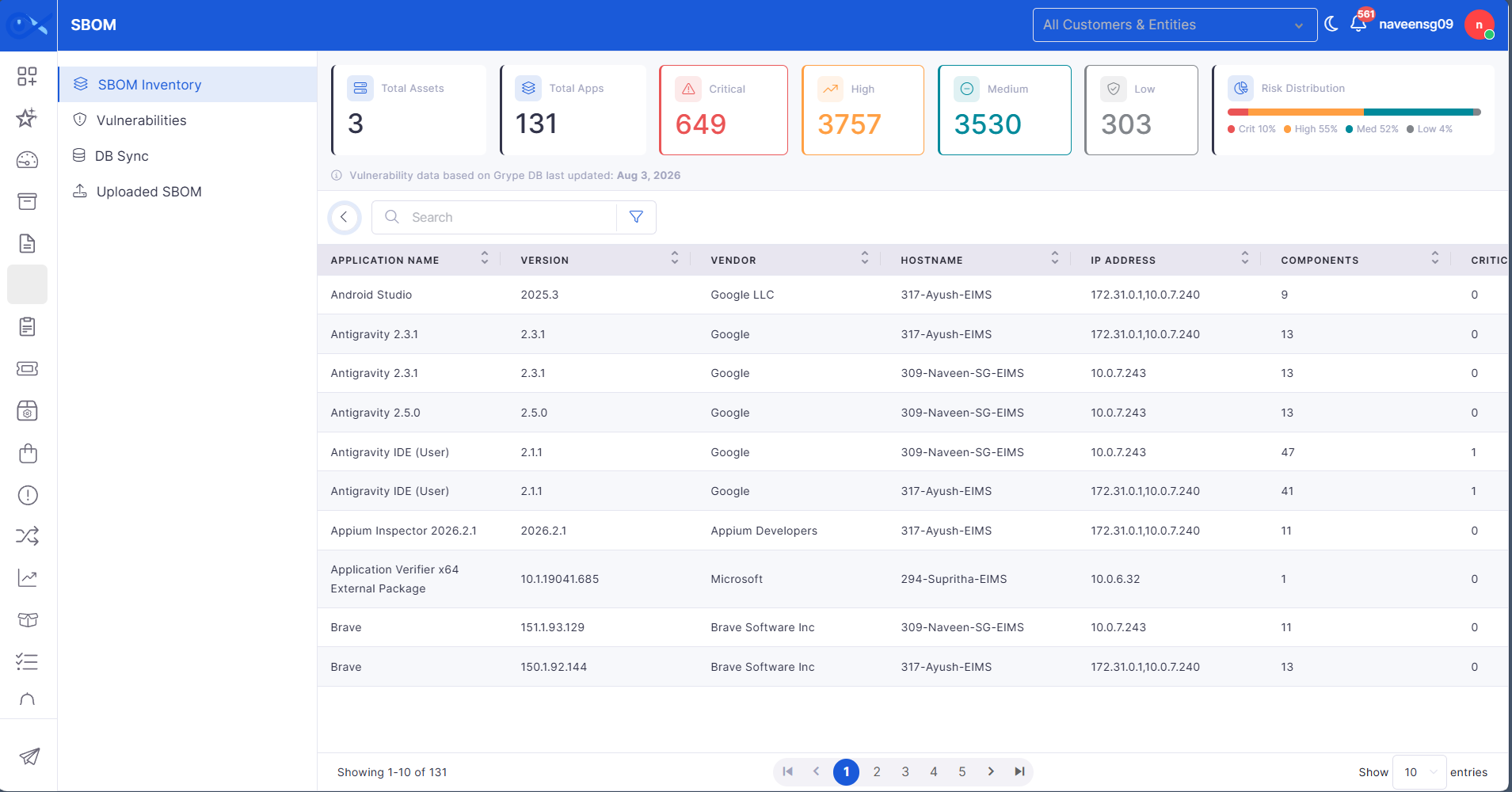
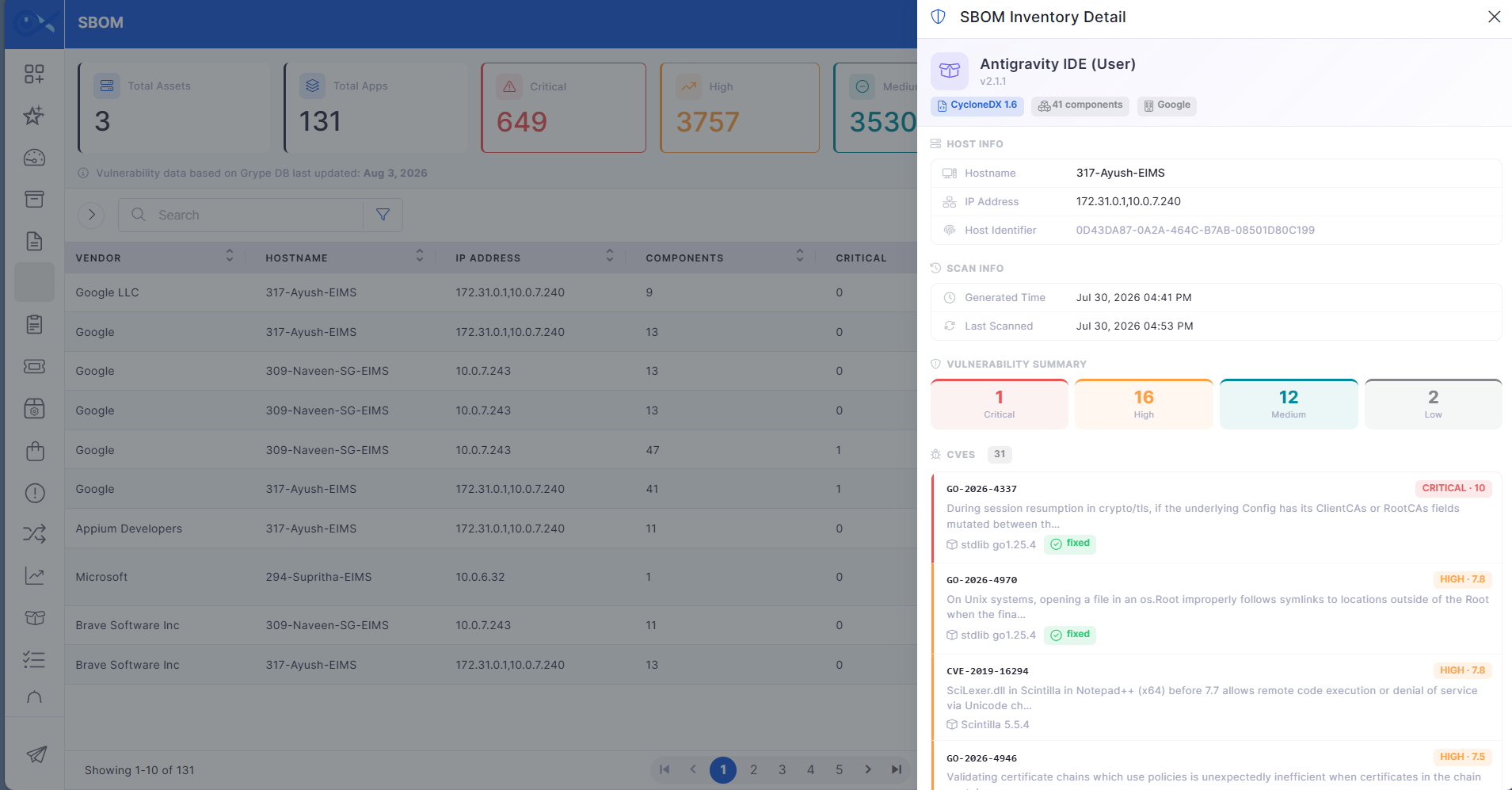
SBOM Inventory View
A dedicated SBOM Inventory View provides centralized visibility into software components and associated vulnerabilities.
View software inventory across managed assets from a single location.
Monitor software components and vulnerability information with ease.
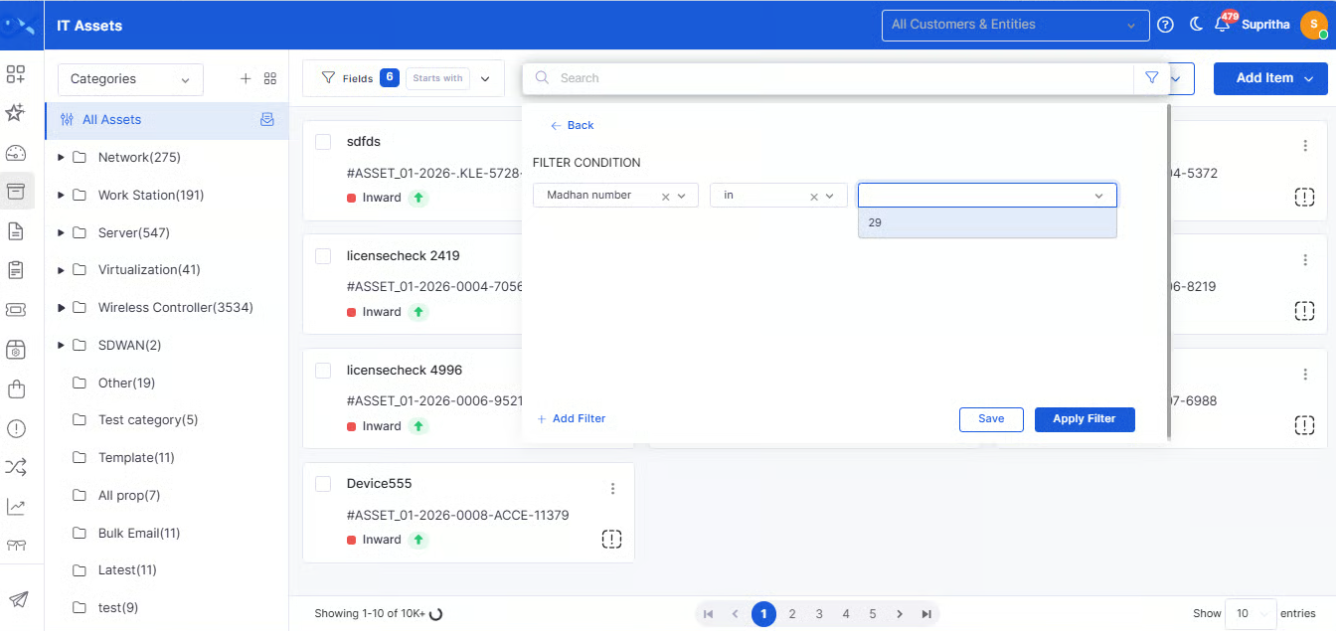
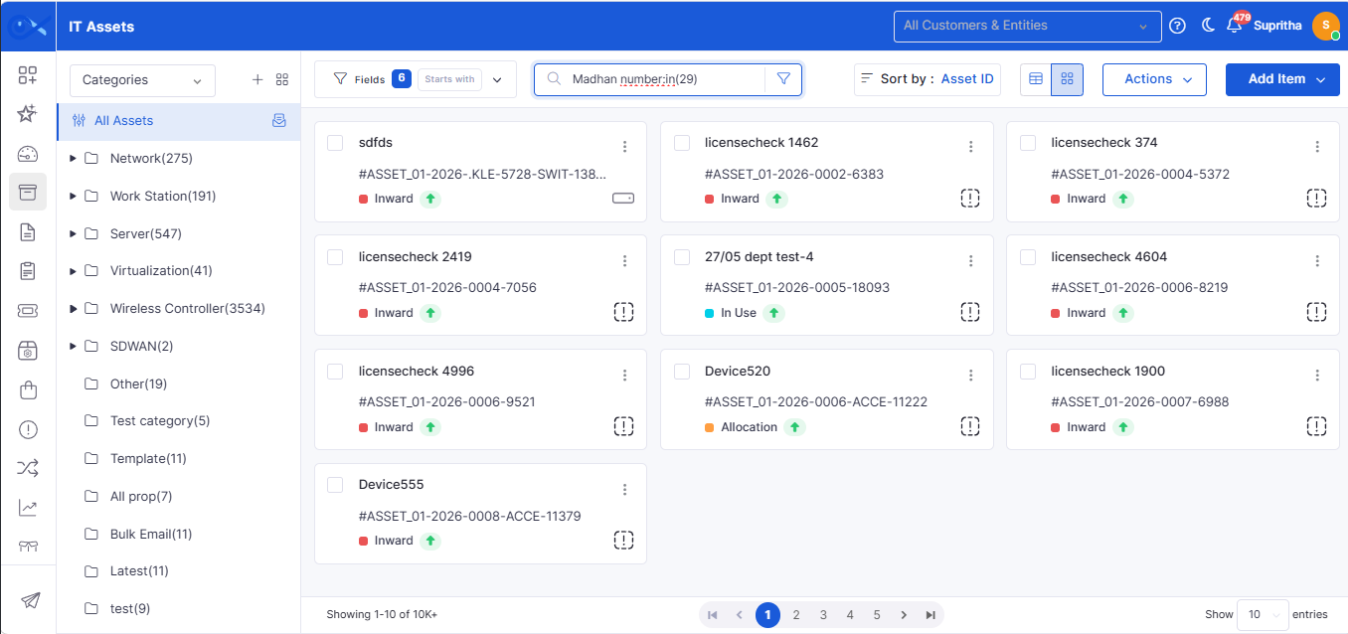
Asset page filter - Dropdown option: Population for selected custom fields
Asset filtering has been enhanced to simplify searching and managing assets using configured custom fields.
Populate filter values dynamically based on selected custom fields.
Improve search accuracy for asset records.
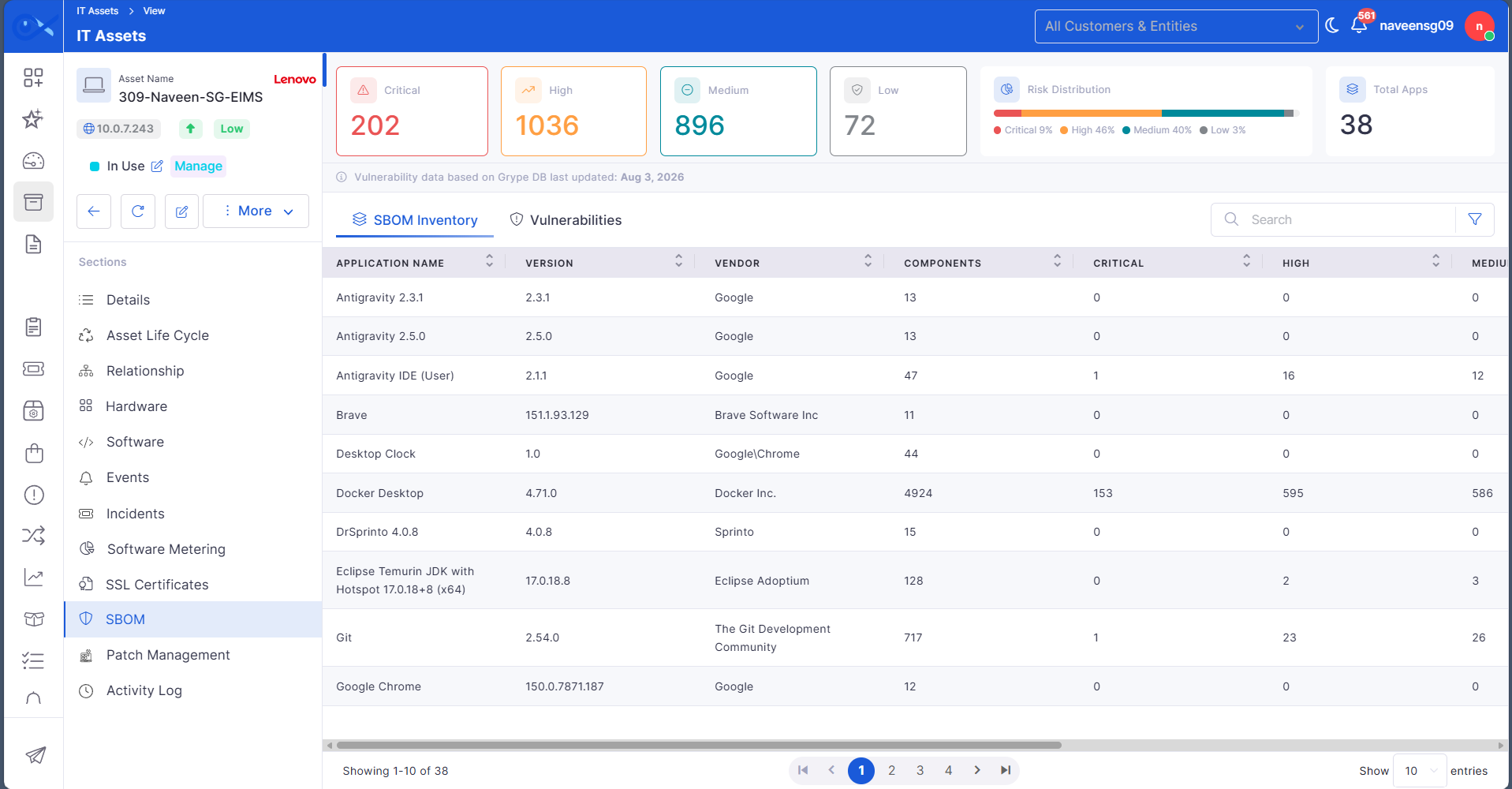
Asset View SBOM Information
Asset details now include SBOM information, providing a consolidated view of software inventory alongside asset information.
View software inventory directly from the asset details page.
Access software composition without navigating to another module.
SBOM File Storage using local / s3 / sftp
SBOM file storage has been enhanced to support multiple storage options, providing greater deployment flexibility.
Support local, S3, and SFTP storage options for SBOM files.
Improve deployment flexibility across different environments.
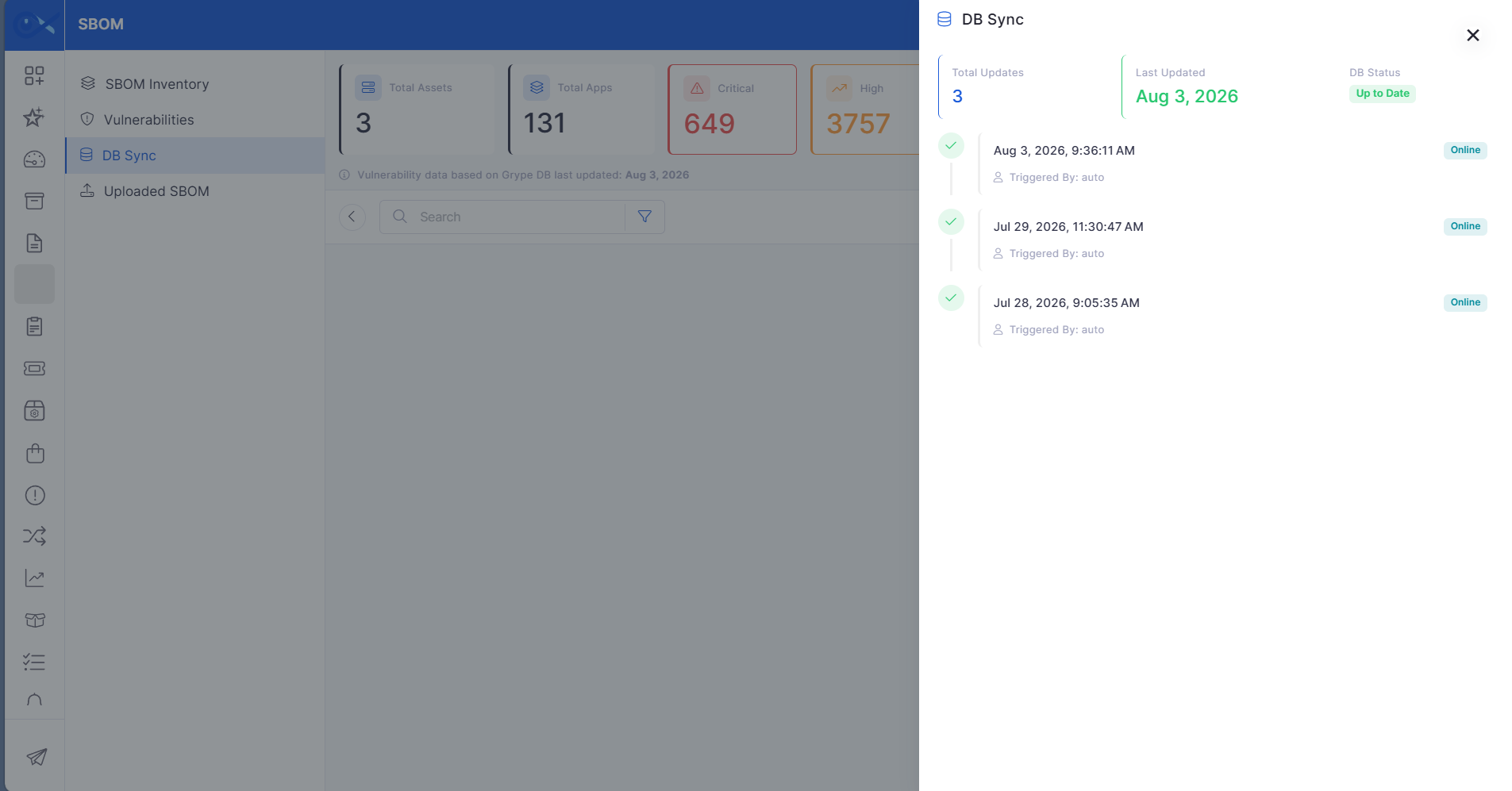
SBOM DB Sync History Sidebar and vulnerability sync
SBOM synchronization has been enhanced with improved visibility into synchronization activities and vulnerability updates.
Monitor SBOM synchronization history from a dedicated sidebar.
Track vulnerability synchronization status with greater transparency.
Incident
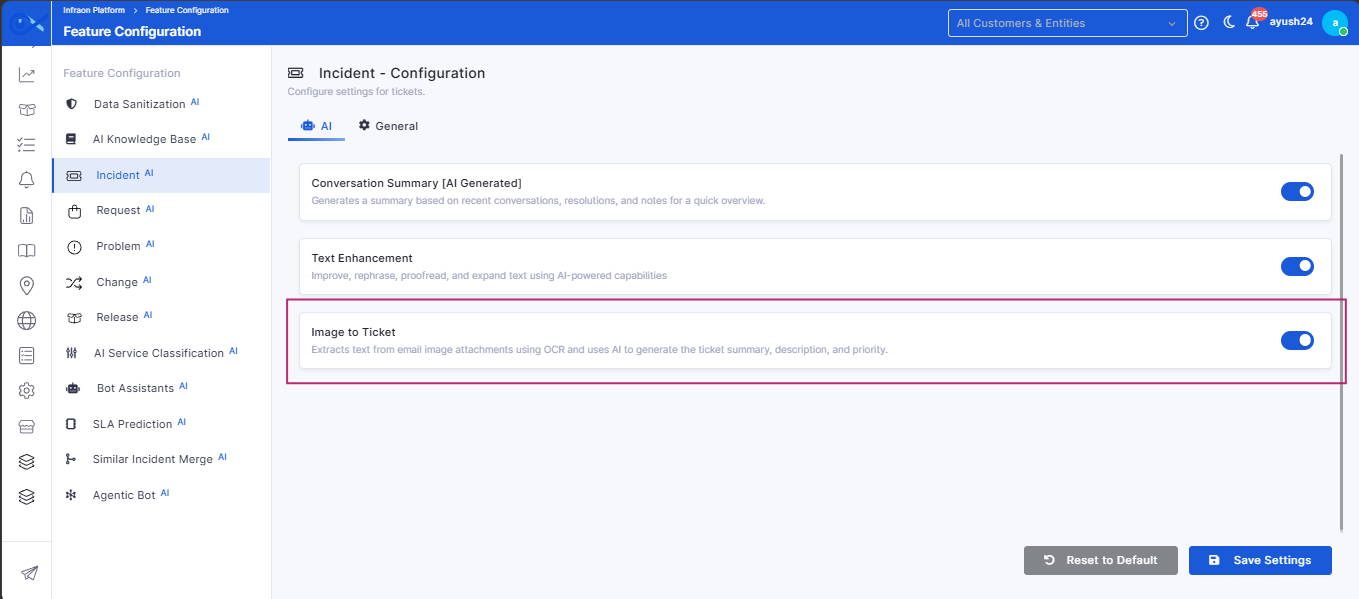
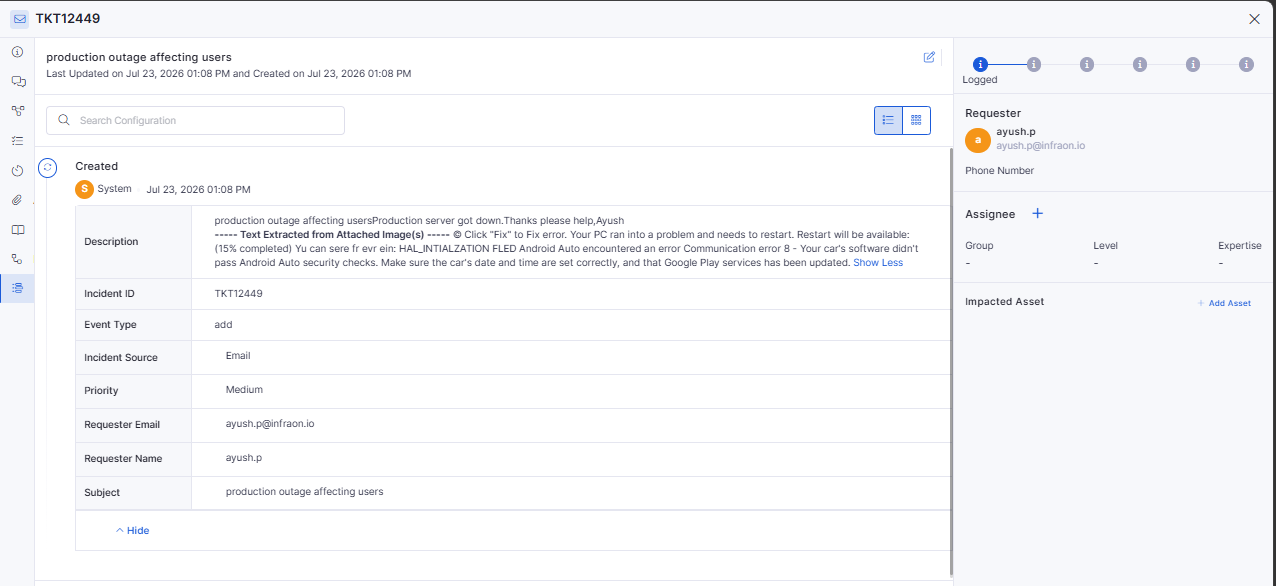
OCR-Based Image Text Extraction for Email-to-Incident
Email-to-Incident now supports Optical Character Recognition (OCR), enabling the system to extract text from image attachments and use it during ticket creation.
Automatically extract text from supported image attachments received via email.
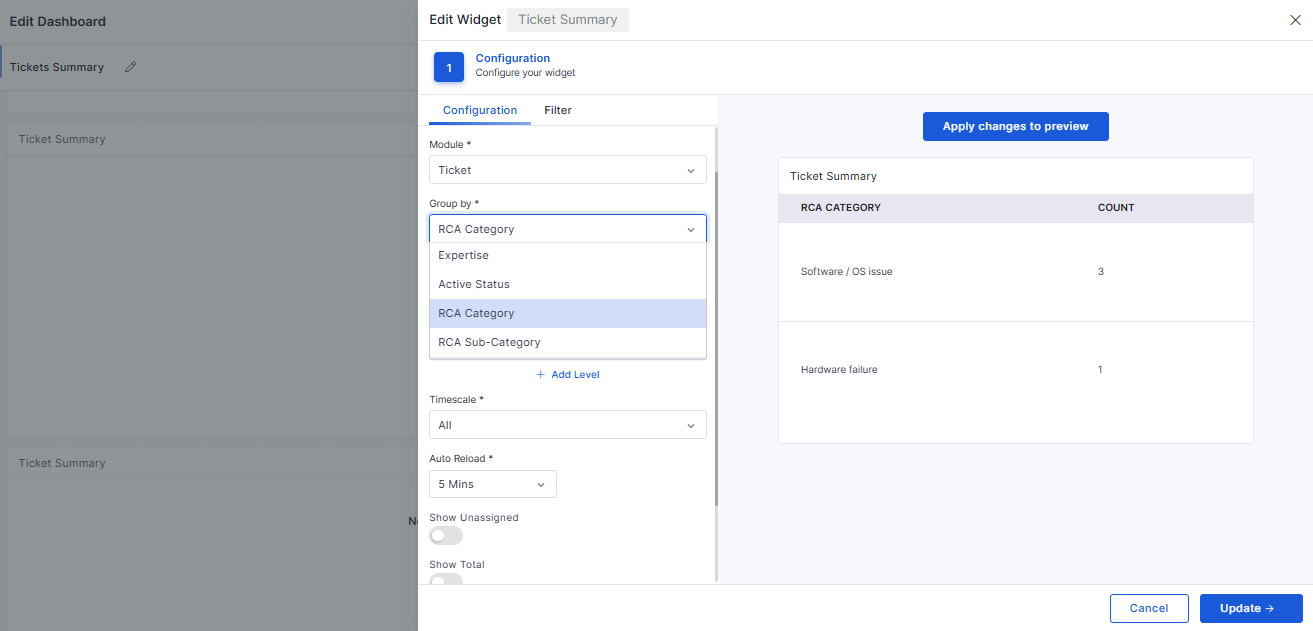
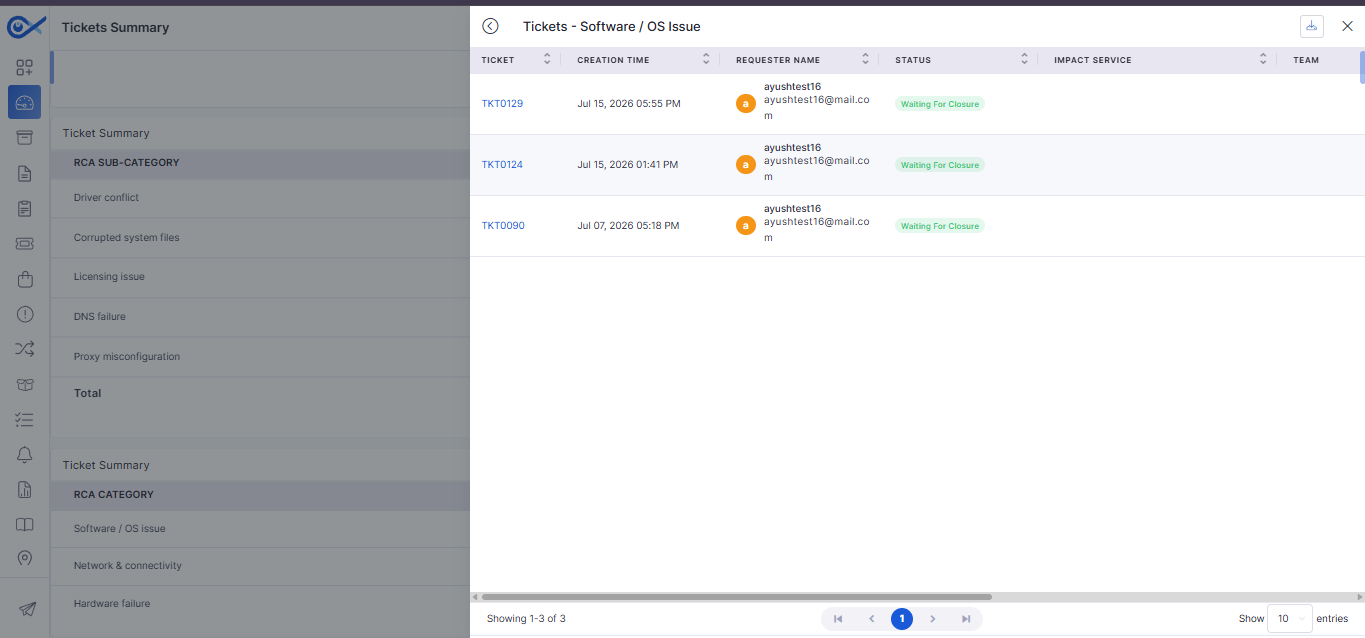
Ticket RCA Category Group by in Widgets
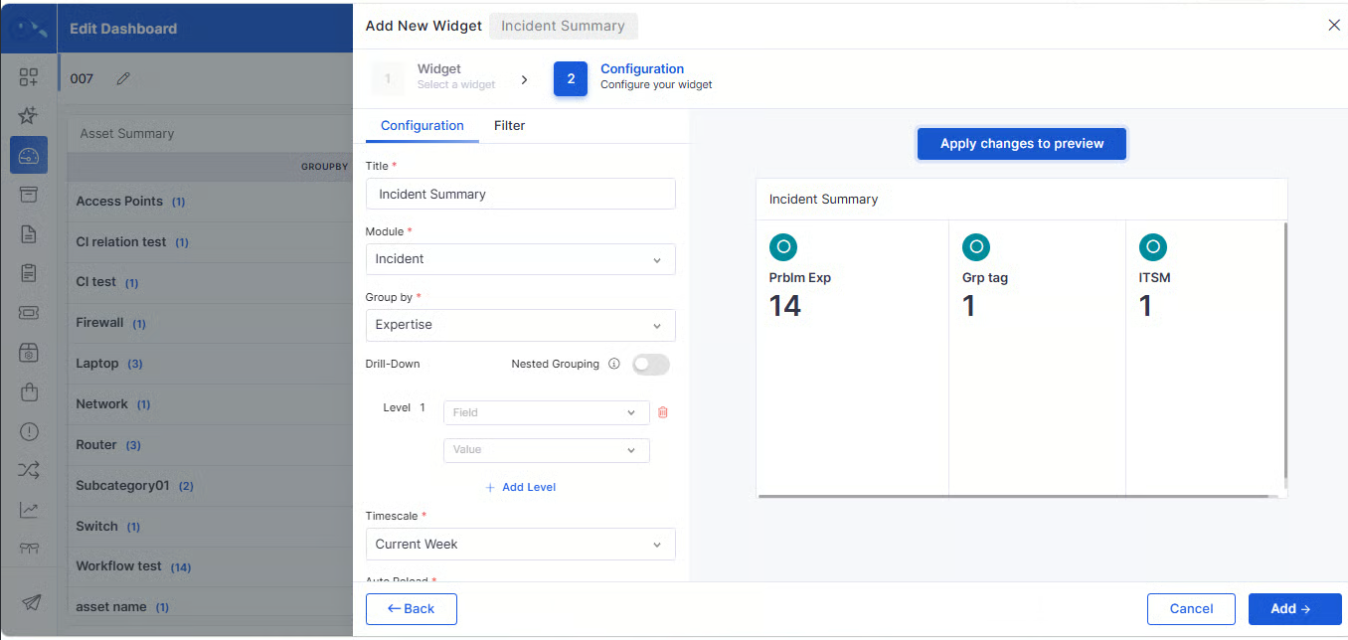
The Ticket Summary widget has been enhanced to support grouping by Root Cause Analysis (RCA) categories, making it easier to identify recurring issues and analyze incident trends.
Group tickets based on RCA categories within dashboard widgets.
Gain better visibility into recurring incident patterns.
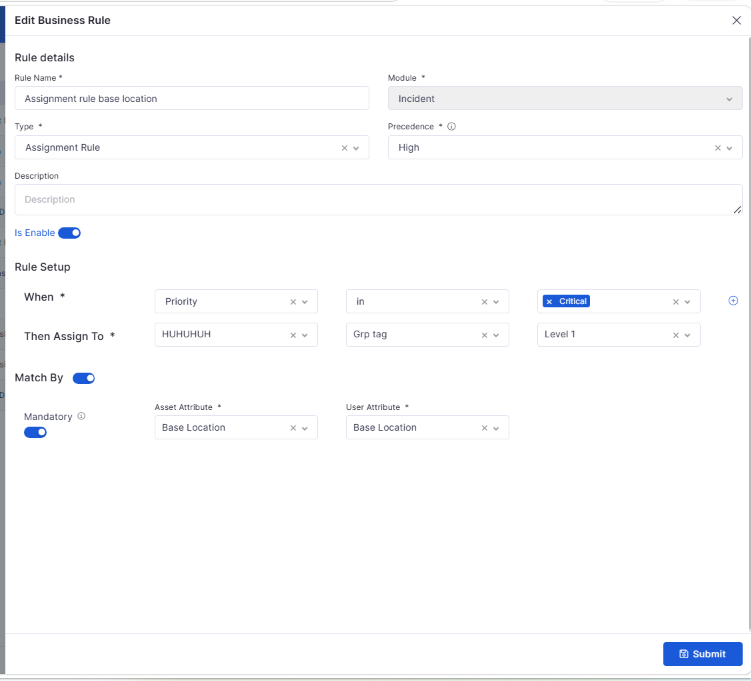
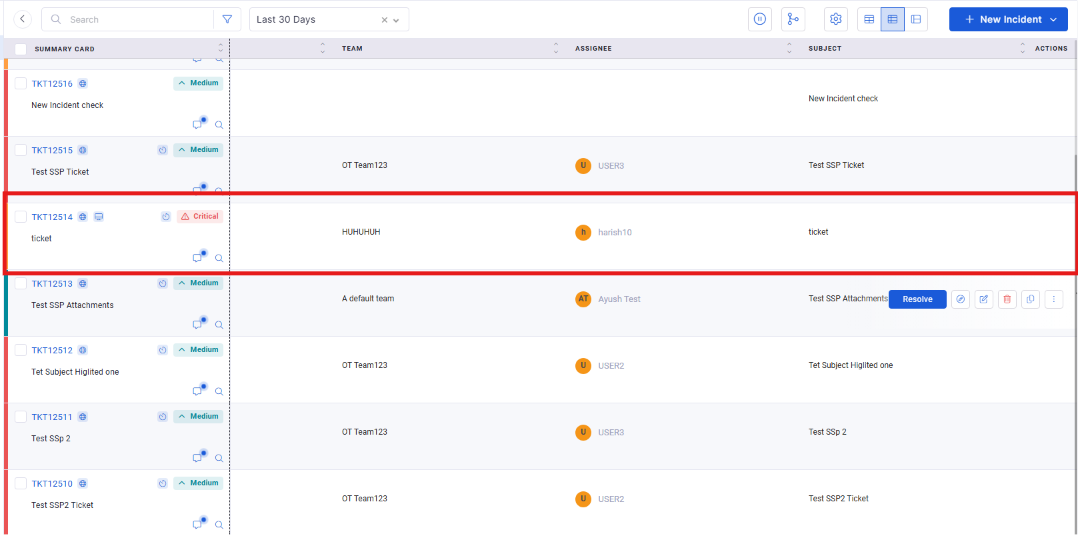
Auto Assignment of the Ticket to the User if Asset Location Matches
Incident assignment has been enhanced to automatically route tickets based on the associated asset's location, ensuring requests are directed to the appropriate support personnel.
Automatically assign tickets when the asset location matches configured criteria.
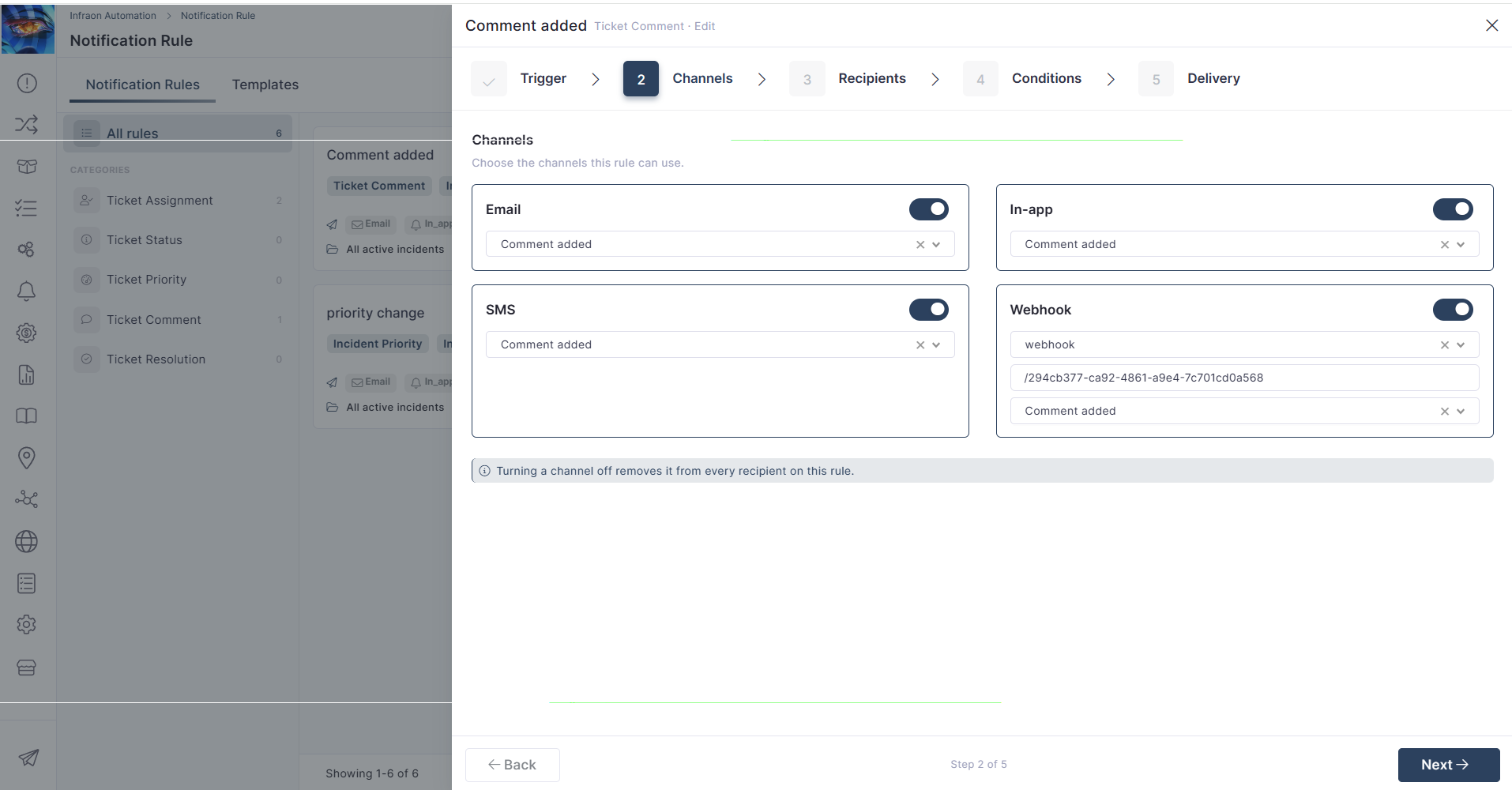
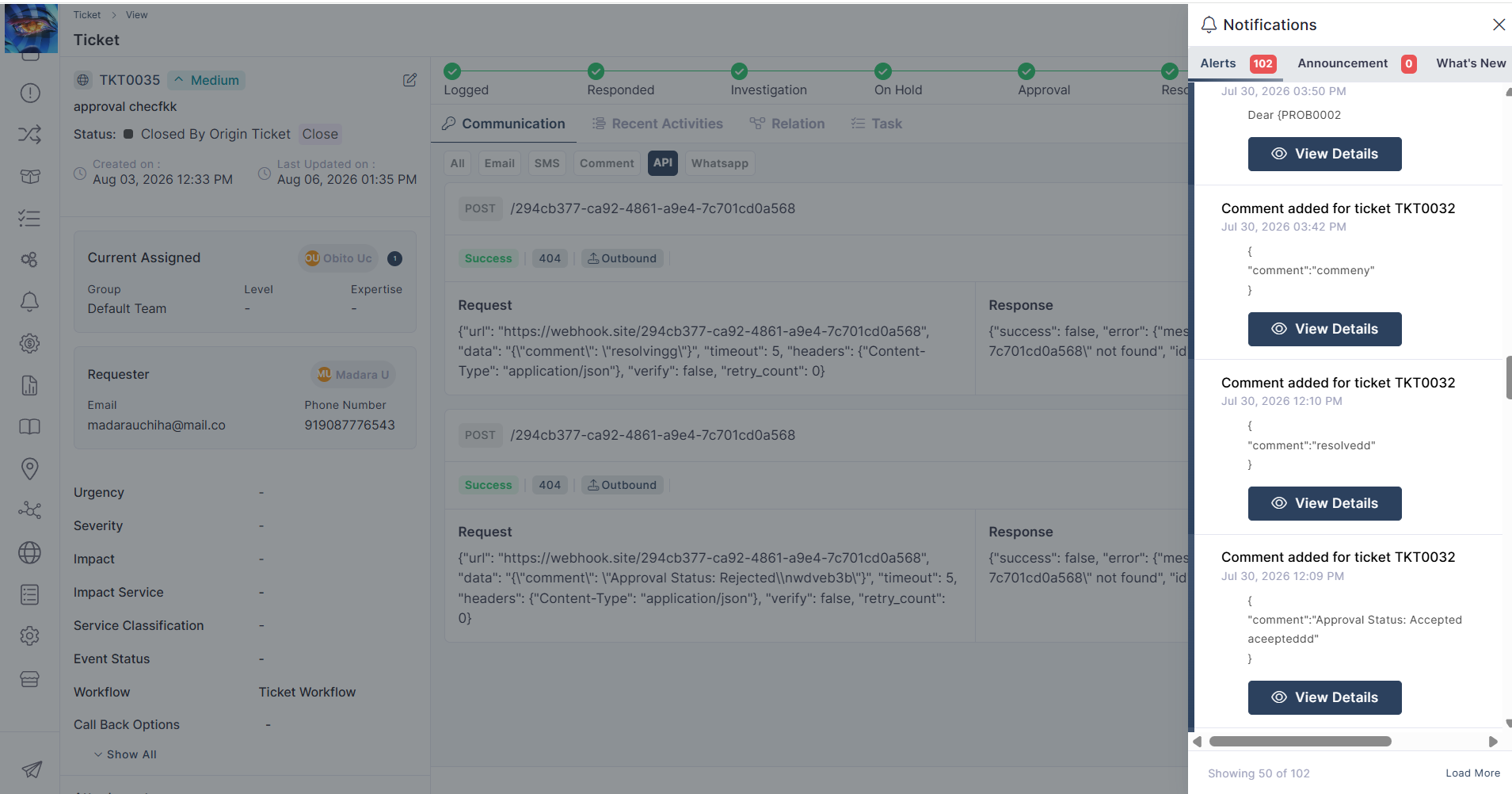
API Trigger on Comment Updates
Comment updates can now trigger configured integrations, ensuring external systems remain synchronized with the latest ticket activities.
Trigger external integrations whenever ticket comments are updated.
Keep connected systems synchronized with ticket activities.
Notification
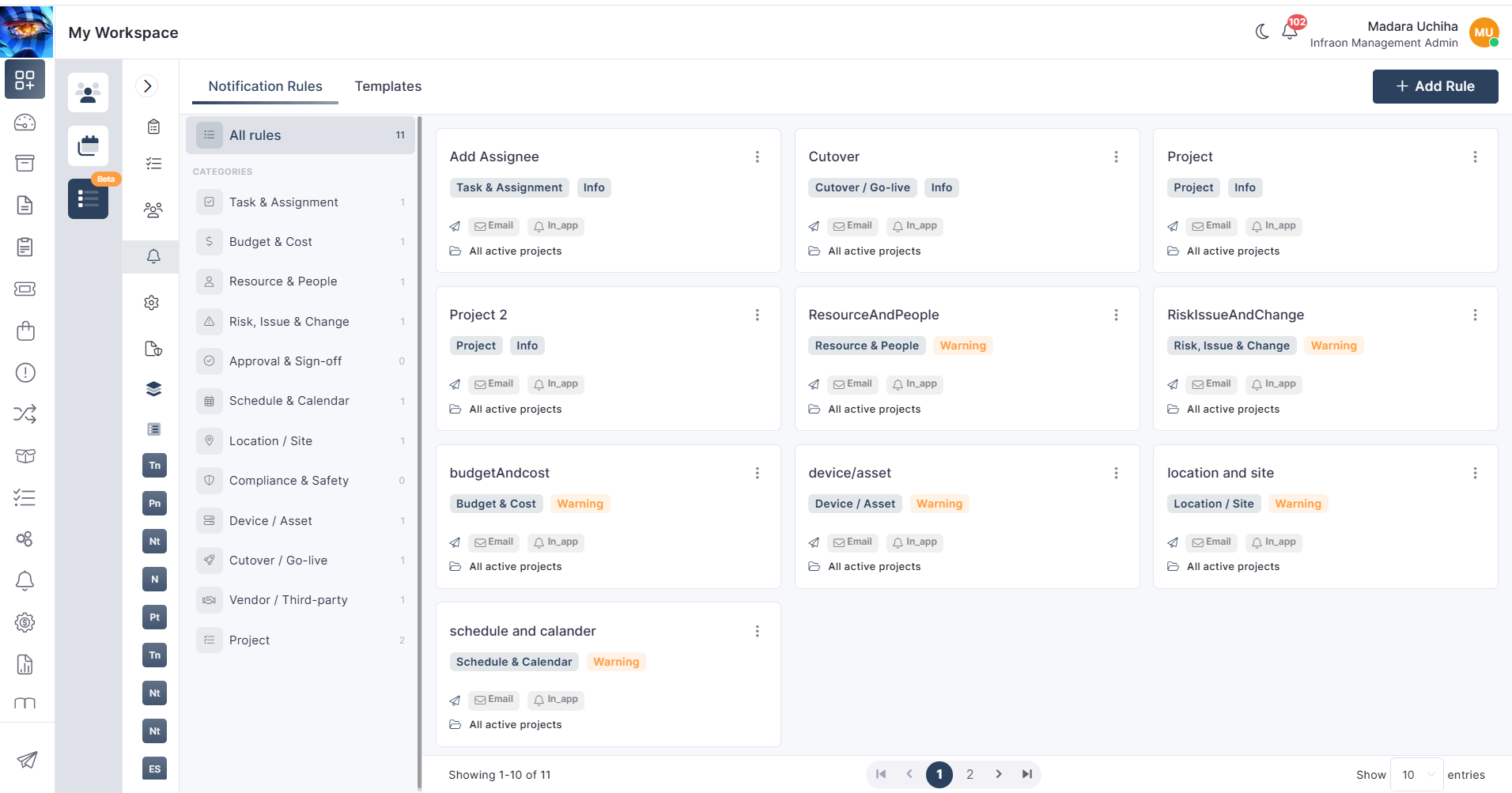
Project Notification Rule Engine
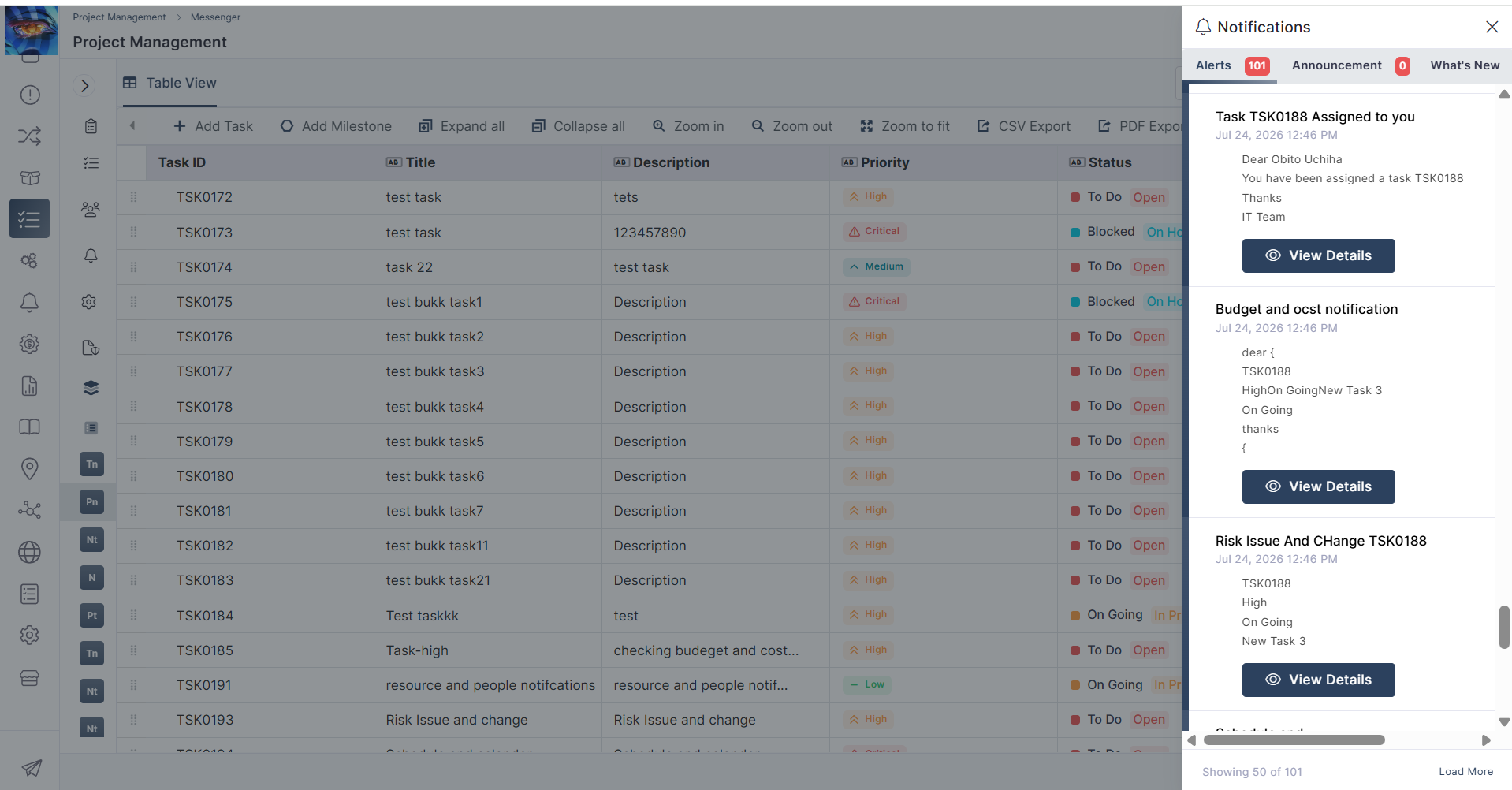
A new Project Notification Rule Engine provides greater flexibility in configuring notifications for project-related events and activities.
Configure notifications based on project-specific events.
Automate stakeholder communication using configurable rules.
Dashboard
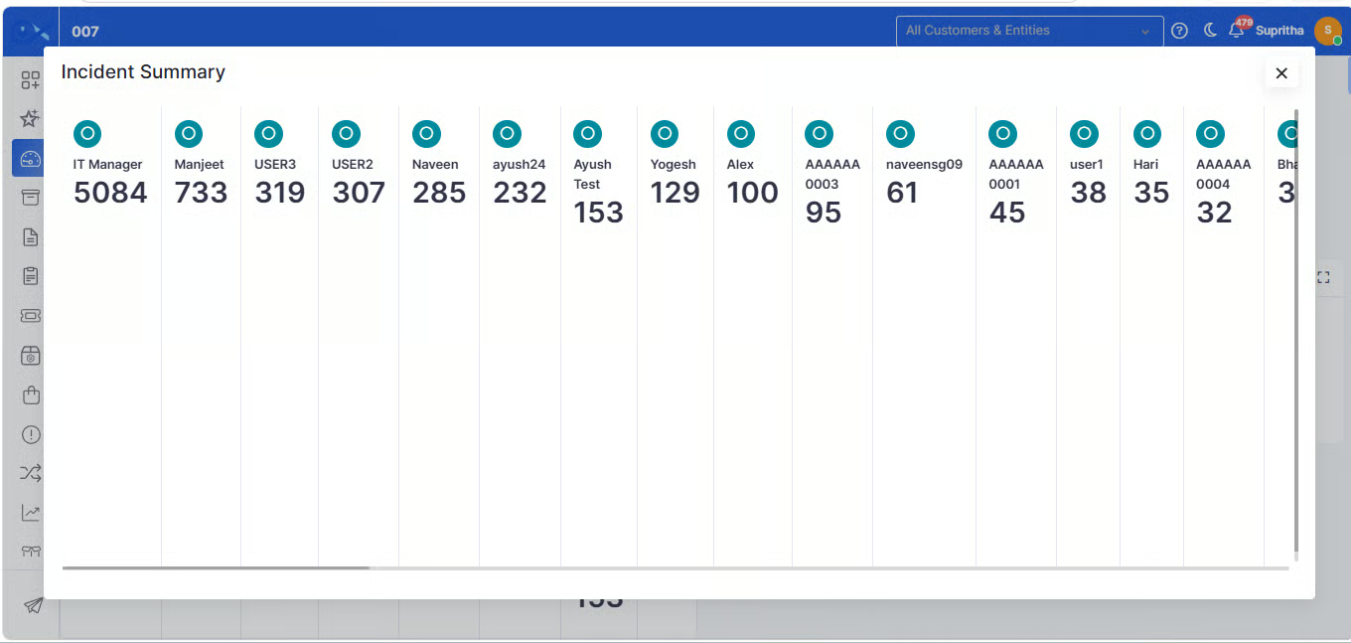
Team, Expertise, Level, Users/Assignee Nested Group by in Ticket Summary Widget
The Ticket Summary widget now supports additional nested grouping options, providing more flexible ways to analyze ticket data across teams and users.
Group ticket data by Team, Expertise, Level, and Assignee.
Cost Centre
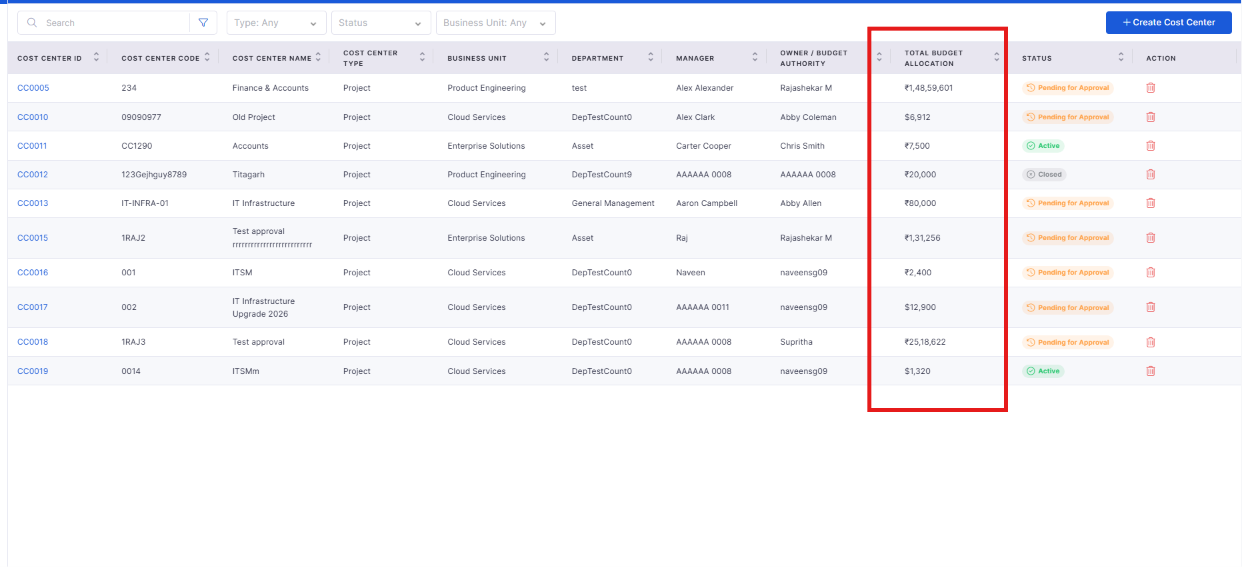
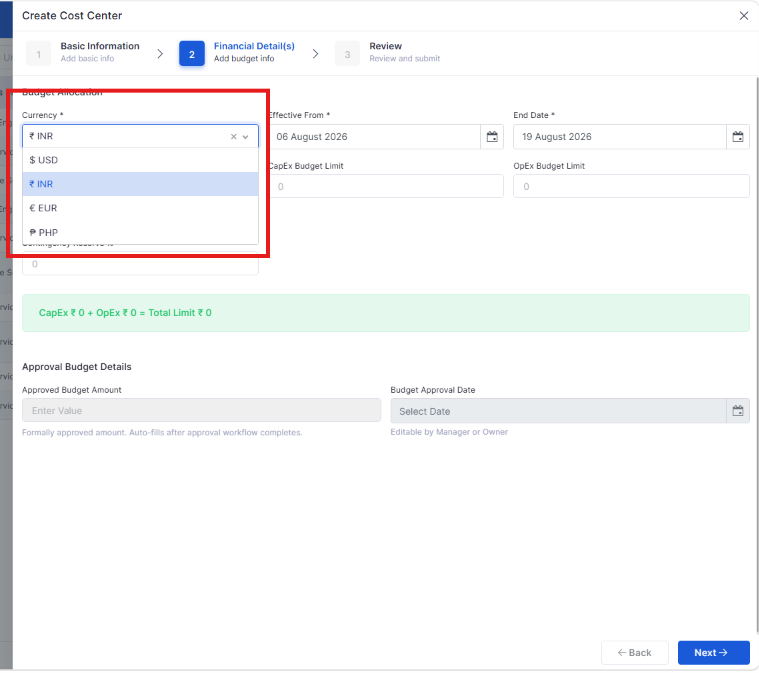
Organization-level currency setting & integrating into Cost Center, Project Settings
Organizations can now configure a default currency at the organization level, ensuring consistent financial data across Cost Center and Project Settings.
Configure a default organization-wide currency for financial operations.
Automatically apply the configured currency across Cost Center and Project Settings.
Report
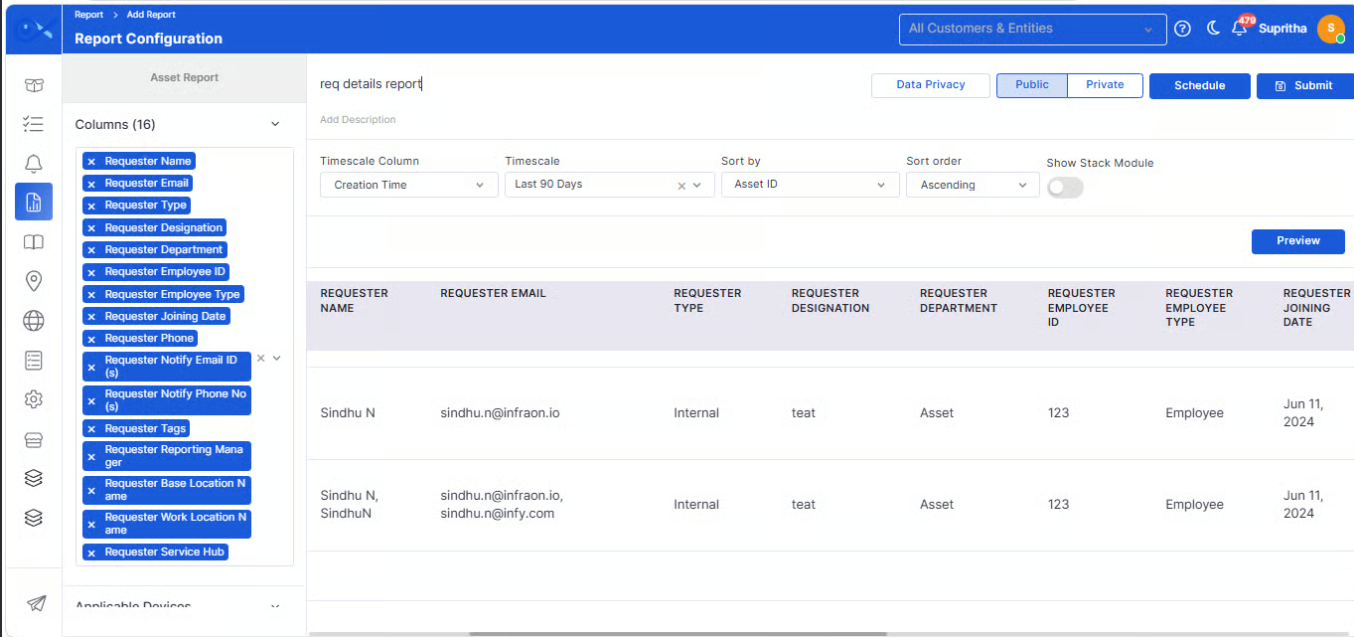
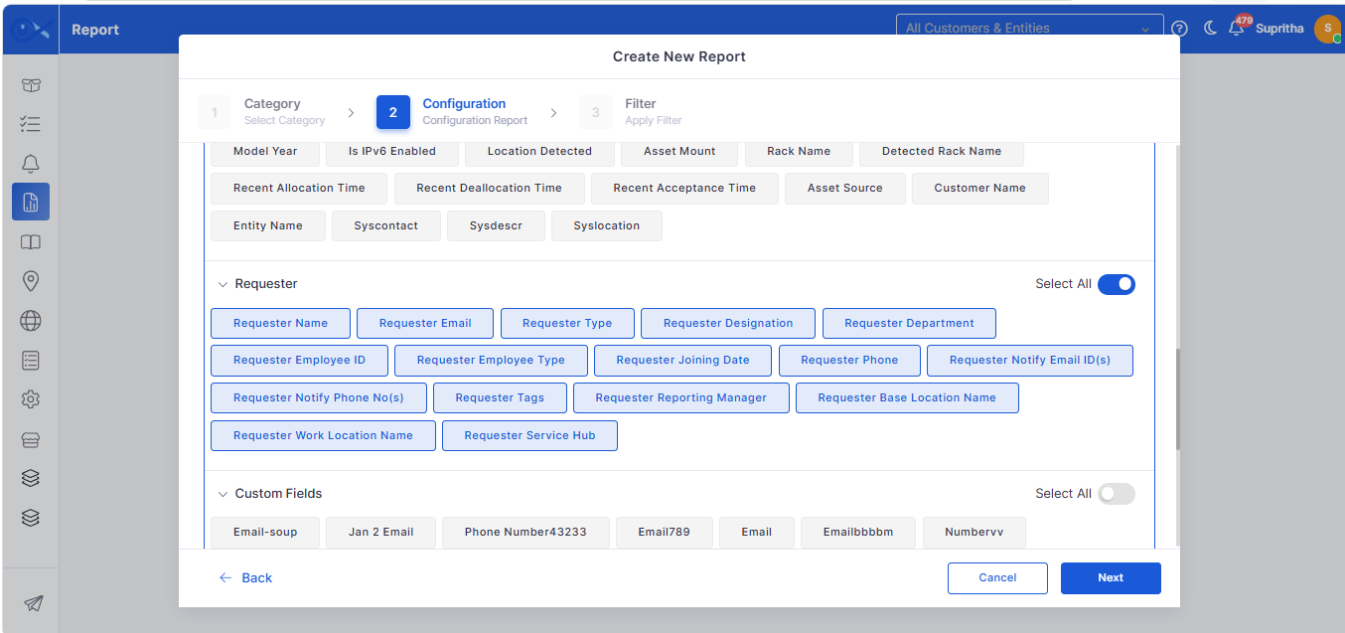
Requester details in asset report (Employee ID)
Asset reports have been enhanced to include requester details, providing better visibility into asset ownership and allocation.
Include requester information alongside asset details in reports.
Display the Employee ID to improve asset identification.
Purchase Order
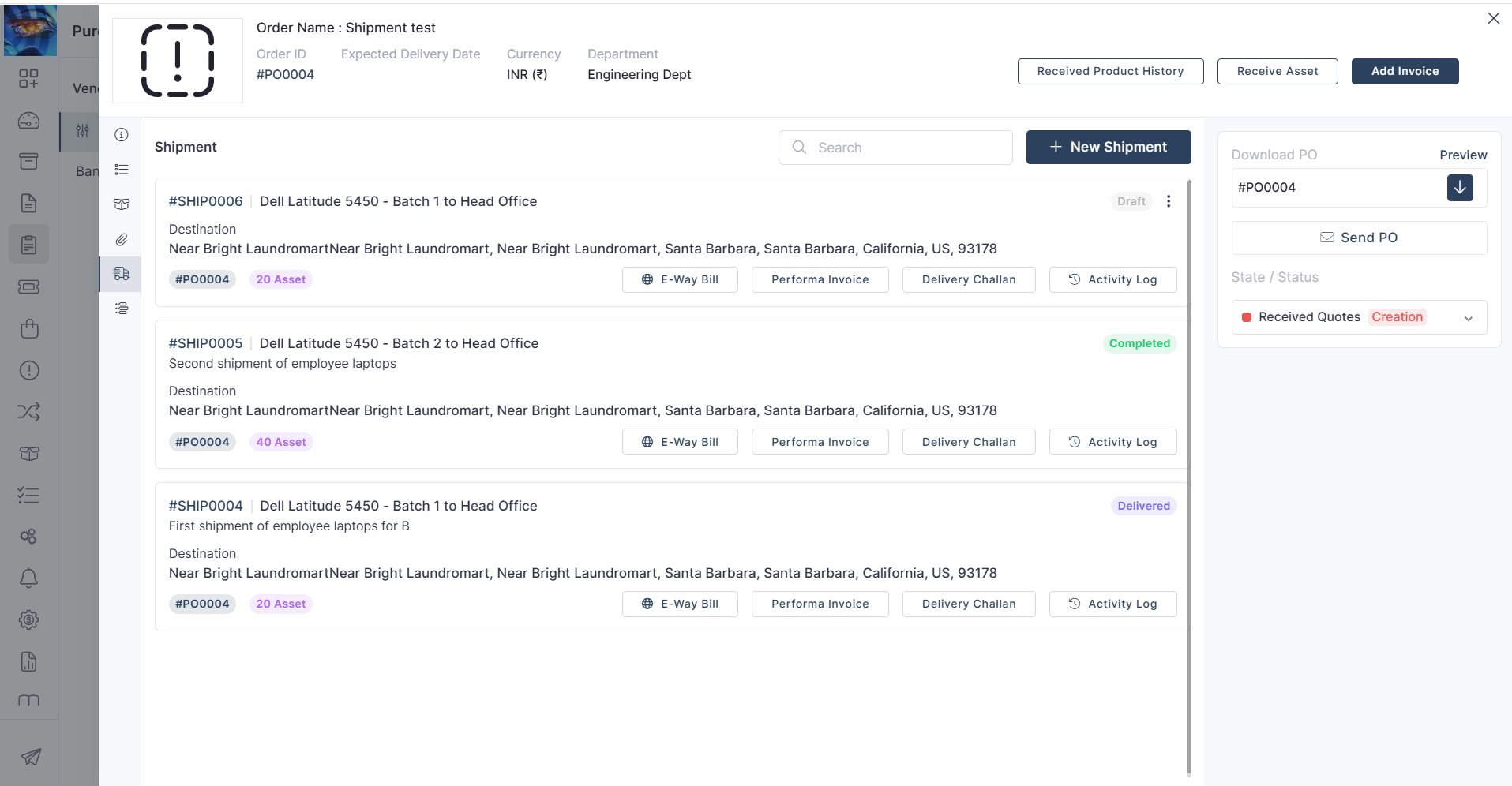
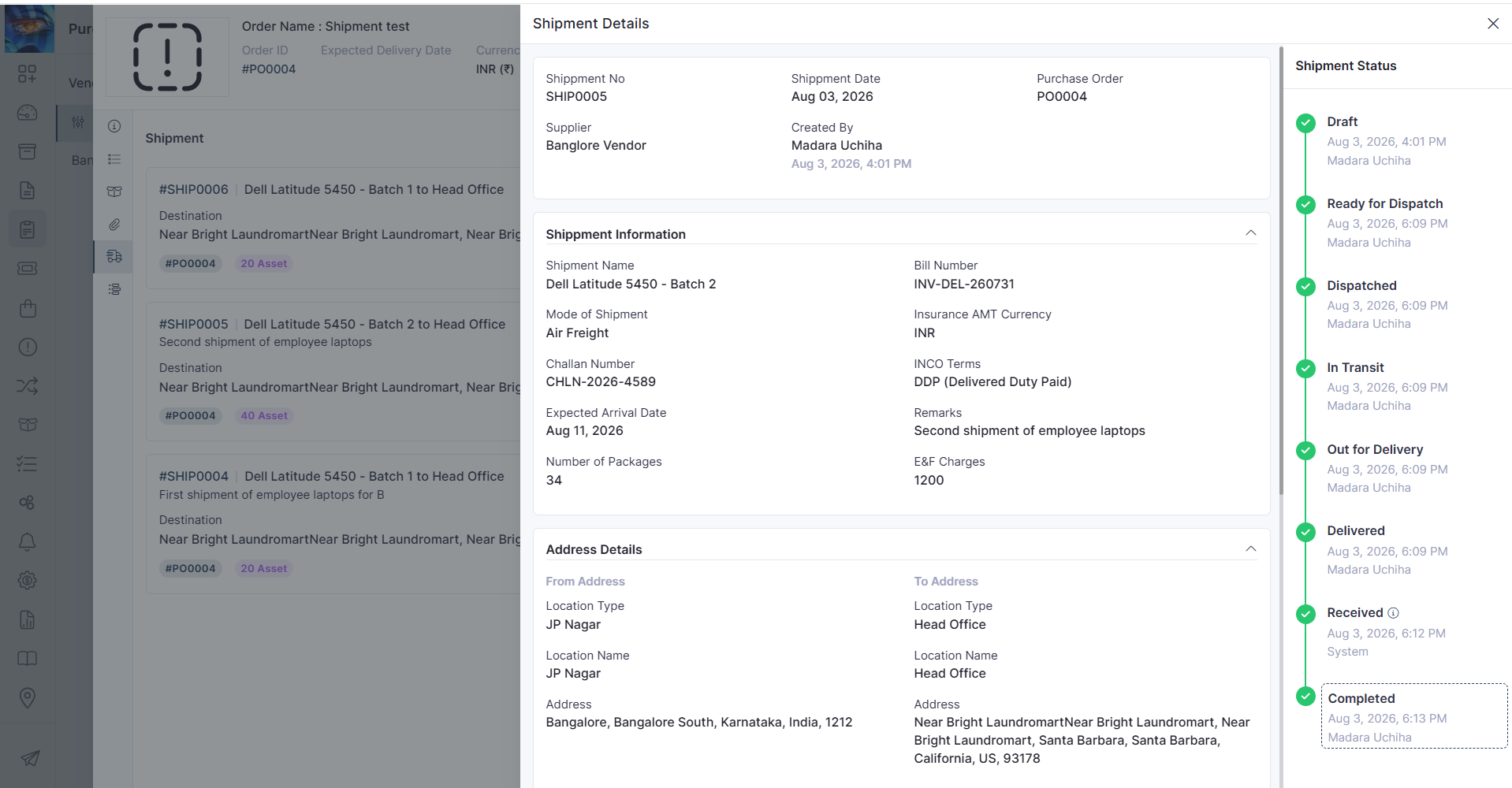
Shipment creation against approved POs
Approved Purchase Orders can now be used to create shipments, streamlining procurement and shipment tracking.
Create shipments directly from approved Purchase Orders.
Simplify the transition from procurement to shipment processing.
Mobile Enhancement
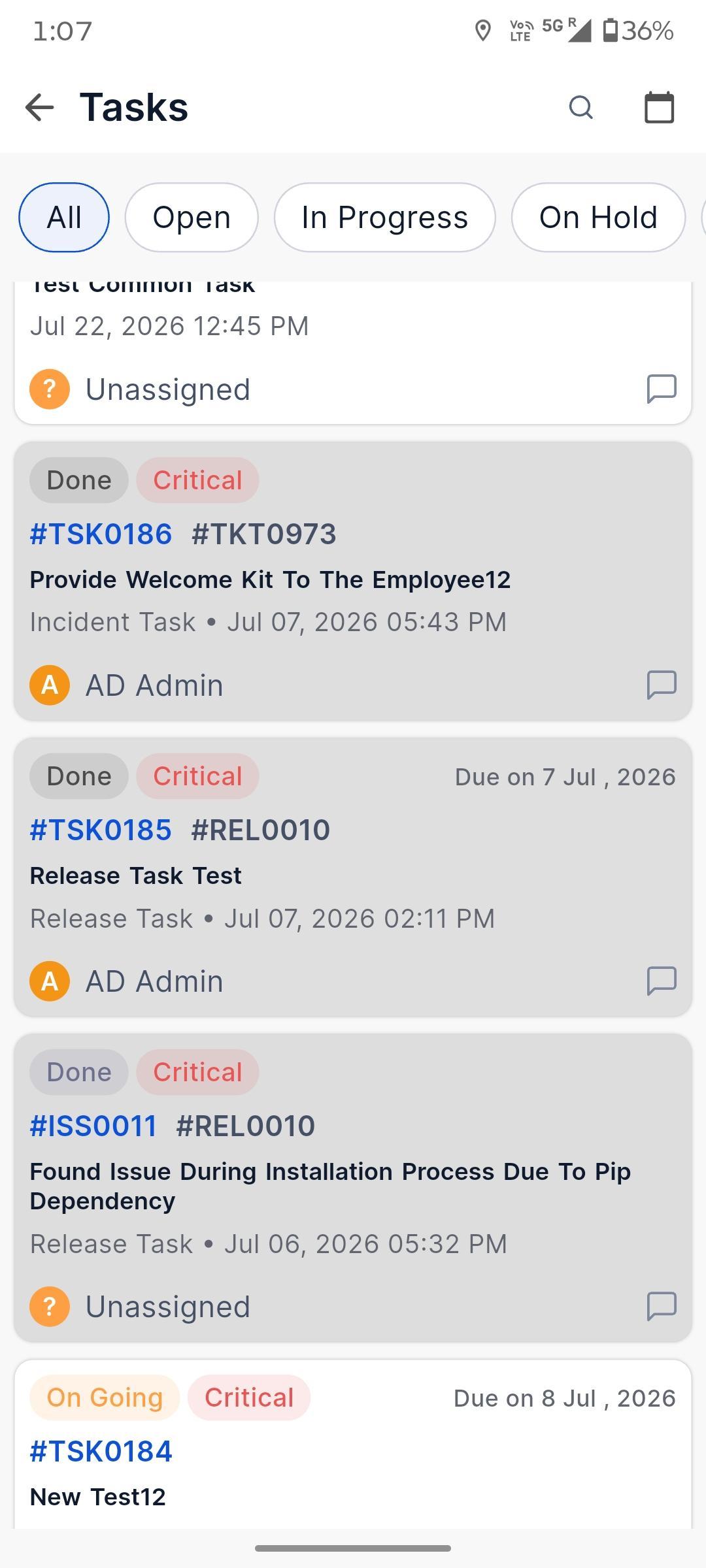
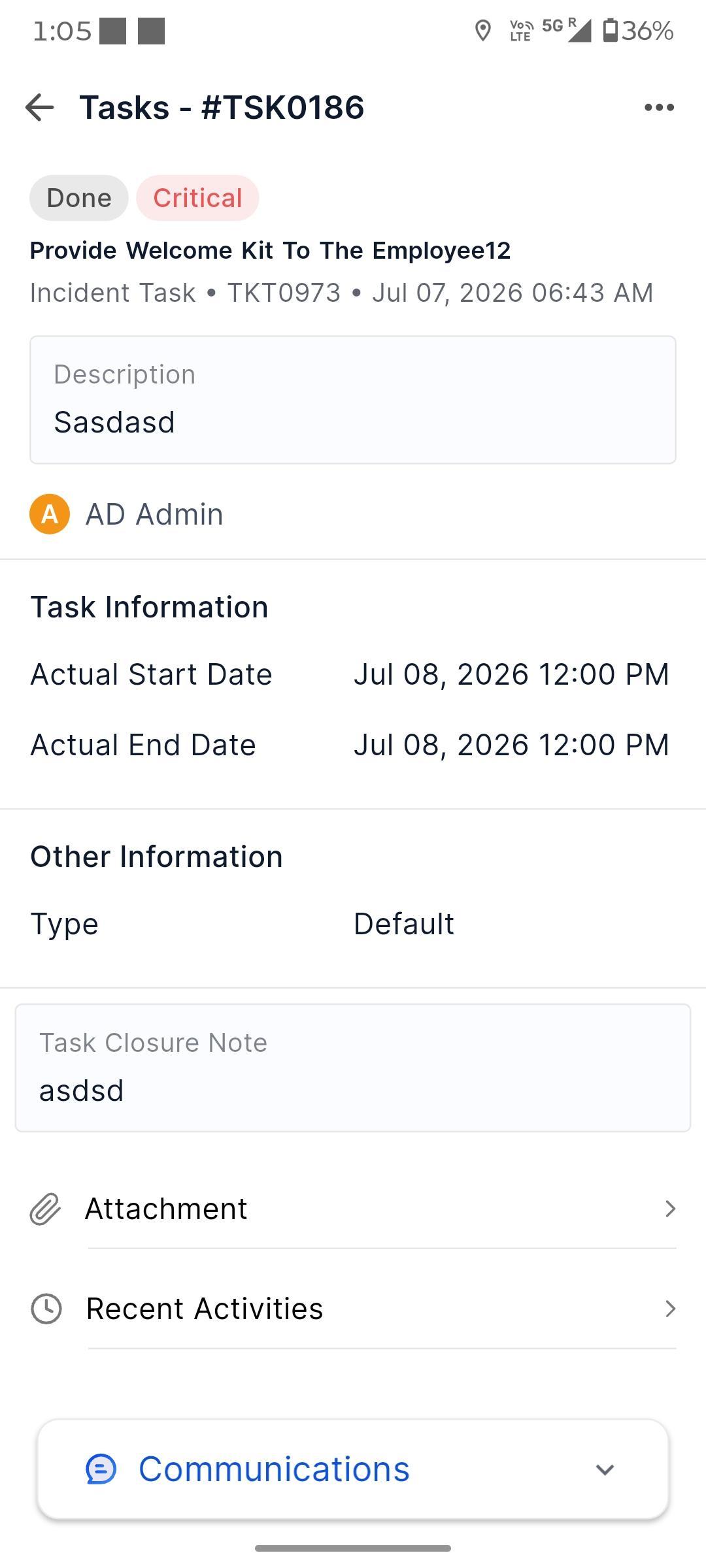
Android – Task Details
The Android application has been enhanced to provide richer task details, enabling users to view and manage task information more efficiently while on the go.
View comprehensive task information directly from the mobile app.
Access key task details without switching between screens.
My Profile
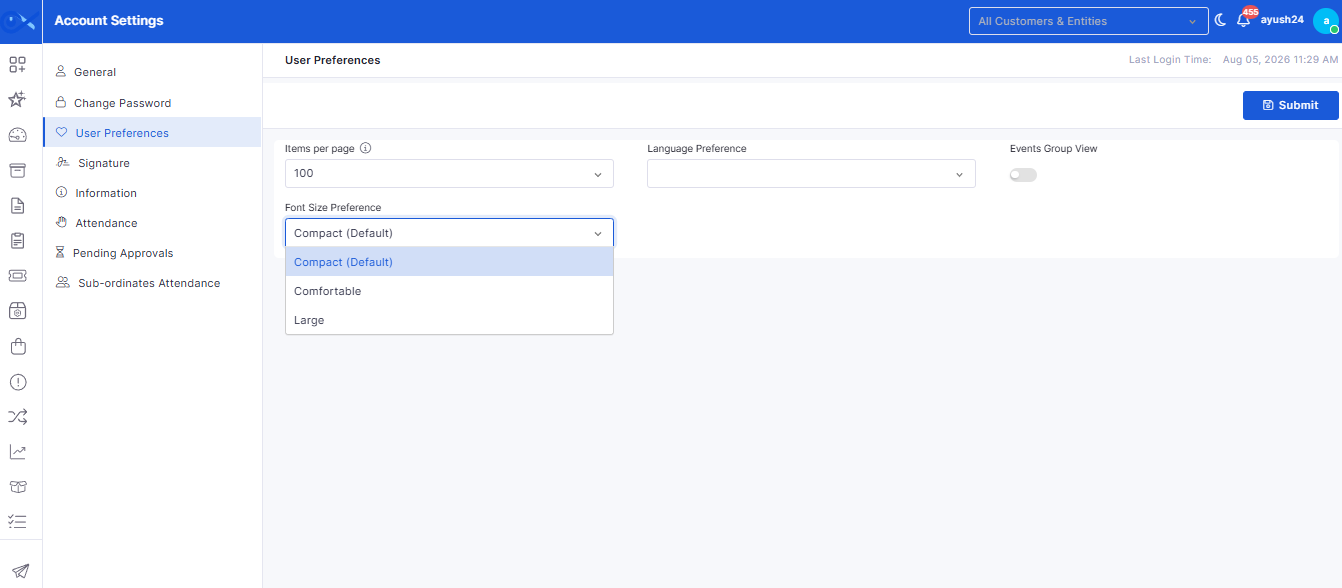
Font Size Preference
Users can now personalize their viewing experience by configuring their preferred font size within their profile settings.
Choose a preferred font size for a more comfortable reading experience.
Improve accessibility based on individual user preferences.
Request
Mandatory Policy Acceptance During Node Requests
A mandatory disclaimer has been introduced during node request submission to ensure users acknowledge the organization's node request policy before proceeding.
Display a policy disclaimer during node request submission.
Require users to accept the disclaimer before submitting the request.
Inventory Agents
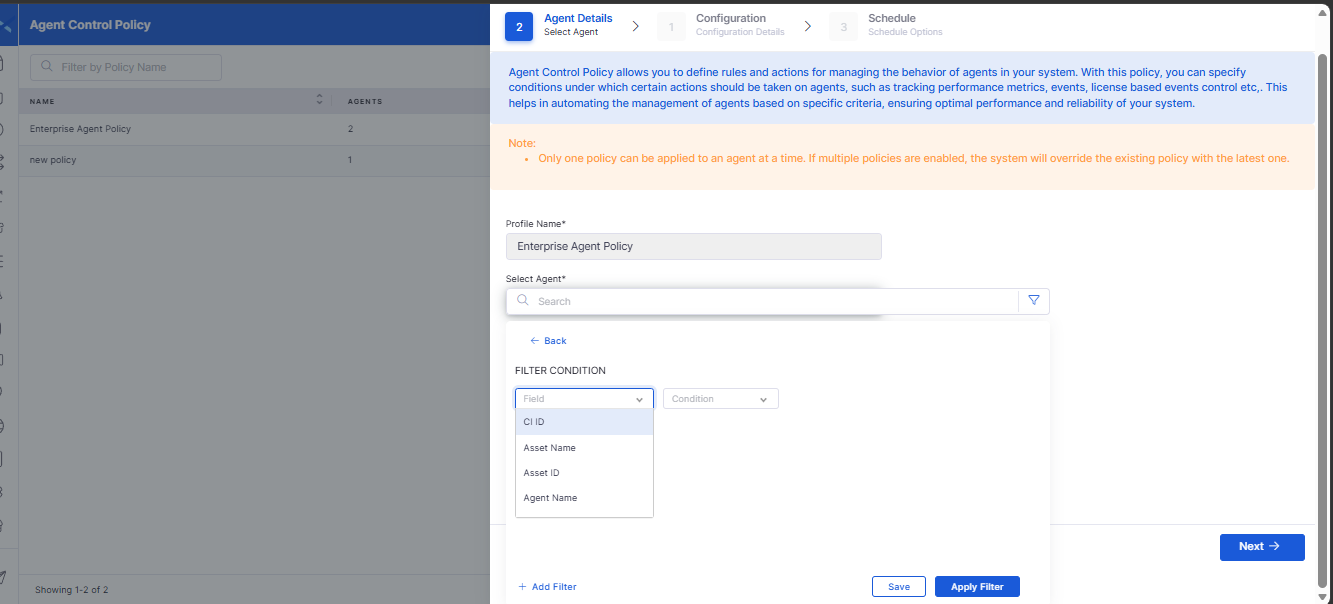
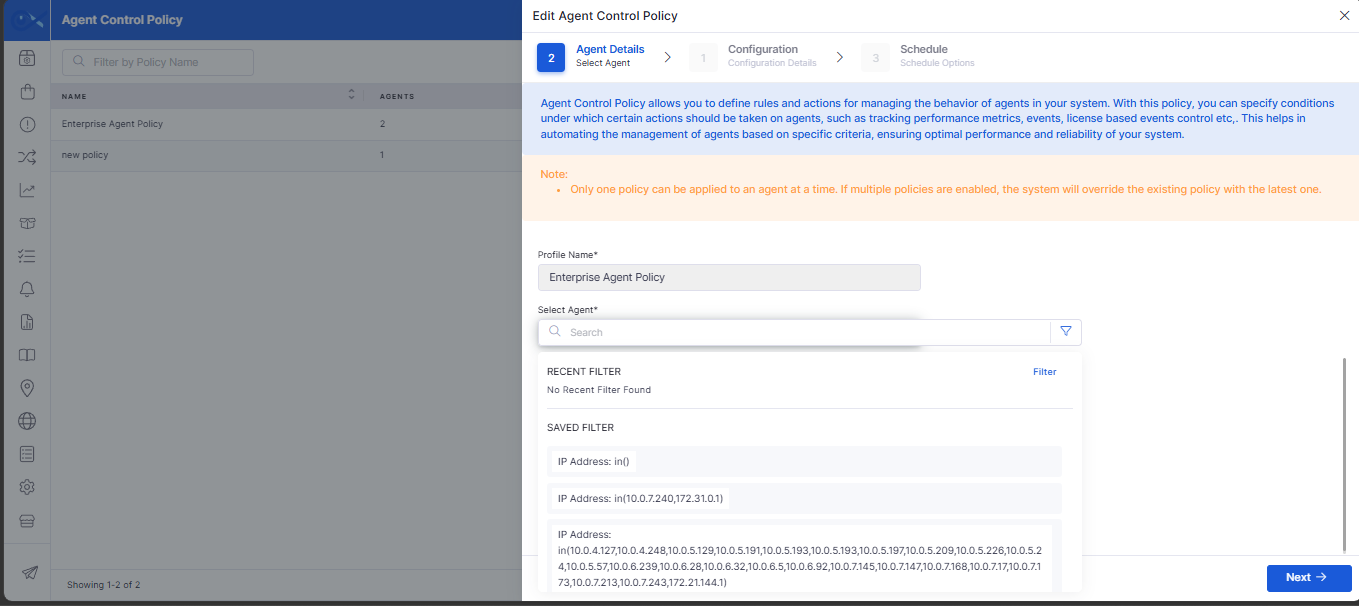
Search Filter for Agent Control Policy
Agent Control Policy management has been enhanced with search capabilities, making it easier to locate and manage policies.
Search Agent Control Policies using relevant filter criteria.
Quickly locate specific policies within large environments.
Requesters
Enhanced Requester Details Export
Requester management has been enhanced to improve the reliability of downloading requester information.
Restore the ability to download requester details successfully.
Improve the reliability of requester data exports.