Explore the releases published during 2025, covering feature introductions, product enhancements, performance improvements, and resolved issues across Infraon modules.
v7.3.16 – November 2025
View the latest features, enhancements, and fixes by release.
Version: v7.3.16
Date: 20th November
Overview
This release brings key enhancements across Project Management, Knowledge Base, SLA, Software Metering, Asset Management, Workflows, Marketplace, and Mobile Security, focusing on improved usability, stronger automation, and better integration across ITSM and ITAM.
Key Updates
Mobile App Enhancements
iOS – Infinity Agent Security Collection
Collects comprehensive device security data such as integrity checks, jailbreak/root detection, and environmental analysis.
Generates a device security score and securely syncs the results to the server.
Project Management
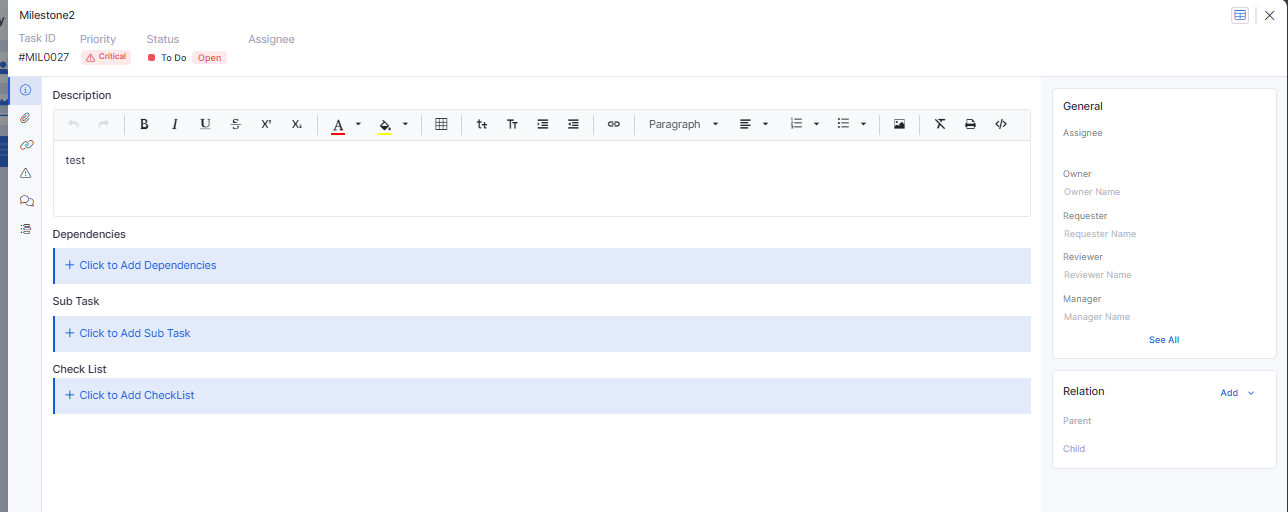
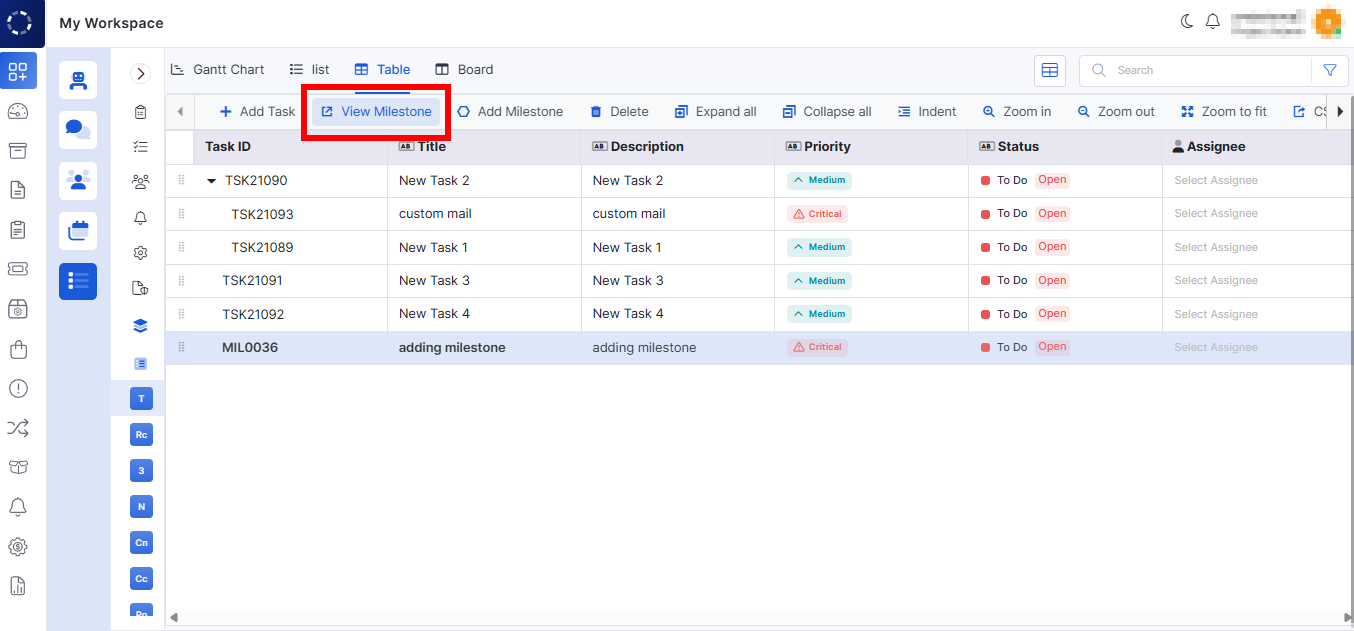
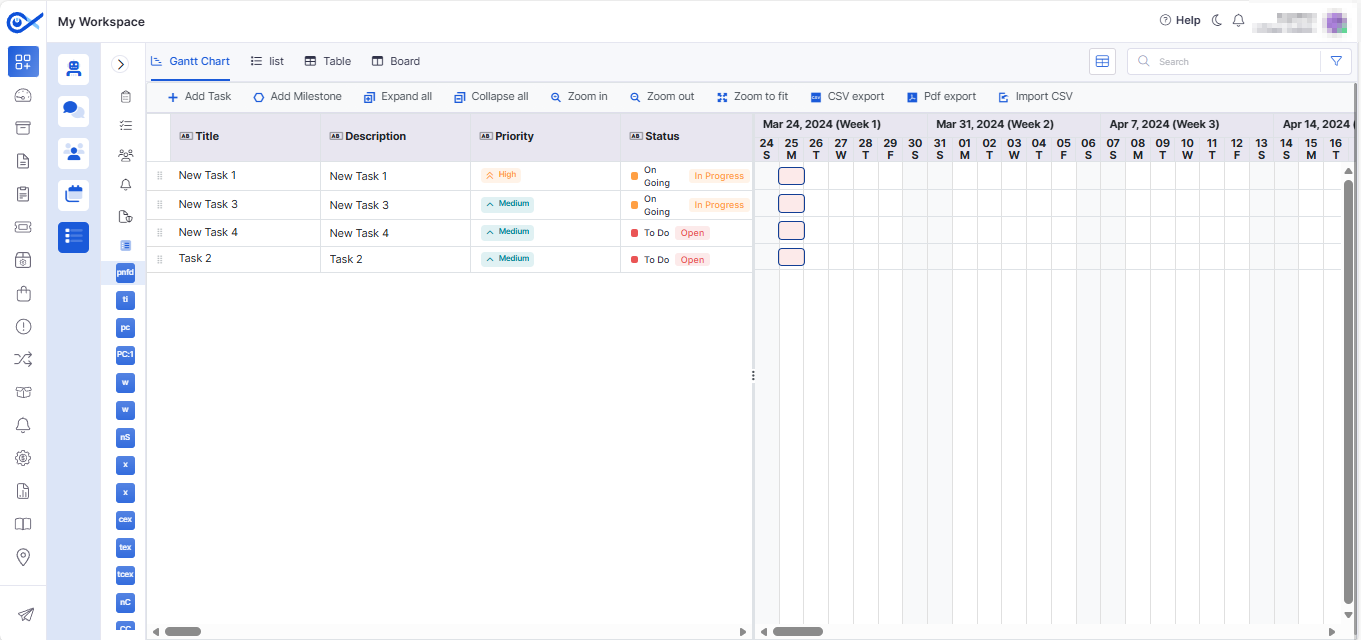
Project Milestone Relation
Allows linking tasks to milestones and vice versa.
The relation panel updates automatically to reflect changes.
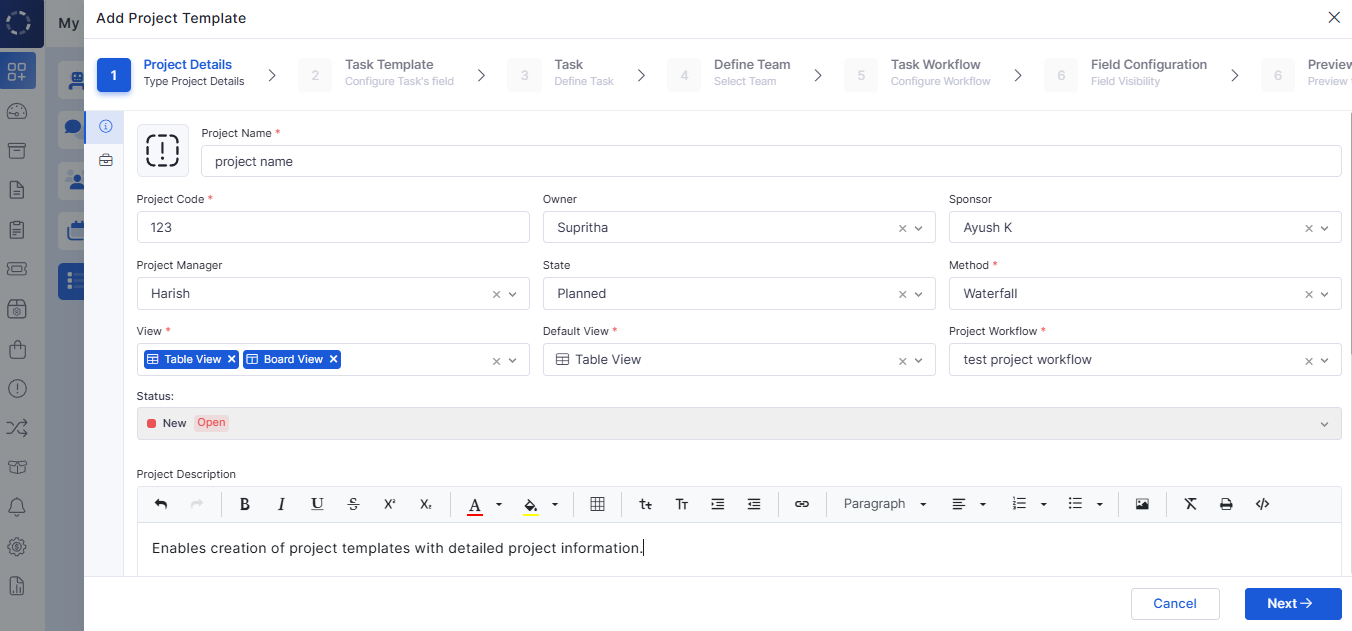
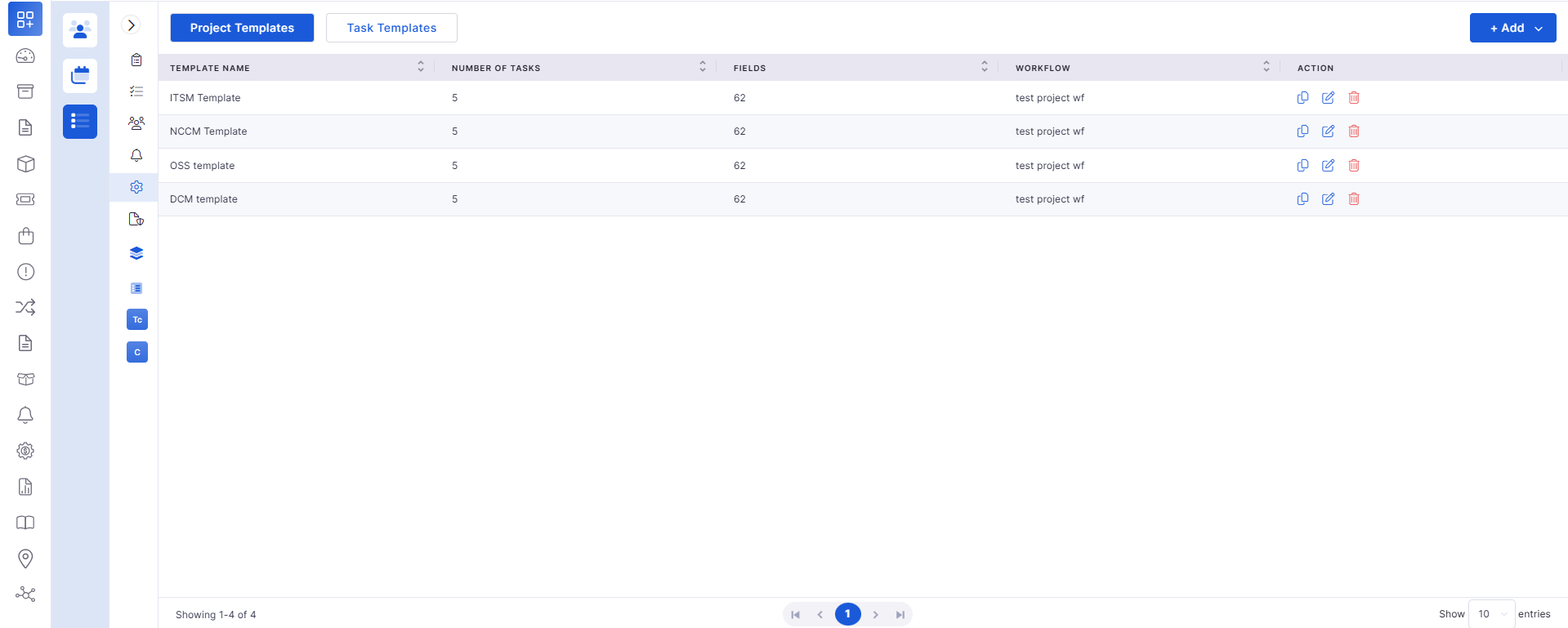
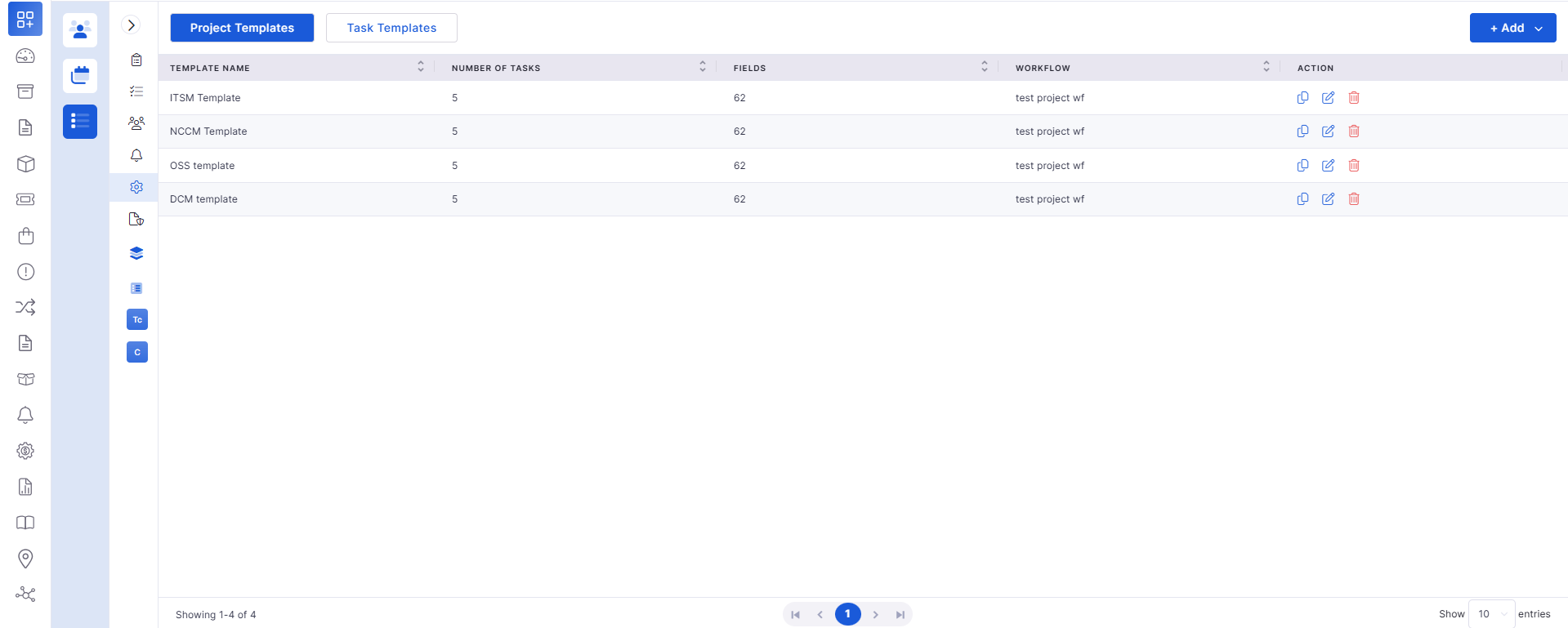
Project Template – Add & Grid View
Enables creation of project templates with detailed project information.
Grid view offers quick access and filtering of templates.
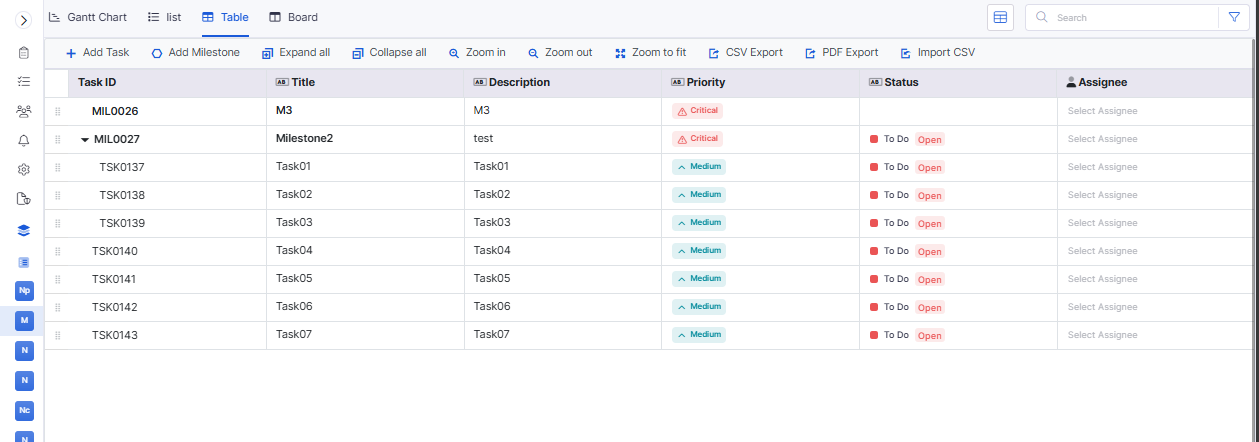
Task Column Configuration & Inline Edit
Customize task table columns and reorder them as needed.
Inline editing supports text, dropdowns, and dates with full audit tracking.
Project Details View Enhancements
Improved details page showing Summary, Teams, Workflow, and Business Hours.
Supports inline editing and structured display.
Project Details – Field Configuration, Attachments, Relation
Manage project-level custom fields, linked records, and file attachments.
Provides visibility into all related objects.
Task View – Basic Details
New summary panel showing key task information at a glance.
Project Task Integration
Project tasks now follow workflow-driven transitions and approvals.
Sub-Task Support
Add sub-tasks directly to a parent task with hierarchical visibility.
Project Milestone – Add, Edit & View
Manage milestones directly from project screens with inline editing and audit tracking.
Report
SLA Exclusion in Reports
SLA-excluded tickets are now correctly filtered from SLA reports and dashboards.
Ensures accurate SLA compliance calculations.
Purchase Order
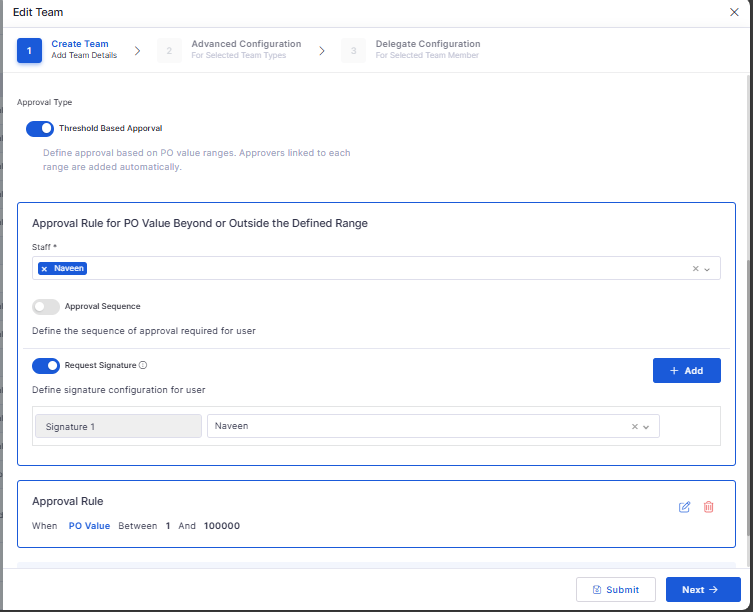
Secure Digital Signature for PO Documents
Adds digital signing support for purchase order documents.
Ensures authenticity and tamper-evident records.
Stores signature metadata for audit compliance.
Marketplace
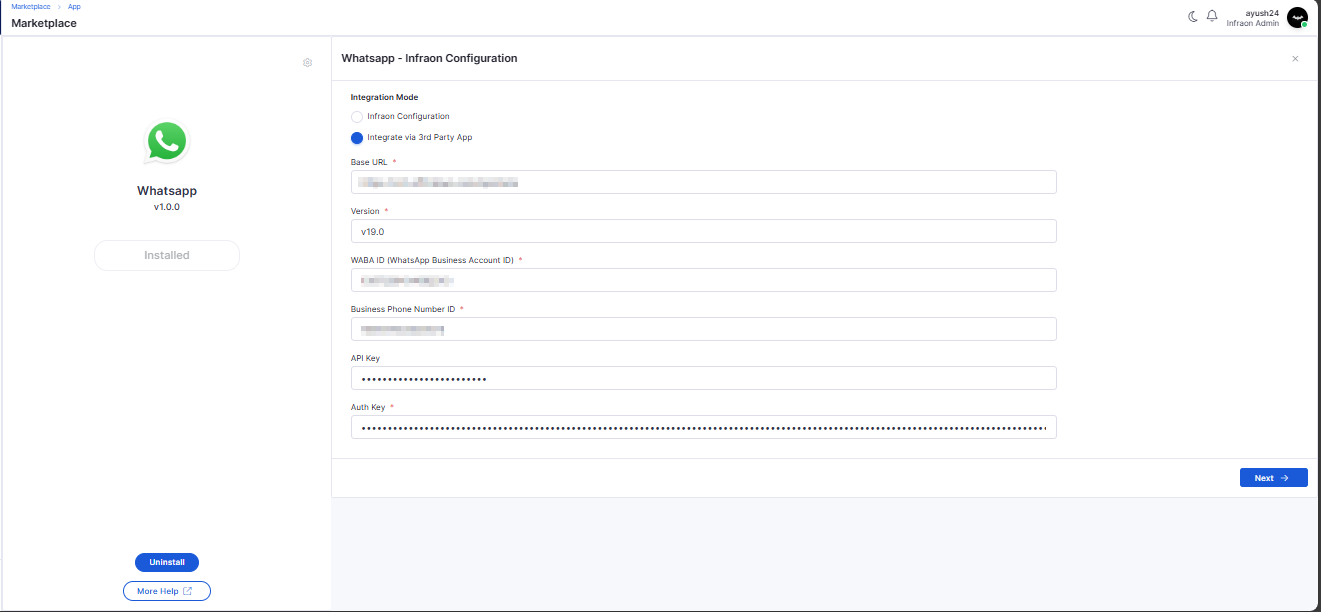
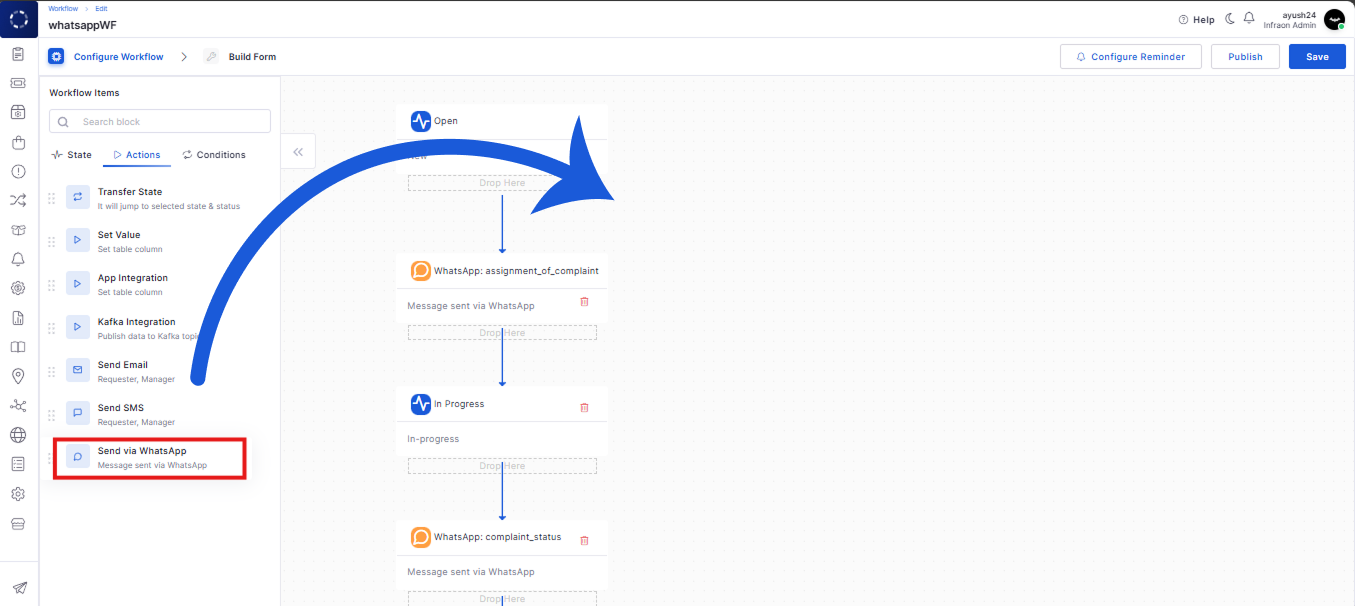
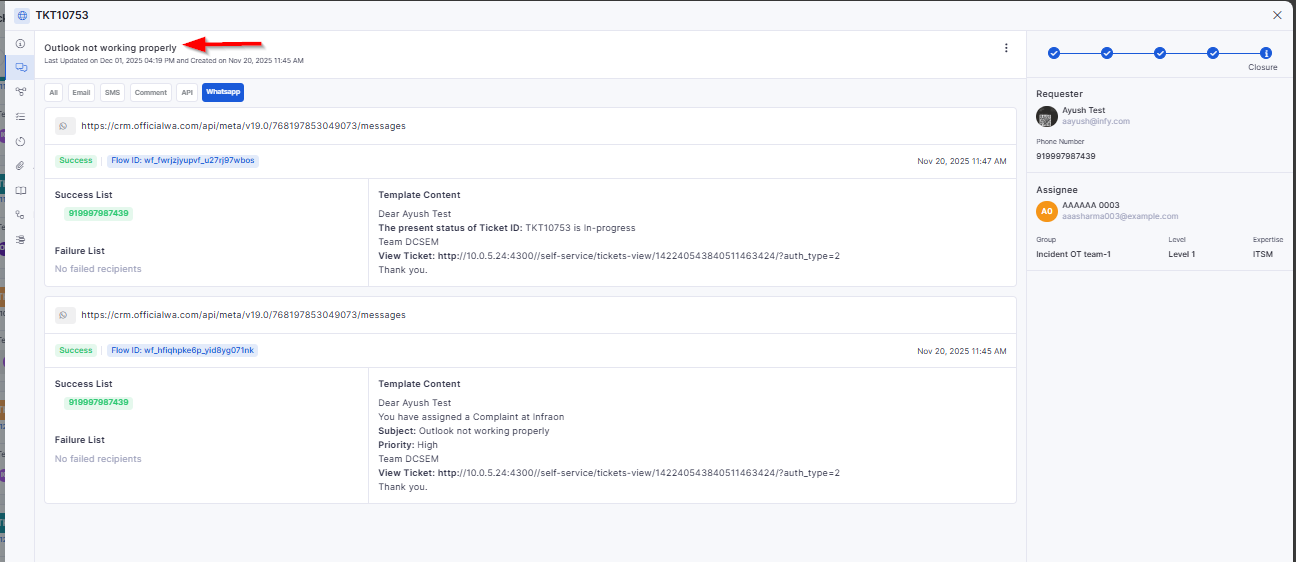
WhatsApp Integration – Marketplace App Config
Adds WhatsApp integration via Marketplace with configurable credentials.
Allows enabling WhatsApp-based communications for workflows and notifications.
Supports message templates and dynamic replacements.
Software
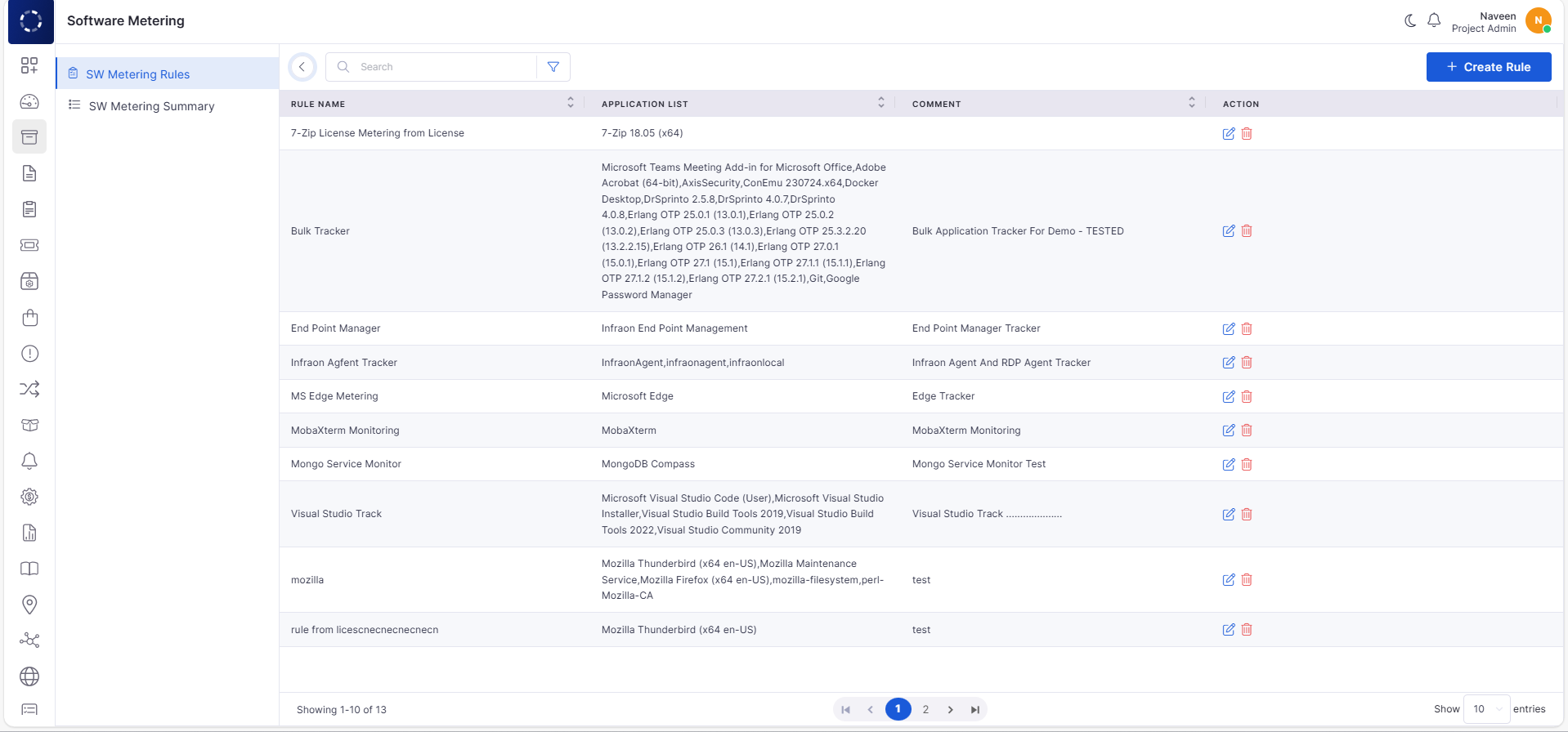
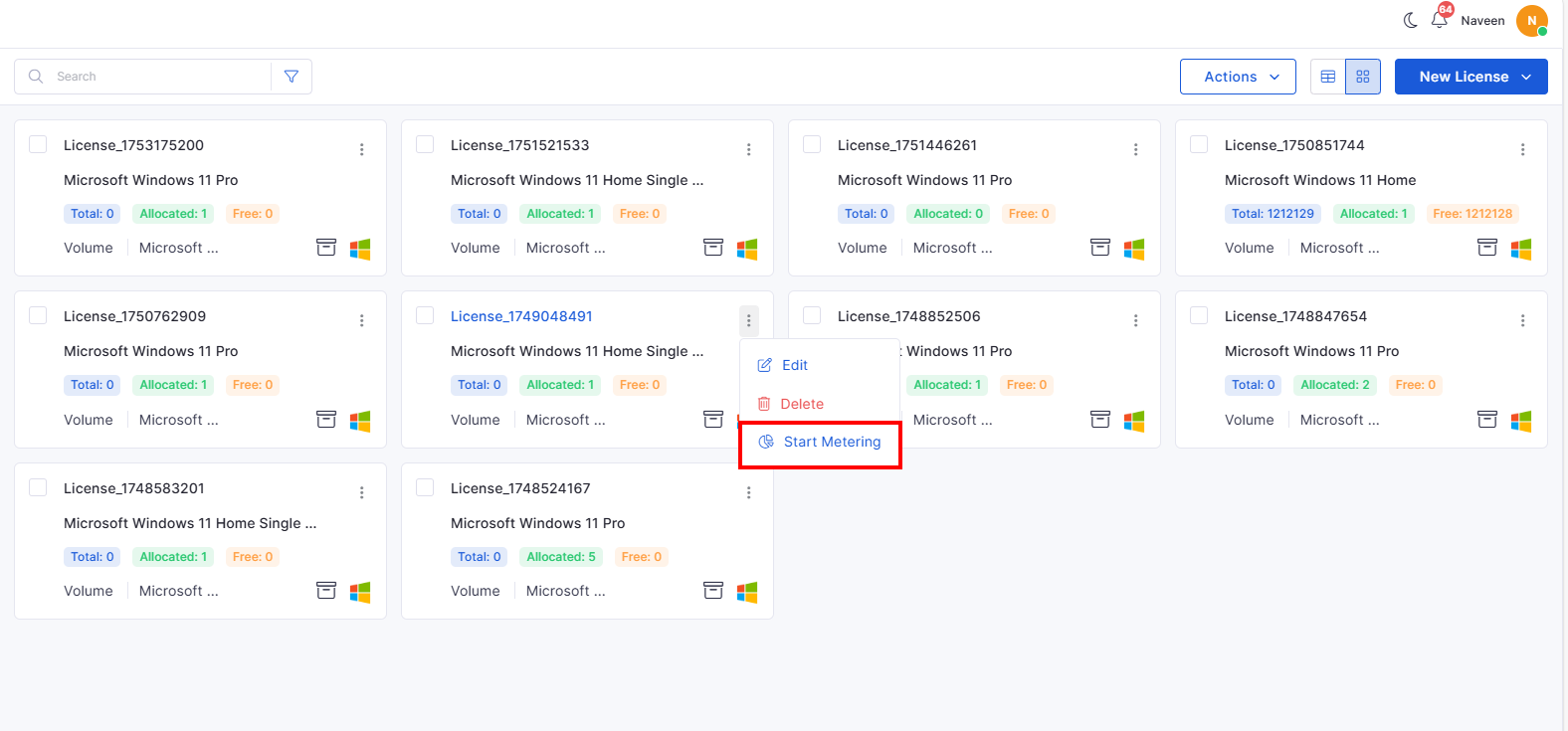
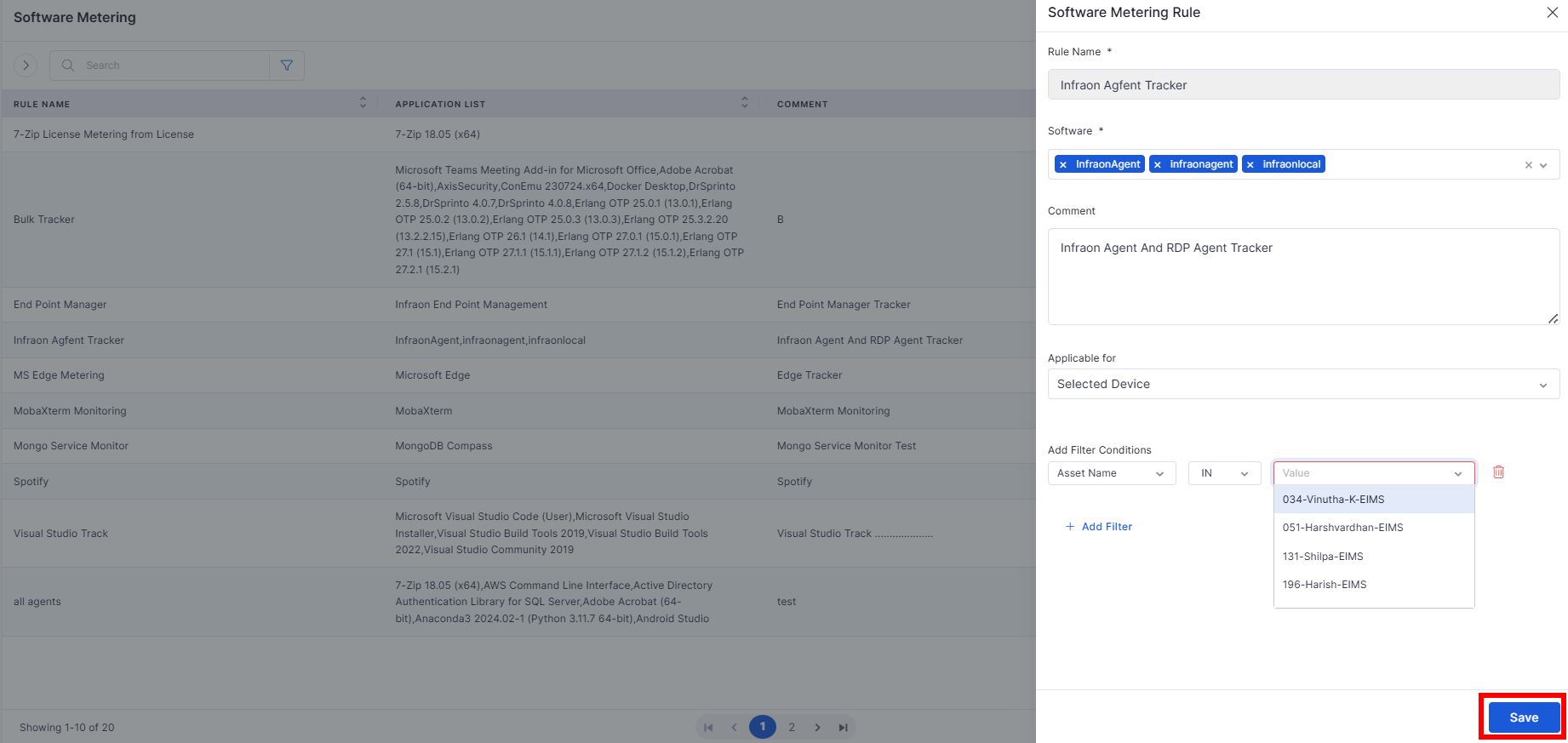
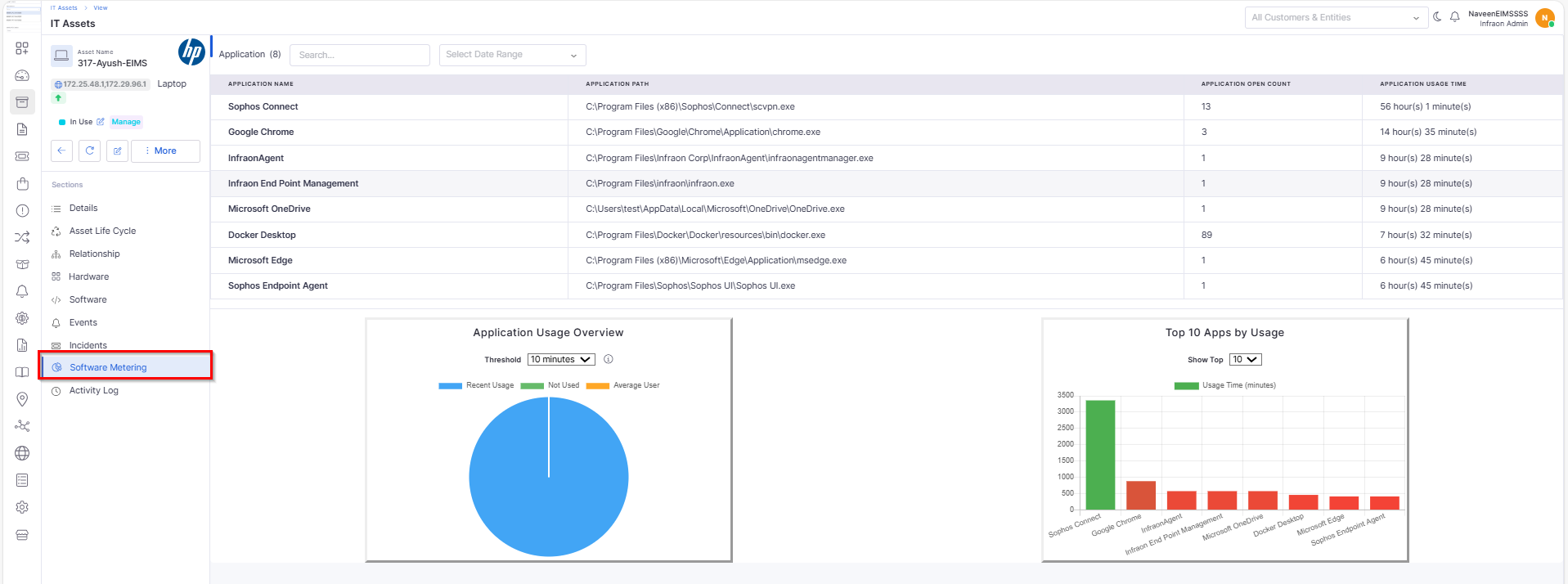
Software Metering Policy Rule
Allows rule-based monitoring and enforcement of usage thresholds.
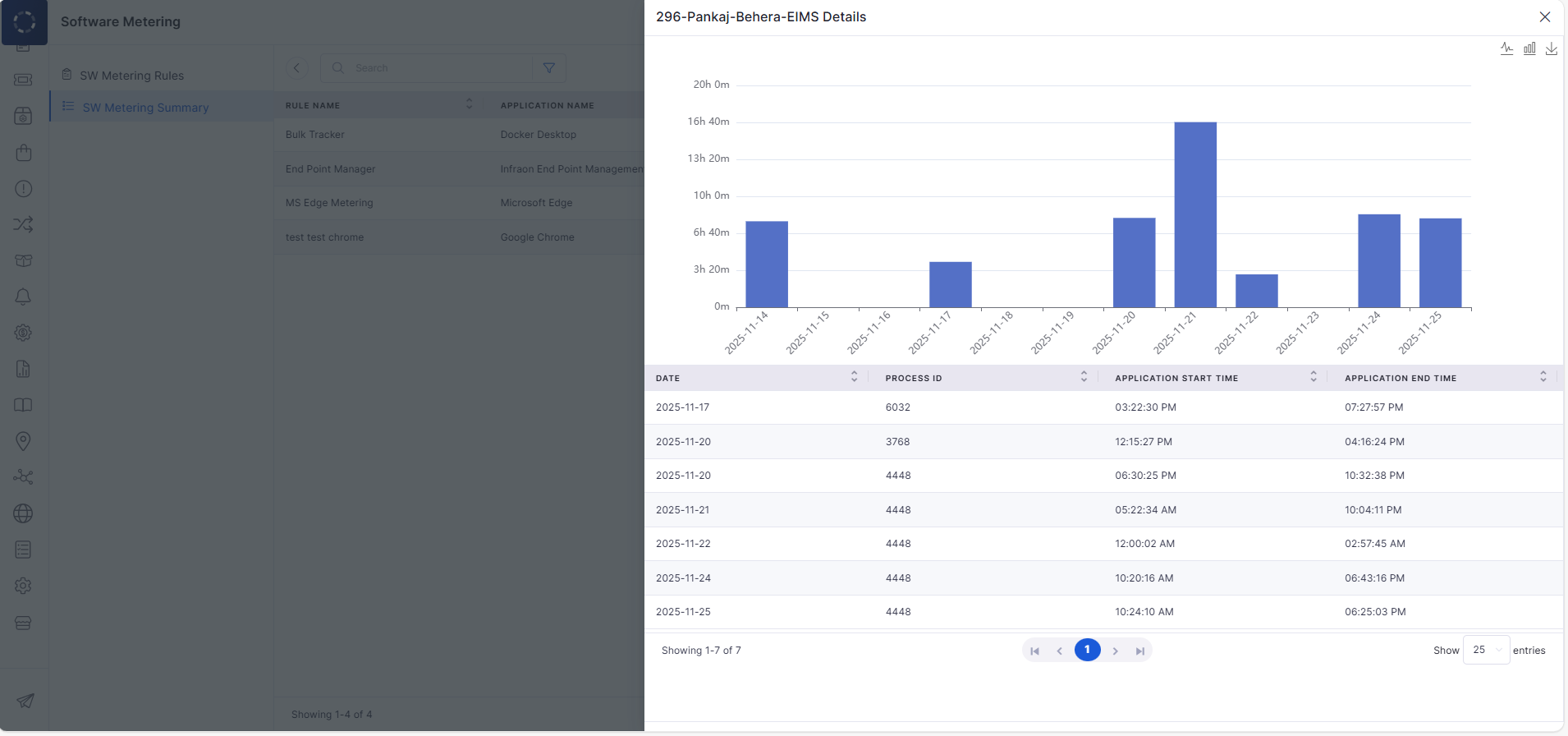
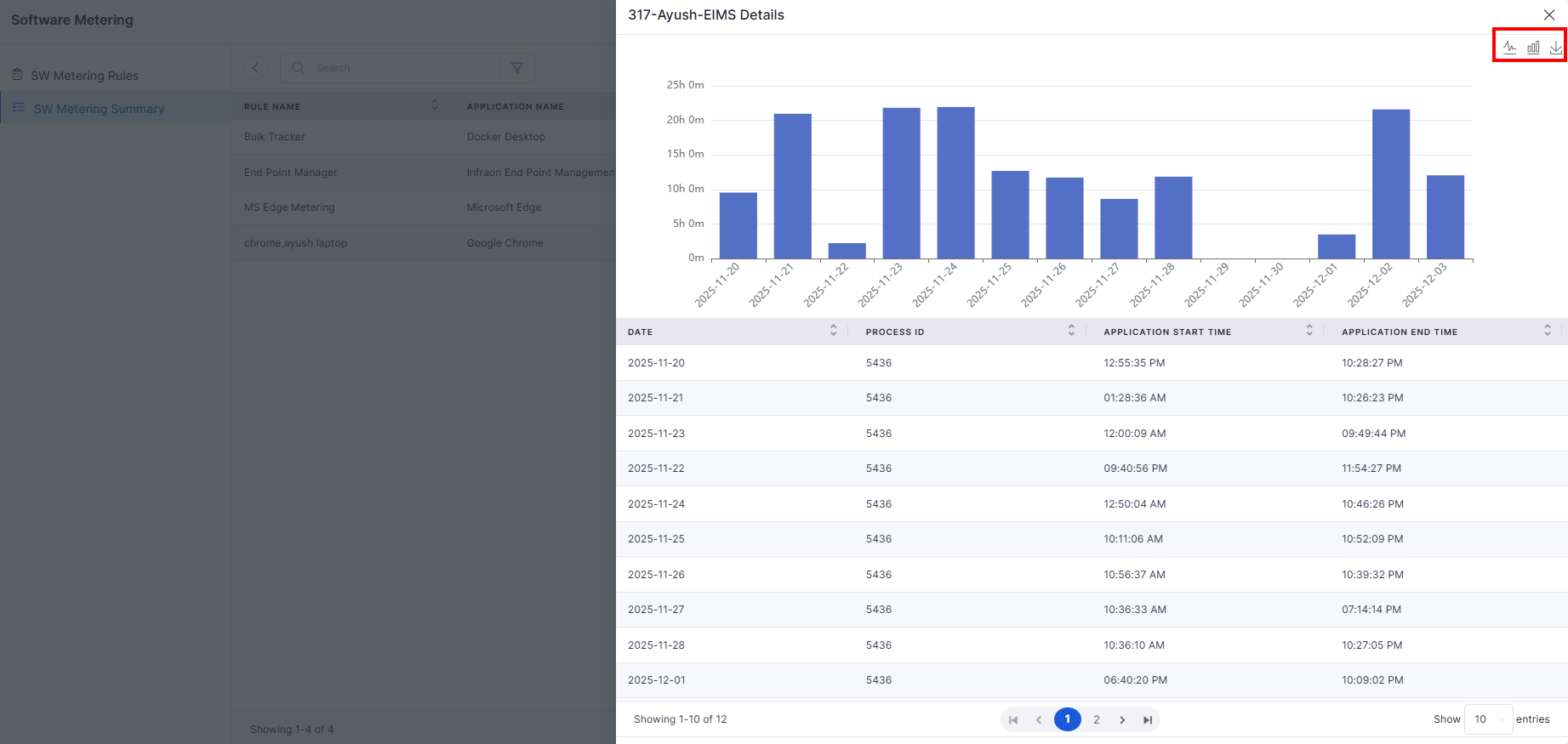
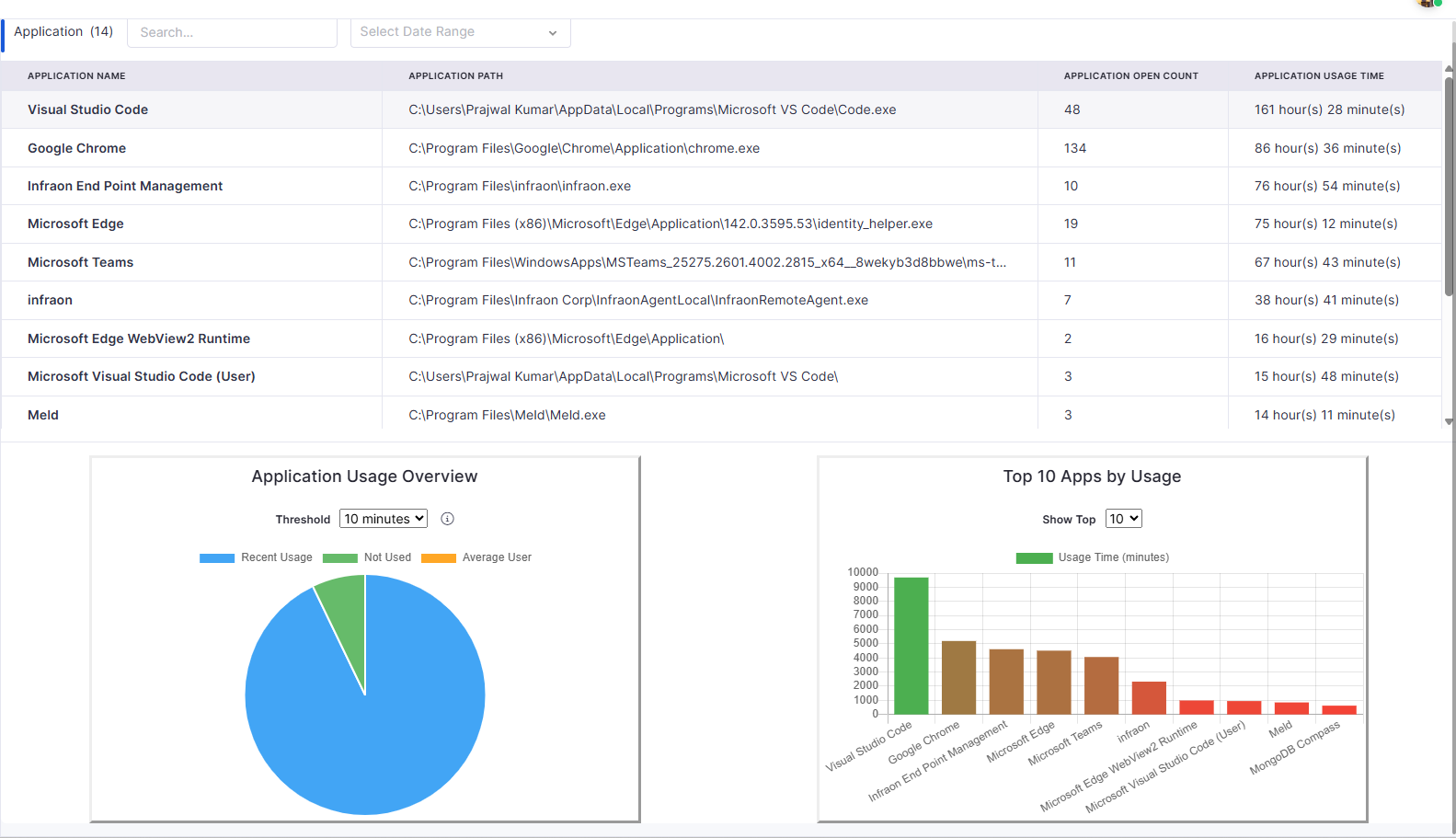
Software Metering Summary
Provides a consolidated view of the most and least used applications and their usage trends.
Asset
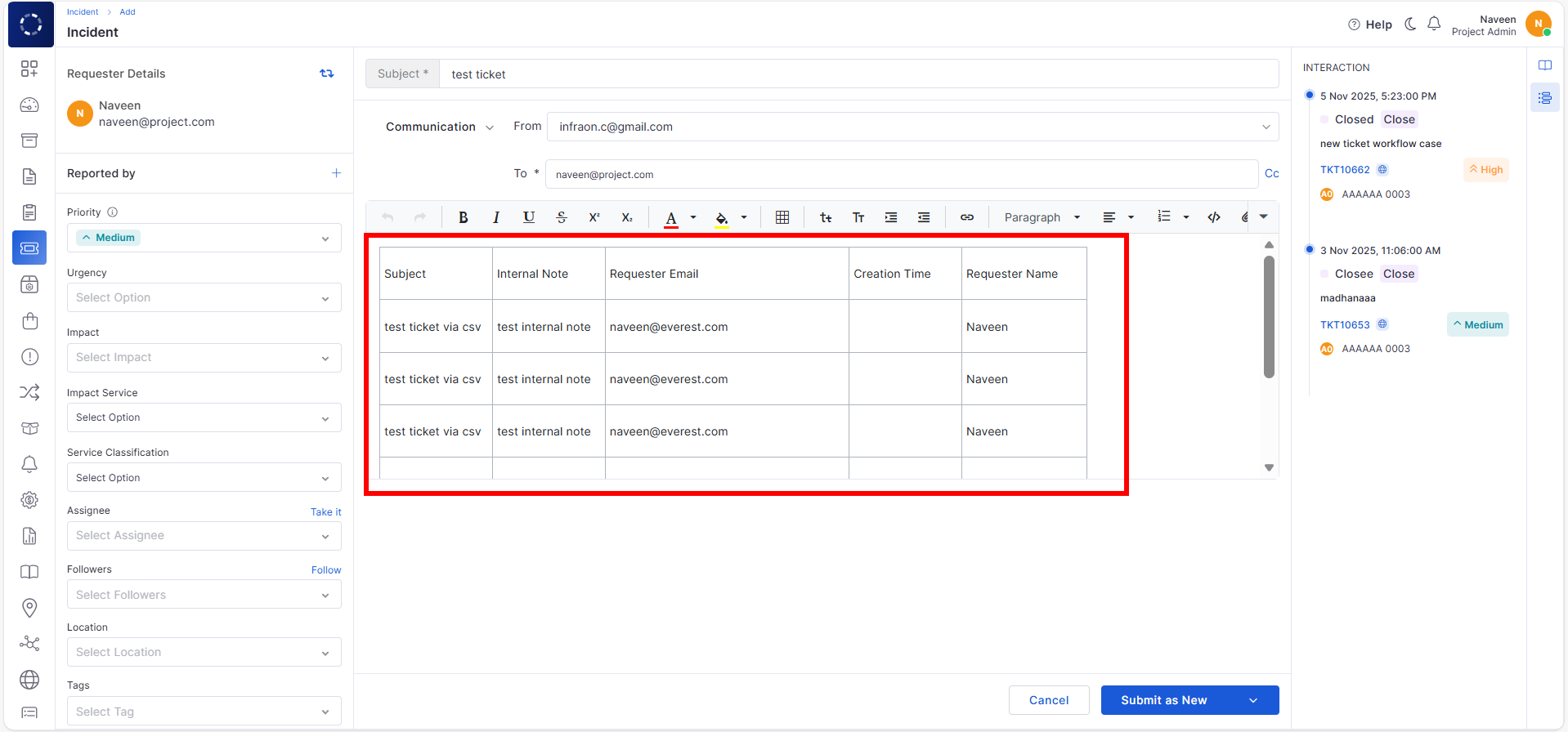
Description Field – Table Option
Adds a table formatting option in description fields for ITSM/ITAM.
Helps document structured data more clearly.
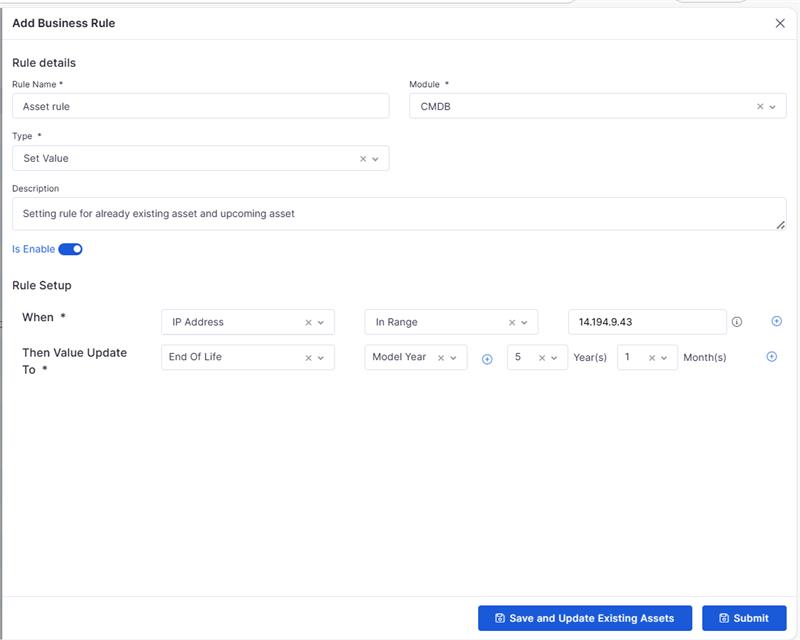
Business Rule
Business Rule Sync on Existing Assets
Newly created business rules can now be applied automatically to existing assets.
Ensures consistent enforcement without manual updates.
🐛 Bug Fixes
Improved overall stability across project workflows, templates, and milestone management.
Fixed UI display issues in task summary, attachments, and relations.
Corrected SLA exclusion behavior in tickets and reporting modules.
Enhanced WhatsApp and Kafka notification reliability.
Resolved software metering inconsistencies for accurate tracking.
Improved asset audit exports and description rendering.
General performance, sync, and validation fixes across all modules.
v7.3.16 – December 2025
View the latest features, enhancements, and fixes by release.
Version: v7.3.16
Date: 30th December
Overview
This release introduces functional enhancements across Marketplace, Project Management, Asset Audits, Purchase Orders, Software Metering, Mobile, and Self Service Portal.
The updates focus on improving configurability, operational accuracy, integrations, and end-user experience across ITSM and ITAM workflows.
Key Updates
Marketplace
Centralized Marketplace
Introduced a centralized marketplace architecture to manage multiple Infraon instances.
Enables dynamic routing of requests based on registered instance URLs.
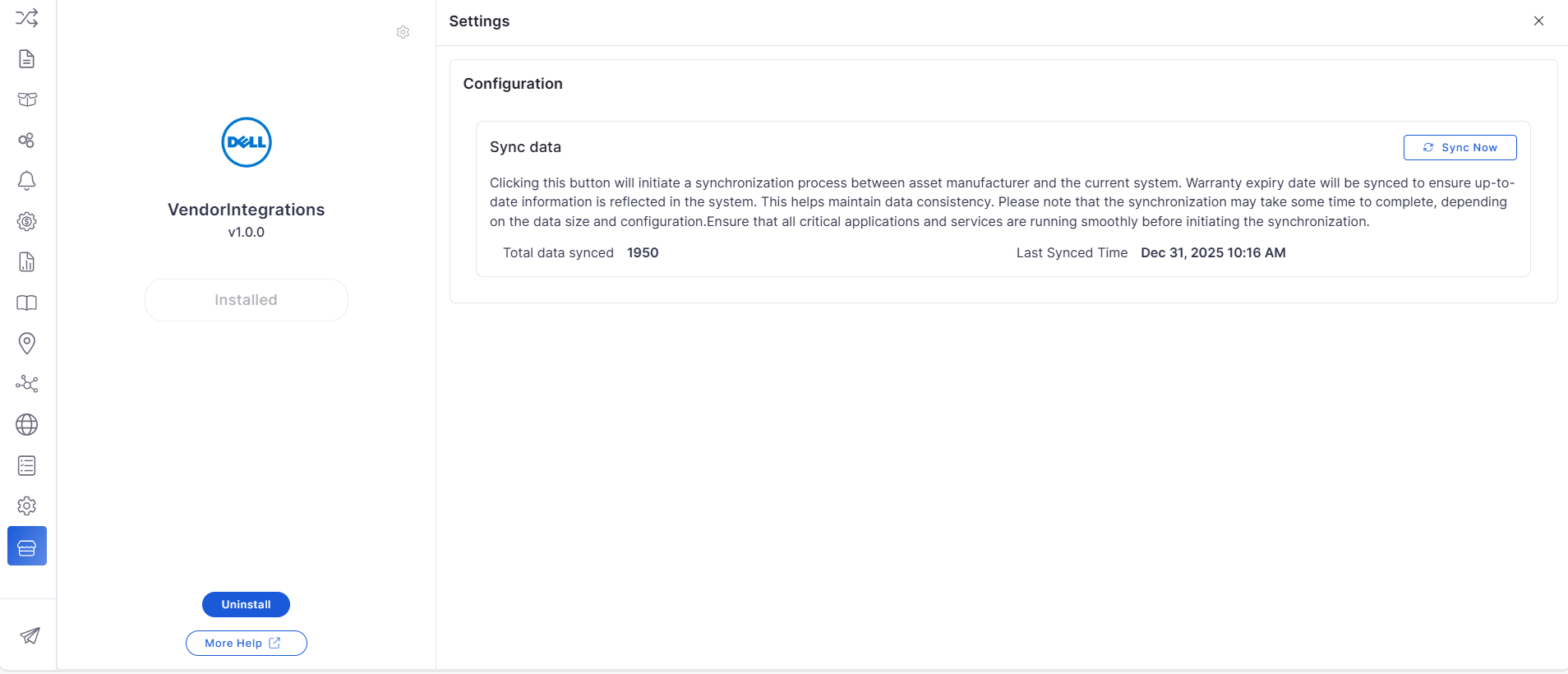
Dell Vendor Integration for On-Prem
Added Dell vendor integration via Marketplace for on-prem environments.
Automatically syncs device warranty and purchase details from Dell.
Contract Management
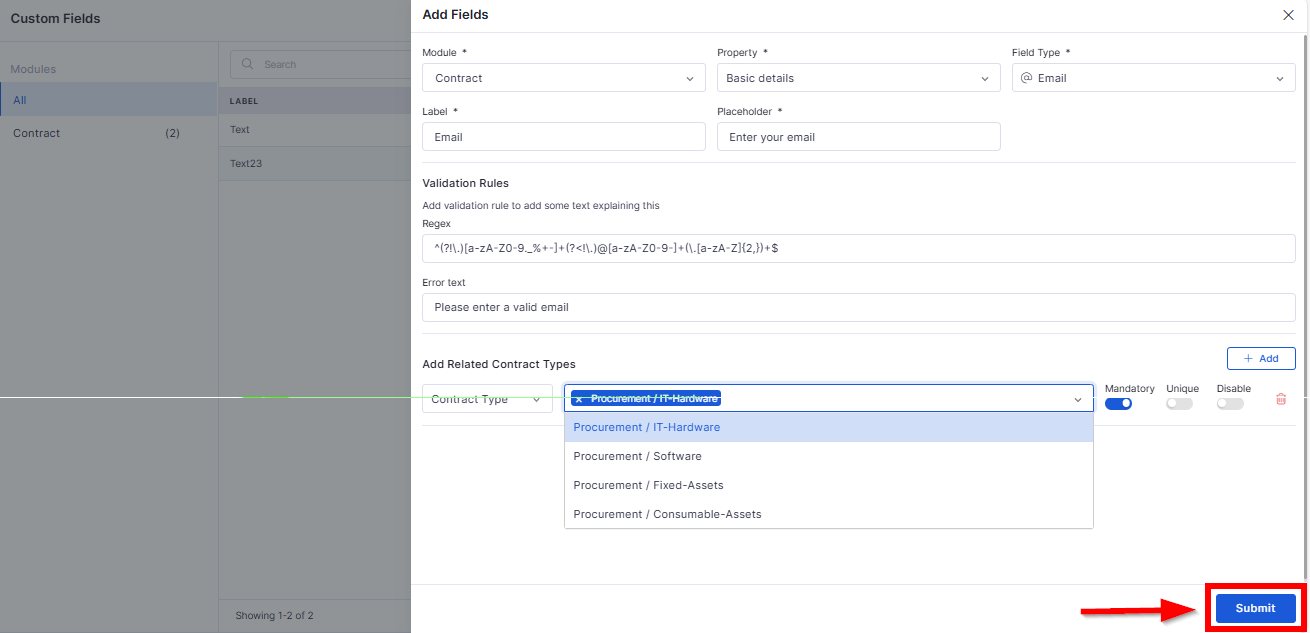
Custom Field Creation for Contract Management
Allows creation of custom fields specific to contract types.
Custom fields are available across contract records, reports, and dashboards.
Project Management
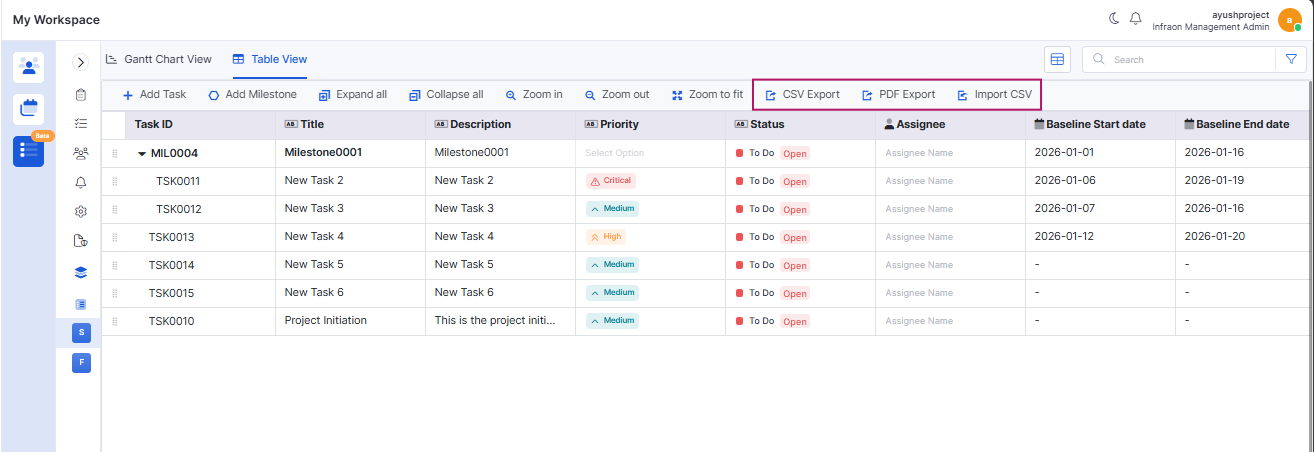
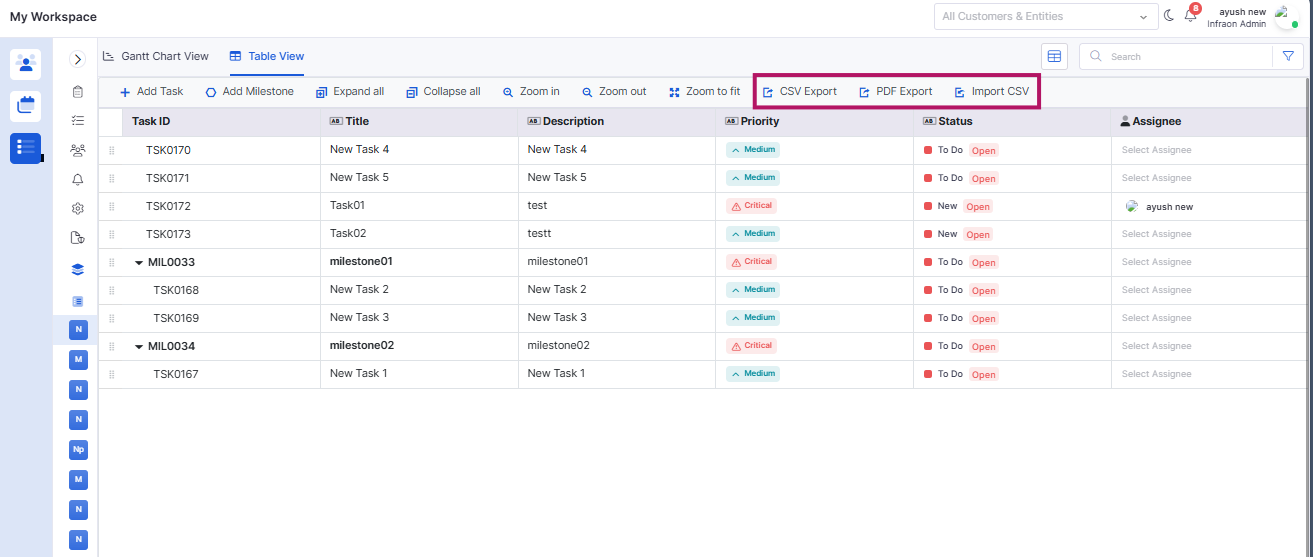
Task Export and Import (All Fields)
Tasks can be exported in CSV and PDF formats with all configured fields.
Supports importing tasks from CSV with validation and audit tracking.
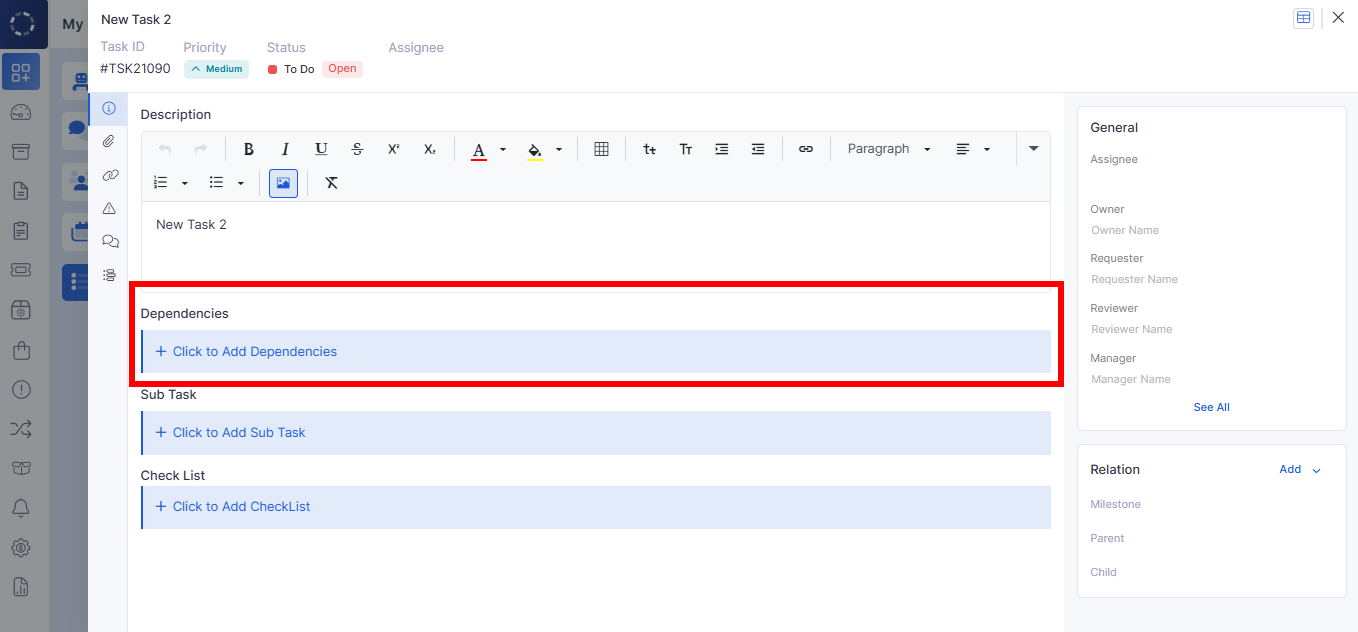
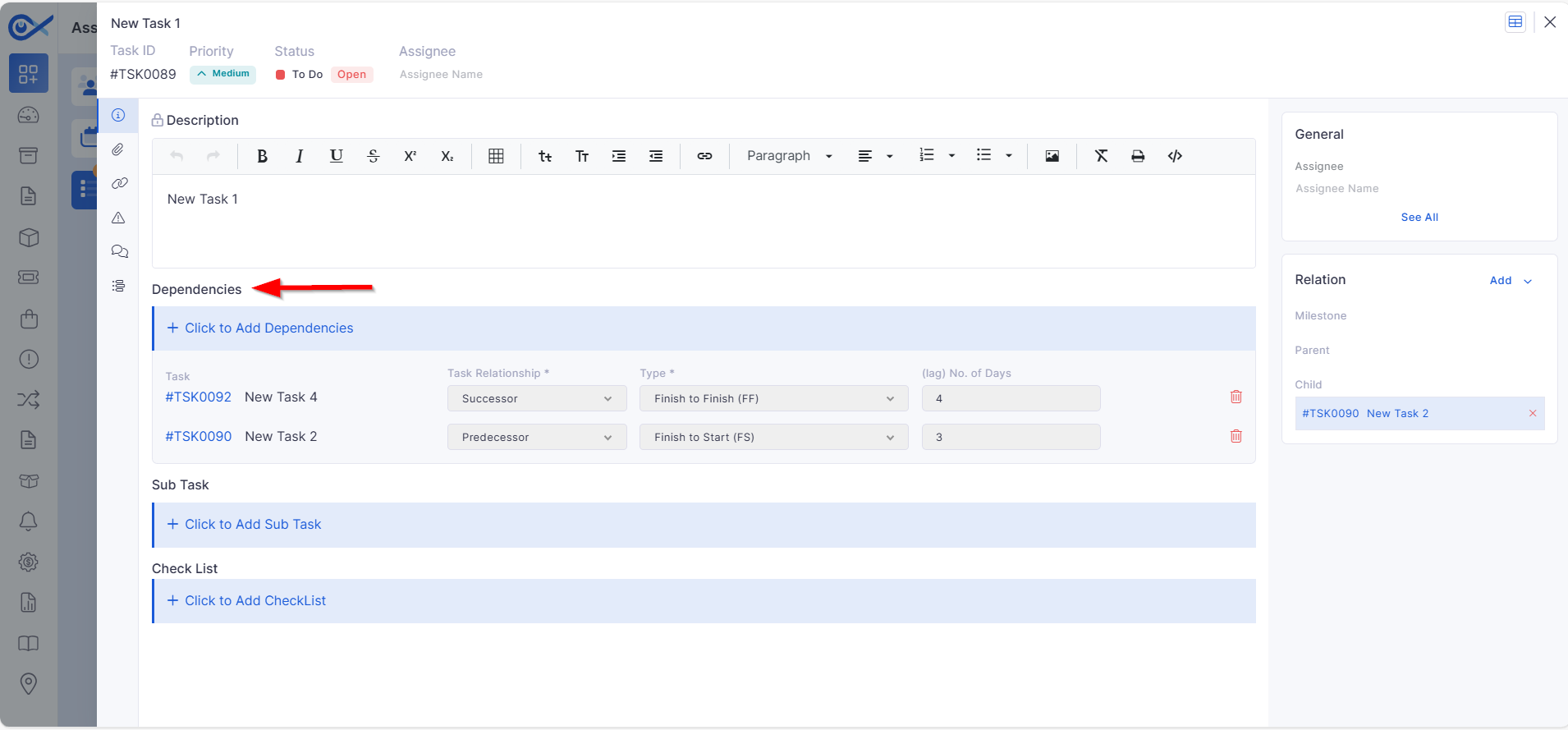
Dependent Task in Task View
Enables adding and removing task dependencies directly from the task view.
Supports relationship type, dependency type, and lag configuration.
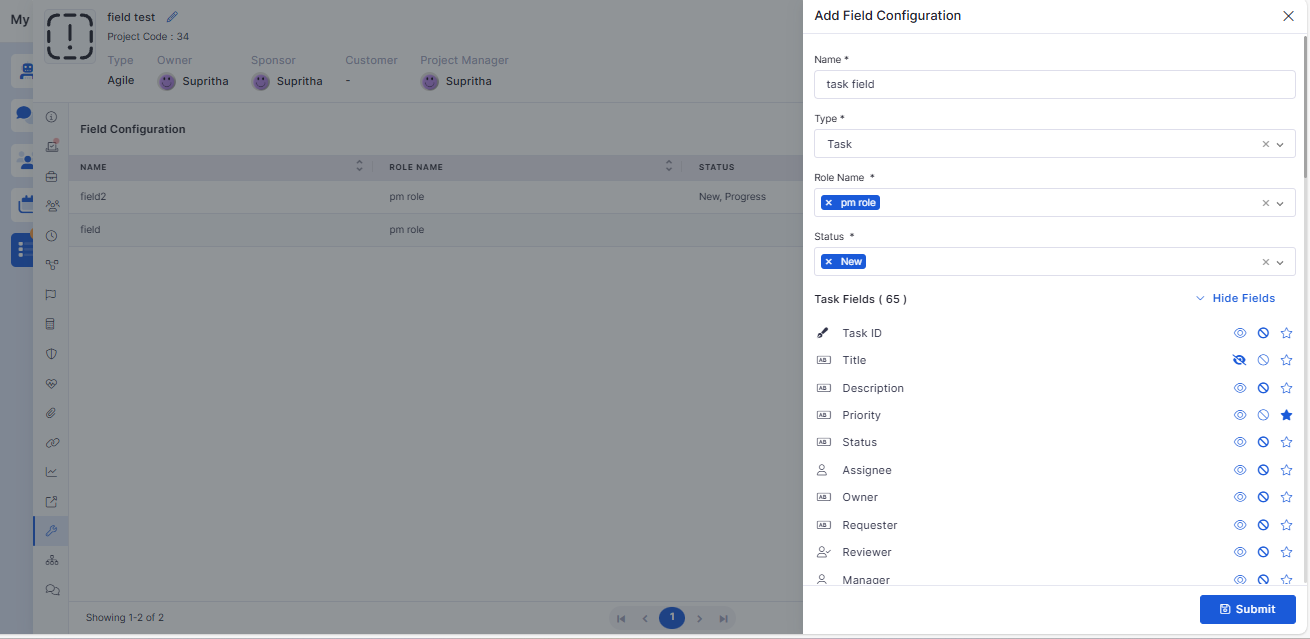
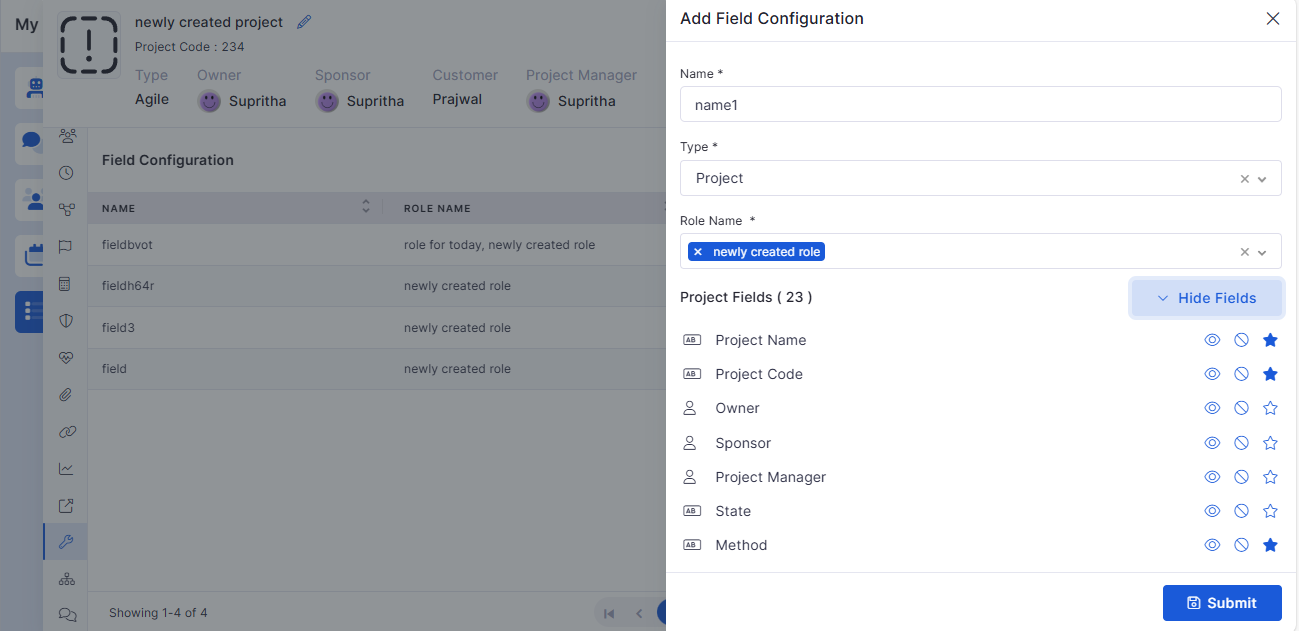
Task Field Configuration
Introduced conditional control for task fields based on user role and task status.
Fields can be hidden, read-only, or mandatory depending on context.
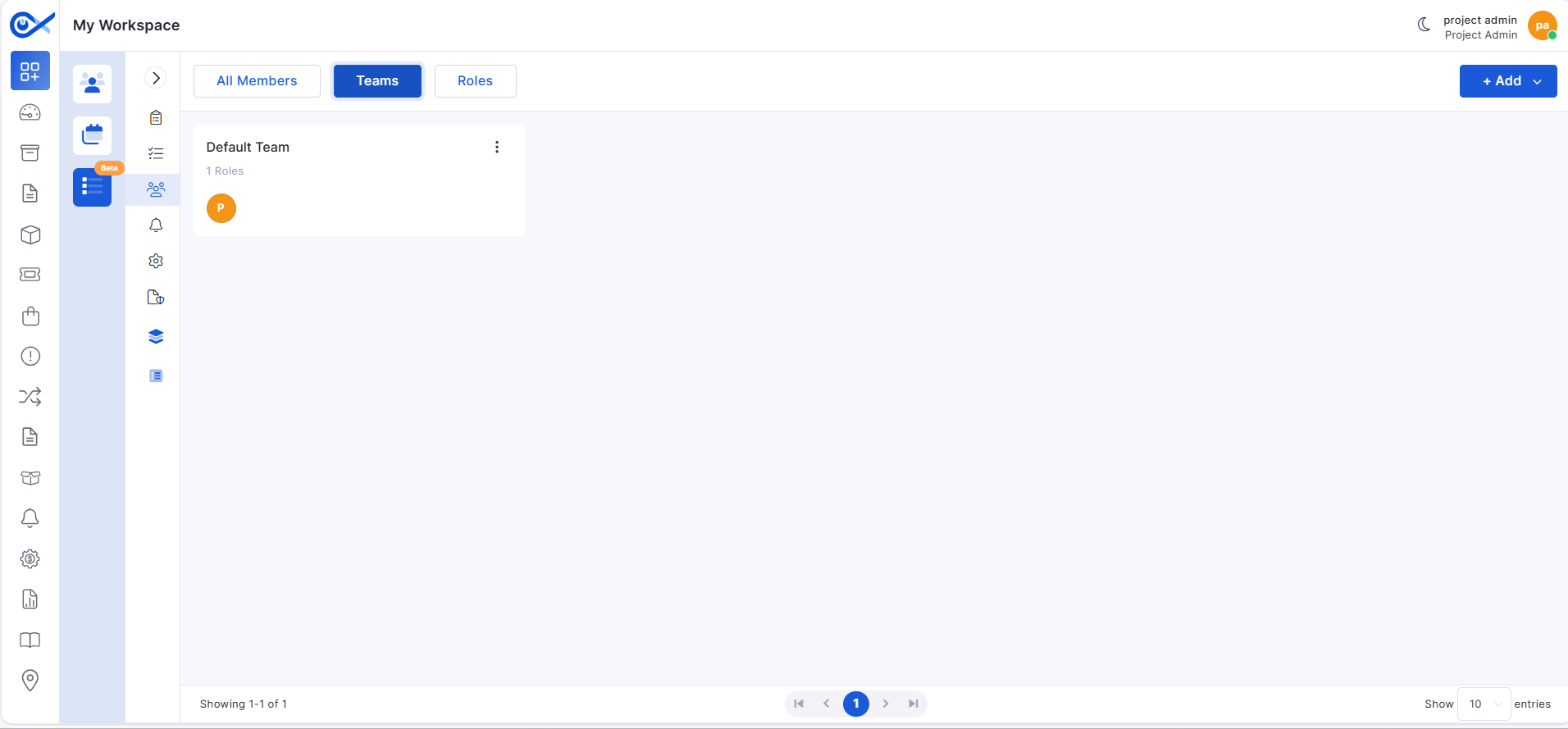
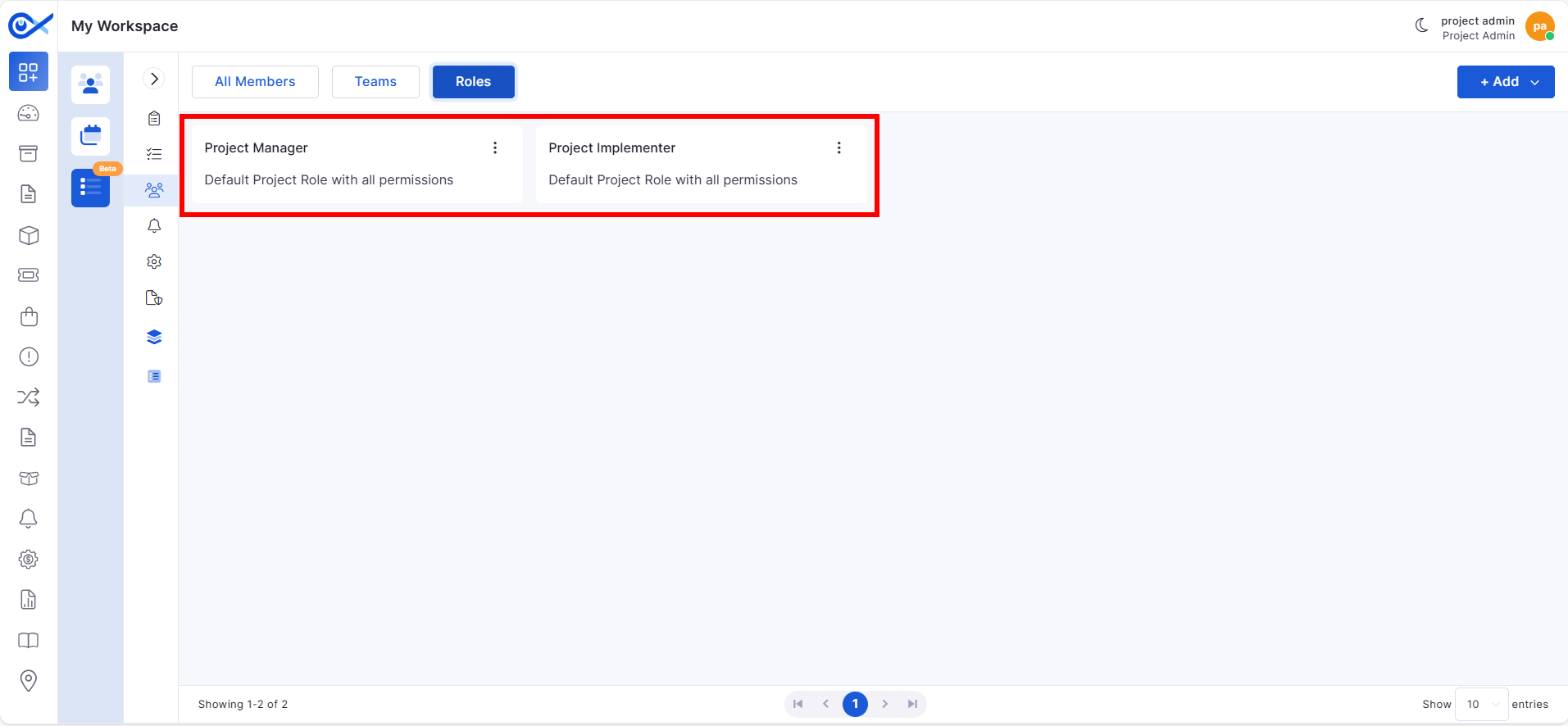
Default Project Setup on Registration
Automatically creates default project roles, teams, members, and task templates during organization setup.
Includes predefined roles such as Project Manager and Project Implementer.
Knowledge Base
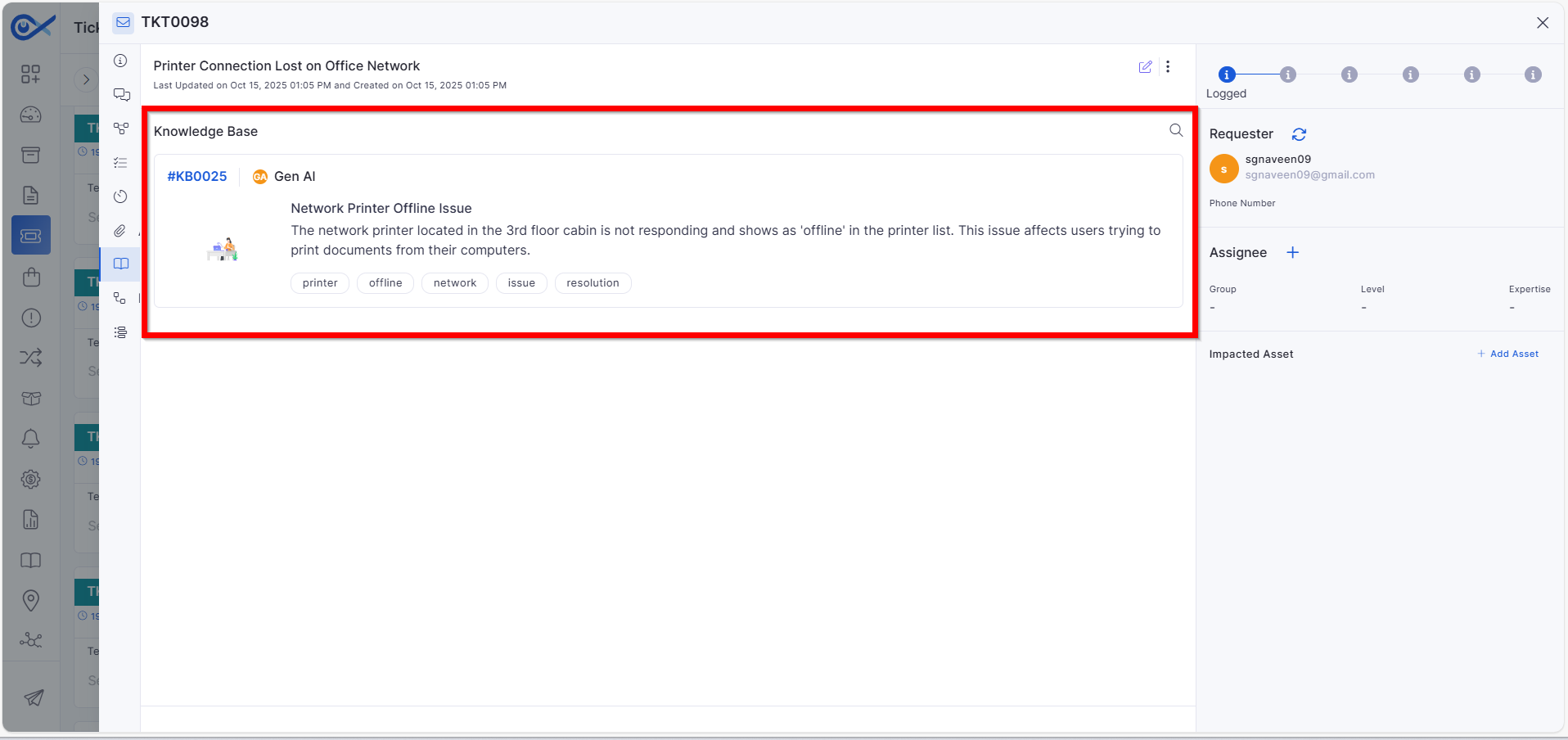
Attaching KB in Incident
KB articles are automatically attached to incident email responses.
Supports multiple KB attachments and prioritizes AI-generated articles.
Asset
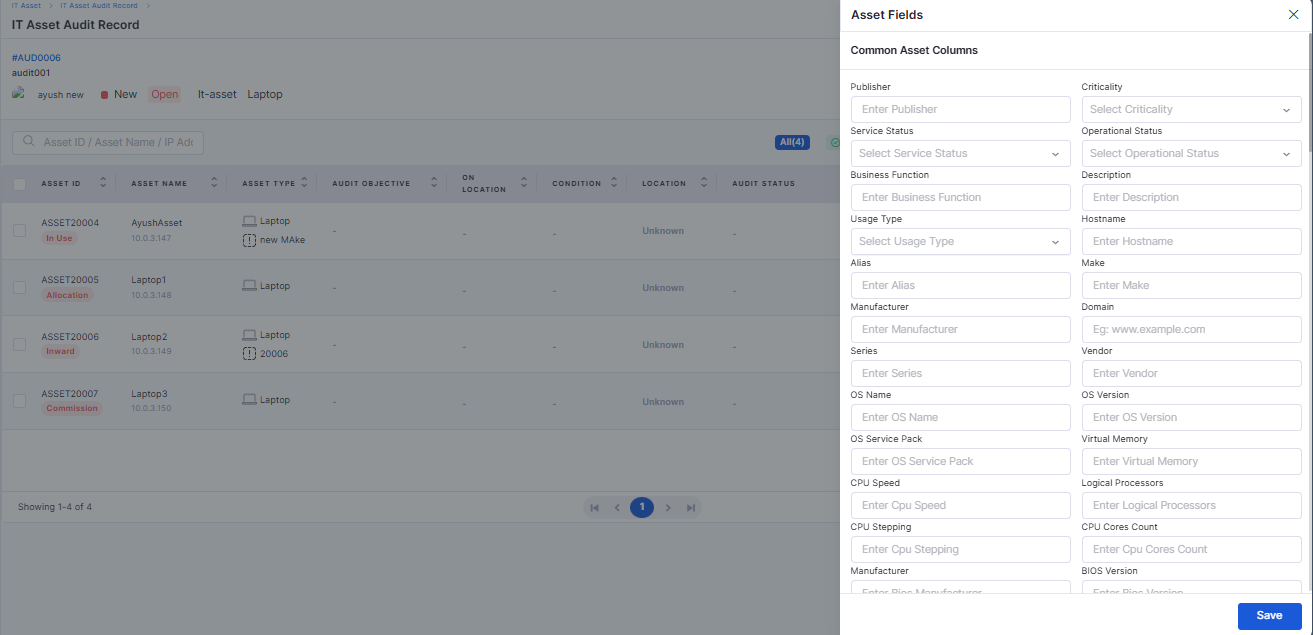
Edit Common and Specific Asset Fields During Audit
Allows editing common and applicable asset fields directly during audits.
Supports bulk asset selection with controlled field visibility.
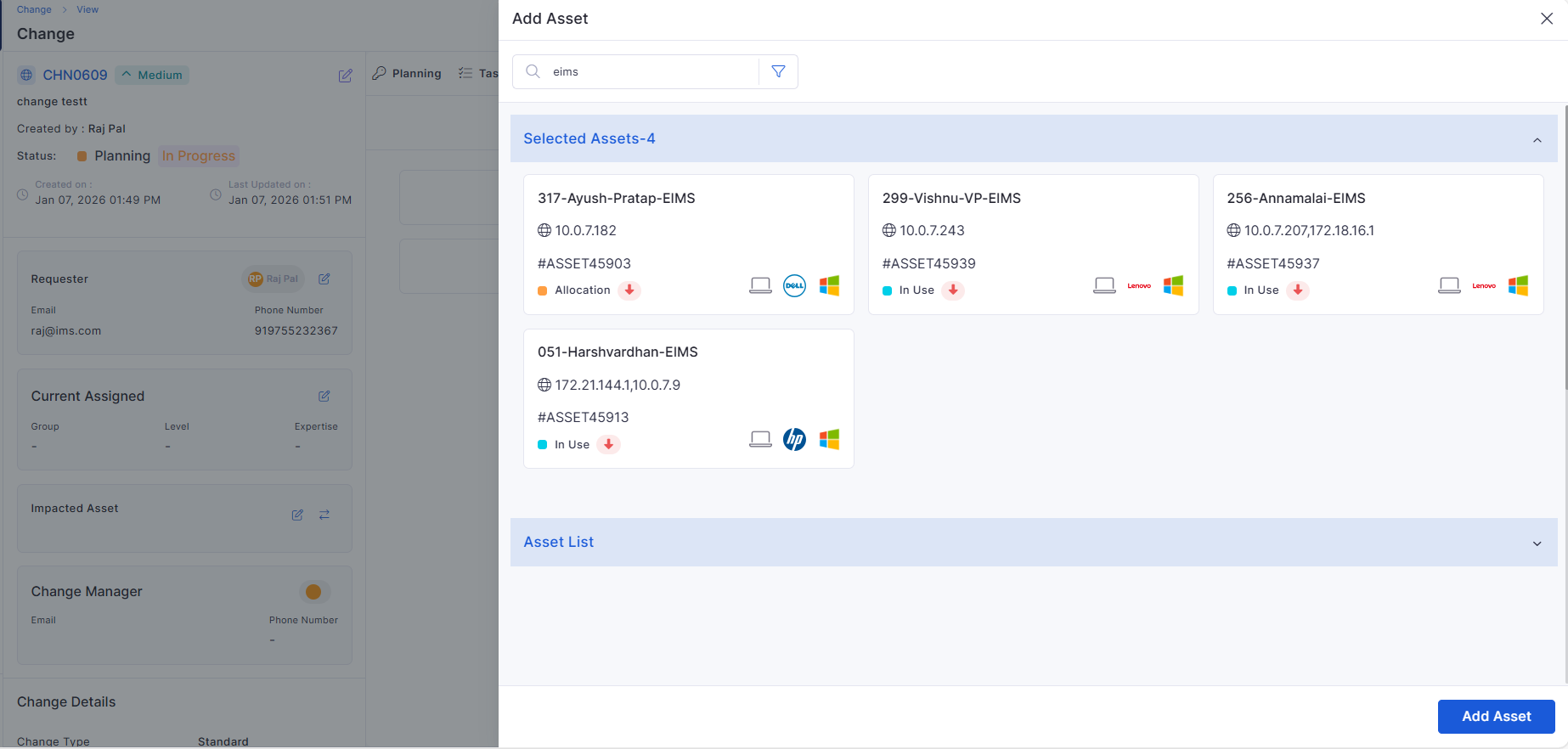
Fix for Attached Assets Getting Removed
Resolved an issue where previously attached assets were removed when adding new ones.
Ensures asset selections persist across filters, edits, and views.
Ticket Management
Support for ZIP and RAR Attachment Formats
Added support for uploading ZIP and RAR compressed files.
Enables attaching bundled logs, configurations, backups, and artifacts.
Purchase Order
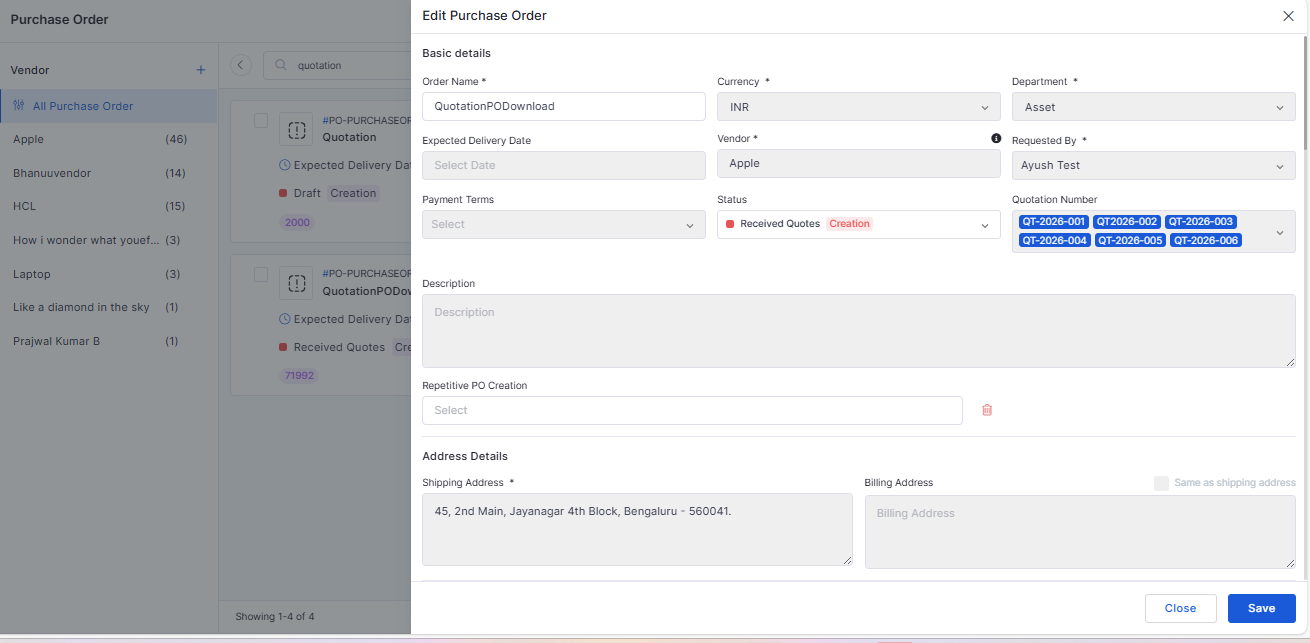
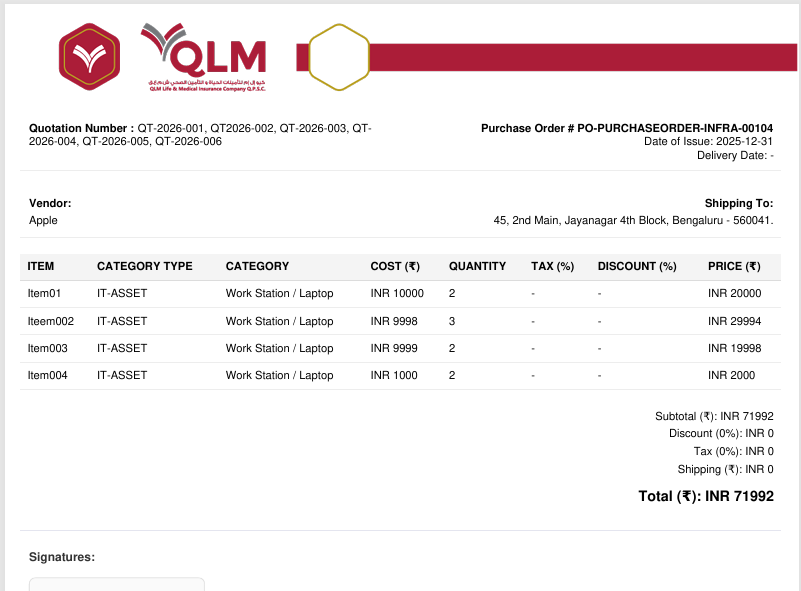
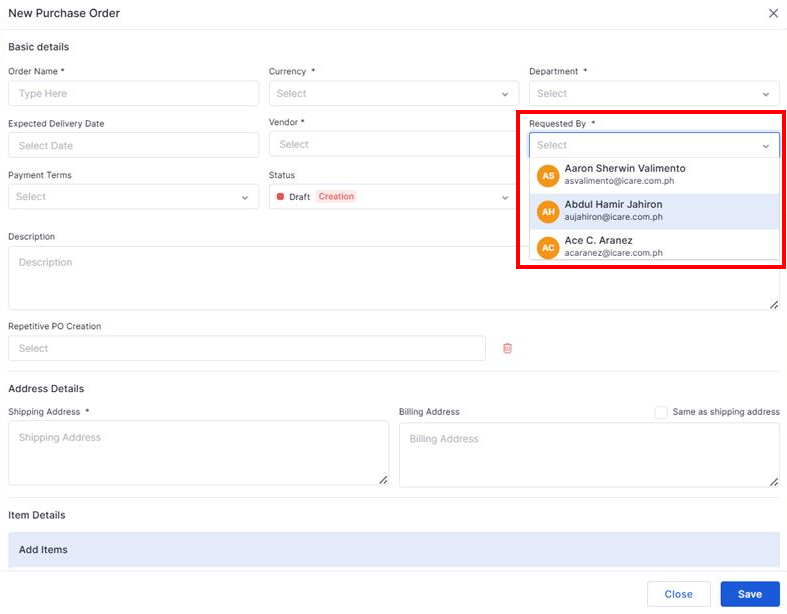
Quotation Number and Attachment During PO Creation
Introduced a quotation number field with support for multiple entries.
Allows attaching quotation documents directly during PO creation.
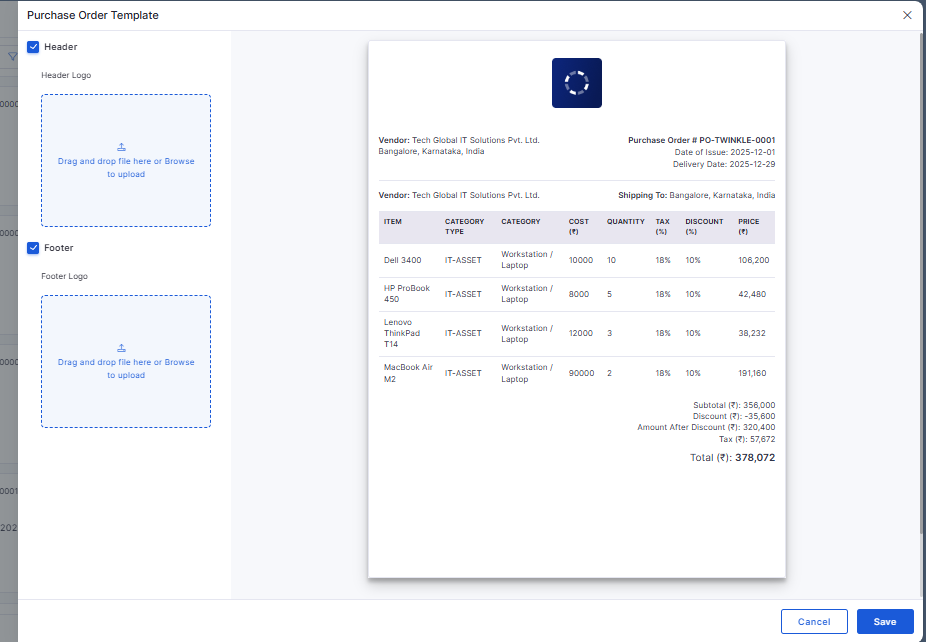
Downloadable PO with QLM Letterhead and Quotation Reference
Downloaded POs now use the official QLM letterhead.
Displays quotation reference details clearly for vendor communication.
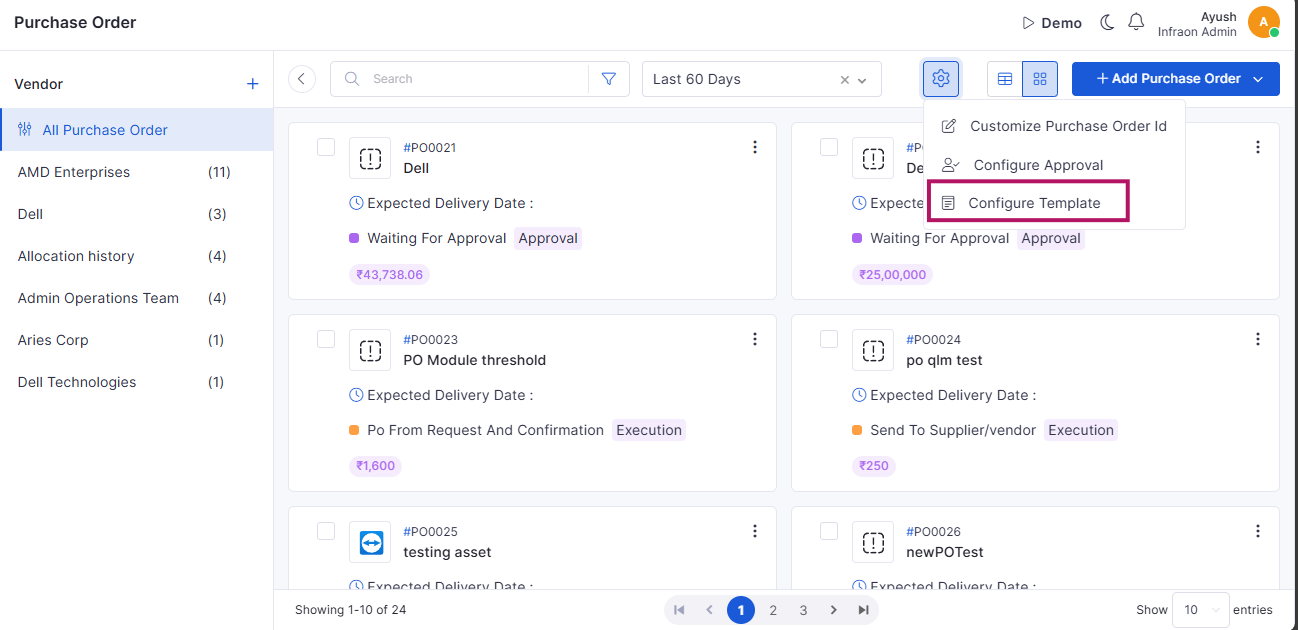
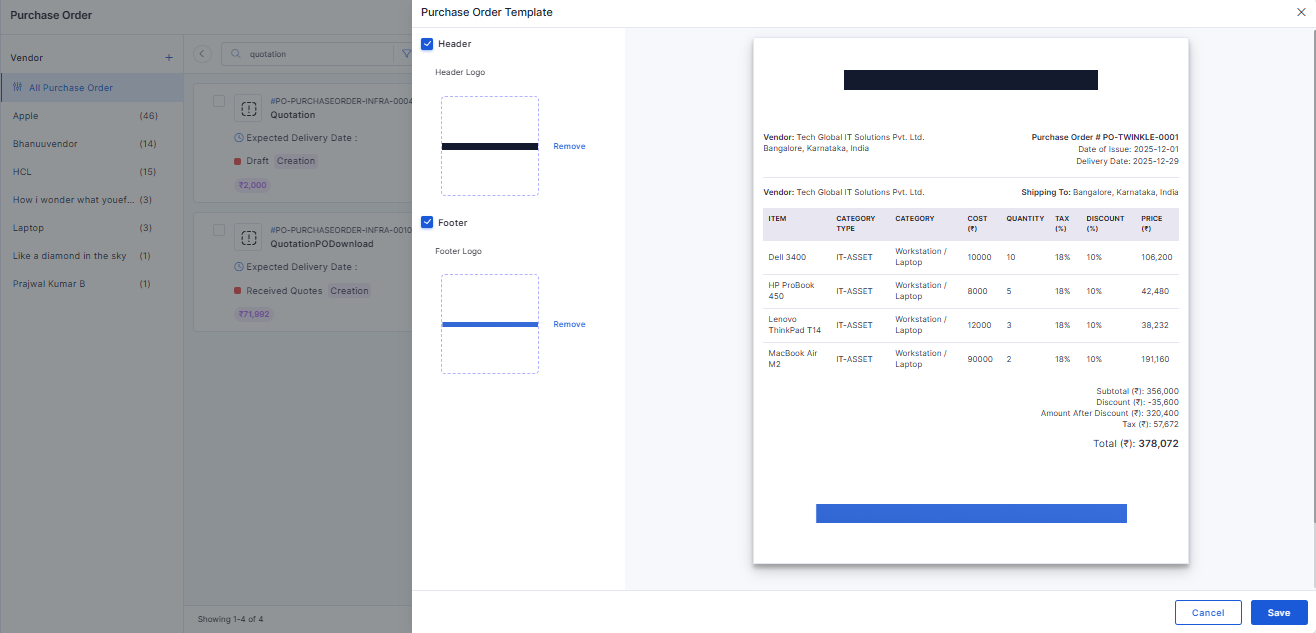
Enhanced Header & Footer Template Configuration
Header and footer images can be configured independently.
Enforces validation to ensure images are uploaded when enabled.
Inventory Agent
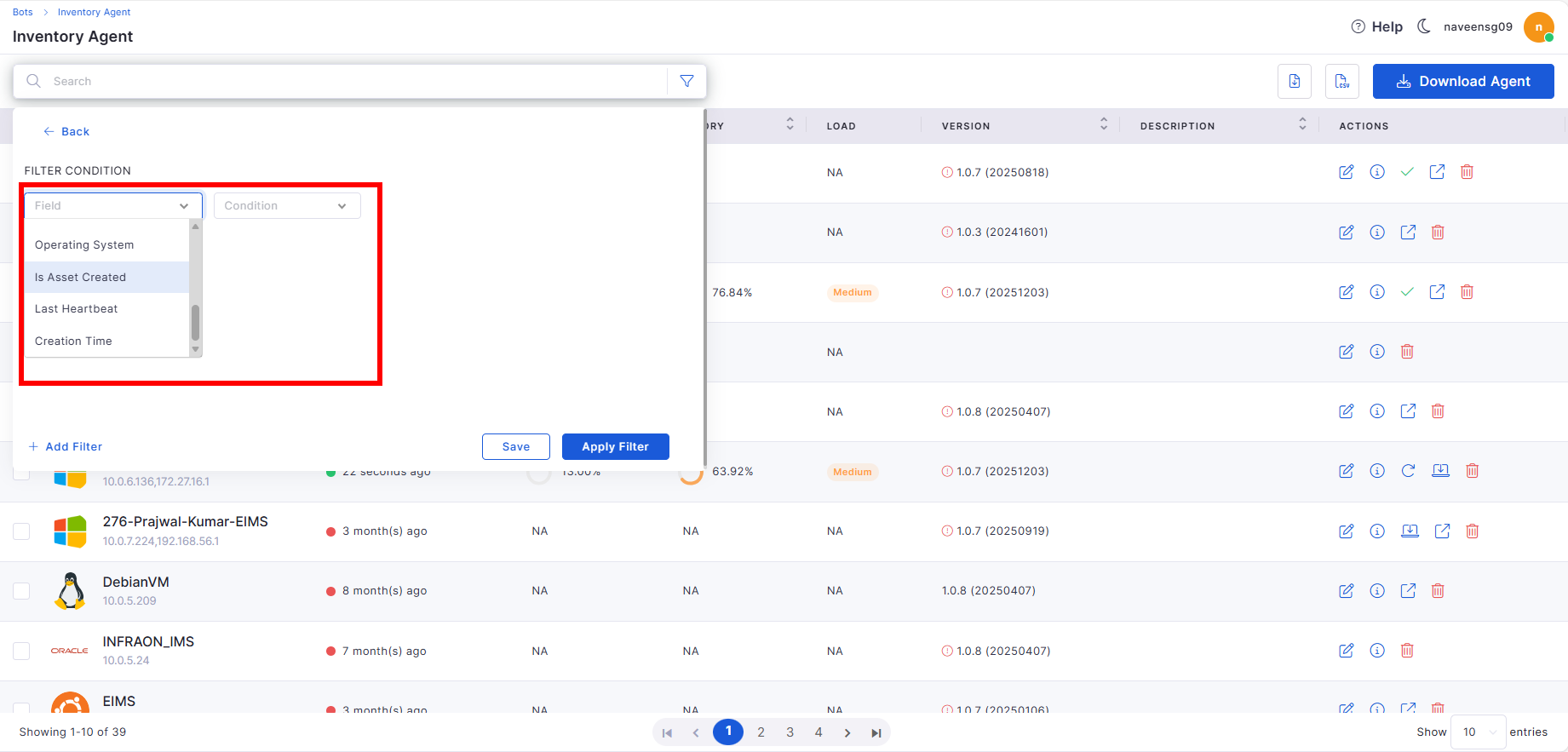
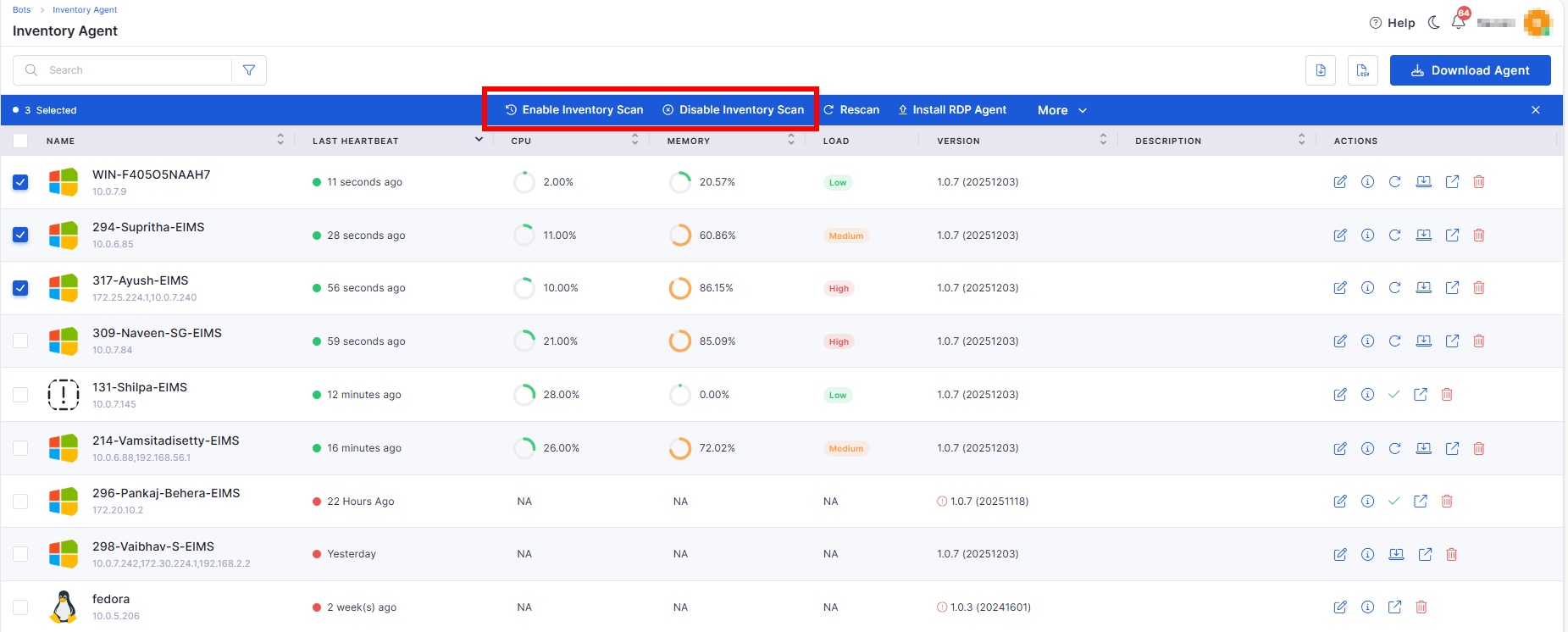
Filters for Inventory Agent Page
Added advanced filters such as Asset Created status, Last Heartbeat, and Creation Time.
Improves visibility and manageability of inventory agents.
Introduced a UI-driven configuration module for Knowledge Base settings.
Allows administrators to manage AI behavior, quality thresholds, privacy, and processing rules.
Self Service Portal
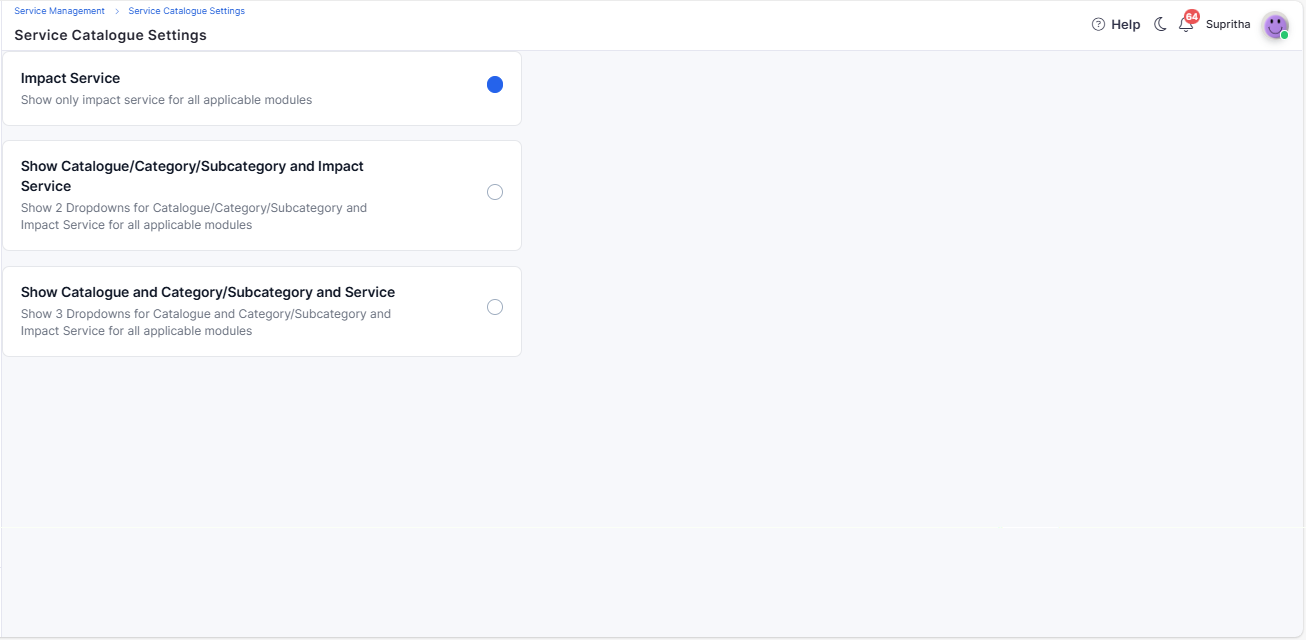
Service Catalogue
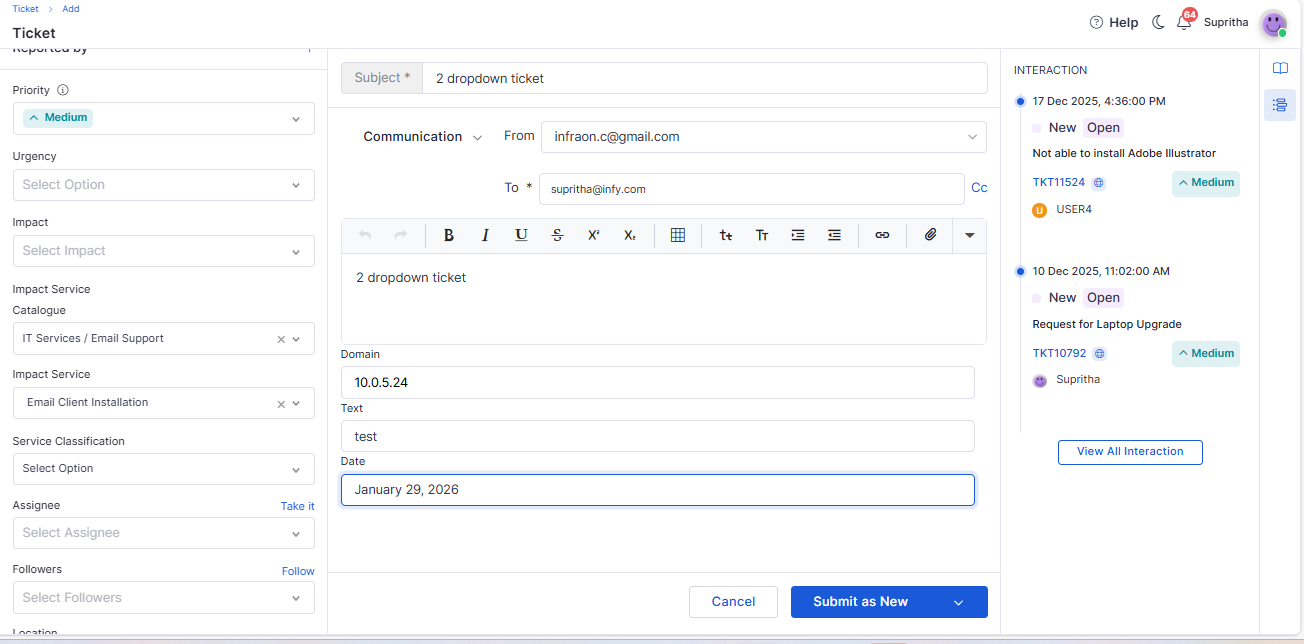
Introduced configurable service catalogue views (Tree view, Two-dropdown, Three-dropdown).
Applies consistently across Ticket, Request, Change, Release, and Problem modules.
Integrating Request Template in SSP
Request templates are now available in the Self Service Portal.
Simplifies request creation with predefined fields and workflows.
Dashboard
Project Task Summary Widget
Added a new widget to summarize project task status and progress.
Provides quick insights into task distribution and completion.
API Metering
API User & Token Management
Introduced management for API users and authentication tokens.
Supports token creation, expiration, and revocation.
Enhances API governance and usage control.
Reports
Location Filter in Report Custom Filter
Added the missing Location option in report filters.
Enables better segmentation and reporting accuracy.
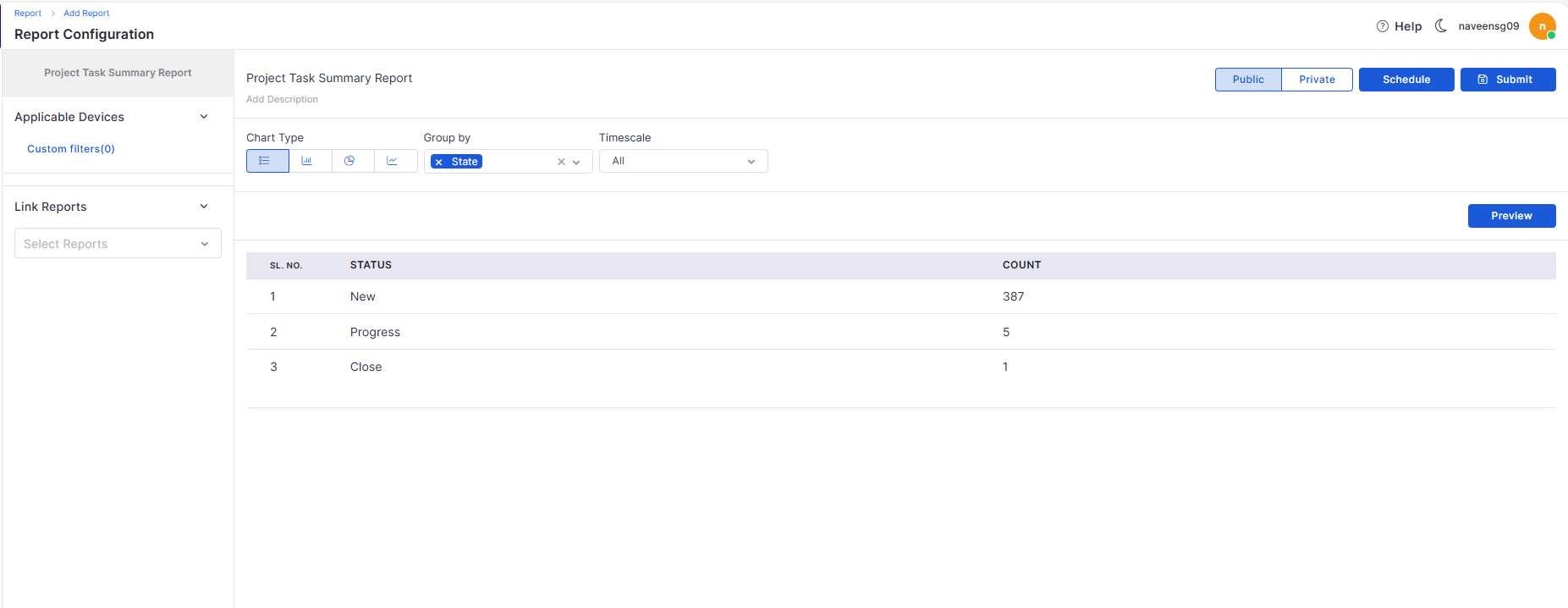
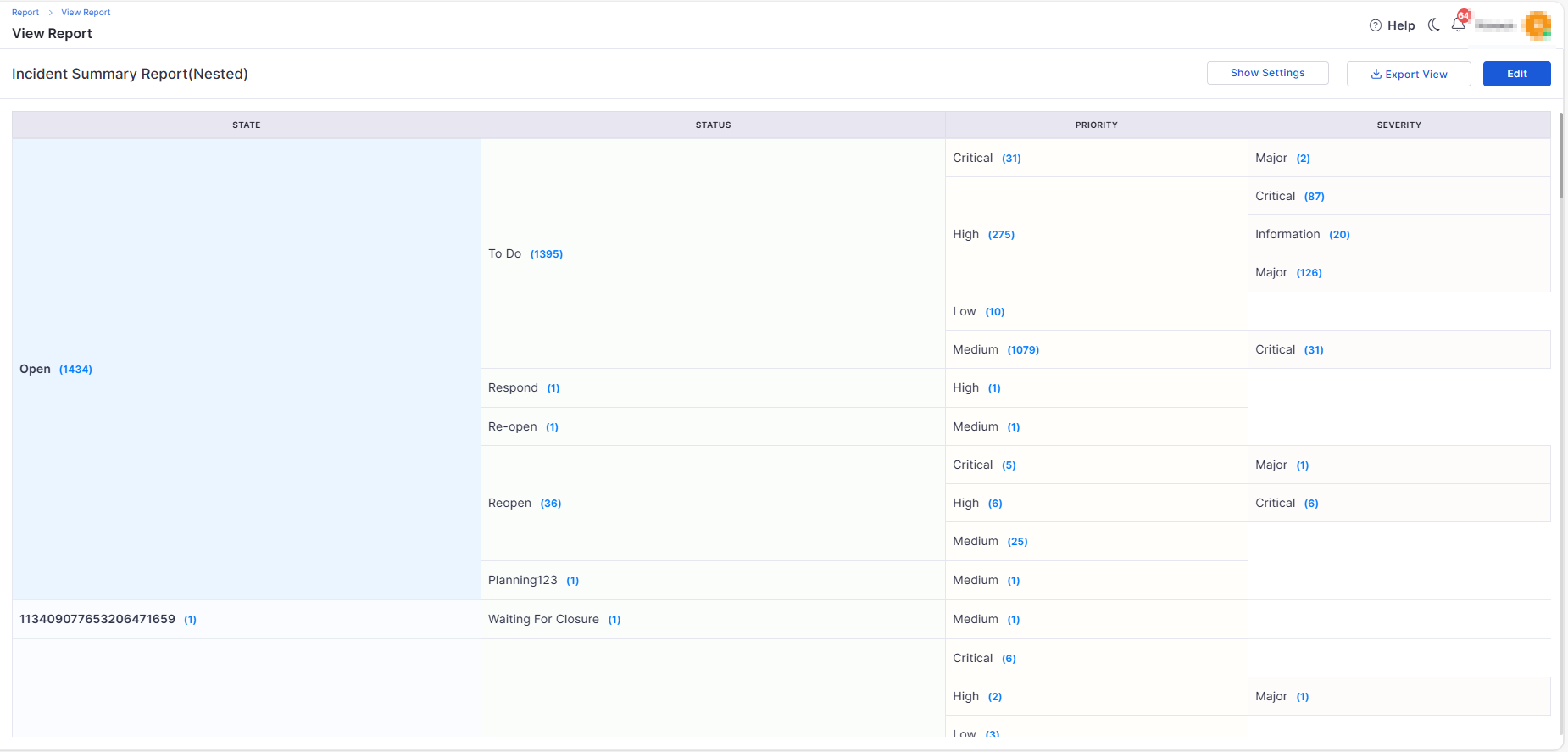
Project Task Summary Report
Introduced a consolidated project summary report.
Provides insights into project status, progress, and task distribution.
Templates
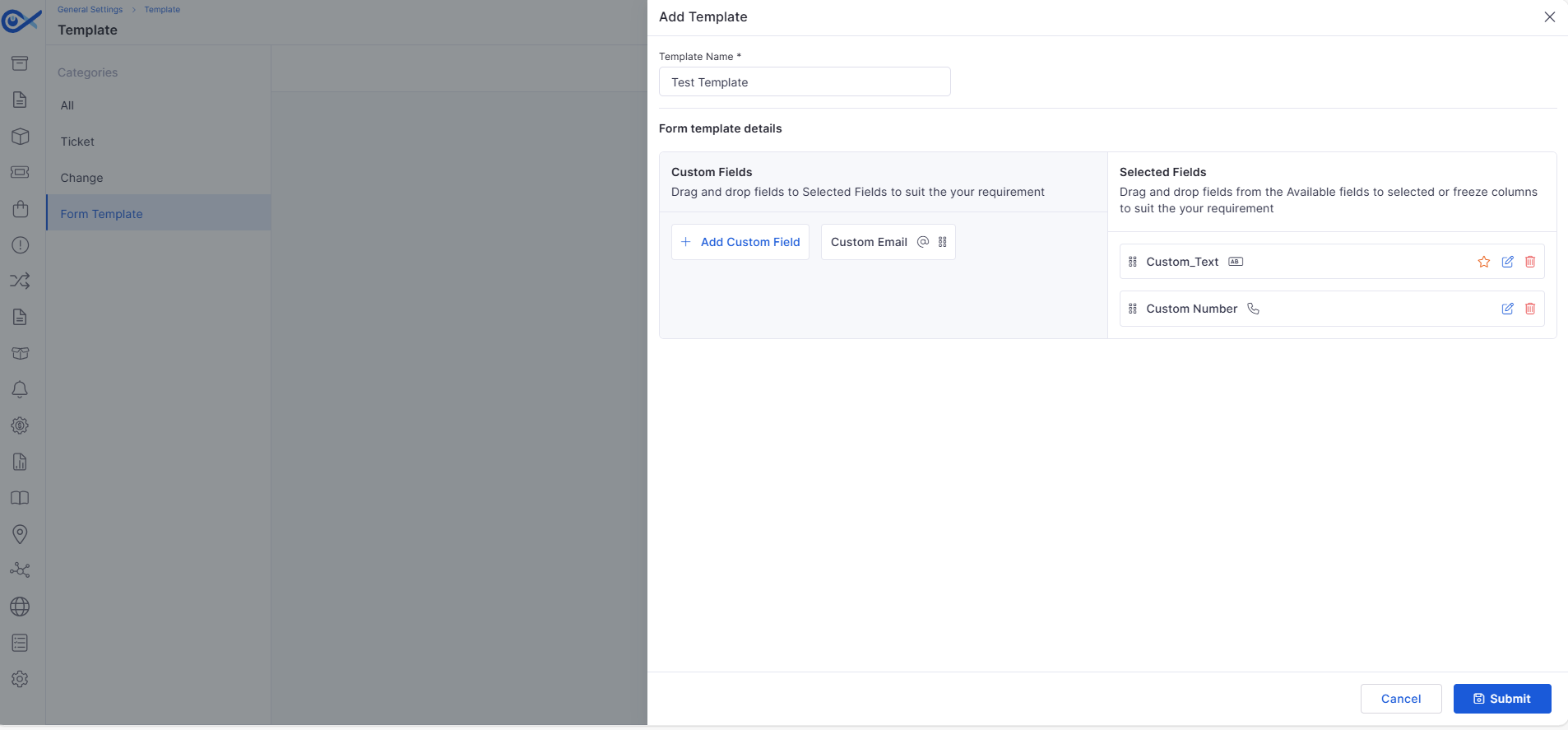
Form Template Creation
Enables creation and management of reusable form templates.
Supports consistent data capture across modules.
Service Template
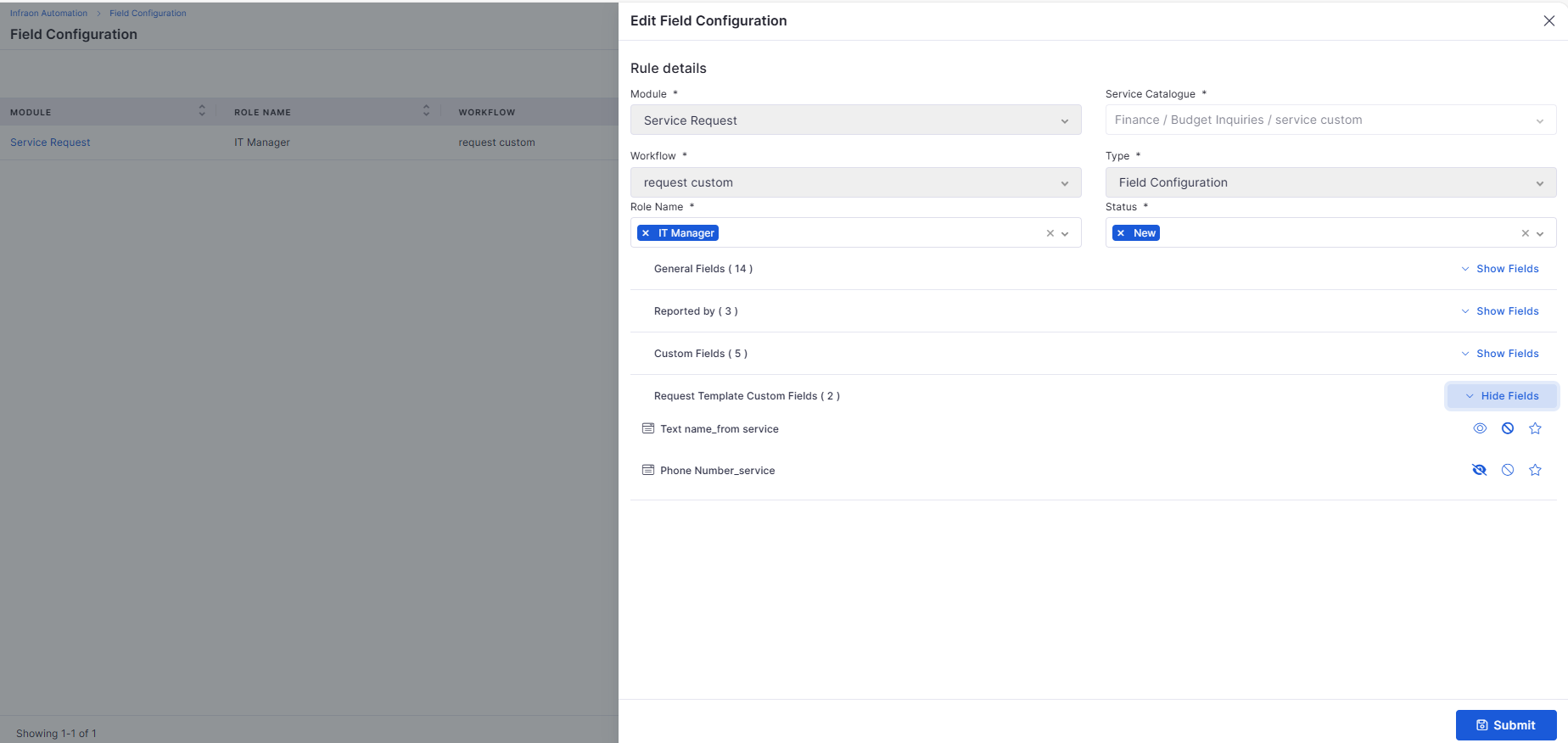
Service Template Fields in Field Configuration
Service template fields can now be managed via field configuration.
Supports visibility and control based on roles and workflows.
Mobile Enhancements
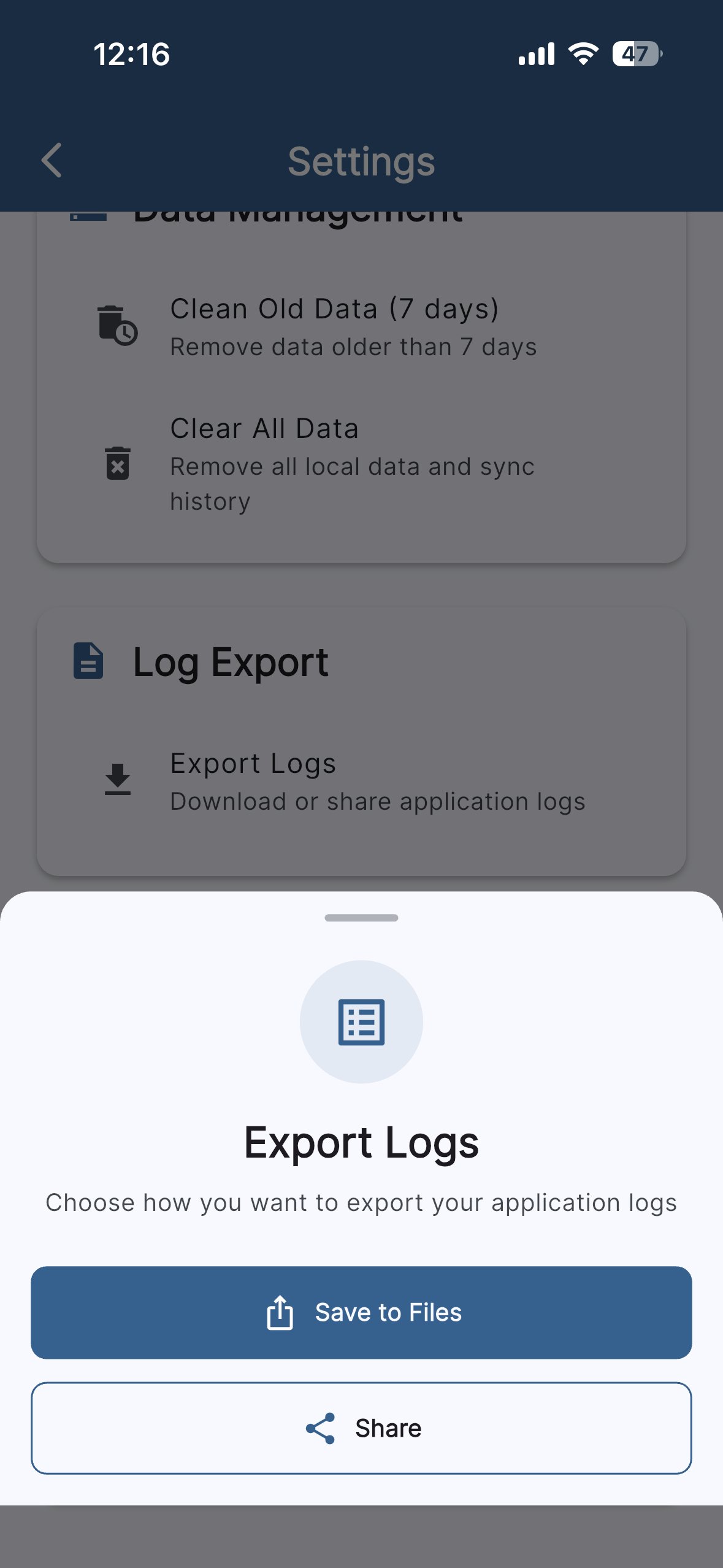
iOS – Export Logs
Allows exporting logs with download and share options.
Includes 7-day retention, auto-deletion, and size limits.
Mobile App Agent Configuration Feedback
Added feedback mechanisms for mobile agent configuration.
Improves diagnostics and usability of the mobile agent setup.
🐛 Bug Fixes and Improvements
Improved stability across Marketplace, Asset Audit, and Project workflows.
Fixed attachment persistence and audit edit issues.
Enhanced validation and consistency across Purchase Order templates.
General performance and usability improvements across modules.
Improves scalability and simplifies multi-instance management.
Updates asset records with warranty expiry and vendor information.
Supports role-based visibility and flexible contract ID formatting.
Ensures bi-directional visibility between dependent tasks.
Improves data integrity and guided task updates.
Reduces initial configuration effort for new organizations.
KB management page now segregates AI-created, manual, and most-utilized articles.
Provides usage analytics and visibility into feedback for KB effectiveness.
Ensures updated values are saved and reflected accurately.
Improves the reliability of multi-asset association workflows.
Files are validated, scanned, and handled consistently with existing attachments.
Quotation details are available in view, edit, reports, and CSV imports.
Prevents unintended footer inclusion in approved PO documents.
Enables precise filtering using date and condition operators.
Supports saving, resetting, validating, and testing without backend changes.
Enables browsing services, adding items to cart, and placing requests.
v7.3.14 – September 2025
View the latest features, enhancements, and fixes by release.
Version: v7.3.14
Date: 12th September
Overview
This release delivers significant new capabilities across Infraon ITSM and ITAM, along with critical bug fixes and enhancements. Key highlights include advanced reporting, stronger mobile app capabilities, improved patch and asset management, and workflow refinements. Multiple bugs have also been addressed to improve stability, accuracy, and user experience.
Key Updates
Reports
Device Uptime Report
Added Agent Uptime tracking to the Inventory Agent Installation Report. Users can now monitor device uptime in minutes across various time ranges (7 days or 30 days), ensuring better visibility into system availability. Export options include uptime details for offline analysis and review.
Patch Management
Patch Install Handler
Enables individual or bulk patch installation for missing and discovered patches, reducing manual patching effort.
Sync and Deployment Status Updates
Sync and deployment progress is now visible directly from the Marketplace and Asset pages for easier monitoring.
Calendar-Based Scheduled Syncs
Admins can now schedule patch syncs using a calendar, ensuring timely compliance without manual intervention.
Task Management
Task Report
Introduces a robust reporting tool for ITSM tasks. Users can configure reports with filters (status, assignee, priority), preview, schedule, clone, and export them in multiple formats (CSV, PDF, XLSX). This improves task tracking and team productivity.
Mobile App Enhancements
Manual Data Sync
A "Collect & Sync" button enables users to push updated device data to the backend instantly.
Infinity Agent Security Detection
Expands device security monitoring by collecting biometric data, enrollment details, jailbreak/root status, emulator detection, and integrity checks. Generates a 0–100 security score for clear assessment.
Native MediaStore API Integration
Removed legacy storage permissions to comply with Google Play policies while ensuring smooth image saving.
Device Sensor & Carrier Info Collection
Collects accelerometer, gyroscope, magnetometer, and SIM/carrier details for analytics and monitoring.
Domain Name Hardening
Simplifies login by eliminating the need for manual domain selection. Domains are predefined in system properties, and users can choose either Technician or SSP login directly.
Hidden Log Sharing via Volume Keys
Users can reveal a Share Log File option by pressing volume keys, simplifying support diagnostics.
Authentication & Login
Requester Password Update on First Login
Newly created requesters must reset their password on first login. This enforces strong password policies and enhances security.
Asset Management
Mobile Asset Management
A new Mobile Devices section in Assets now tracks Android and iOS devices with the Infraon agent. Devices update automatically after reinstallation, and unsupported OS versions are excluded.
Automatic Asset Deallocation
When a requester or technician is deactivated, all associated assets are automatically deallocated, ensuring assets are never tied to inactive users.
Project Management
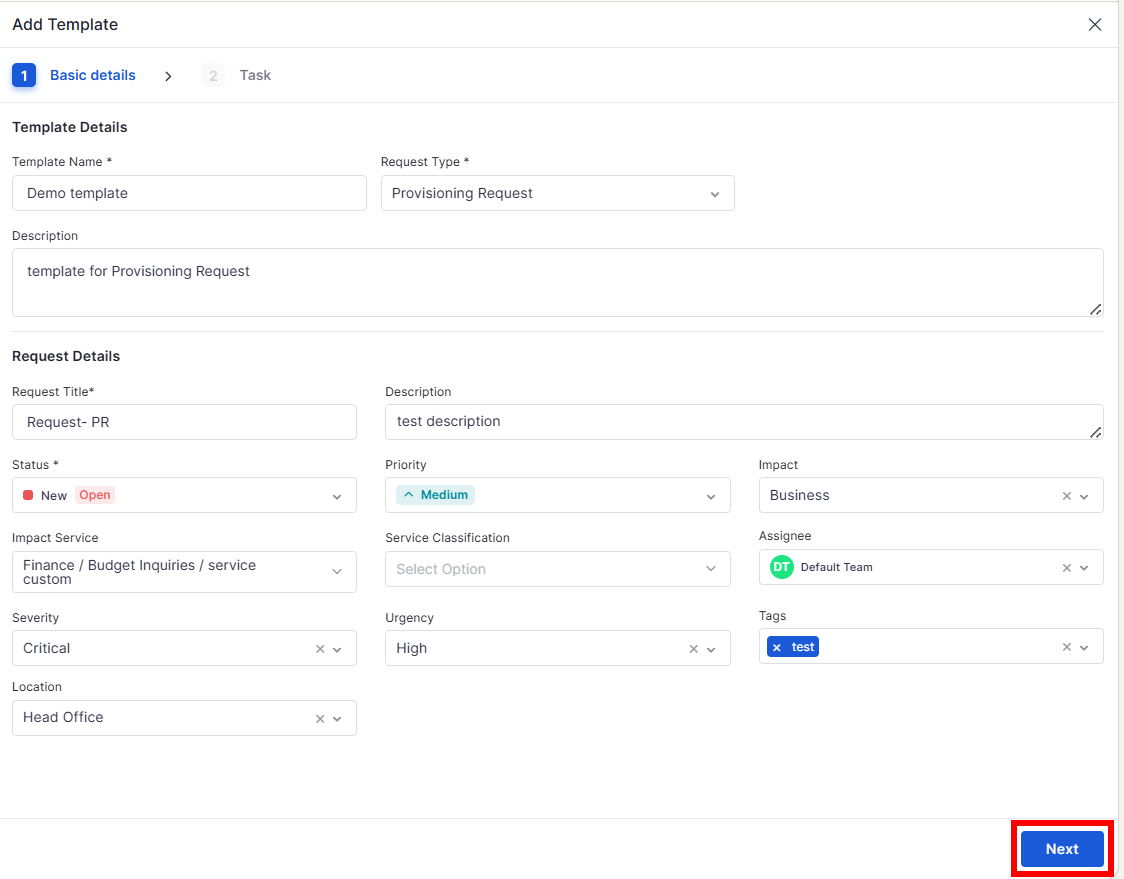
Task Templates with CSV Import/Export
Create and reuse task templates with support for CSV bulk uploads and downloads. Tasks can be cloned, audited, and reused to standardize projects.
Spaces for Project Management
Allows the creation, updating, and deletion of project “spaces” with visibility controls. Spaces now support auditing for compliance and tracking.
Role & Team Enhancements
Added the ability to create, edit, and delete roles and teams through grid and card views. Built-in validations prevent duplicates and missing mandatory fields.
Marketplace
Monitoring-Enabled Apps Display
The Marketplace now displays only apps with monitoring enabled (e.g., Azure AD, Google Workspace, Slack, Tenable), enhancing relevance and clarity.
Lightweight Document Processing
Replaced heavy torch dependency with lightweight Python libraries, reducing package size and deployment time.
Incident Management
Bulk Update Enhancements
Supports multi-incident updates for fields like severity, assignment, or status. It handles skipped incidents gracefully, enforces mandatory reasons, and logs all actions in audit trails.
Mail Automator
IMAP Username in Basic Authentication
Adds support for explicit usernames when configuring IMAP/SMTP with Basic Authentication.
Request Management
Reopen Requests
Closed or resolved requests can now be reopened by end users or technicians with mandatory notes, improving flexibility and customer satisfaction.
Enhancements
Improved UI consistency across Service Catalogue, Asset, and Report modules.
Better error handling and validation in Request, Problem, and Change workflows.
Optimized mobile data sync and asset deallocation for smoother operations.
We have addressed multiple issues reported across modules, including:
Improvements in patch scan and sync reliability.
More consistent validations in the Change, Problem, and Request modules.
Correct data handling in reports, widgets, and dashboards.
Enhanced login and authentication flows for requesters and LDAP users.
These fixes ensure a smoother, more reliable experience across the platform.
Stability improvements in Contract Management, Asset Management, and Mail Automator.
Multiple UI corrections for better readability and navigation.
Bug Fixes
v7.3.15 – October 2025
View the latest features, enhancements, and fixes by release.
Version: v7.3.15
Date: 23rd October
Overview
This release delivers new features and enhancements across Infraon’s ITSM and ITAM modules, focusing on improving usability, flexibility, and performance.
Users can now experience better workflow configuration, visibility control, and automation across key functional areas, including Asset, Project, Ticket, Request, Contract, Knowledge Base, Purchase Order, and Mobile modules.
Key Updates
Asset Management
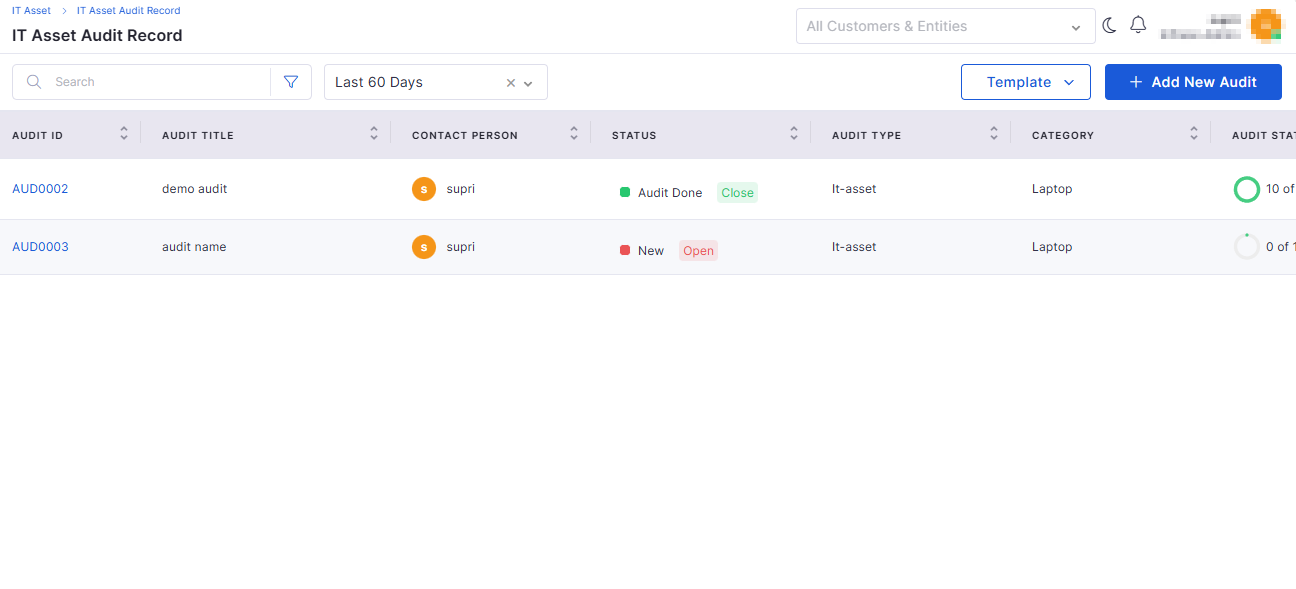
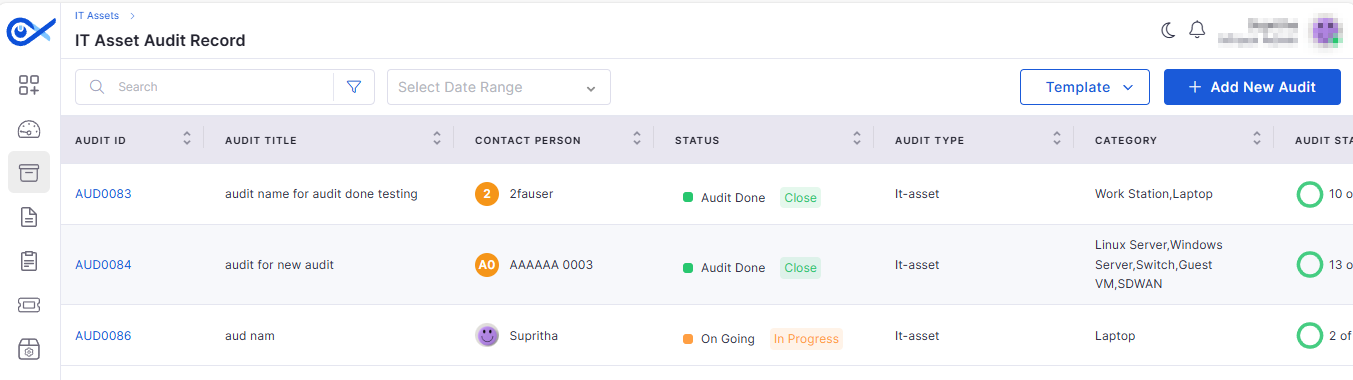
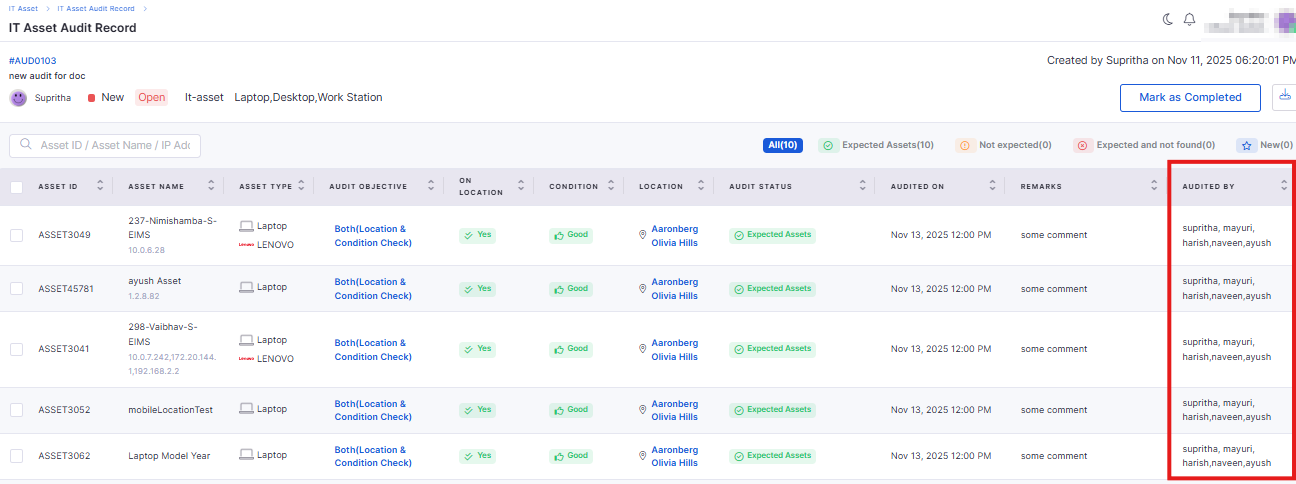
Asset Audit Record – New Design
The Asset Audit module now offers an improved layout and a better user experience.
Redesigned interface with an intuitive audit record view.
Easier tracking of audit outcomes and audit history.
Asset Page Filter Enhancements
Filtering and searching on the Asset page have been made more powerful.
Added advanced filter options based on location, category, and asset type.
Improved quick search for faster asset discovery.
Knowledge Base
Attaching KB Article in Ticket Response Email
Technicians can now directly attach relevant KB articles while responding to tickets.
Simplifies the process of sharing KB references in ticket communications.
Ensures end users receive accurate solution references via email.
KB Vector Database Synchronization and Isolation
Enhanced data handling and synchronization for the AI-powered Knowledge Base.
Automatic syncing of vector databases with the latest KB entries.
Improved data isolation to maintain accuracy for each tenant.
Project Management
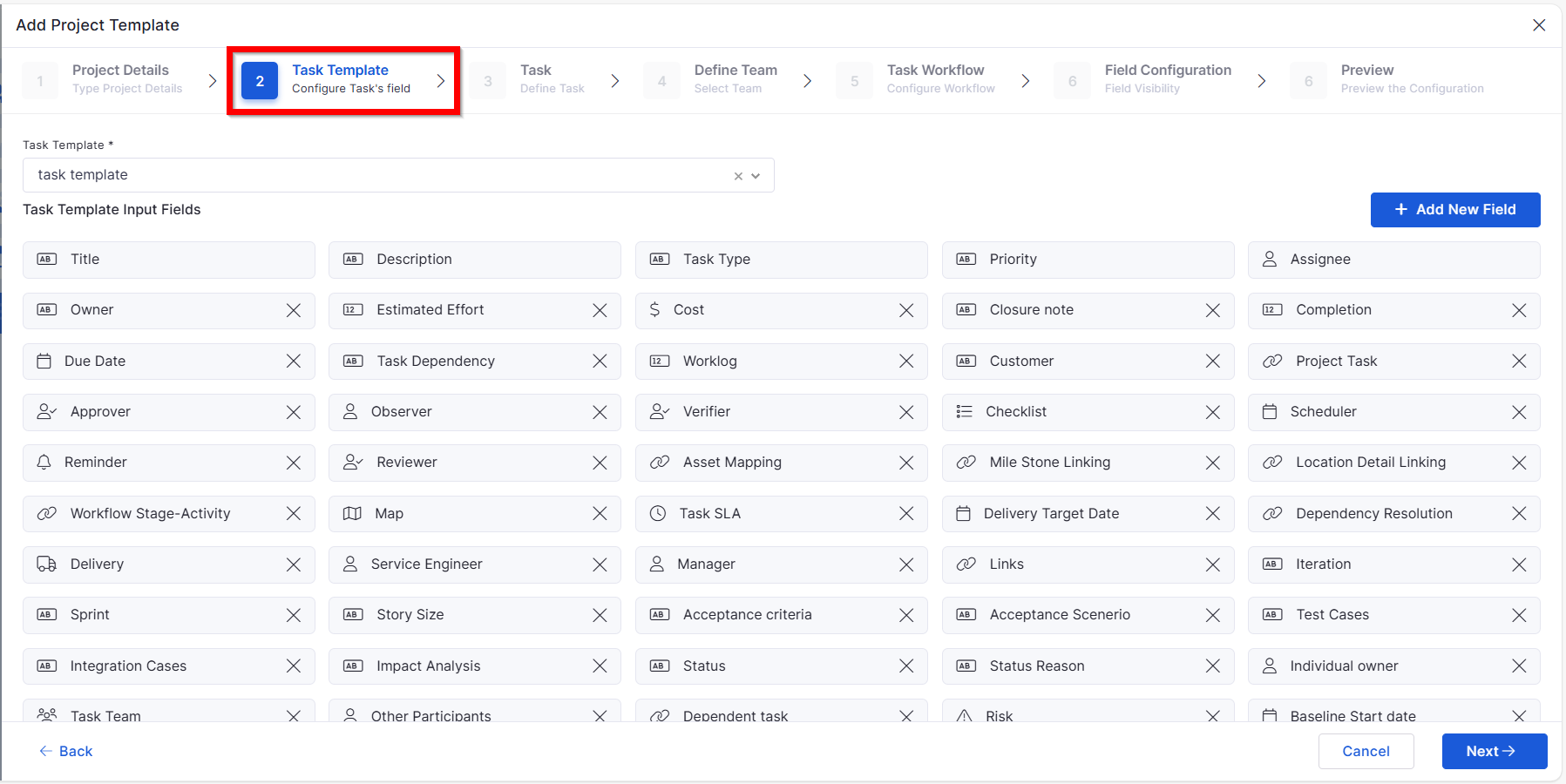
Project Template: Task Template
New support for task templates inside project templates.
Allows consistent task creation patterns across projects.
Saves configuration time for project managers.
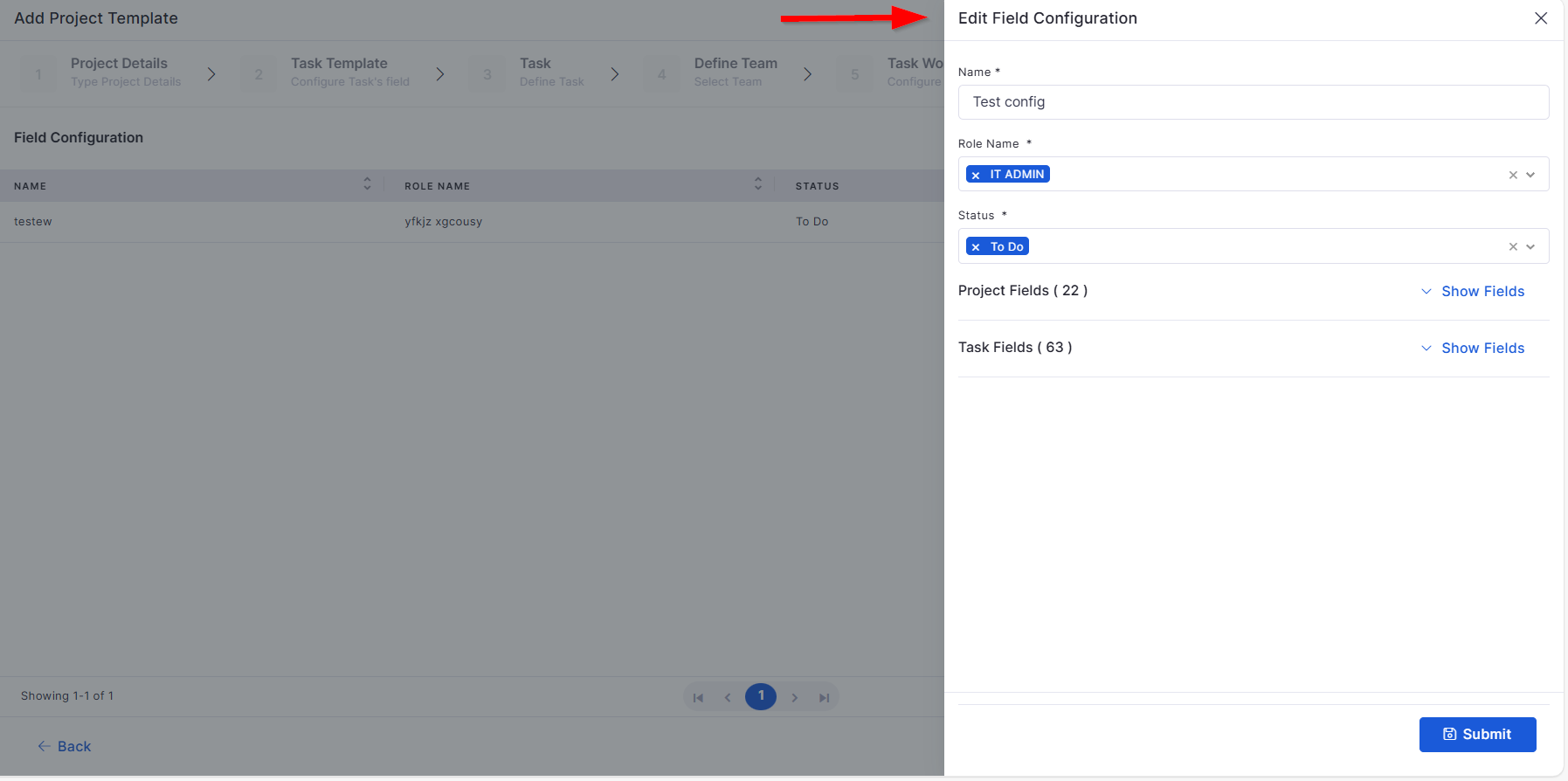
Project Template: Field Configuration – Edit & Delete
Improved flexibility for managing project field configurations.
Enables direct editing or deletion of existing field configurations.
Prevents data clutter by removing unused fields.
Project Template: Workflow and Field Configuration – Add & View
Enhanced setup and monitoring of workflow and field configurations.
Allows creation and configuration of new workflows from templates.
Offers a consolidated view of both field and workflow mappings.
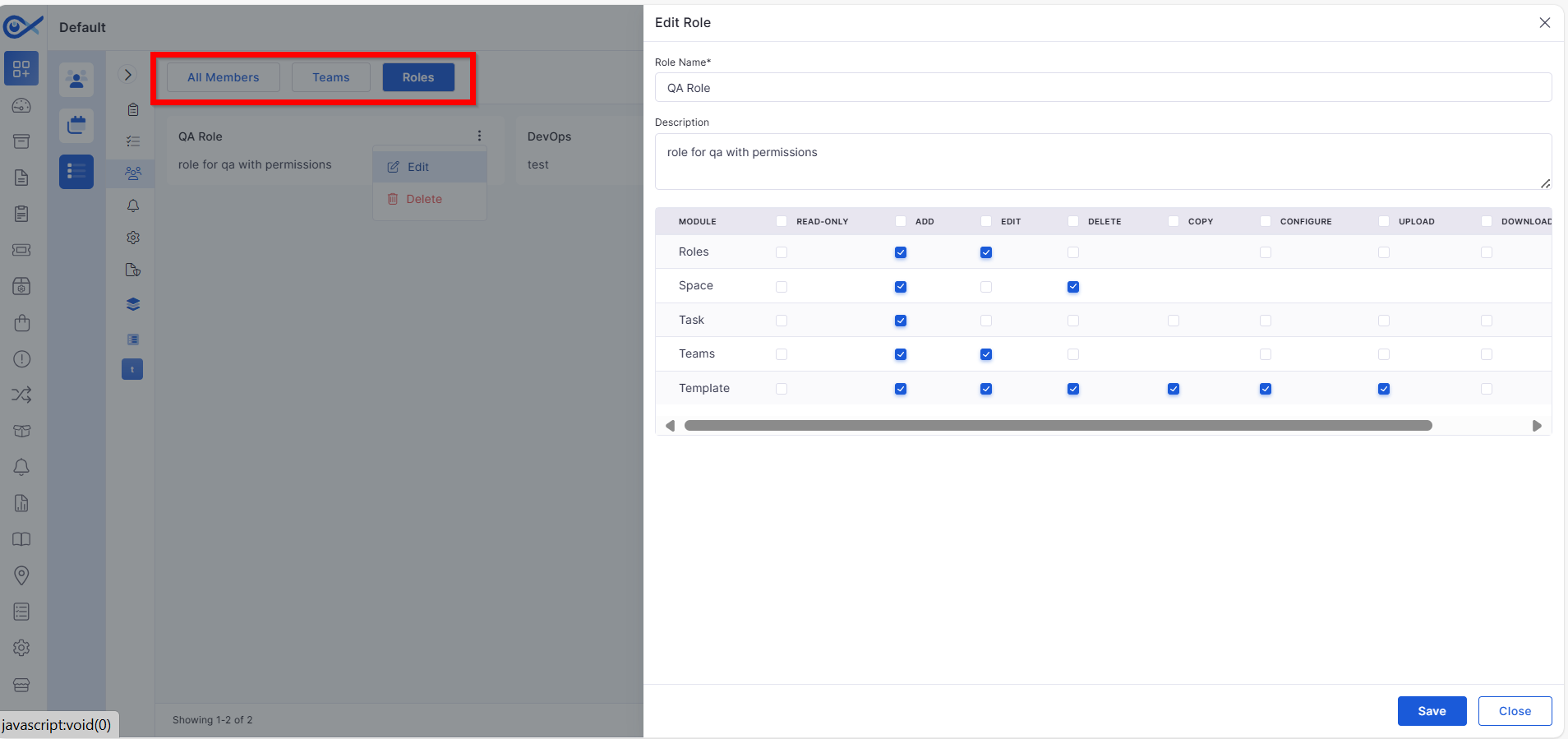
Teams, Space, Role – Role-Based Control
Introduced role-based visibility and permissions across project elements.
Controls user access to specific spaces, teams, and configurations.
Ensures secure collaboration by restricting unauthorized access.
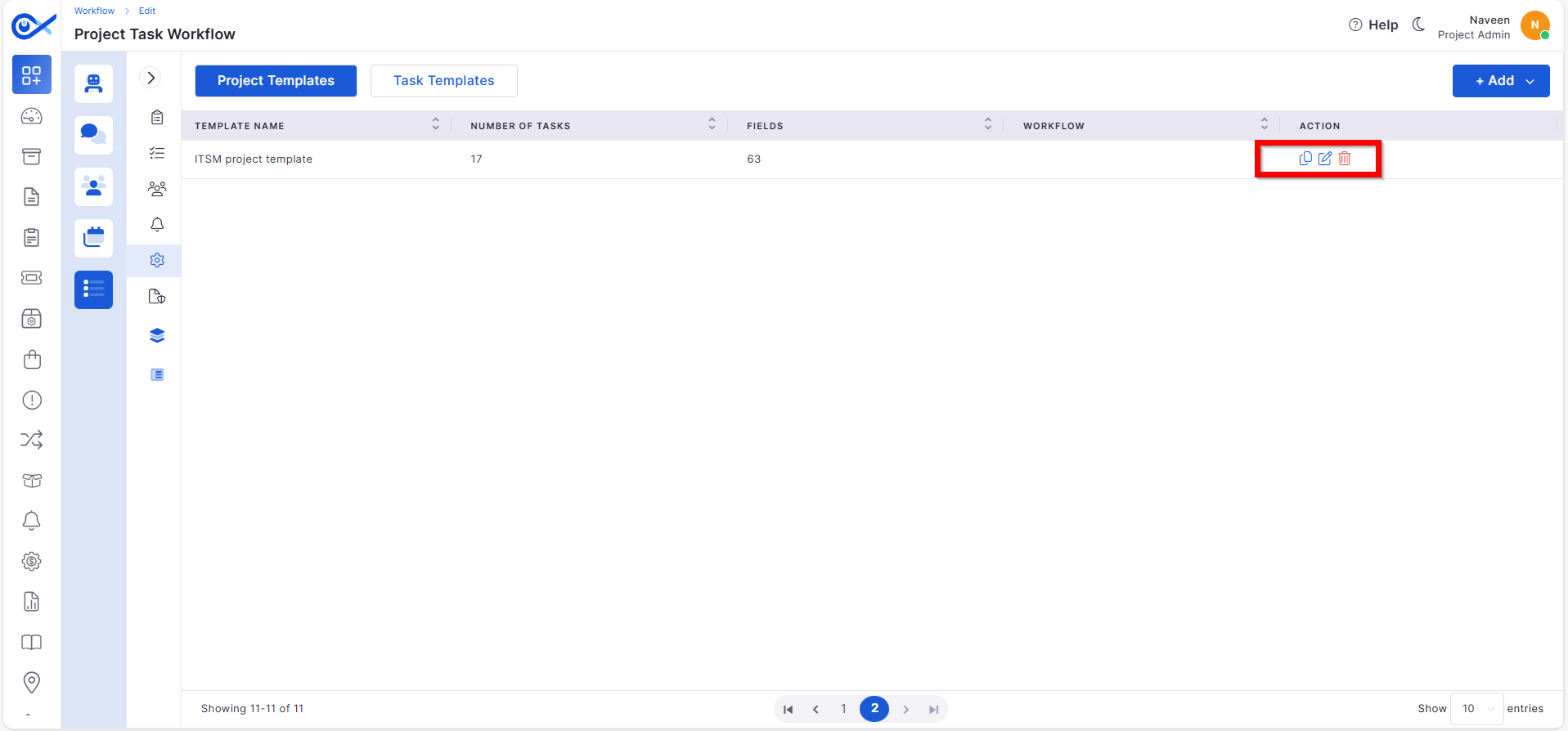
Project Template: Clone & Delete
Improved efficiency in managing project templates.
Clone existing templates for reuse across different projects.
Delete outdated templates with confirmation prompts.
Project Template: List, Edit & Audit
New capabilities to manage and track template activity.
View, edit, and update project template details easily.
Access audit logs to track configuration changes.
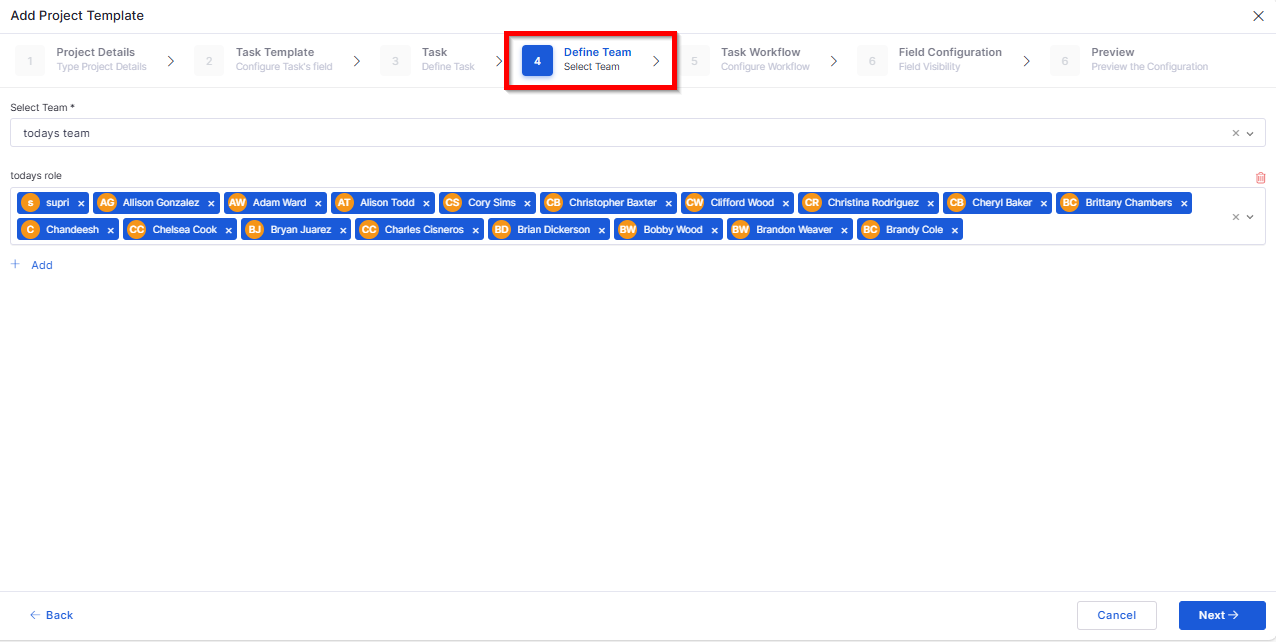
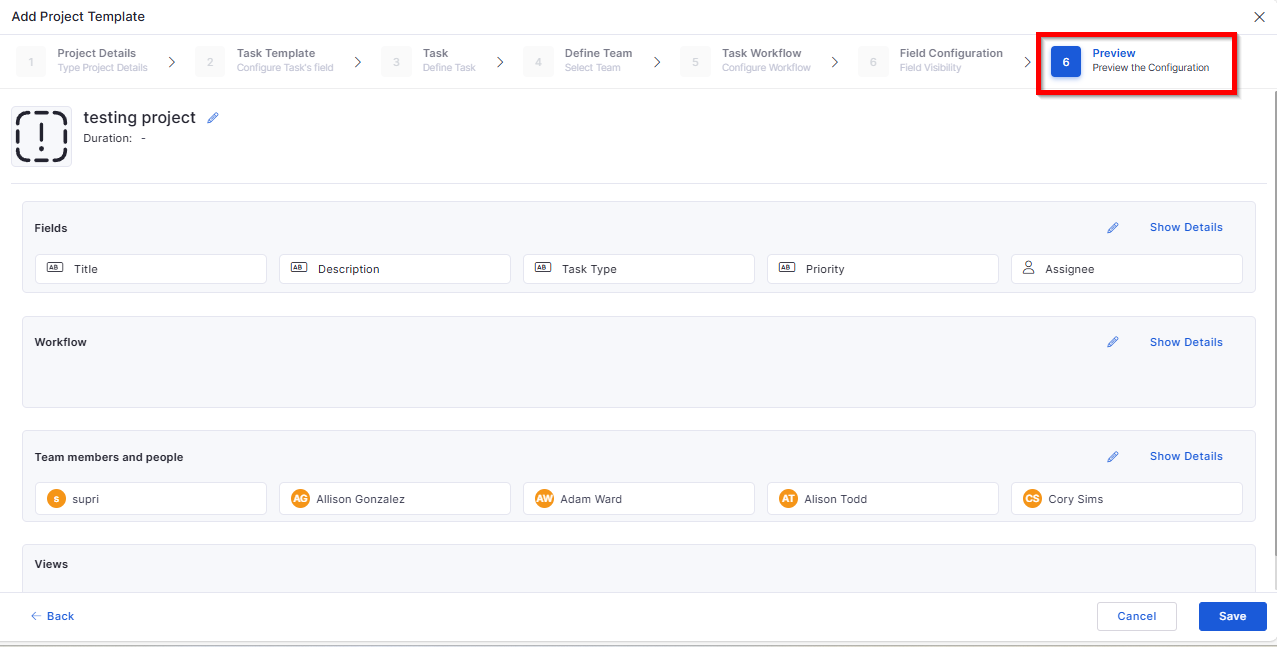
Project Template: Define Team & Preview
Added options to configure and review team setup before publishing.
Assign members and roles from a unified interface.
Preview team composition before finalizing.
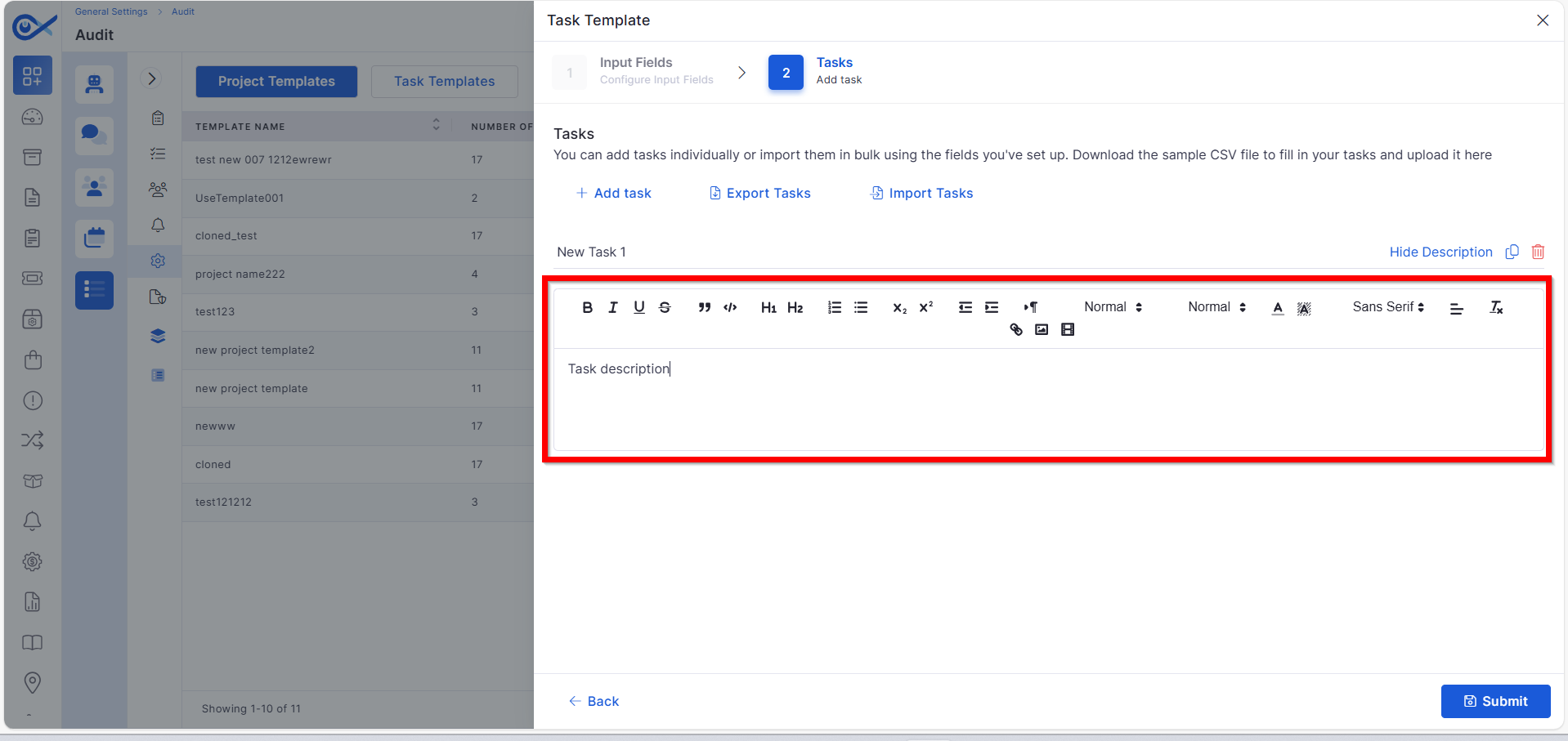
Description in Task Template
Improved documentation capability for project tasks.
Added description fields for each task template.
Allows specifying task goals and expectations.
Mobile App Enhancements
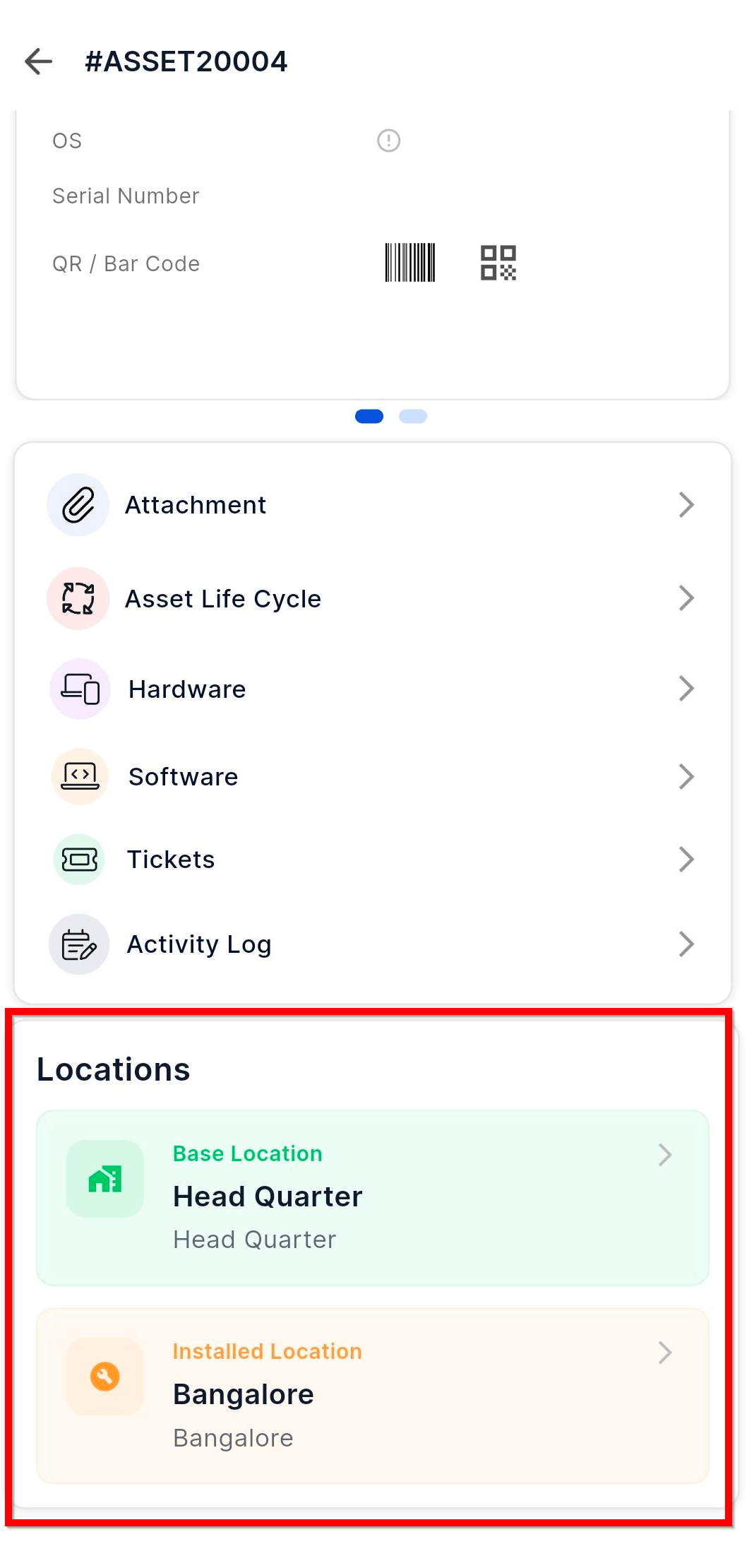
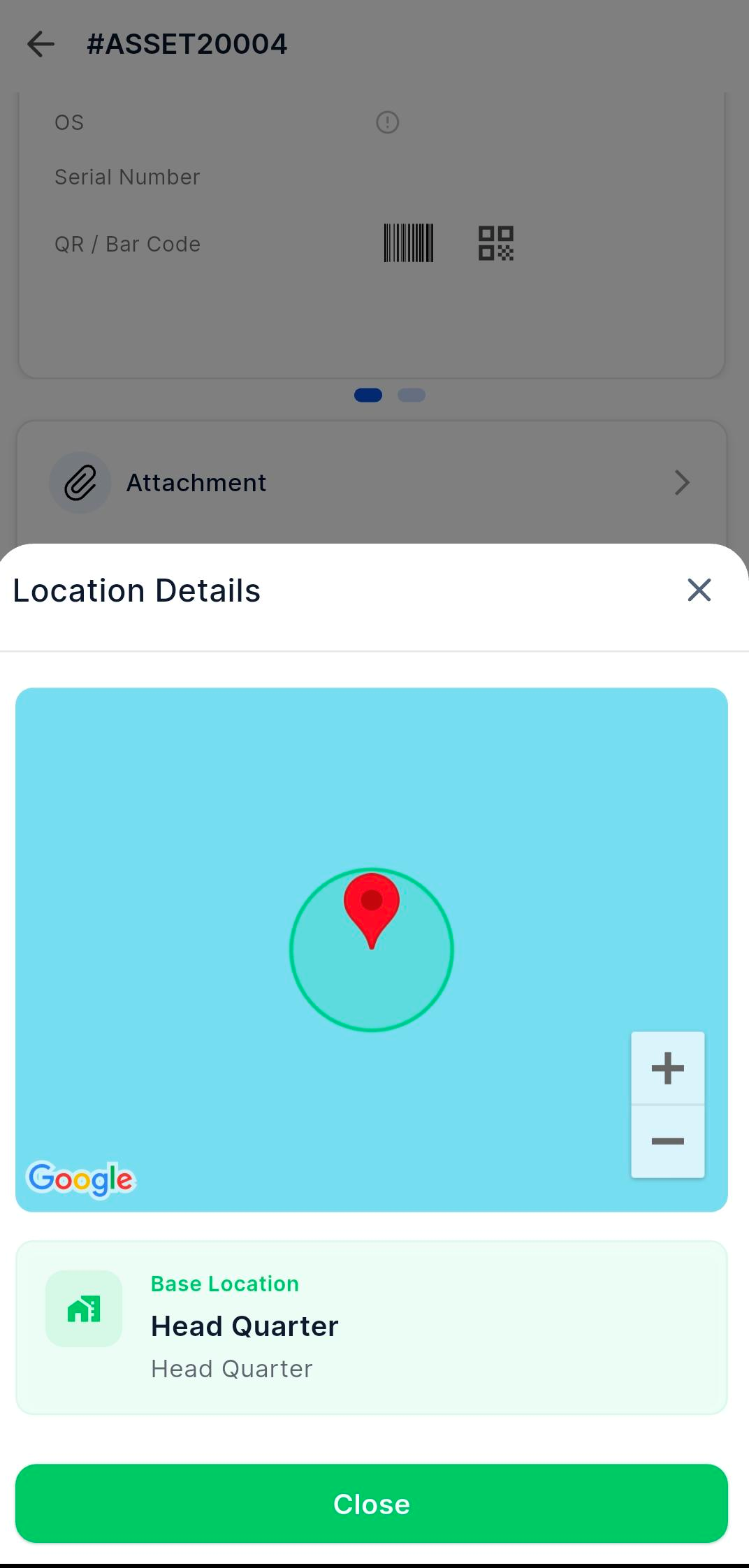
Android – Asset Location Details
Enhanced Android app to show detailed asset location information.
View installed and base locations directly from Asset Details.
Interact with mapped locations for better tracking.
iOS – Sync Collected Data
Improved data synchronization on iOS devices.
Sync collected asset and system data directly to the Infraon server.
Ensures real-time updates and accuracy.
iOS – Device Sensor & Carrier Information
Enhanced device insight capabilities.
Automatically collects sensor and carrier details.
Provides better visibility of device performance metrics.
iOS – Infinity Agent Security Collection
Introduced a new security layer in mobile data collection.
Ensures secure transmission of collected asset data.
Adds verification layers for authenticated agent communication.
Reports
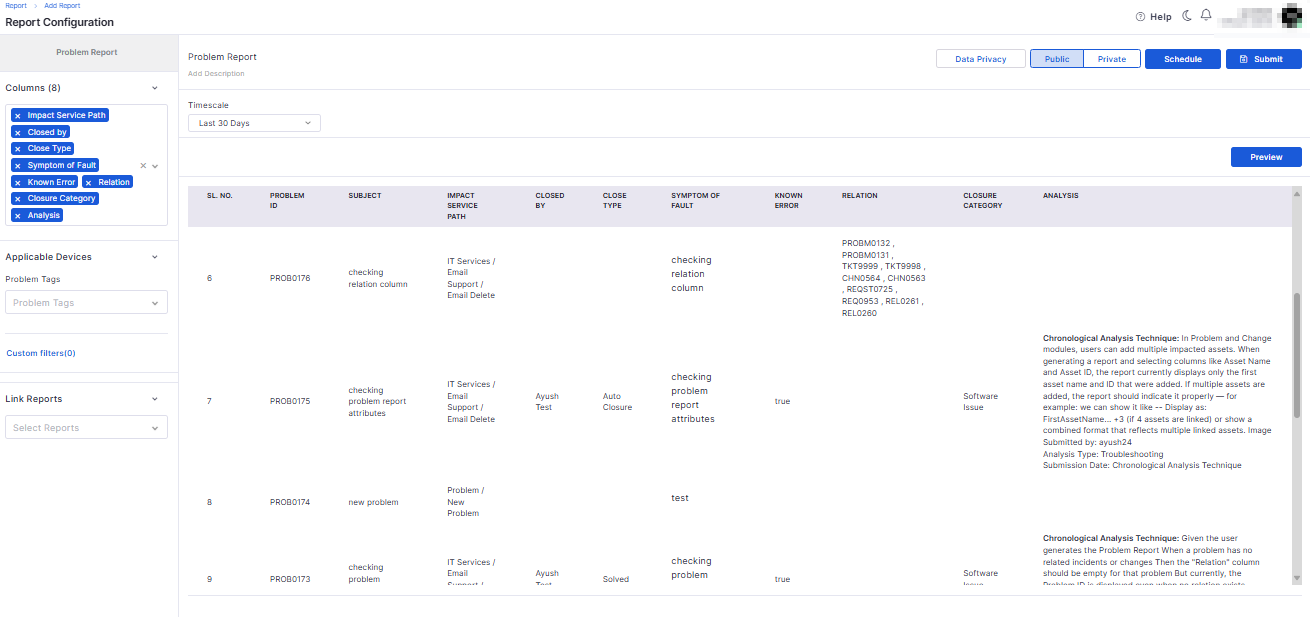
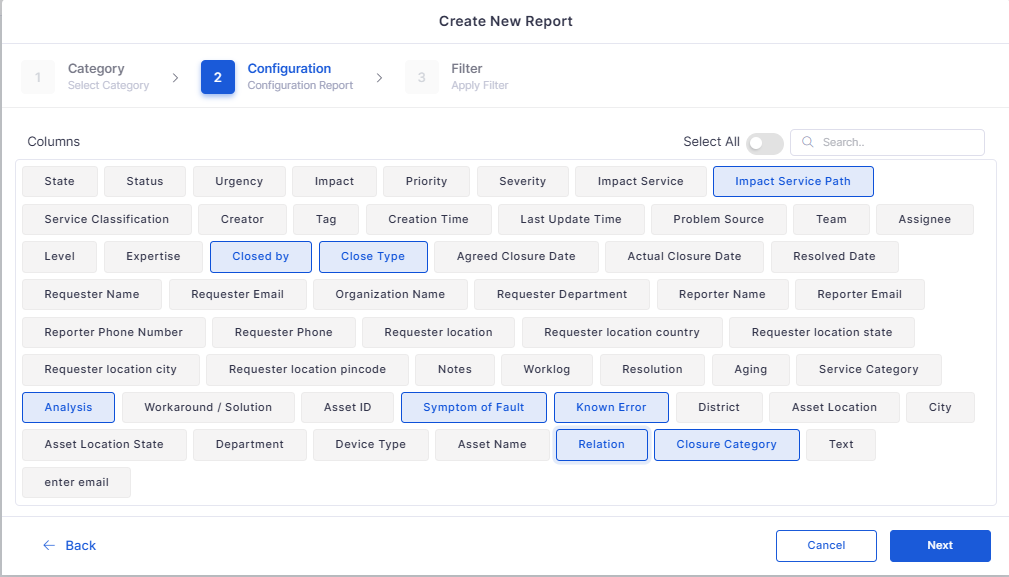
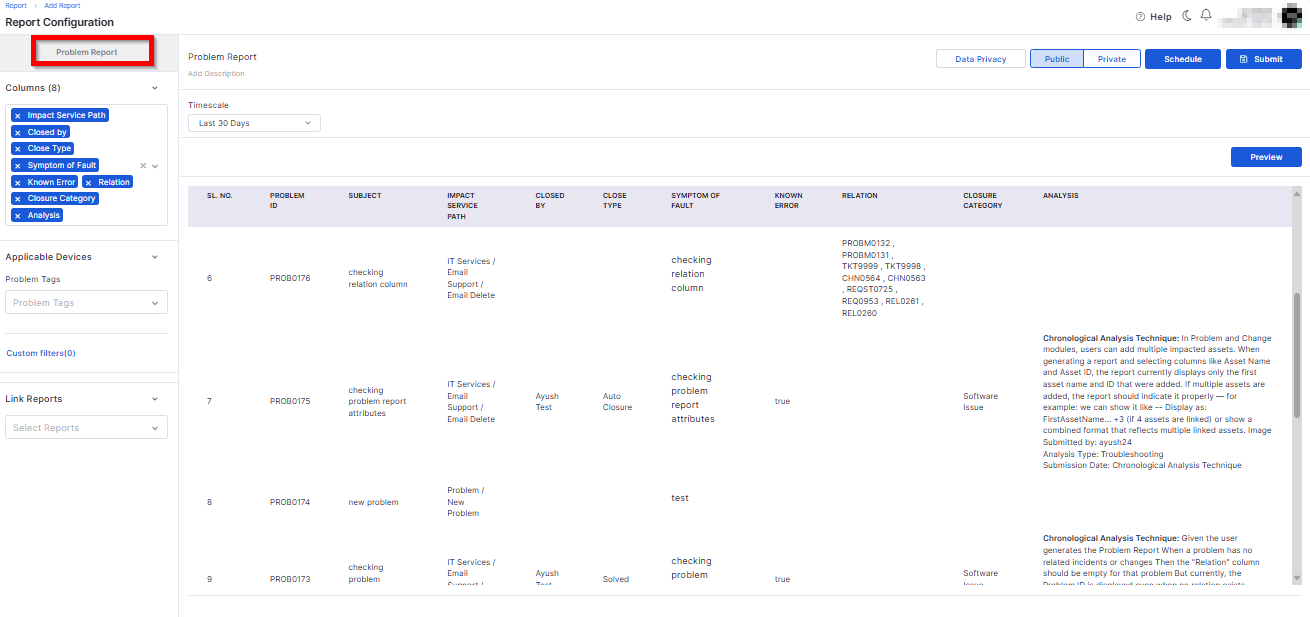
Problem Management Attributes in Reporting Module
Enhanced the Problem Management reports with additional attributes.
Added missing parameters for detailed analytics.
Ticket Management
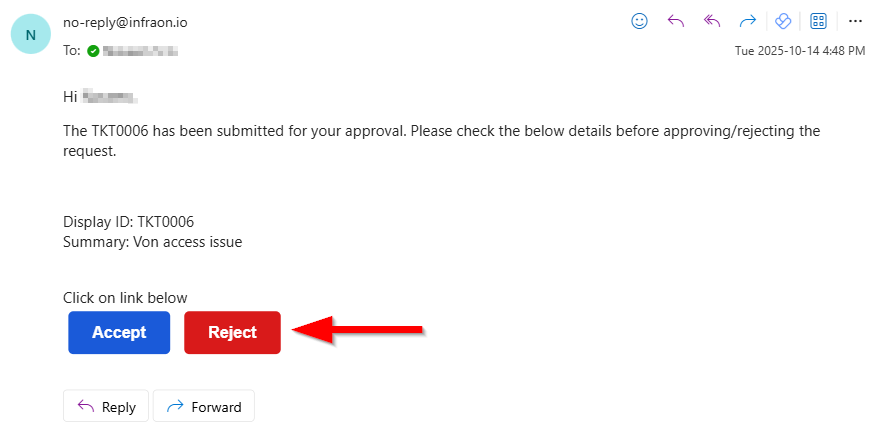
Simplified Ticket Approval via Email Response
Introduced direct approval from ticket notification emails.
Approvers can approve or reject tickets directly via email response.
Eliminates the need to log in for basic approval actions.
Request Management
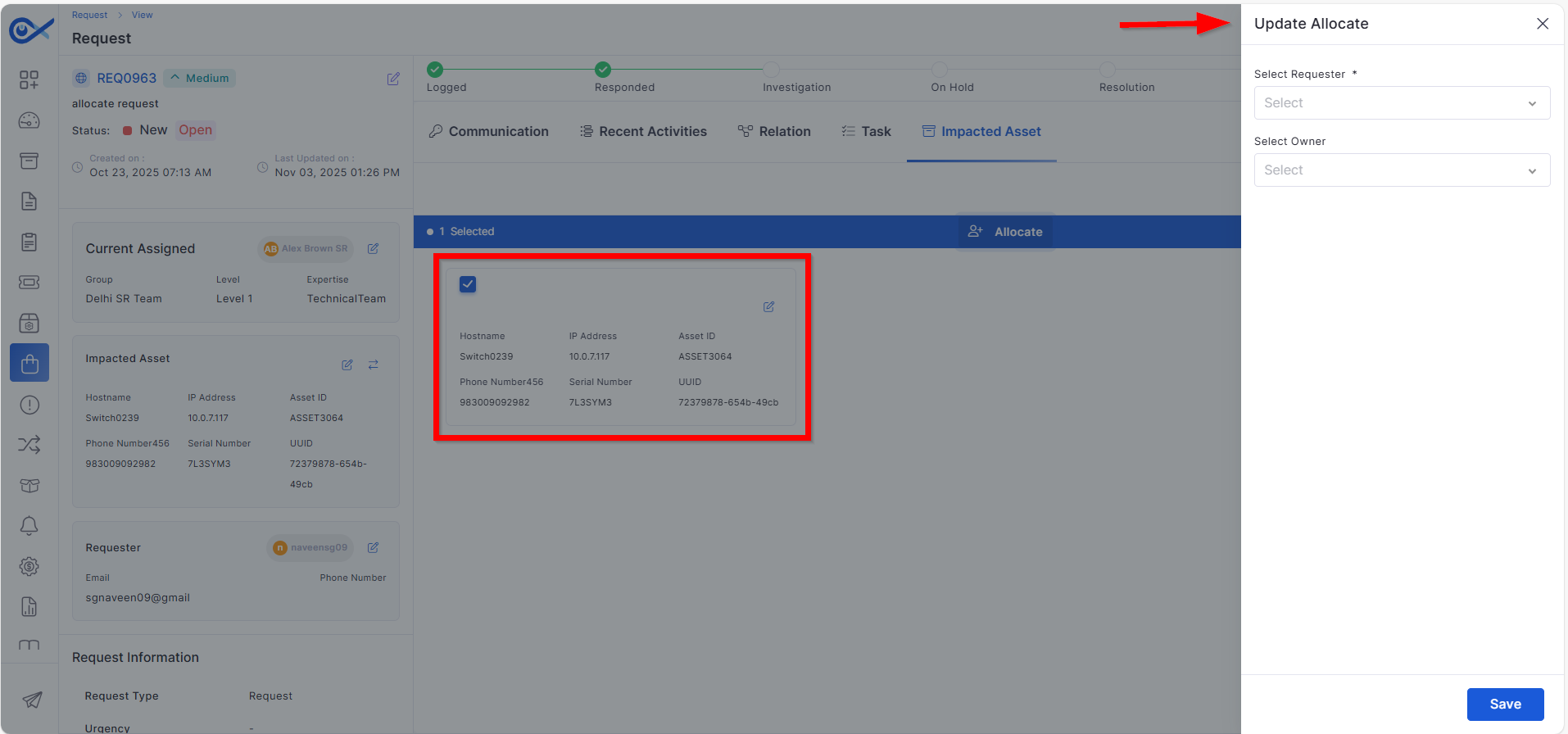
Requester and Owner Allocation from Impacted Asset Page
Improved ownership assignment in Request Management.
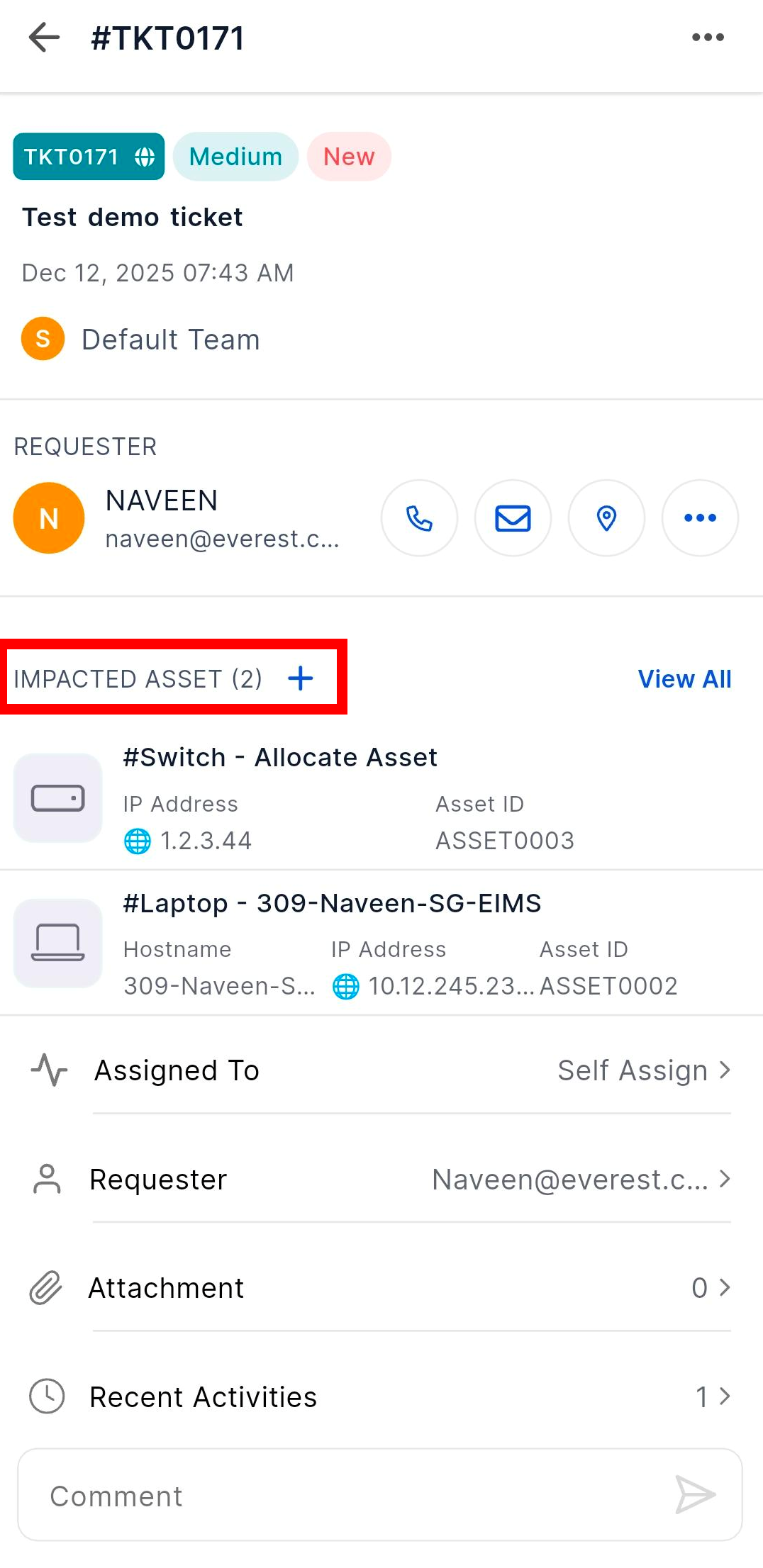
Requester and owner can now be assigned directly from the impacted asset.
Streamlines the asset-to-request linkage process.
Bots
Inventory Agent Support for Older PowerShell Versions
Expanded compatibility for Infraon Inventory Agent.
Supports PowerShell versions below 5 for legacy Windows systems.
Enables agent deployment in older infrastructure environments.
Contract Management
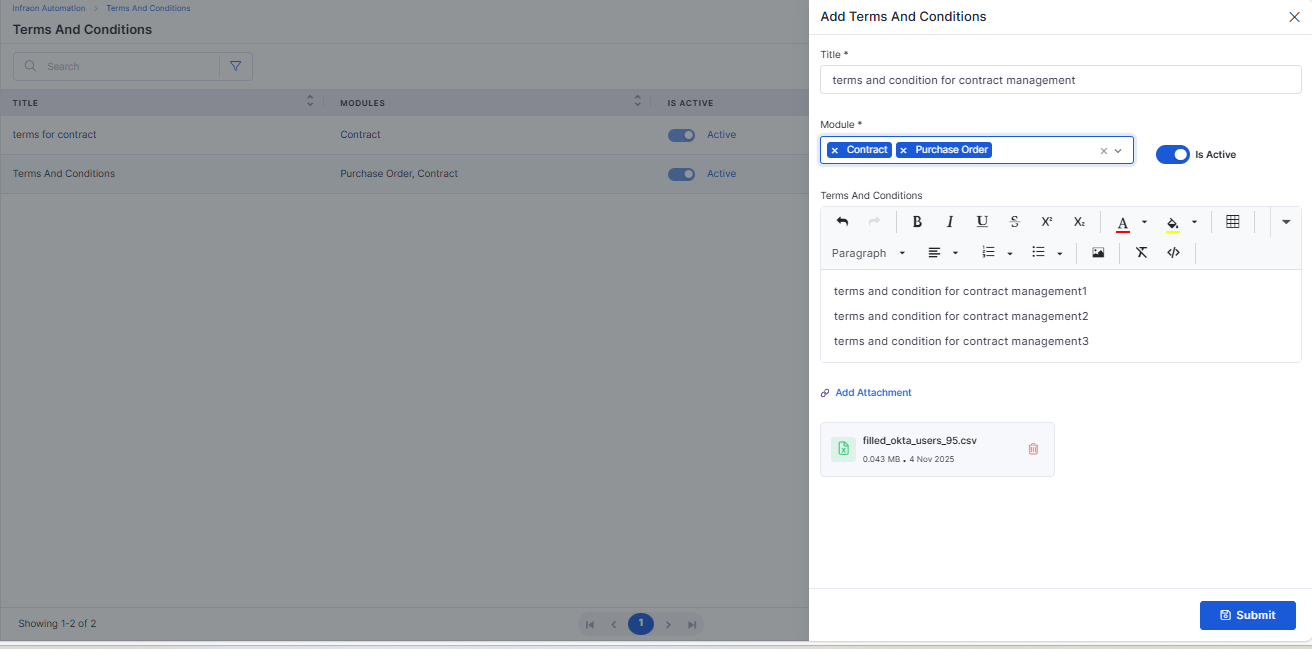
Terms and Conditions Module
Introduced a centralized Terms and Conditions management module.
Allows predefined contract clauses to be created and reused.
Maintains consistency across contracts and purchase orders.
Bug Fixes
We have addressed multiple issues reported across modules, including:
Resolved email notification issues in the ticket and requested approvals.Enhanced validation and accuracy in Asset Management filters and imports.
Fixed inconsistencies in project template configurations and workflow transitions.
Resolved email notification issues in the ticket and requested approvals.
Improved data consistency in Problem Management reporting.
Fixed mobile app data synchronization and layout display issues.
Addressed UI responsiveness and accessibility across multiple modules.
General performance and stability enhancements for smoother platform use.
These fixes improve system reliability, data accuracy, and overall user experience across the Infraon platform.
Clear separation between internal and external audits.
Enhanced filter retention when switching between views.
Helps reduce repetitive ticket creation for known issues.
Strengthened data consistency between AI and KB modules.
Improves project setup accuracy and standardization.
Maintains control over form structures within projects.
Simplifies configuration management for admins.
Provides admins better control over visibility and actions.
Reduces time spent on repetitive configuration setup.
Enhances traceability for governance and quality checks.
Prevents misconfiguration and ensures proper role mapping.
Helps team members understand objectives clearly.
Improves field visibility for mobile users.
Reduces manual data refresh requirements.
Useful for diagnostics and device management.
Improves compliance with enterprise security standards.
Improved filtering and report generation accuracy.
Ensures consistent data representation across modules.
Speeds up approval workflows and improves responsiveness.
Ensures better traceability of request ownership.
Ensures broader device coverage for asset discovery.
Reduces manual drafting and ensures standardization.
v7.3.16 – December 2025
View the latest features, enhancements, and fixes by release.
Version: v7.3.16
Date: 11th December
Overview
This release introduces improvements across Ticketing, Marketplace, Feature Configuration, Kafka integrations, Purchase Order workflows, Asset audits, Software Metering, Inventory Agents, Request Management, Reports, Self Service Portal, Project Management, Mobile applications, Dashboards, Knowledge Base, and API Metering.
Updates focus on enhanced usability, improved automation, expanded configurations, richer communication tools, and better visibility across ITSM and ITAM modules.
Key Updates
General
Ticket to Incident Renaming – Enhancement
Updated terminology to provide consistency across ITSM modules.
Enhances clarity between request processes and the incident lifecycle.
Marketplace
Marketplace Server Migration
Migrated Marketplace services to an upgraded hosting environment for improved performance and reliability.
Centralized Marketplace
Unified Marketplace experience allowing all integrations to be managed from a central interface.
Provides a consistent configuration model across third-party apps.
Users can export logs with 7-day retention, auto-deletion, and file-size limits.
iOS – Export Logs (Download, Share, Retention)
Equivalent log export features added for iOS users.
Dashboard
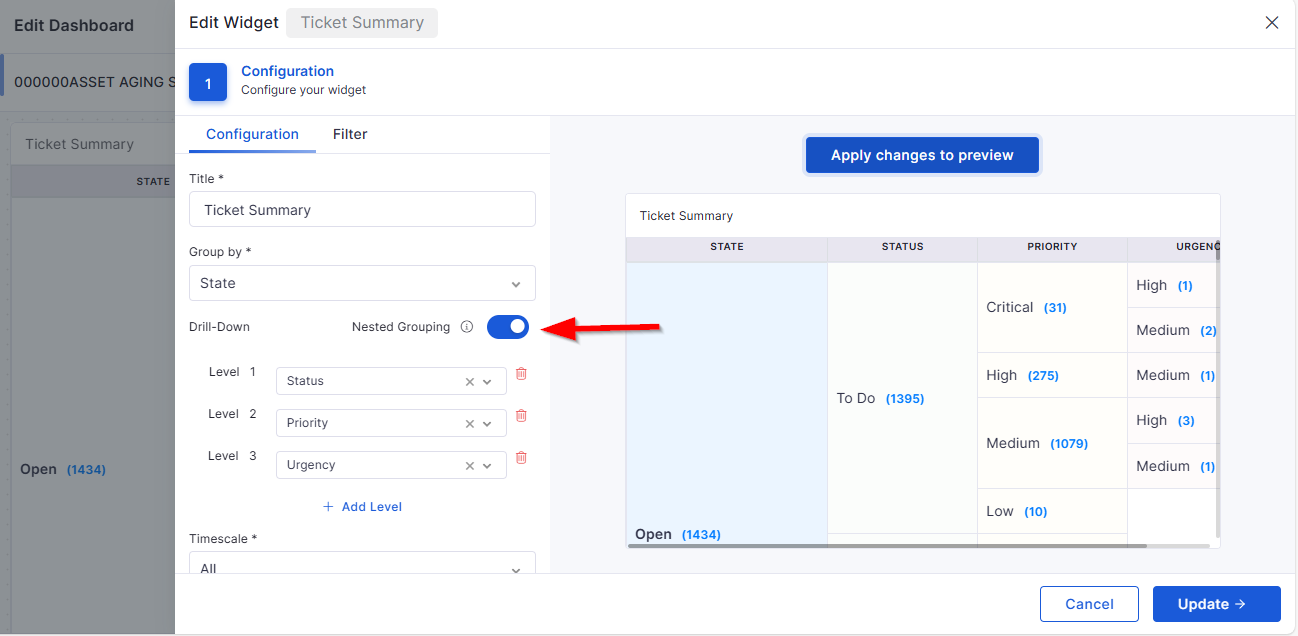
Multiple Group-by Options in Ticket Summary Widget
Additional grouping modes for deeper dashboard analysis.
Ticket
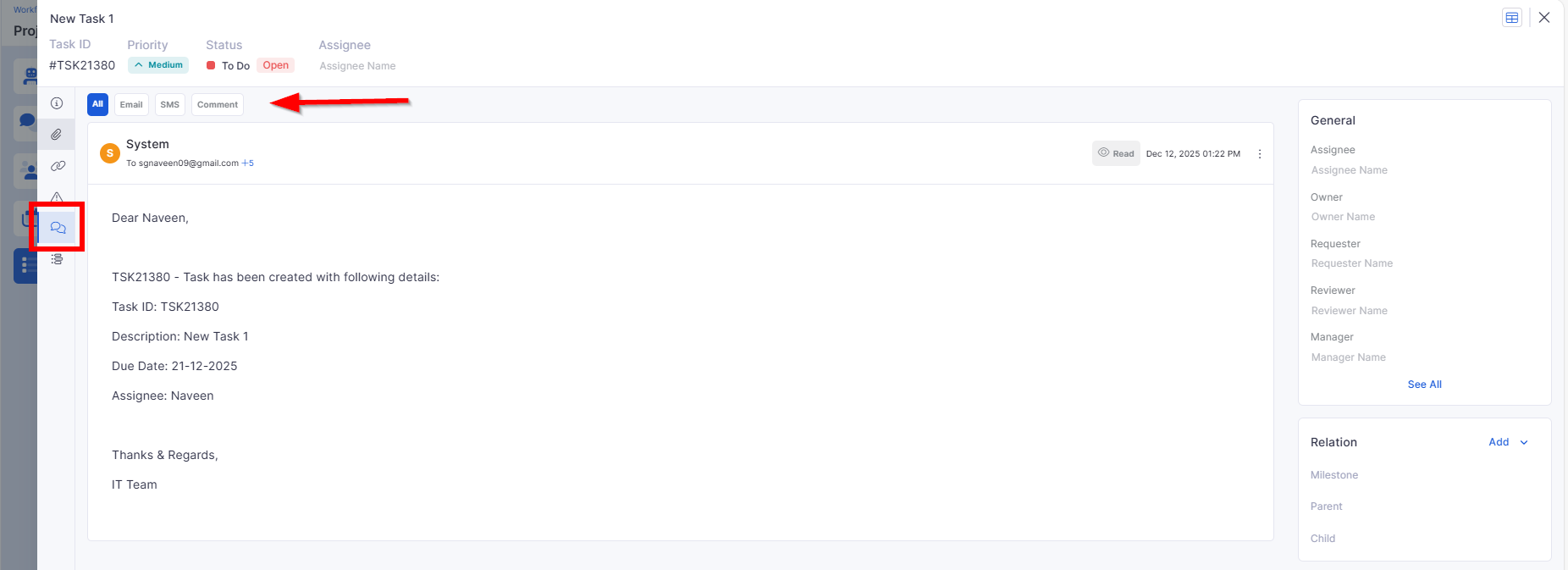
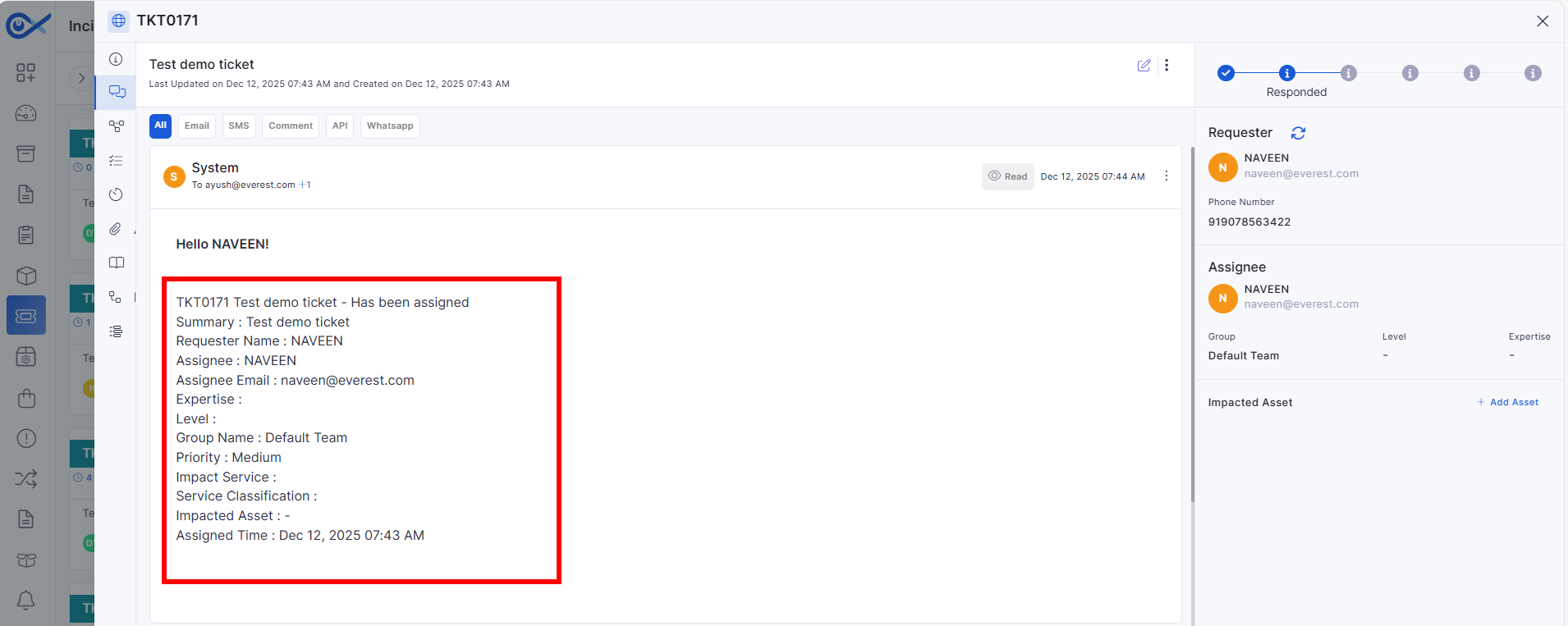
Update Ticket Assignment Email to Include Assignee Details
The assignment email now includes the assignee's name and email ID.
Improves communication clarity for ticket stakeholders.
Knowledge Base
Attaching KB in Incident – Feedback
Enhanced KB attachment experience within incident workflows.
Added options to provide feedback on article relevance.
API Metering
API User & Token Management
Full control panel to manage API users, token issuance, expiration, and revocation.
Improves API governance and monitoring.
🐛 Bug Fixes
Improved system stability across Feature Configuration, Project Management, and Software Metering.
Fixed inconsistencies in SLA exclusion propagation to reports and dashboards.
Resolved UI issues in mobile log exports and ticket communication components.
Enhanced reliability of Kafka and Marketplace integrations.
Corrected PO document formatting and quotation reference mapping.
General performance improvements and security updates across modules.
Improves administrative control and system governance.
v7.3.14 – October 2025
View the latest features, enhancements, and fixes by release.
Version: v7.3.14
Date: 12th October
Overview
This release introduces multiple new capabilities and refinements across Marketplace, Patch Management, Project Management, Contract Management, Asset Management, SLA Metrics, Knowledge Base (KB), Mobile App, and Reporting modules.
The updates focus on improved visibility, configuration flexibility, AI-driven automation, and user-experience enhancements across the Infraon Suite.
Key Updates
Marketplace
GenAI Marketplace App Enhancement
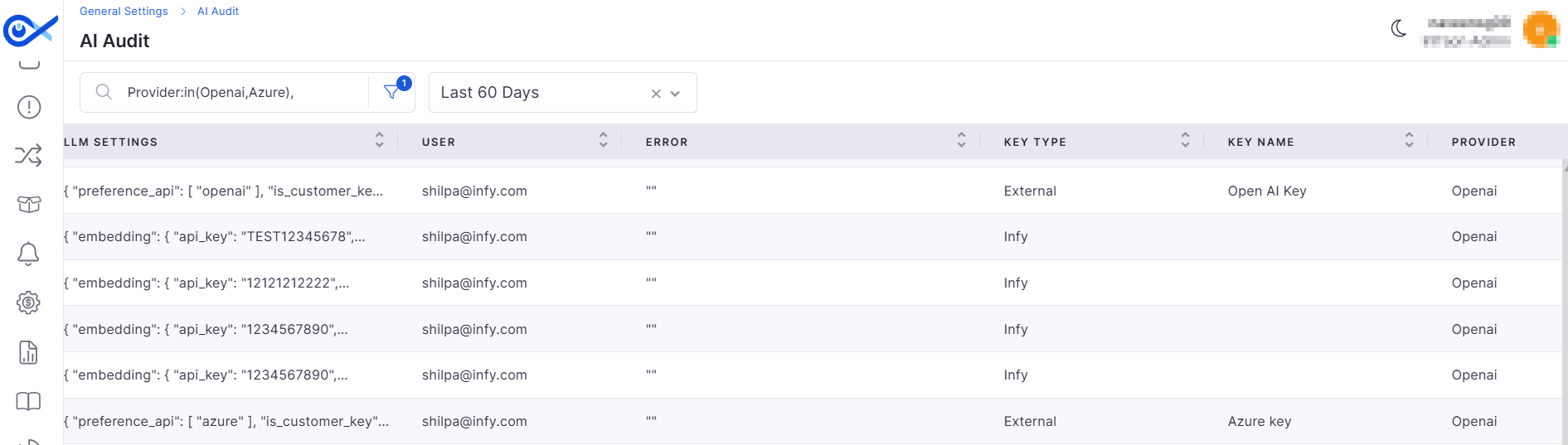
Improved API key management and validation for GenAI integrations:
API Key Auditing – Logs every key used for AI operations, ensuring compliance tracking.
API Key Validation – Validates API keys with the provider before saving; invalid keys are rejected with an error message.
Centralized Marketplace
Enables multi-instance environment setup by passing a centralized monitoring URL:
Each API instance registers its unique URL (IP: Port) in the marketplace.
Requests and responses are correctly routed to the right instance.
Patch Management
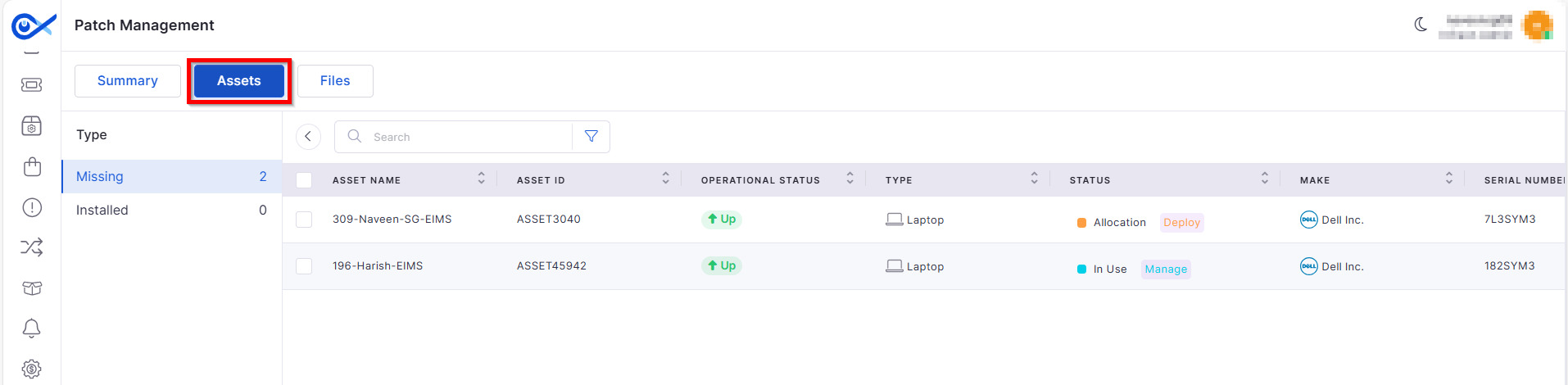
Patch Asset Relation Functionality
Dedicated Patch Details page showing related assets by patch type.
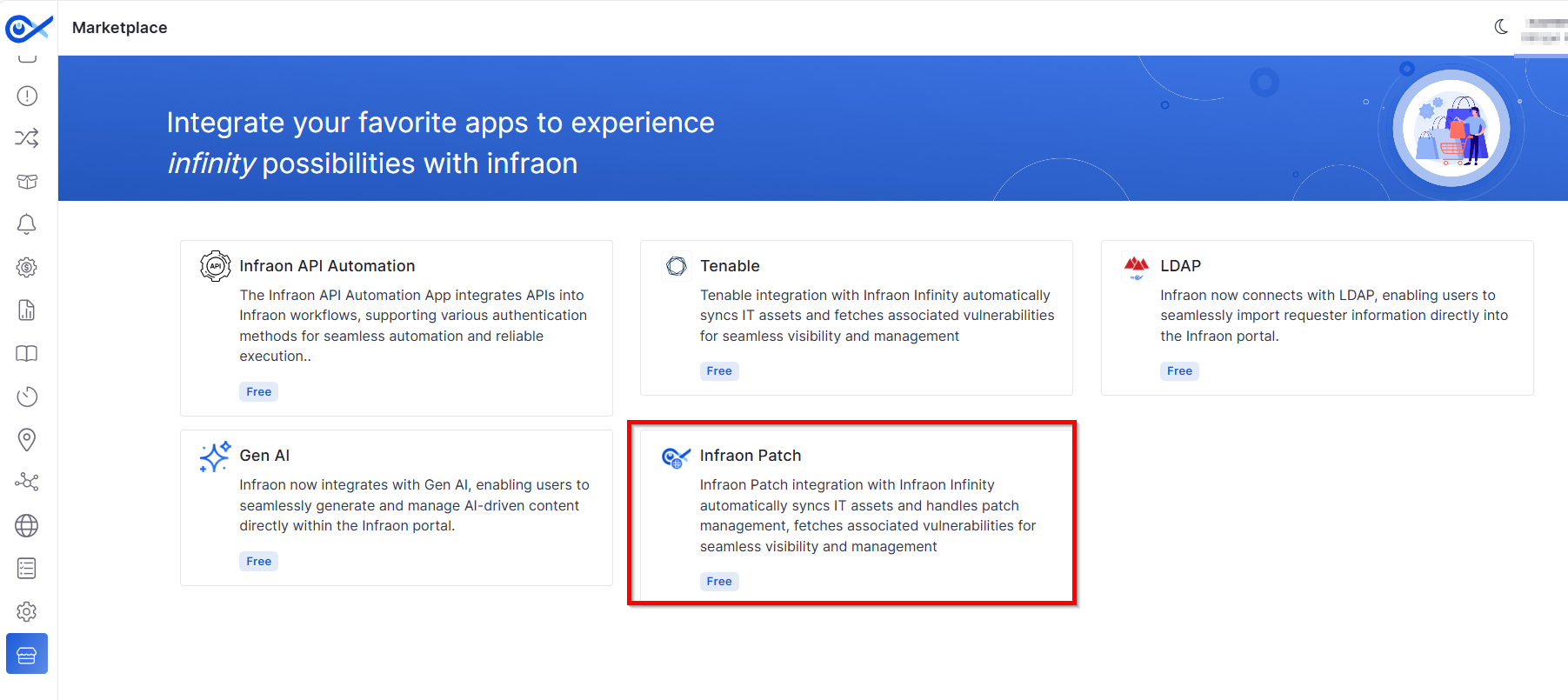
Rebranded “Zirozen” to “Infraon Patch App” within the Marketplace, updating the app name, icon, and imagery.
Project Management
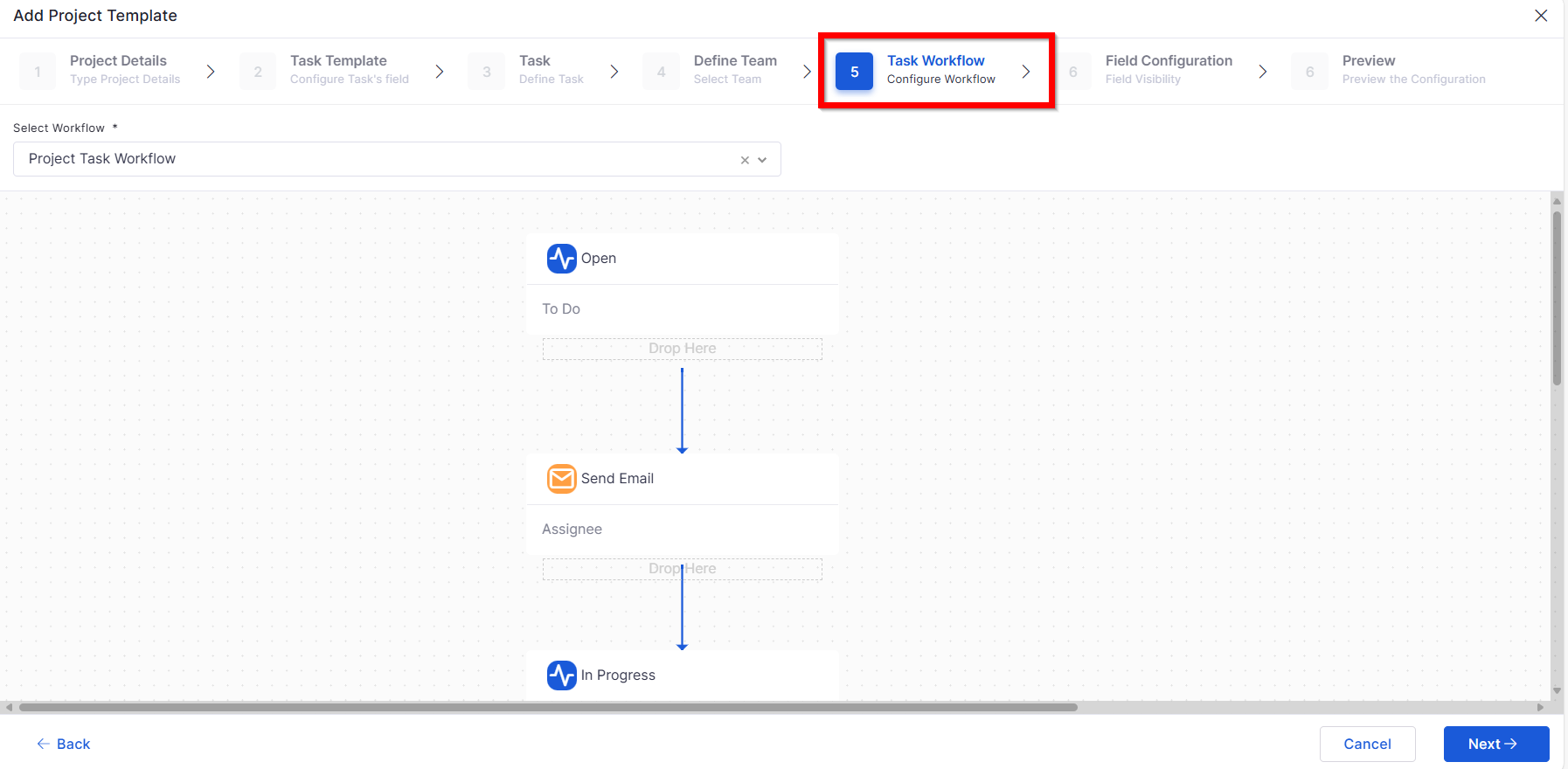
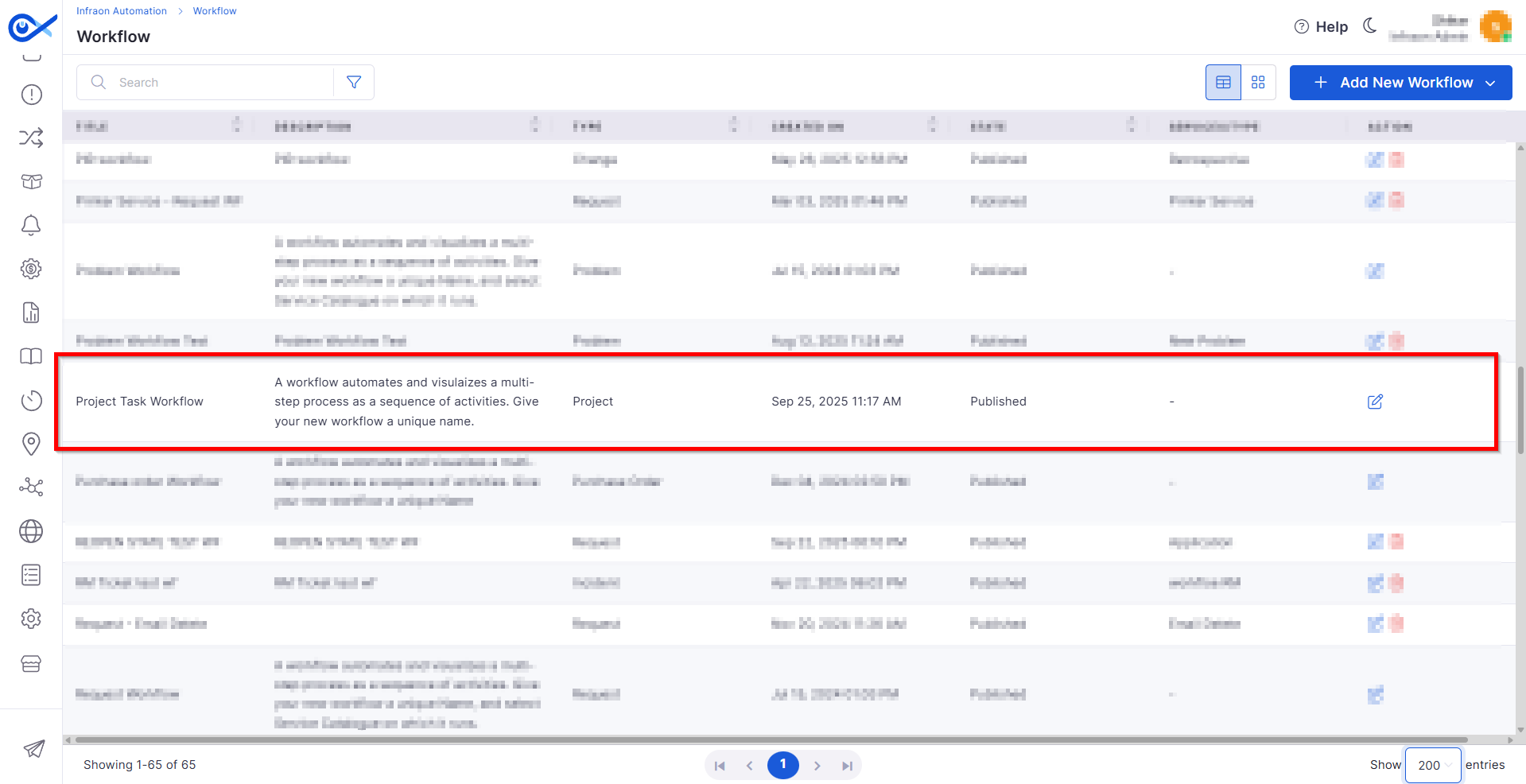
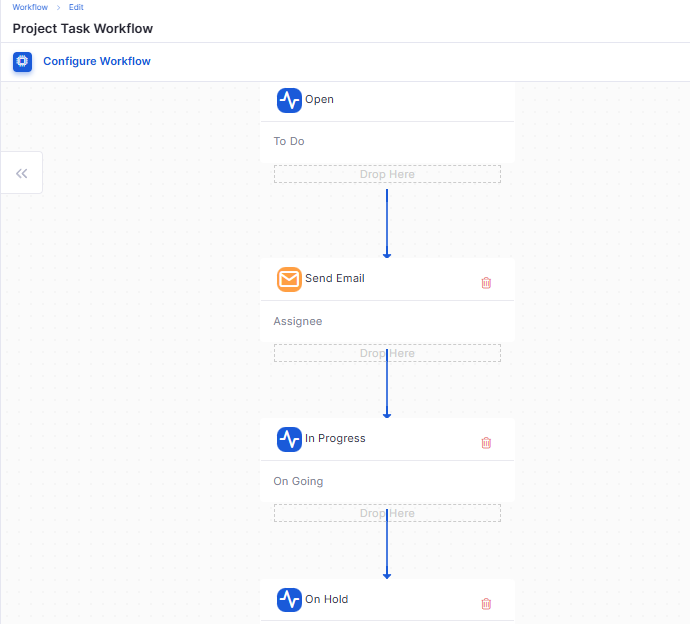
Project Task Workflow
Introduces customizable task workflow creation for projects:
Users can design and publish their own workflow sequences.
Built-in validations ensure logical state transitions before publishing.
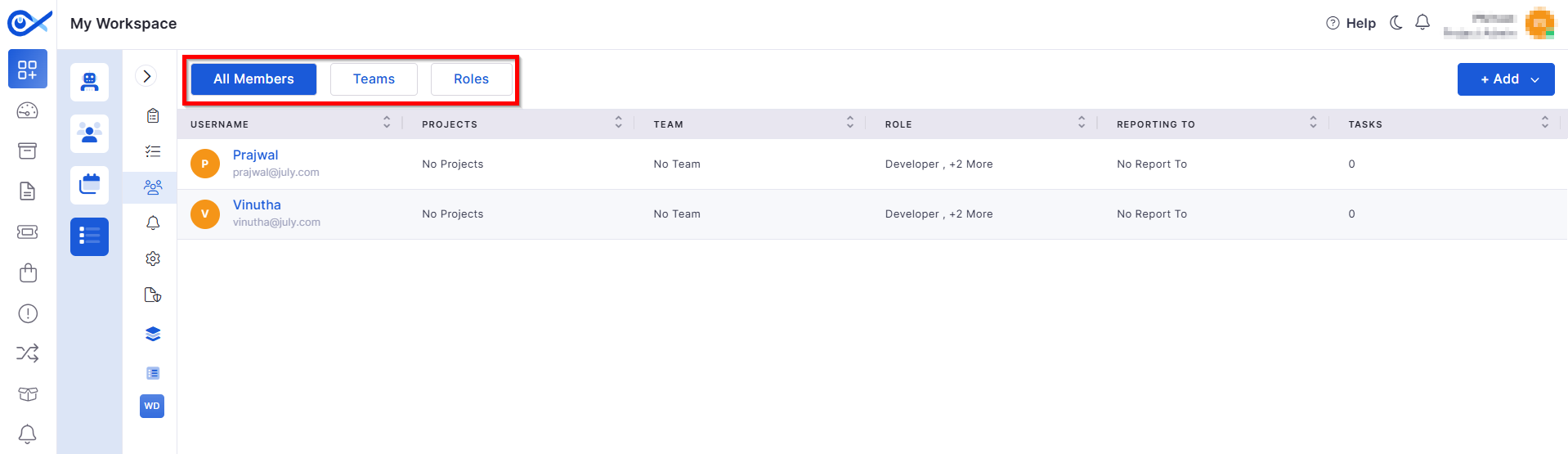
Teams & Roles — Project Members
Enhances member and role management within projects:
Add, remove, and view members in a unified grid view.
Tracks all member- and role-related activities in Audit logs for transparency.
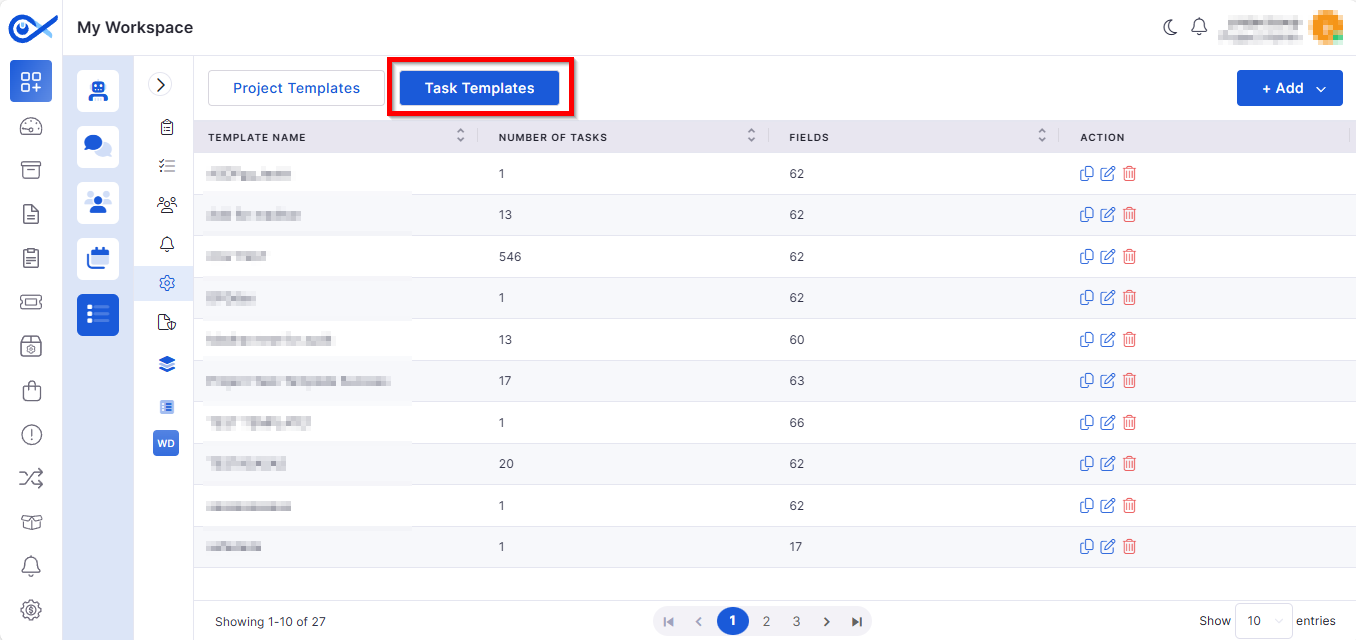
Task Template — Edit, Clone & Delete
Streamlines task template handling:
Edit: Modify template name, fields, and tasks.
Clone: Create duplicates for reuse.
Project Admin & Member Visibility
Introduces granular visibility controls:
New Project Admin role governs access to the Project Management icon.
Role-based filtering ensures only authorized users can view or edit members and roles.
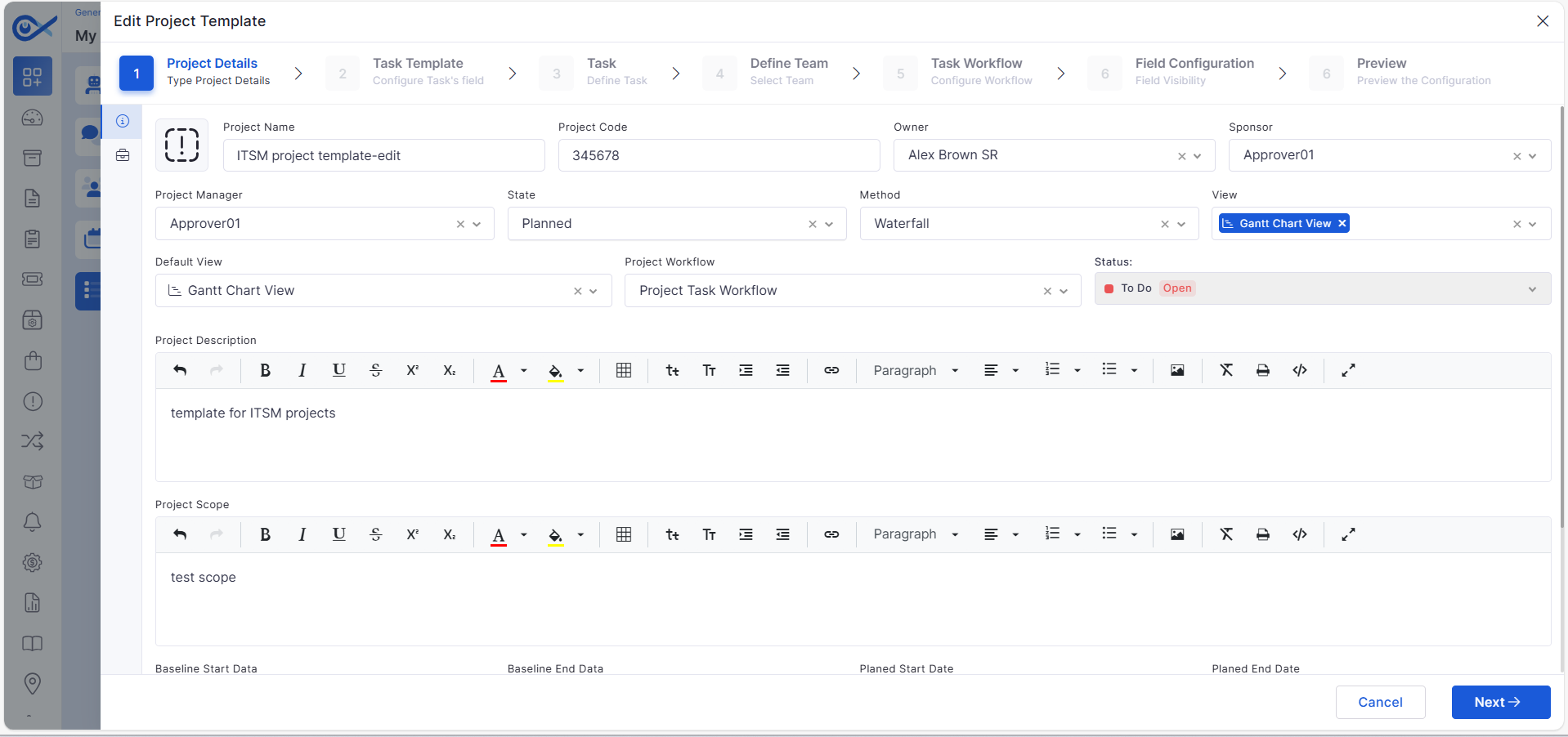
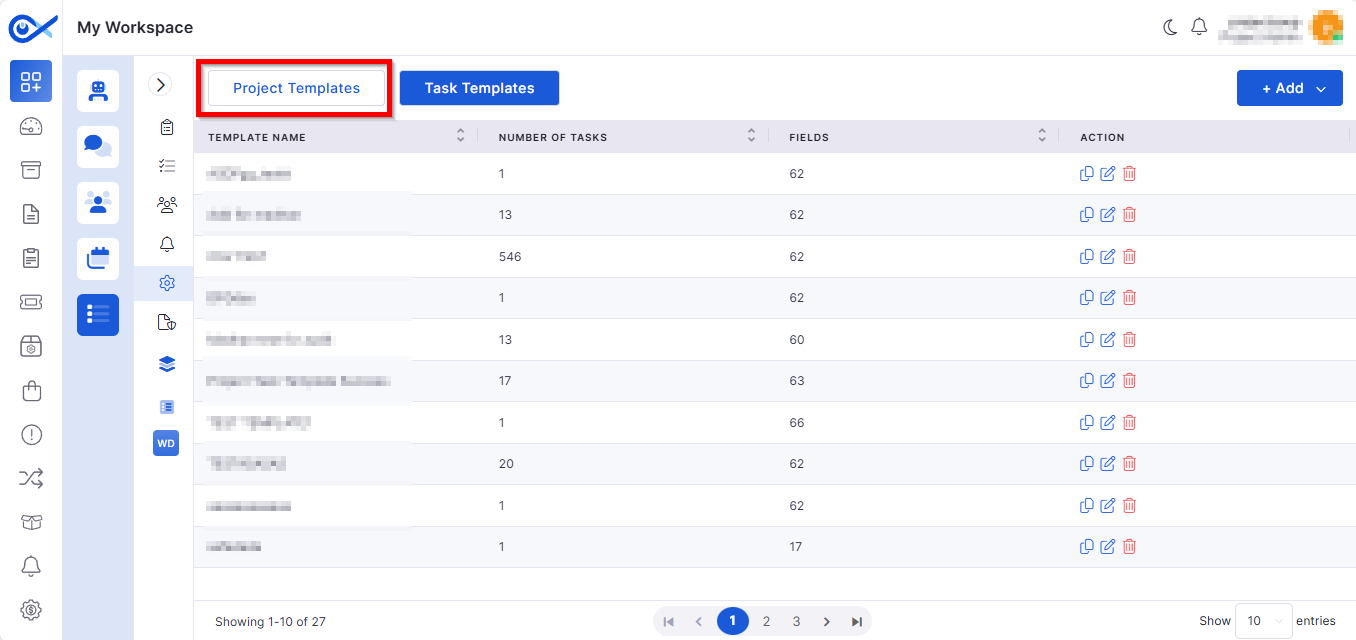
Project Template — Project Details
Adds a structured Project Details tab for creating and managing project templates:
Includes field validations, duplicate code checks, and planned-date validations.
Mobile App Enhancements
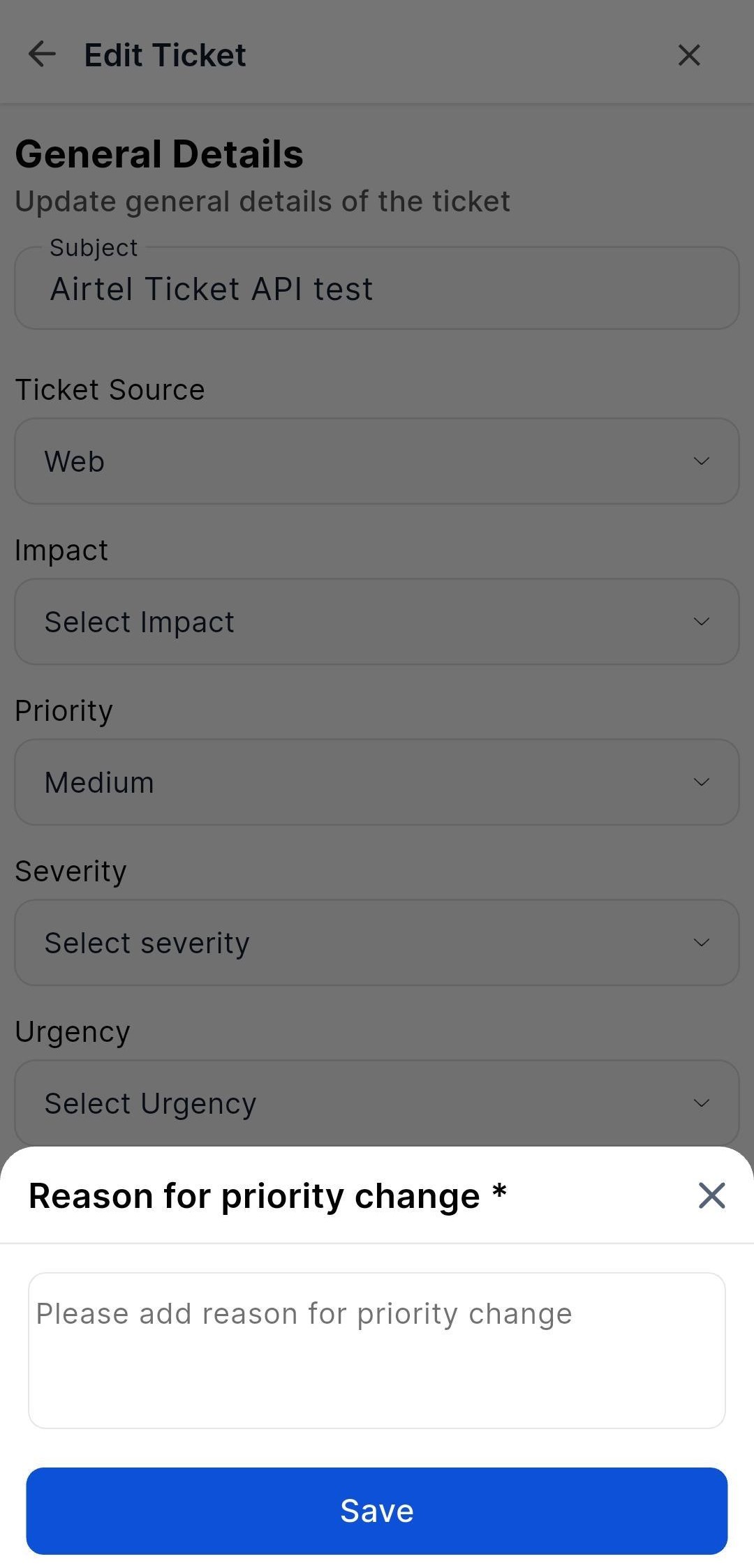
Ticket Priority Change Flow
Introduces a controlled workflow for priority changes:
When changing priority, users must provide a mandatory reason.
The reason is stored in system logs for auditing.
Contract Management
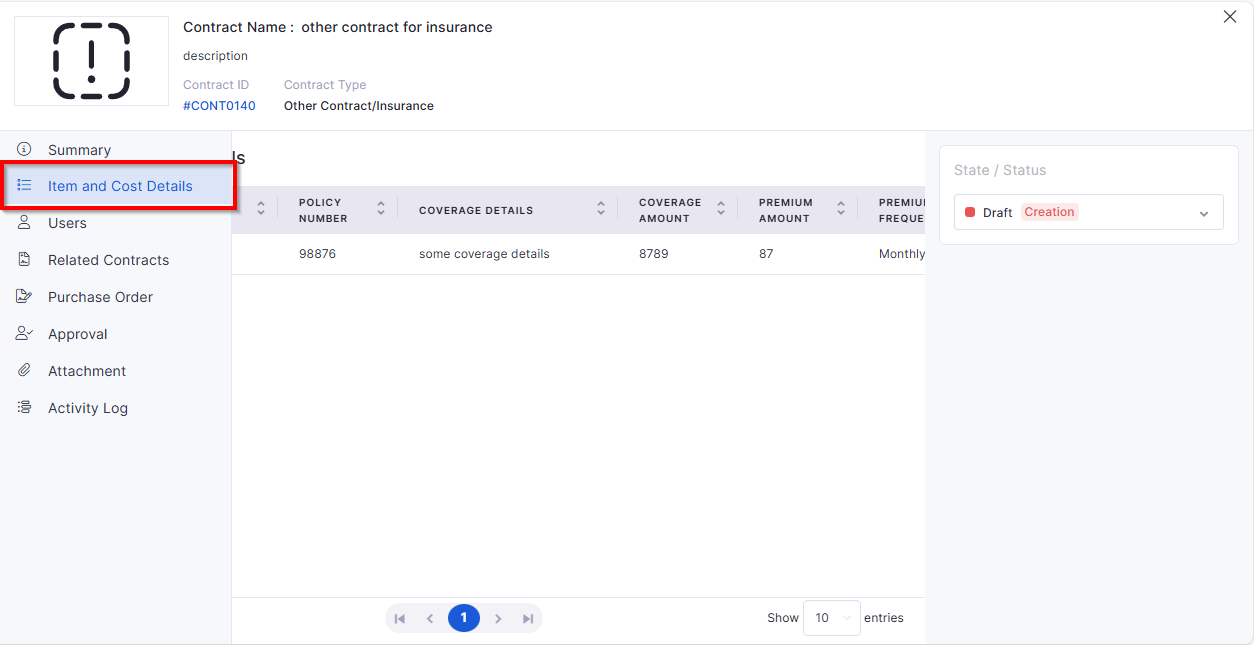
Line Items & Cost Details
New dedicated Item and Cost Details section in contract view:
Displays detailed line items and linked assets separately from the general view.
Allows linking/delinking of assets directly from the line item tab.
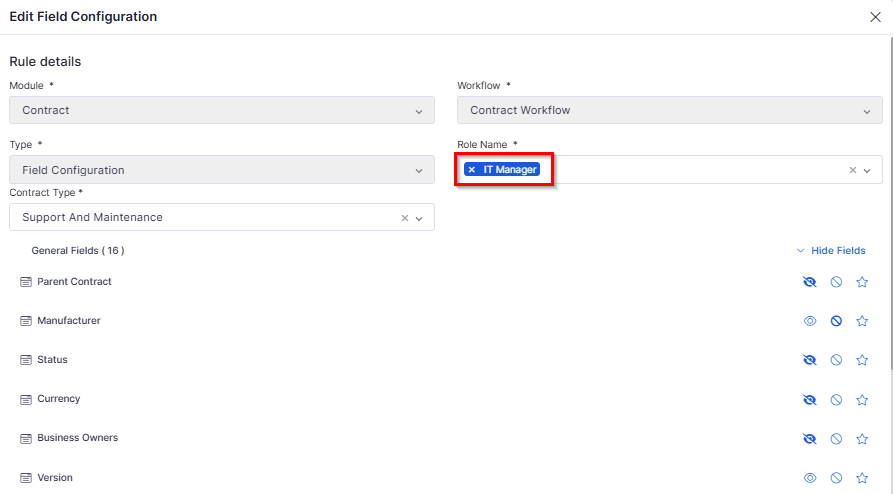
Role-Based Field Visibility
Implements field-level visibility control:
Card View: Only the fields allowed for a user’s role are shown.
Grid View: Columns remain visible, but restricted data appears blank.
Asset Management
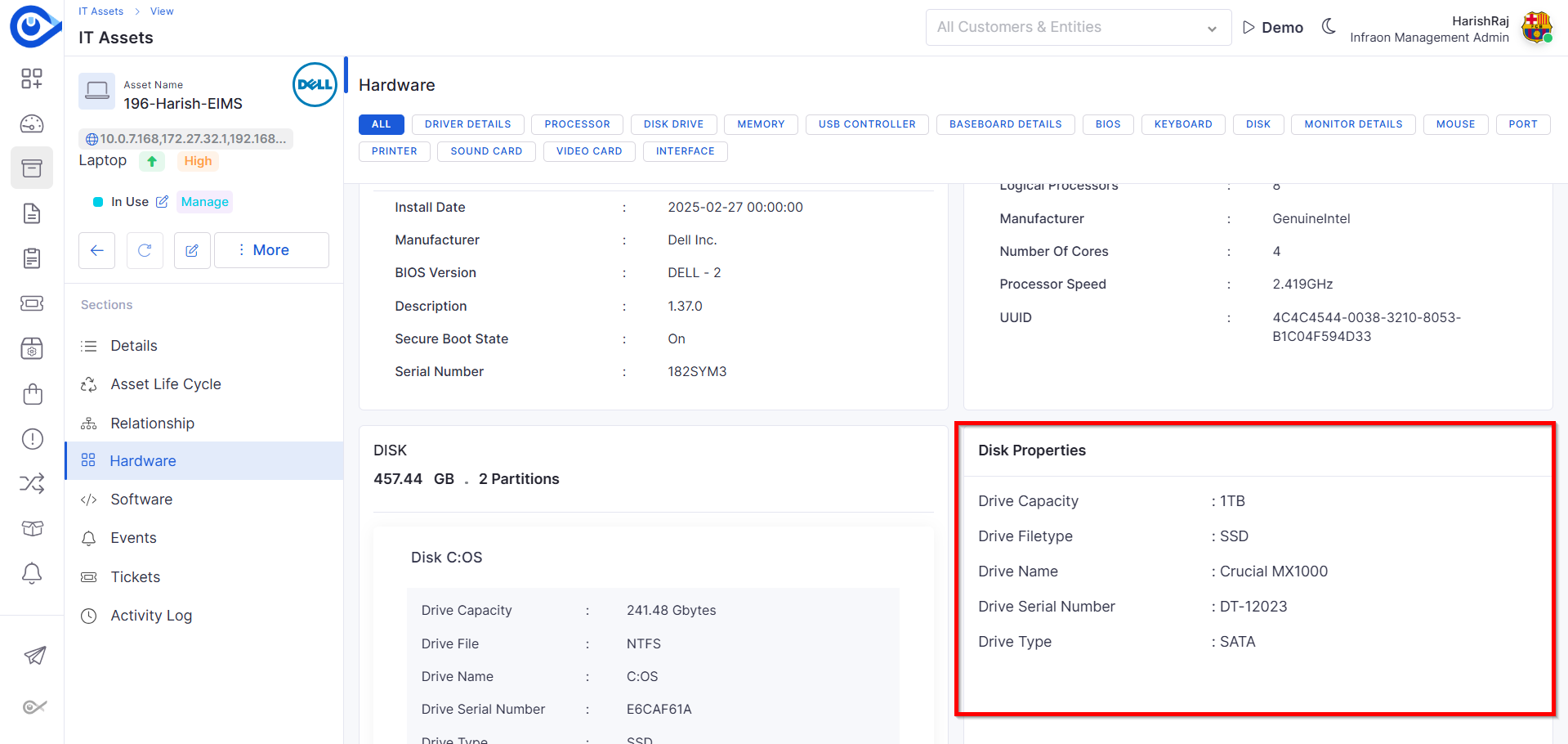
Additional Hardware Properties
Enhanced Hardware View for assets:
Displays both manually entered and agent-collected hardware details.
Supports custom fields for component-level attributes.
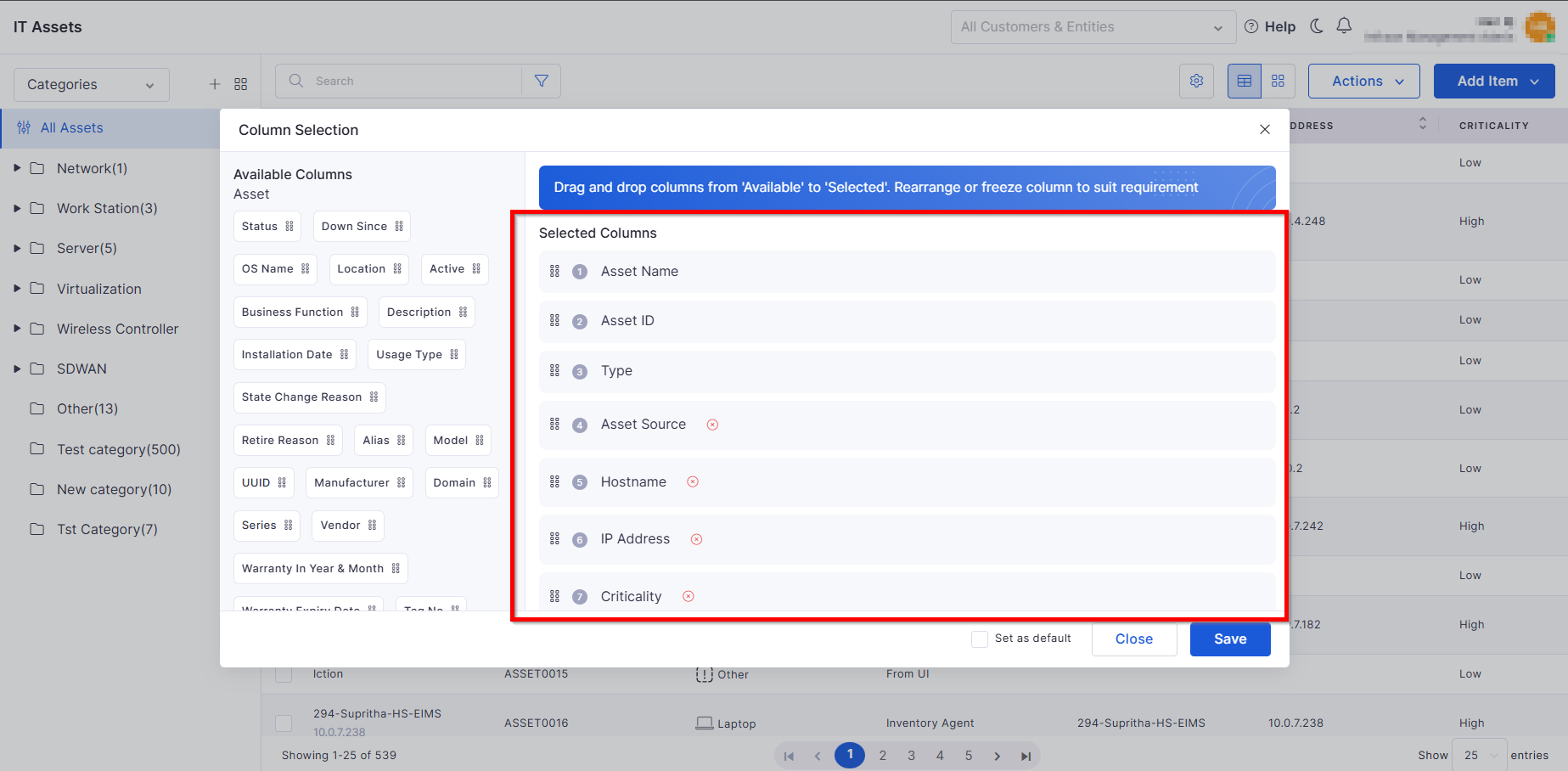
Independent Column Configuration for IT & Fixed Assets
Improved grid customization:
Fixed columns: Asset ID, Name, Device Type (always visible).
Configurable columns: Users can select and reorder additional columns.
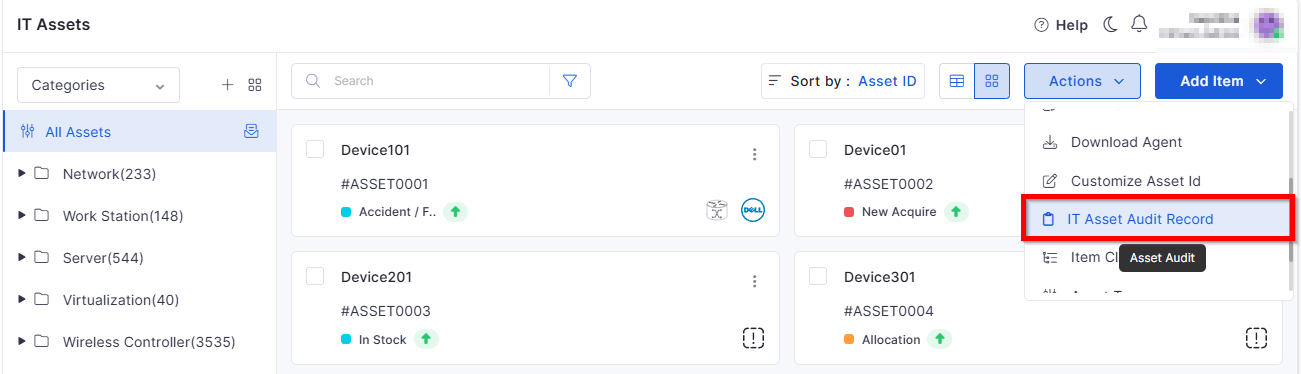
Asset Audit Enhancements
Expanded auditing functionality:
Internal/External auditor selection with tailored input fields.
Multi-Asset Audit to perform audits on several assets simultaneously.
SLA Metrics
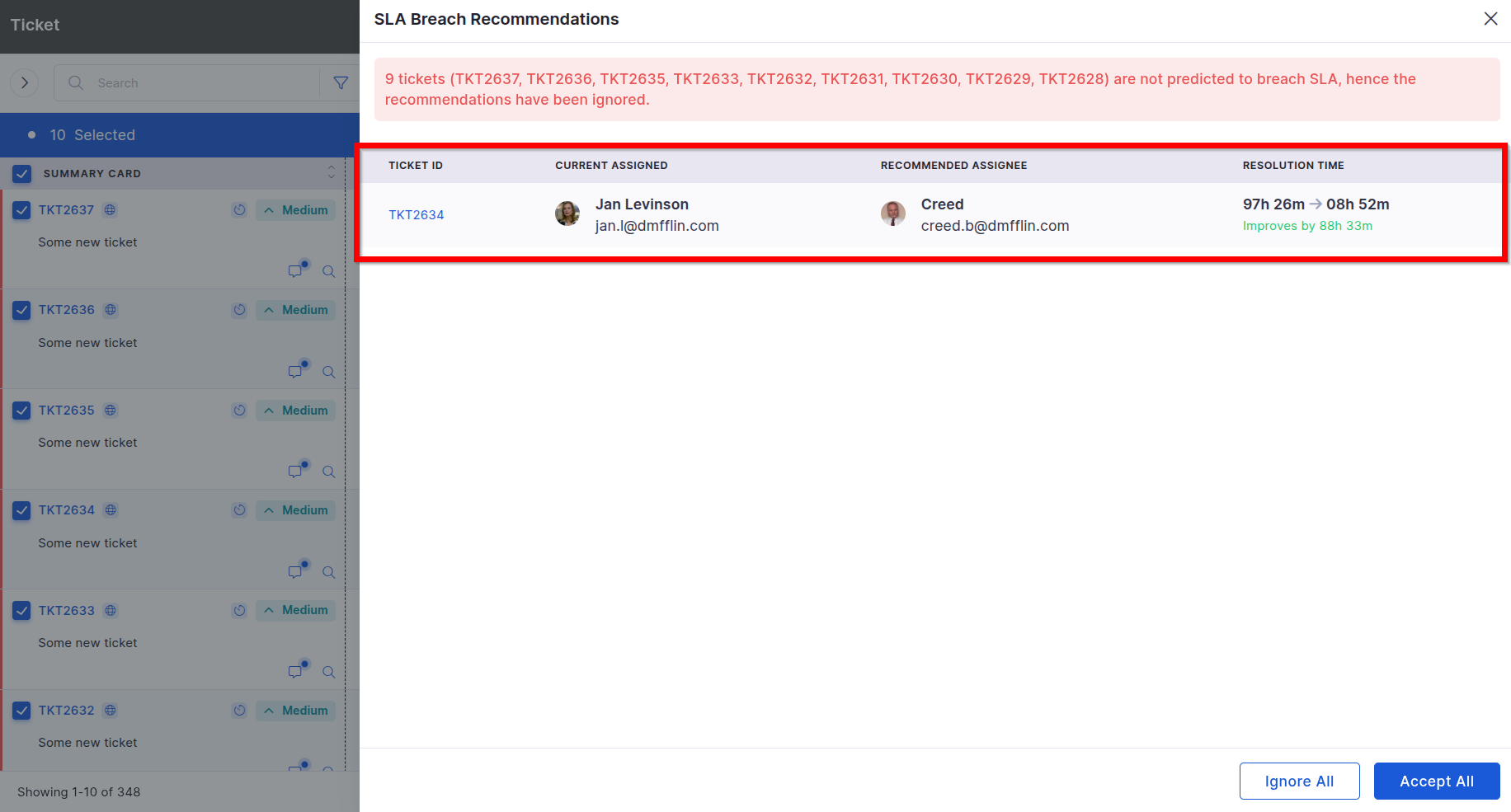
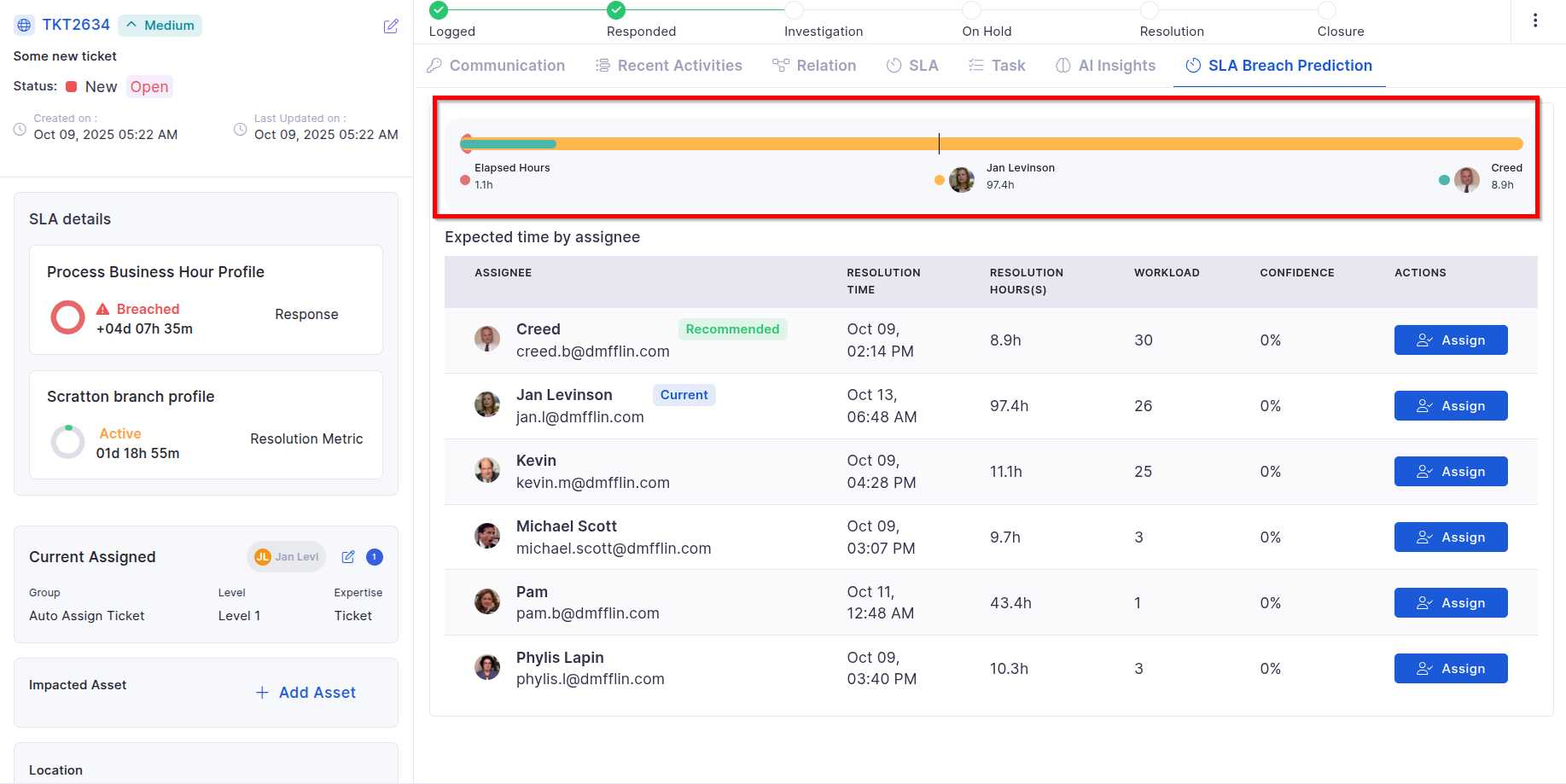
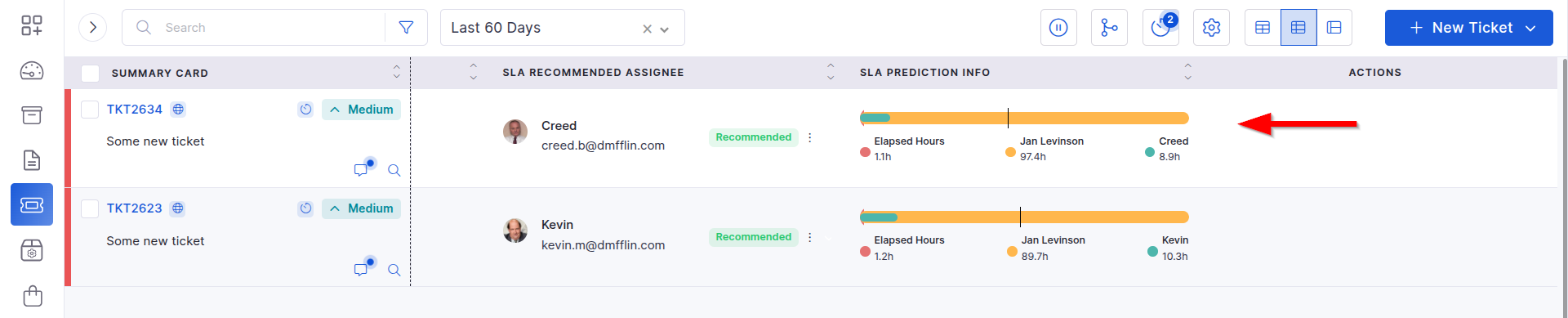
SLA Breach Detection and Indicators
Real-time monitoring of SLA risk:
Displays blinking indicators for tickets predicted to breach SLA.
New filter to view at-risk tickets exclusively.
Knowledge Base
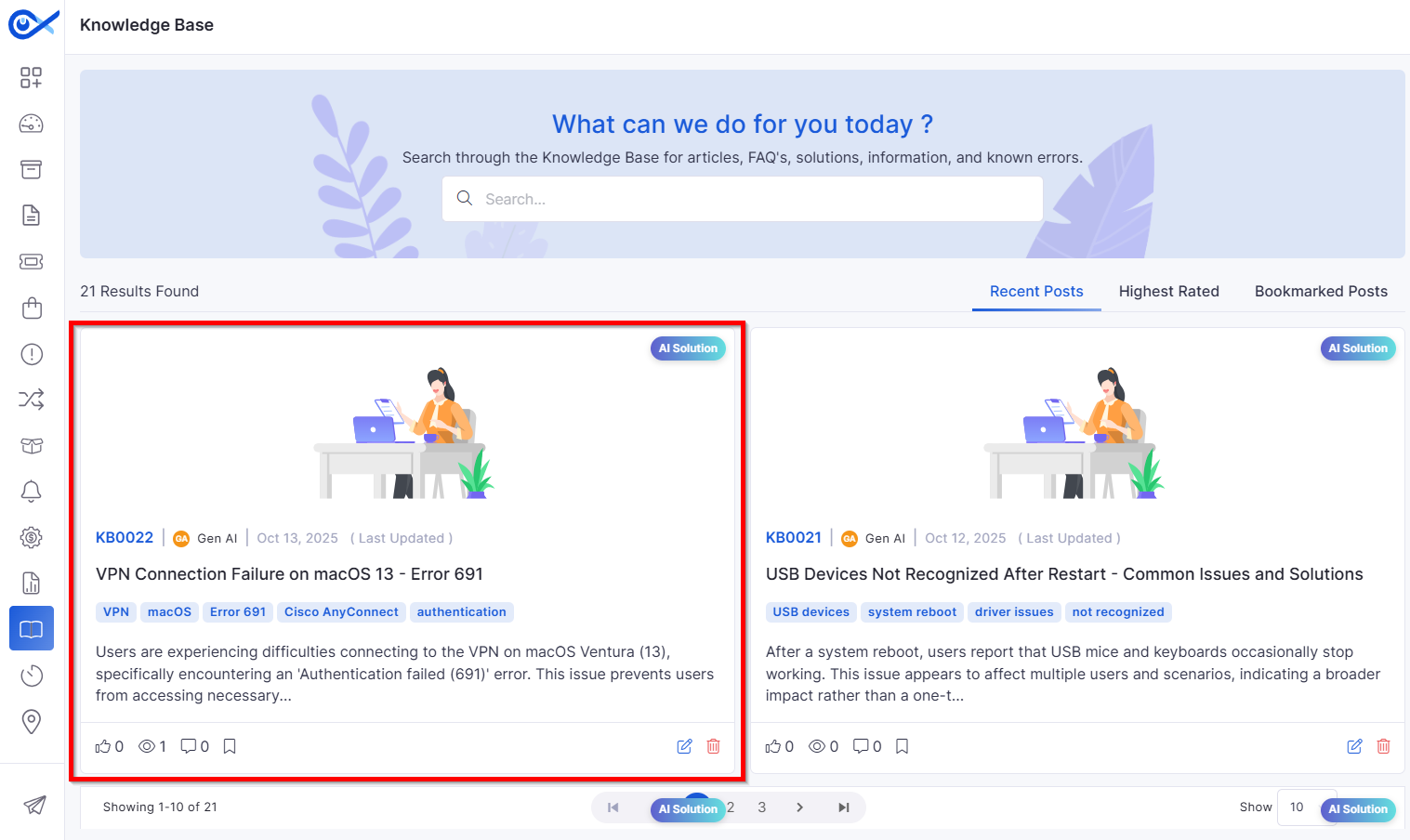
Auto-Conversion of Qualified Closed Tickets to KB
Automates KB article generation from tickets:
Converts eligible tickets into KB entries using AI-driven validation and similarity checks.
Updates existing KBs if similar data exists, or skips duplicates.
Reports
Problem Management Reporting Enhancements
Adds missing reporting fields and improves flexibility:
New attributes include Impacted Asset, Service Path, Known Error, Closure Category, Related Change, Related Release, and more.
“Reported by” field is no longer mandatory.
Bug Fixes
We have addressed multiple issues reported across modules, including:
Improvements in asset workflows, ensuring accurate notifications, macro handling, and data display for better operational reliability.
Enhanced request management workflows, allowing proper approval transitions, email triggers, and consistent state updates.
Optimized ticket reports to display complete and correct data across all selected fields.
These are fixes in Asset Management for smoother page loading, accurate hardware data presentation, and improved UI consistency.
Resolved issues in reporting functions, enabling better search performance and data filtering.
General refinements across modules to improve stability, data synchronization, and system responsiveness.
Duplicate Prevention – Detects and blocks duplicate API keys from being added.
Prevents duplicate instance registration and supports instance deregistration upon uninstall.
Delete: Remove templates with confirmation prompts.
All actions are logged in the Audit trail.
Templates appear in the left navigation pane for quick access.
Cancelling the prompt retains the previous priority value.
Supports CSV upload/download, pagination, and search functionality.
Ensures secure, role-specific data visibility.
Independent configuration for IT and Fixed Asset views.
Configurable audit scheduling and notifications.
Email alerts triggered upon audit completion.
Automatic real-time updates from an AI-based prediction service.
Supports bulk processing, merging similar tickets, and async operations via Celery.
Enables accurate and complete reporting aligned with the Problem Management process.
v7.3.15 – November 2025
View the latest features, enhancements, and fixes by release.
Version: v7.3.15
Date: 6th November
Overview
This release introduces significant improvements across Asset, Project, and SLA Management modules, along with substantial AI-driven enhancements to the Knowledge Base and new Okta Marketplace integrations.
Key Updates
Mobile App Enhancements
iOS – Sync Collected Data from Device to Server
Added a dedicated option to manually sync collected data to the backend.
Displays real-time sync status with retry options for failed attempts.
iOS – Device Sensor & Carrier Information Collection
Collects hardware sensor and carrier information directly from devices.
Captures accelerometer, gyroscope, and SIM carrier data accurately.
Android – Full App Migration to Edge-to-Edge Display
Migrated Android app to a full edge-to-edge Flutter interface for Android 13–15+.
Provides a modern, immersive layout aligned with Android design standards.
Knowledge Base
KB Vector Database Synchronization and Isolation
Synchronizes KB data with vector databases to improve AI-based search accuracy.
Supports tenant-level data isolation for enhanced privacy and performance.
Auto Conversion of Qualified Closed Tickets to KB
Automatically converts resolved and validated tickets into KB articles.
Uses AI to detect duplicate or low-confidence entries and skip them.
AI KB Search in ITSM Modules
Introduces AI-powered contextual search within ITSM forms.
Displays suggested KB articles while creating or updating tickets.
Feature Configuration
Feature Configuration Settings Module
New centralized module for managing AI and KB configuration parameters.
Admins can update vector synchronization, search relevance, and indexing settings.
Report
Agent Uptime Report – Custom Time Filter
Added the ability to filter agent utilization data for a specific time window.
Helps teams analyze performance for any custom duration (e.g., weekly or quarterly).
Asset Management
IT Asset Audit Record Enhancements
Added scheduling options for audit start and end dates.
Introduced “Audit Objective” and timestamp fields for better documentation.
Supports exporting audit results in XLSX format for record-keeping.
Asset Lifecycle Status Widget
Displays a summary of assets nearing expiration (warranty, AMC, or EOL).
Users can customize time windows for monitoring (7, 14, or 30 days).
Enables proactive renewals and maintenance planning.
Model Year–Based End-of-Life Estimation
Automatically calculates EOL based on the asset’s model year.
Uses predefined lifespan rules by asset category.
Provides predictive insights into hardware replacement planning
Operational Status Sync with Agent Heartbeat
Asset operational status now updates automatically based on agent heartbeat.
Reflects real-time device health (Active/Inactive).
Software
Software Metering
Introduced software metering to track usage across endpoints.
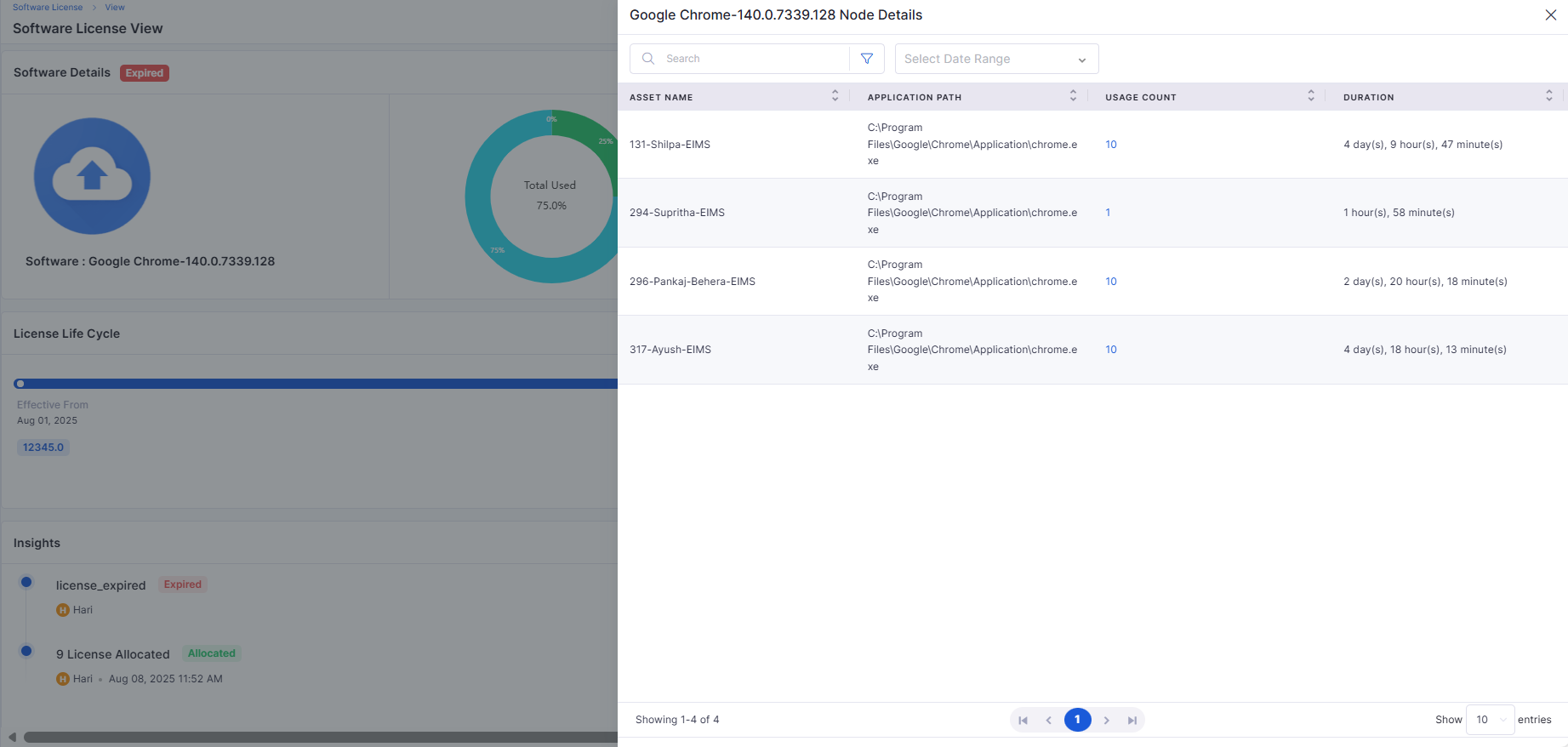
Displays license consumption in dashboard views and detailed reports.
Workflow
Kafka Notification Trigger
Added support for Kafka message triggers during workflow execution.
Allows real-time notifications to integrated systems or tools.
Provides detailed logs for each published Kafka event.
Tickets
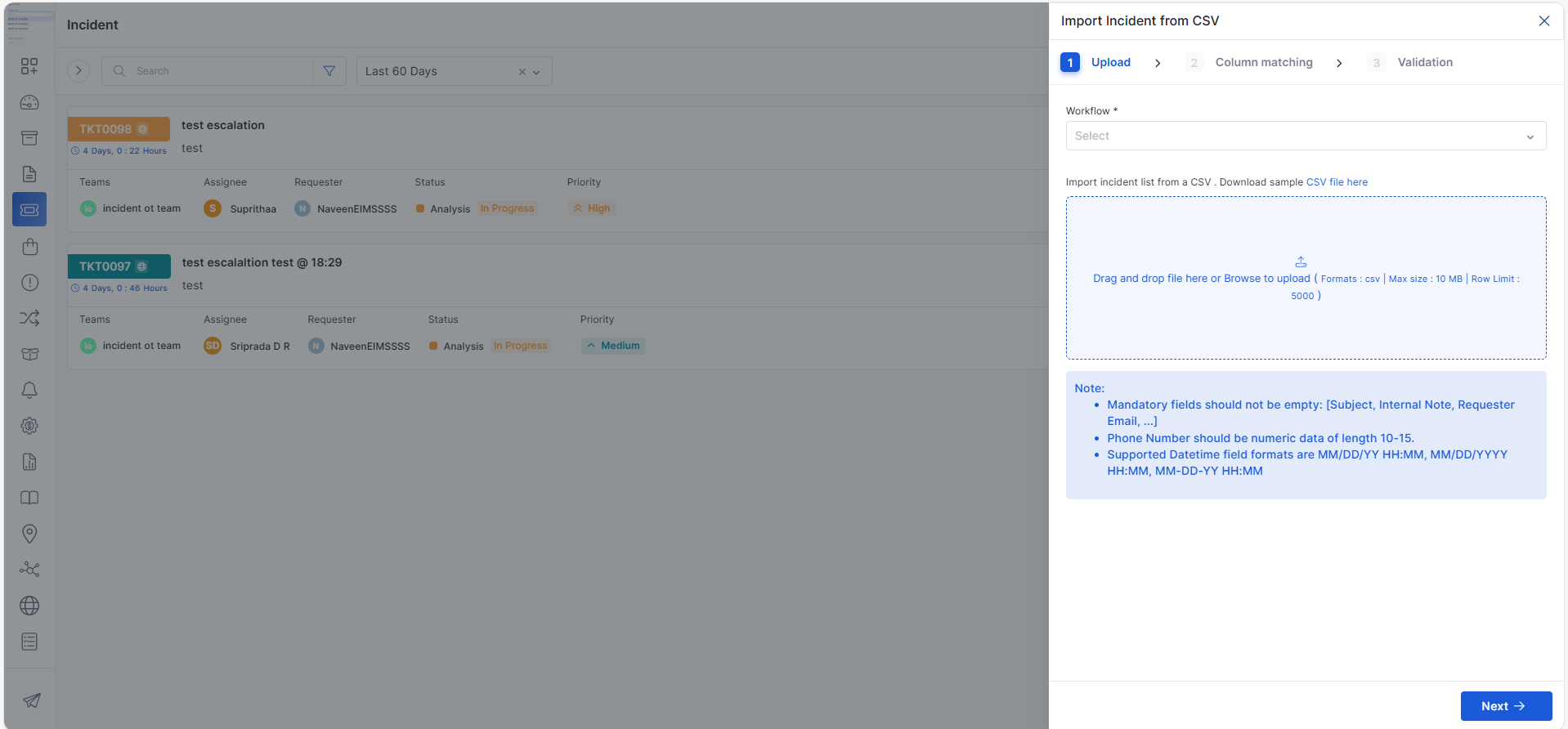
Import Tickets from CSV
Introduced ticket import functionality using pre-formatted CSV files.
Supports bulk upload with validation and mapping preview.
Dashboard
Filter Tab for Assignee Summary Widget
Added a dedicated filter tab to the Assignee Summary widget.
Allows filtering by status, priority, and ticket category.
Simplifies workload tracking and assignment analysis.
Project Management
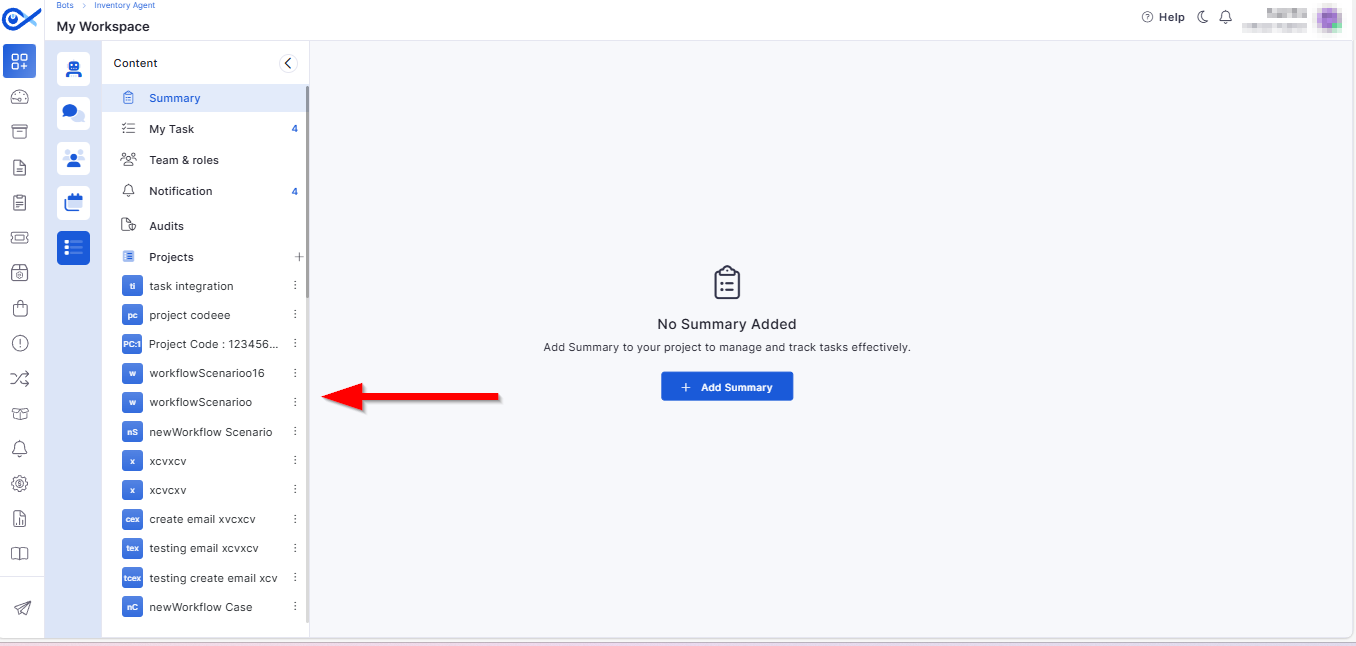
Project Add and View in the Left Panel
Simplified navigation with all project sections accessible via the left panel.
Enhances usability with consistent side navigation for tasks, teams, and workflows.
Automated Task Generation on Project Creation
Automatically generates default tasks based on the selected project template.
Ensures project consistency and reduces setup time.
Project Templates in Start-a-Project Sidebar
Added a “Start a Project” sidebar featuring available templates.
Includes a “Load More” option for easier browsing through templates.
Project Workflow Integration
Introduced dedicated project workflow support similar to task workflows.
Enables configurable approval and review stages for each project.
Project Workflow
Provides predefined project stages with clear state transitions.
Ensures consistent progress tracking across multiple teams.
Edit/Update Workflow Integration
Added a toggle option to require approval from all members in approval cards.
Improves governance and control during workflow execution.
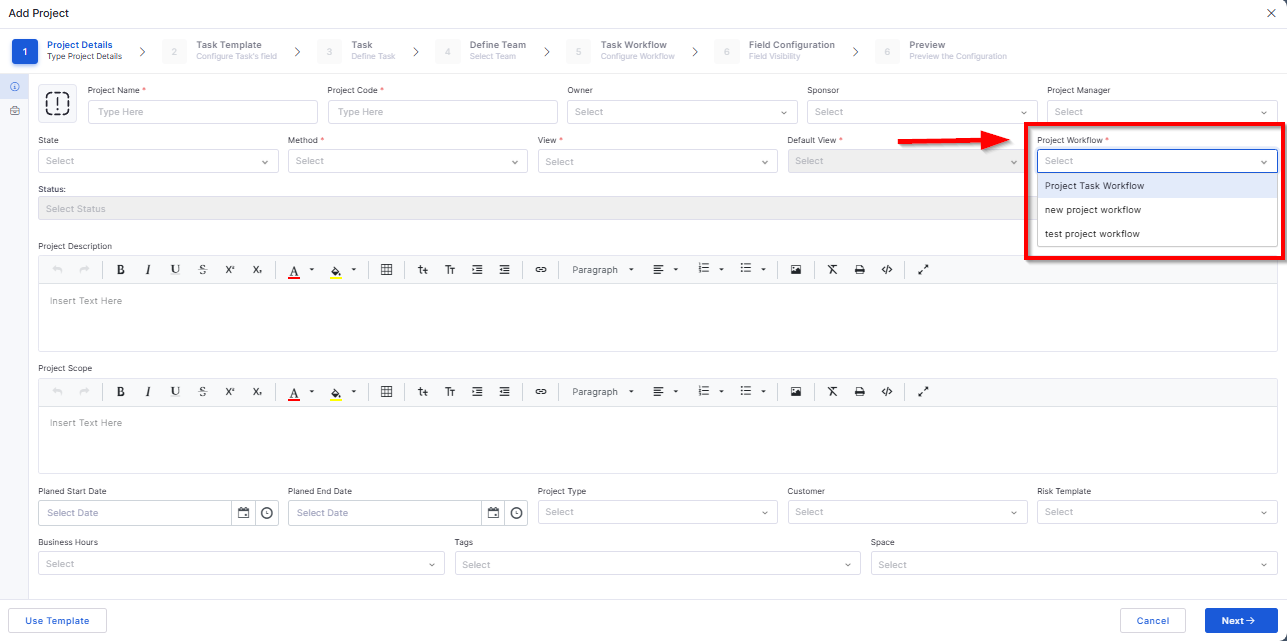
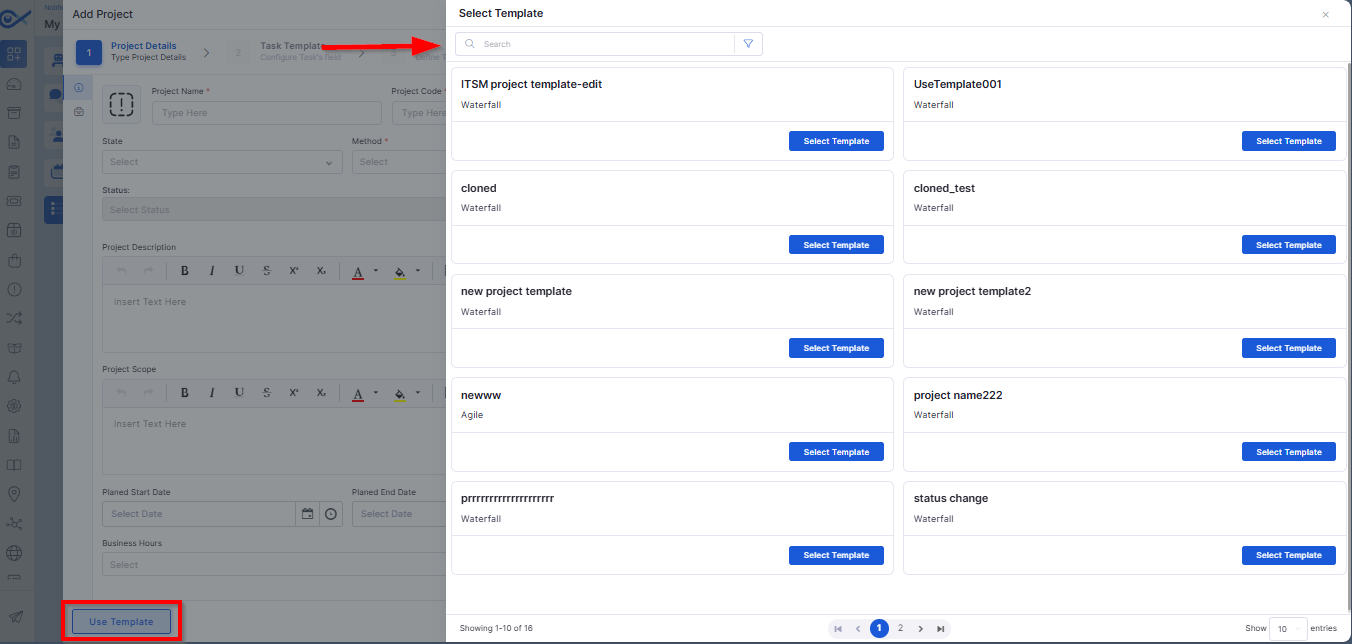
Project: Use Template
Allows users to select an existing template to auto-populate project details.
Validates required fields and prevents duplicate entries.
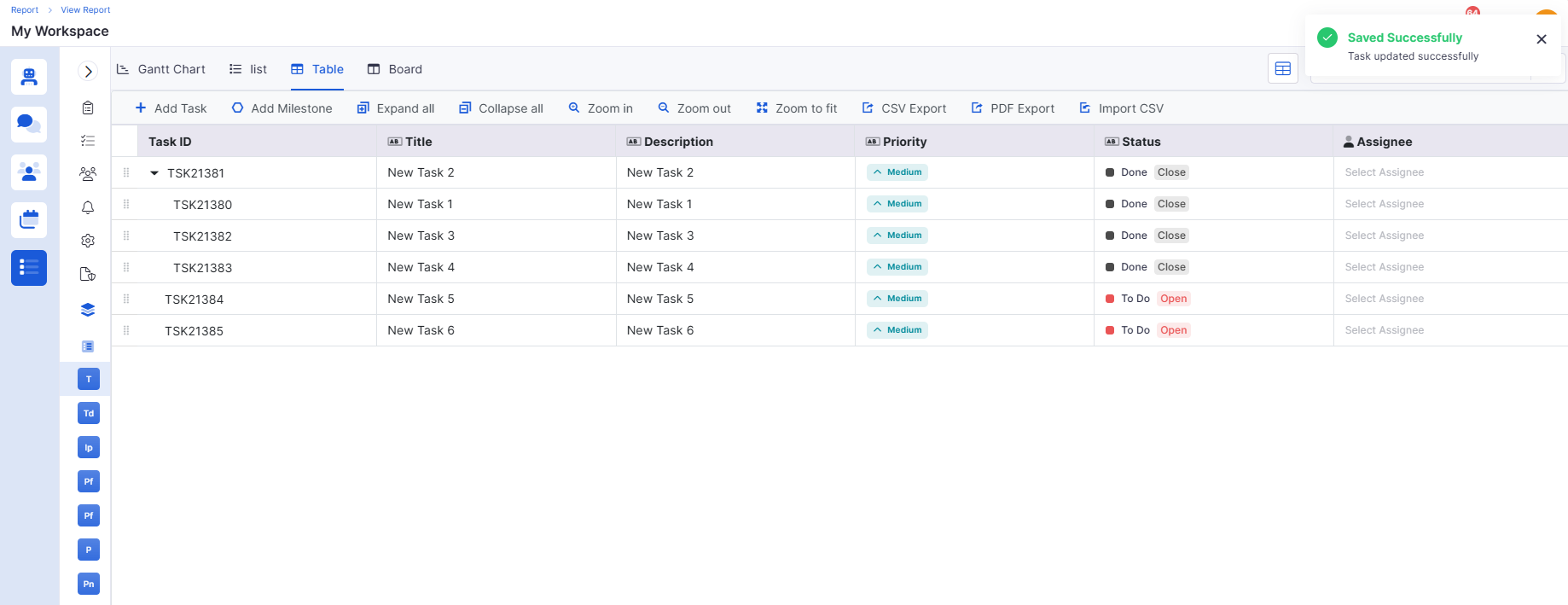
Project Task Add and View in Table View
Enables adding and managing tasks in a structured table layout.
Includes sorting, inline editing, and audit tracking for all updates.
SLA Management
SLA Exclusion from Tickets
Added an option to exclude specific tickets from SLA tracking.
Improves reporting accuracy for non-applicable cases (e.g., testing tickets).
Simplifies SLA performance analysis.
SLA Breach Detection and Indicators
Real-time detection of SLA breaches with color indicators.
Provides visual warnings and predictive alerts for near-breach cases.
Helps teams take preventive action proactively.
Marketplace
Okta Marketplace Integration – App
Introduced Okta Marketplace App for seamless authentication setup.
Simplifies domain linking and app registration.
Enables centralized identity configuration for organizations.
Okta Marketplace Integration – User Sync
Automatically syncs user data between Infraon and Okta.
Reduces duplicate user creation and manual synchronization effort.
Maintains consistent user identity across systems.
Okta Marketplace Integration – SSO Login
Enables secure single sign-on via Okta credentials.
Supports multi-domain authentication and improved session handling.
Simplifies login for enterprise users.
Centralized Marketplace
Enhanced centralization of marketplace integrations.
Allows managing multiple connected apps from a single view.
Ensures better control, visibility, and auditing of integrations.
🐛 Bug Fixes
We have addressed multiple issues reported across modules, including:
Improved data synchronization between Asset and Inventory views.
Resolved validation inconsistencies in the Project Template and Workflow modules.
Fixed mobile app data collection and display issues for Android and iOS.
Enhanced report generation stability for Agent Utilization and SLA metrics.
Addressed UI alignment and widget display issues in dashboards.
Optimized Marketplace integration performance for Okta synchronization.
General performance and stability improvements across the Infraon platform.
These fixes deliver better reliability, improved accuracy, and smoother usability across Infraon Infinity’s modules.
Ensures reliable and secure transmission of device information.
Enhances analytics and monitoring for mobile assets.
Improves navigation and accessibility through gesture-based control.
Automatically updates indexes when KB content changes.
Ensures continuous enrichment of the KB repository with verified solutions.
Helps technicians resolve issues faster by using existing knowledge.
Ensures consistent configuration across backend and UI.
Improves flexibility in report generation and trend analysis.
Reduces manual updates and improves monitoring consistency.
Enables cost optimization and compliance tracking for installed software.
Displays upload results and allows download of failed records for review.