v7.4.6 - May 2026 Release Cycle: 22nd May 2026
Build: Pre-Release Documentation
Overview This release introduces enhancements across Self Service Portal, Reports, AIOps, Inventory Agents, Software, Purchase Order, Dashboard, Project Management, and Mobile modules. The update focuses on improving configurability, reporting, workflow flexibility, asset visibility, and procurement operations.
Key Updates Use these pages to go deeper into the modules covered in this release:
Self Service Portal Configurable SSP Home Page Added configurable SSP Home page settings from SSP Configuration
Supports customization of Banner Title, Quick Help, and Quick Access sections
Report Service Hub Field in Asset Reports Added Service Hub field support in Asset Reports
Supports column selection and reporting visibility
Agent Installation Report Enhancements Improved Agent Installation Report loading performance
Removed default Location grouping for simplified asset visibility
NABARD – SLA Compliance Report Enhancement Added new Partial Threshold options:
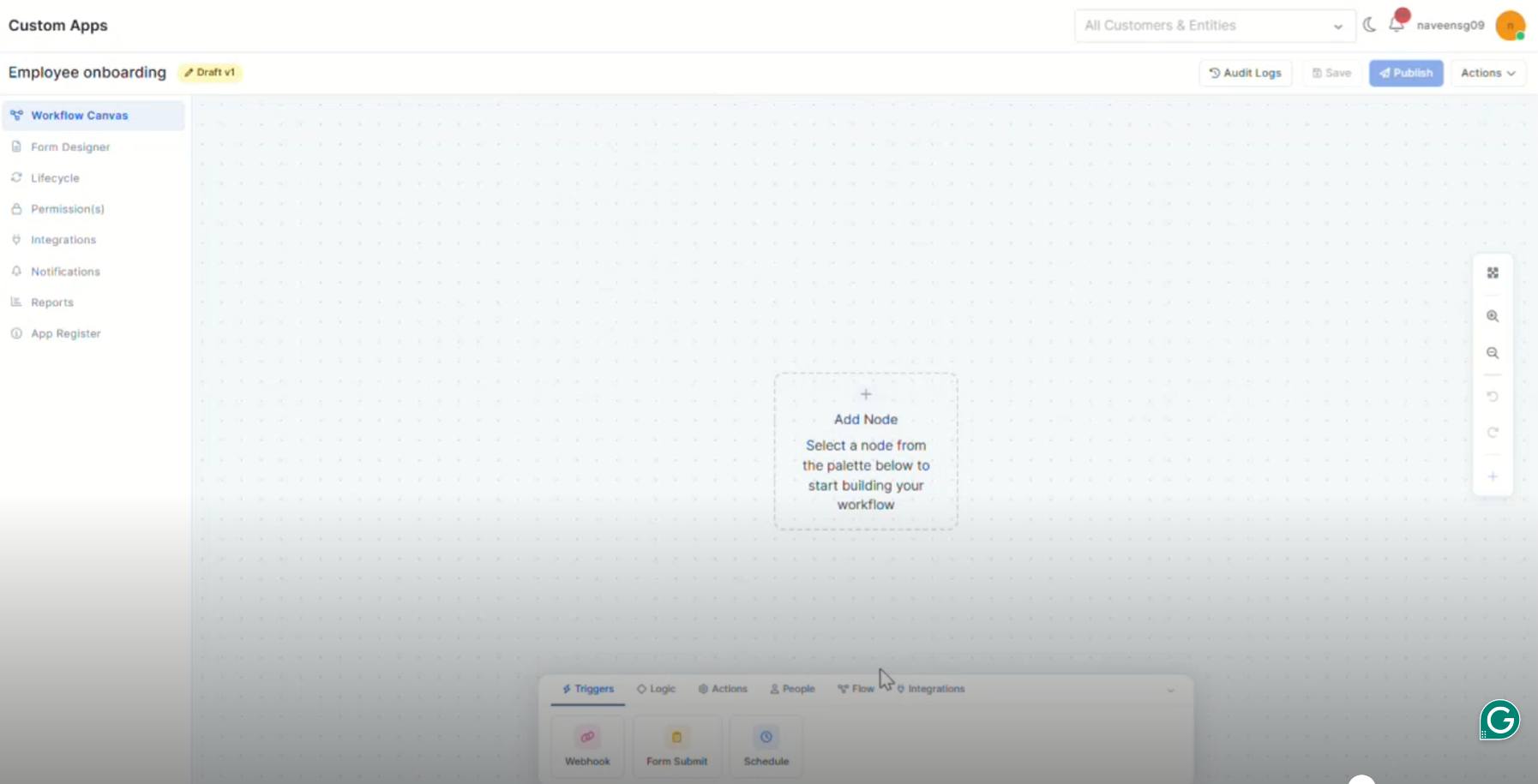
AIOps Custom Apps – Node Builder and Palette Configuration Added workflow node builder support for Custom Apps
Supports drag-and-drop node configuration
Inventory Agents Asset Creation ACK from Server Added ACK-based asset creation tracking for Inventory Agents
Improved discovery synchronization reliability
Added retry handling for failed asset creation requests
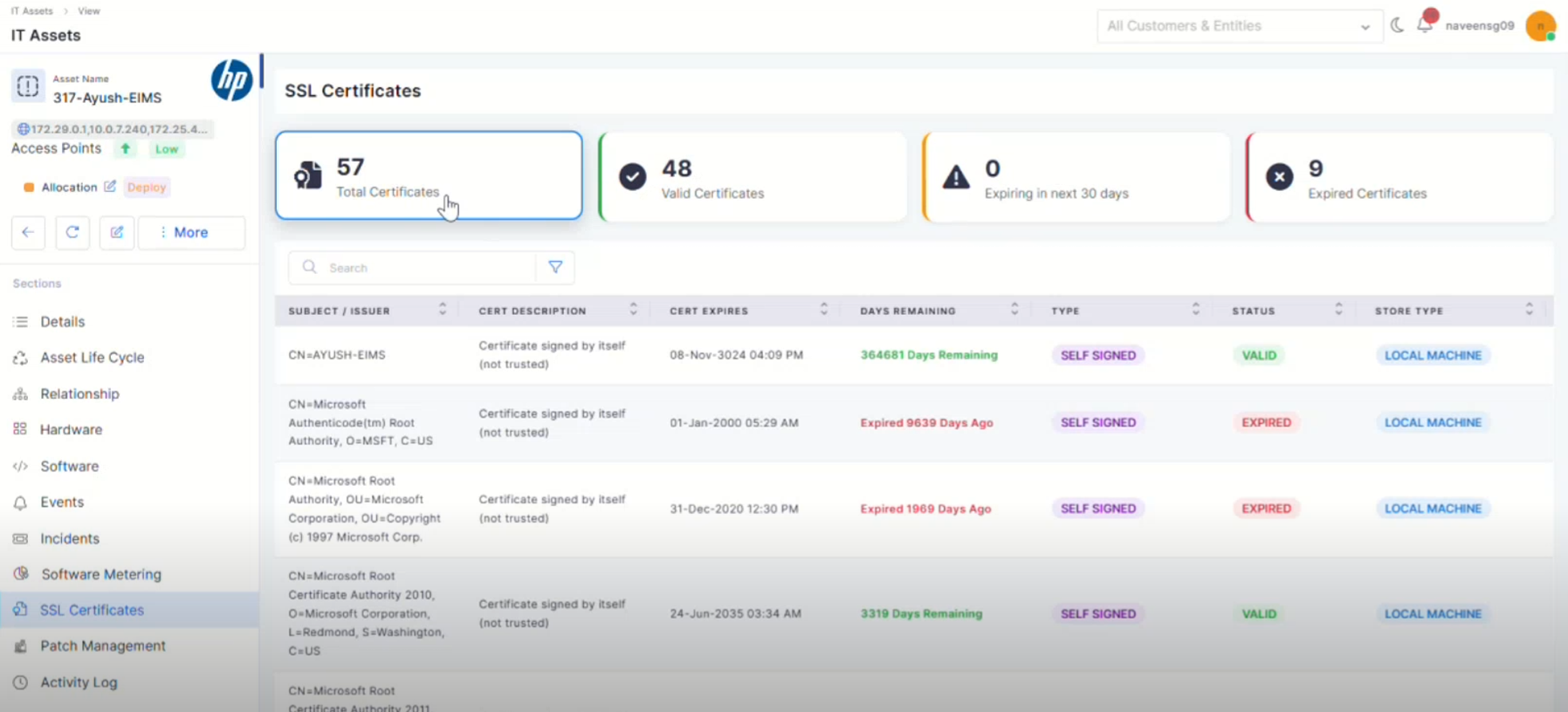
SSL Certificate Discovery in Windows Devices Added SSL Certificate discovery support for Windows devices
Displays certificate details in Asset View
Software Software License – Expiry Date Renaming Renamed “End Date” to “Expiry Date” across Software License modules
Updated references in reports, filters, lifecycle, and audit sections
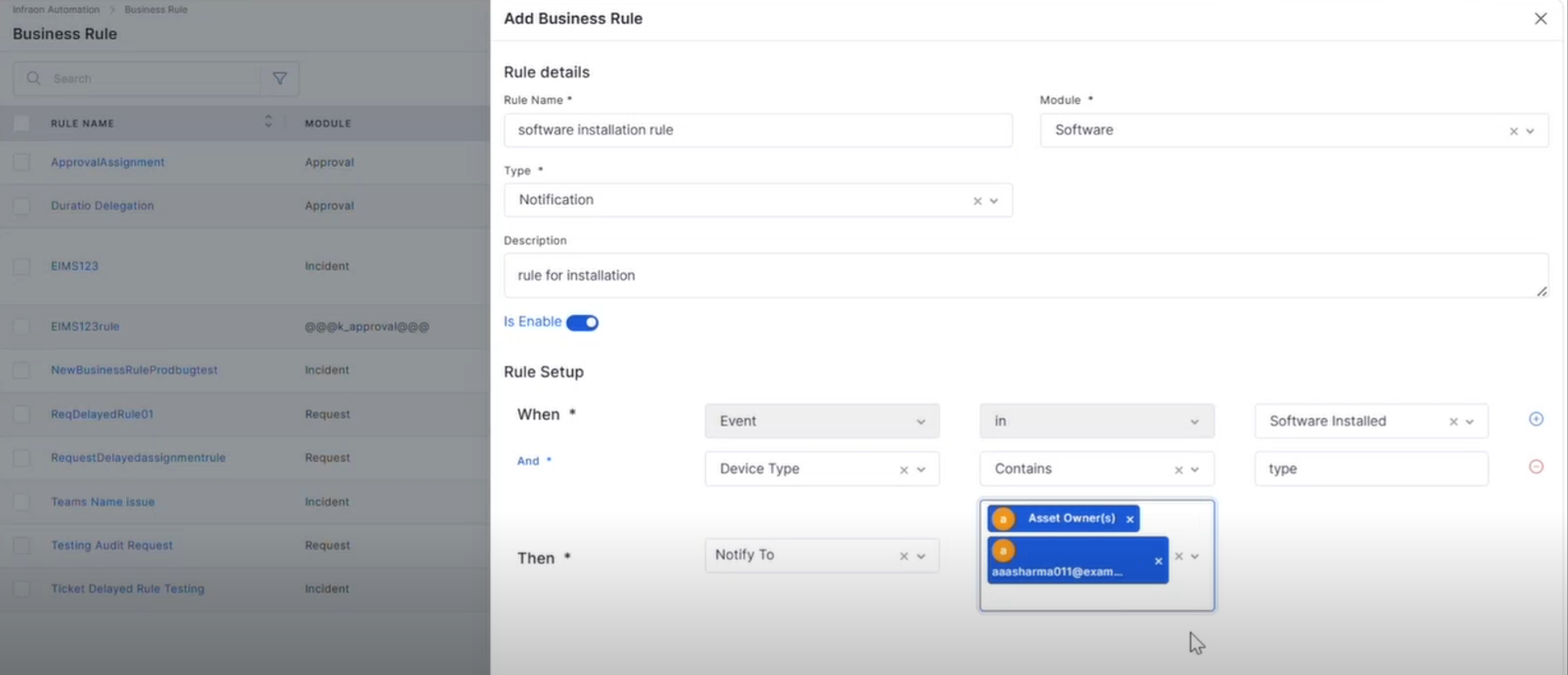
Software-Based Notification Rules Added event-based notification rules for software activities
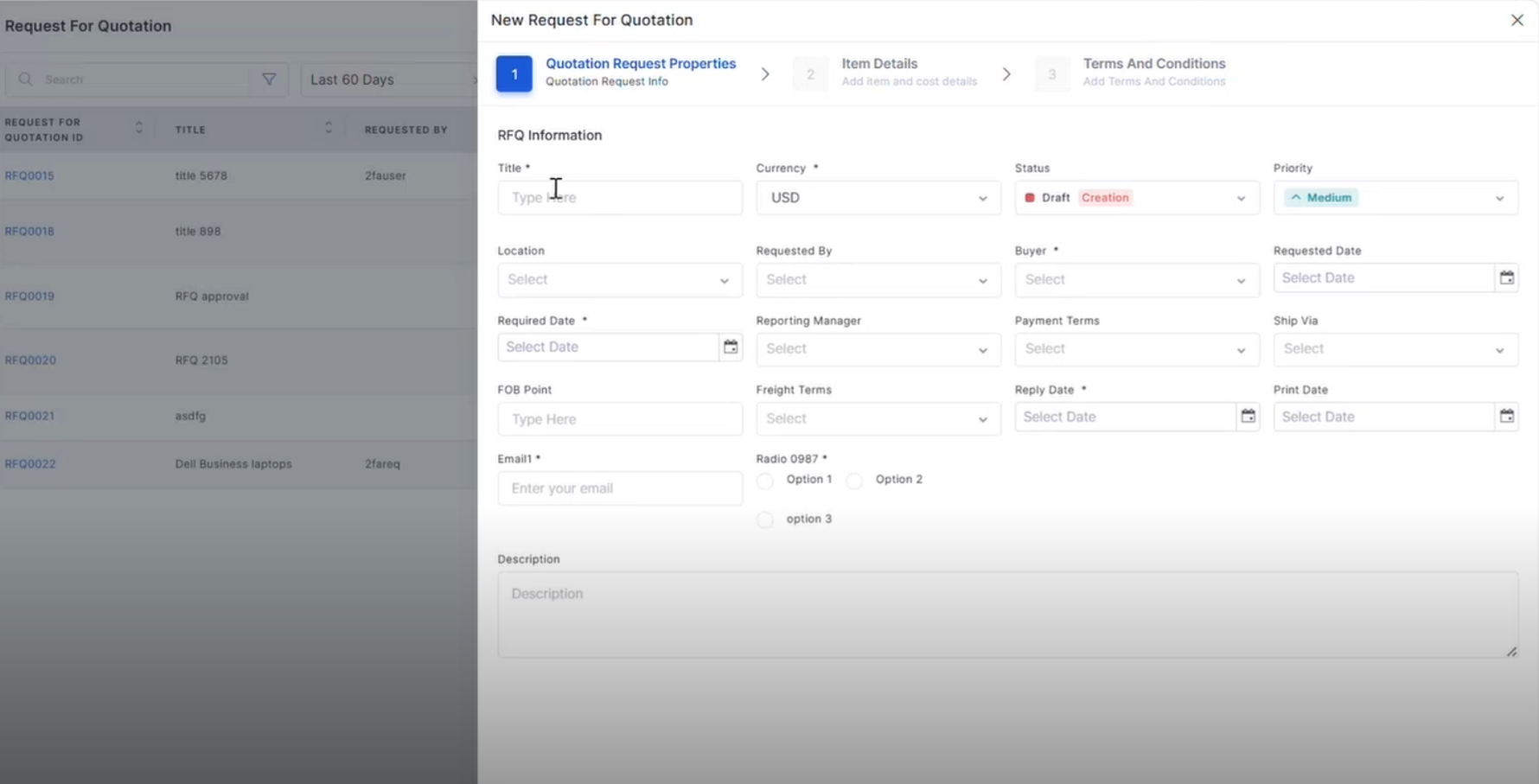
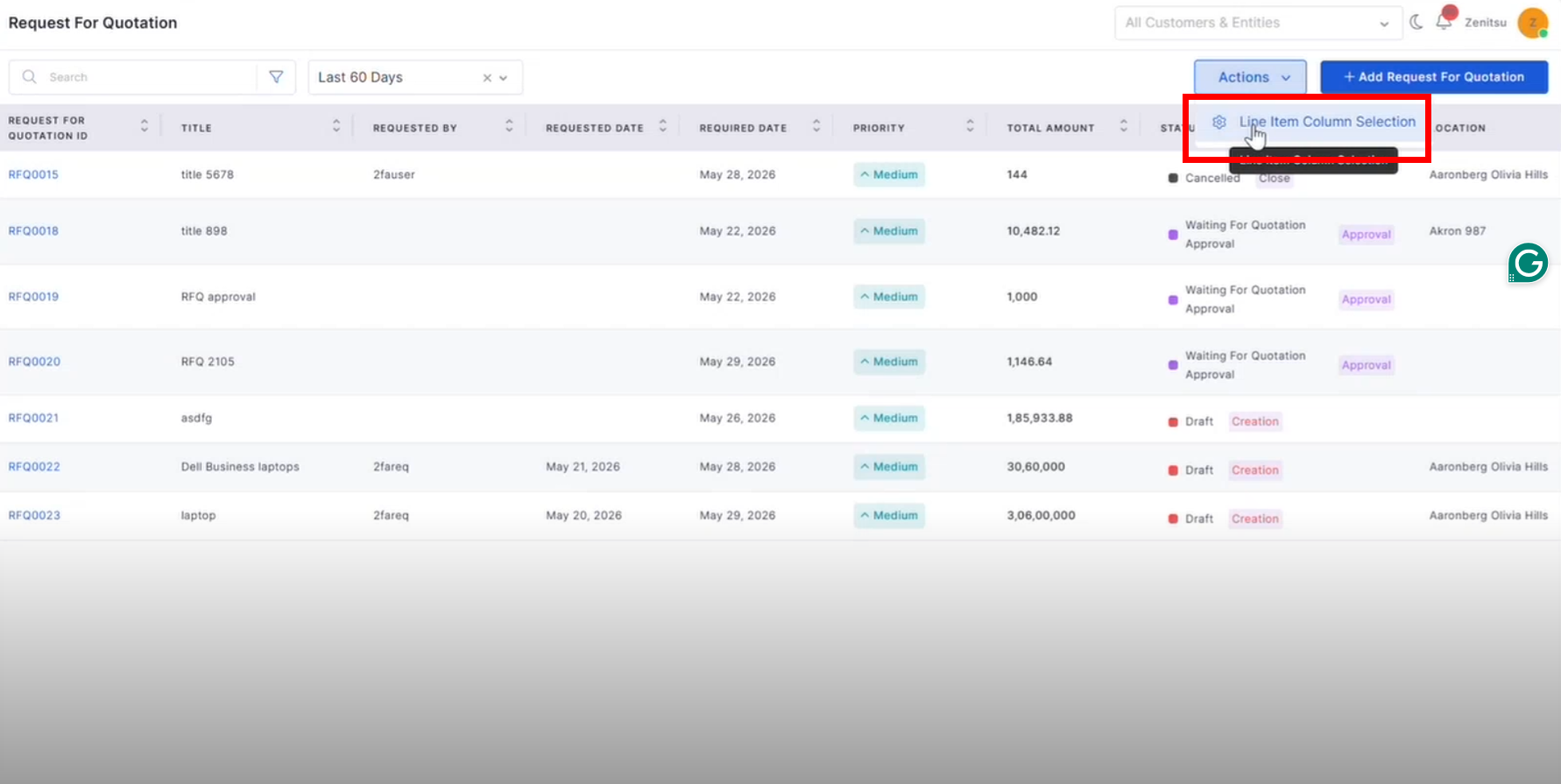
Purchase Order RFQ – Column Selection, RBAC, and Custom Fields Added RBAC and custom field support for the RFQ module
Supports configurable field visibility and permissions
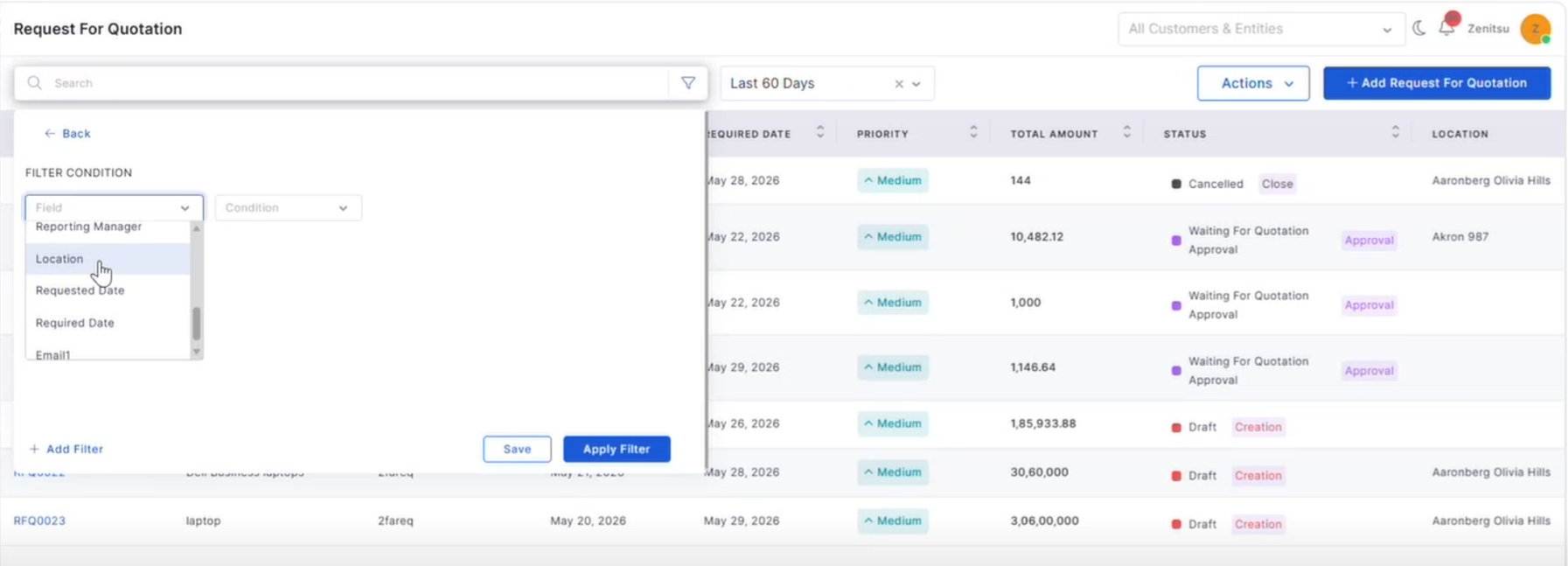
RFQ – CRUD Operations with Grid and Filter Added complete RFQ lifecycle management
Supports search, filters, pagination, and grid view
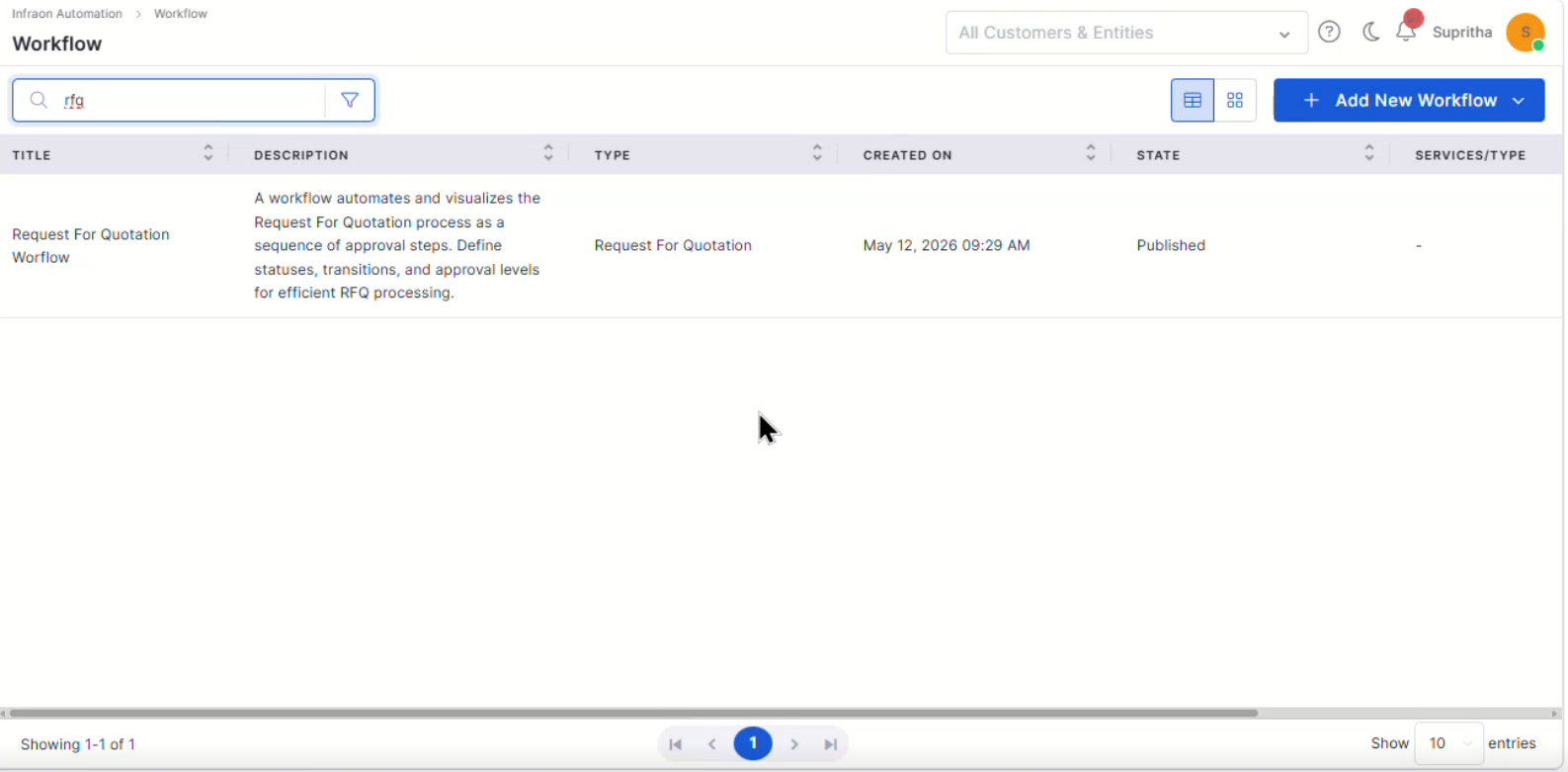
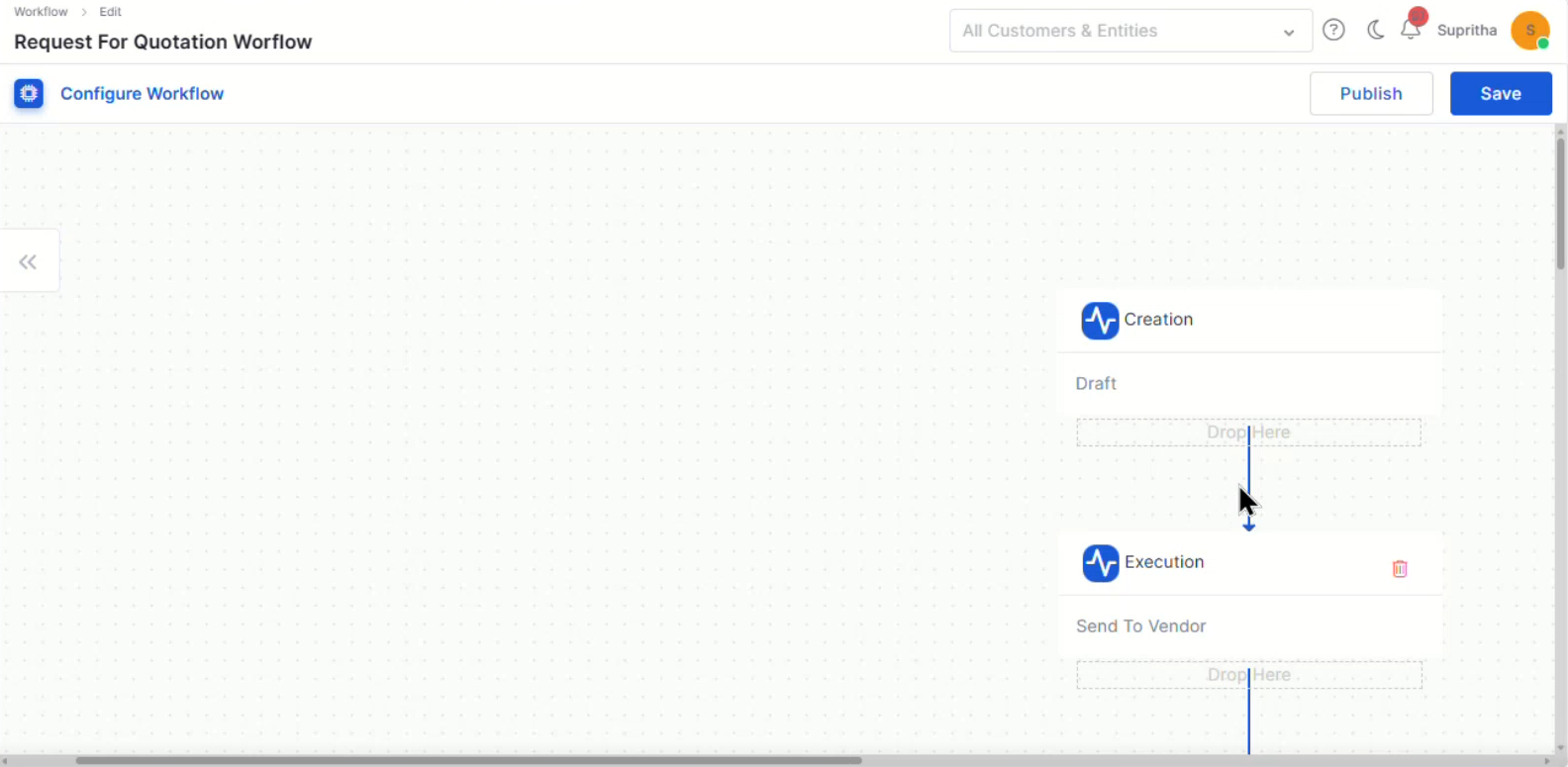
RFQ Workflow Added configurable default RFQ workflow
Supports workflow status, transitions, and approvals
CSV Upload for PR Line Items Added CSV upload and download support for PR line items
Supports validation for mandatory and duplicate fields
Uploaded records are reflected across PR views
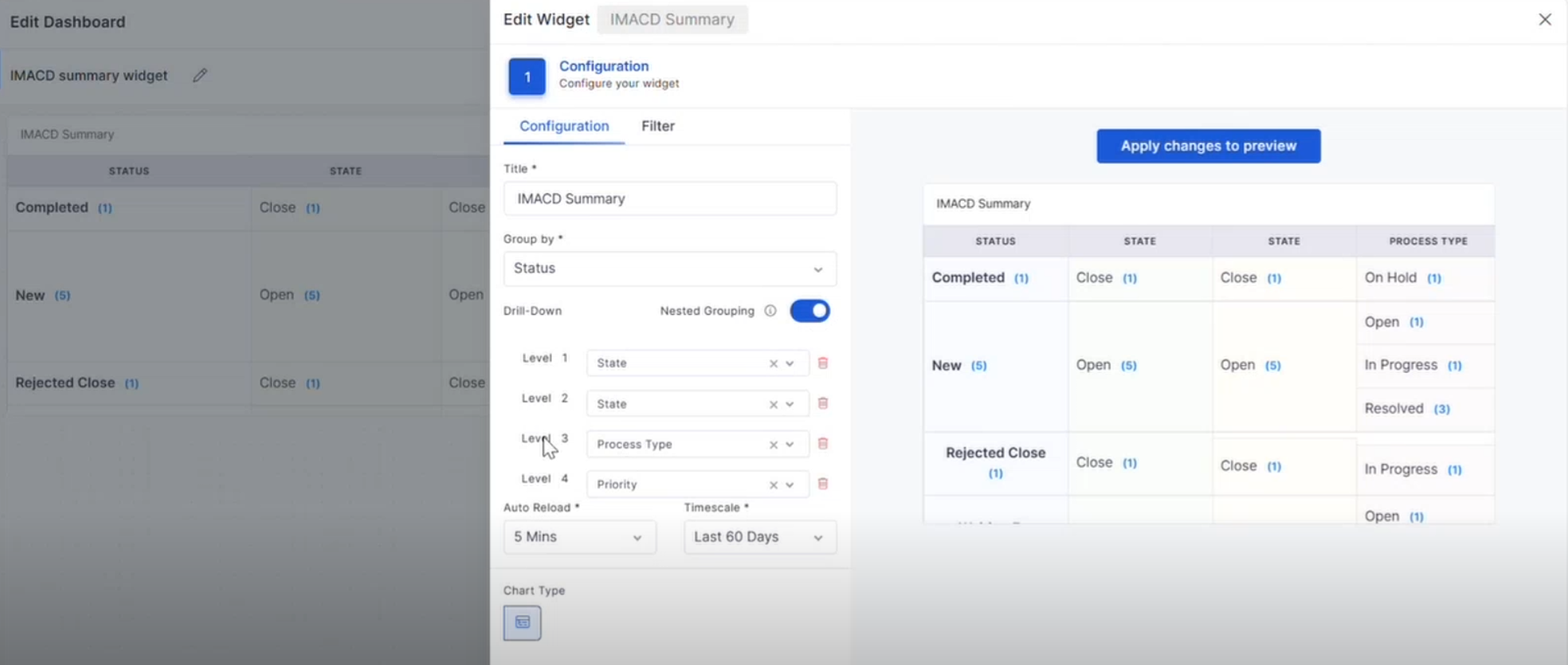
Dashboard Nested Group By and Drilldown in Summary Widgets Added Nested Group By support in:
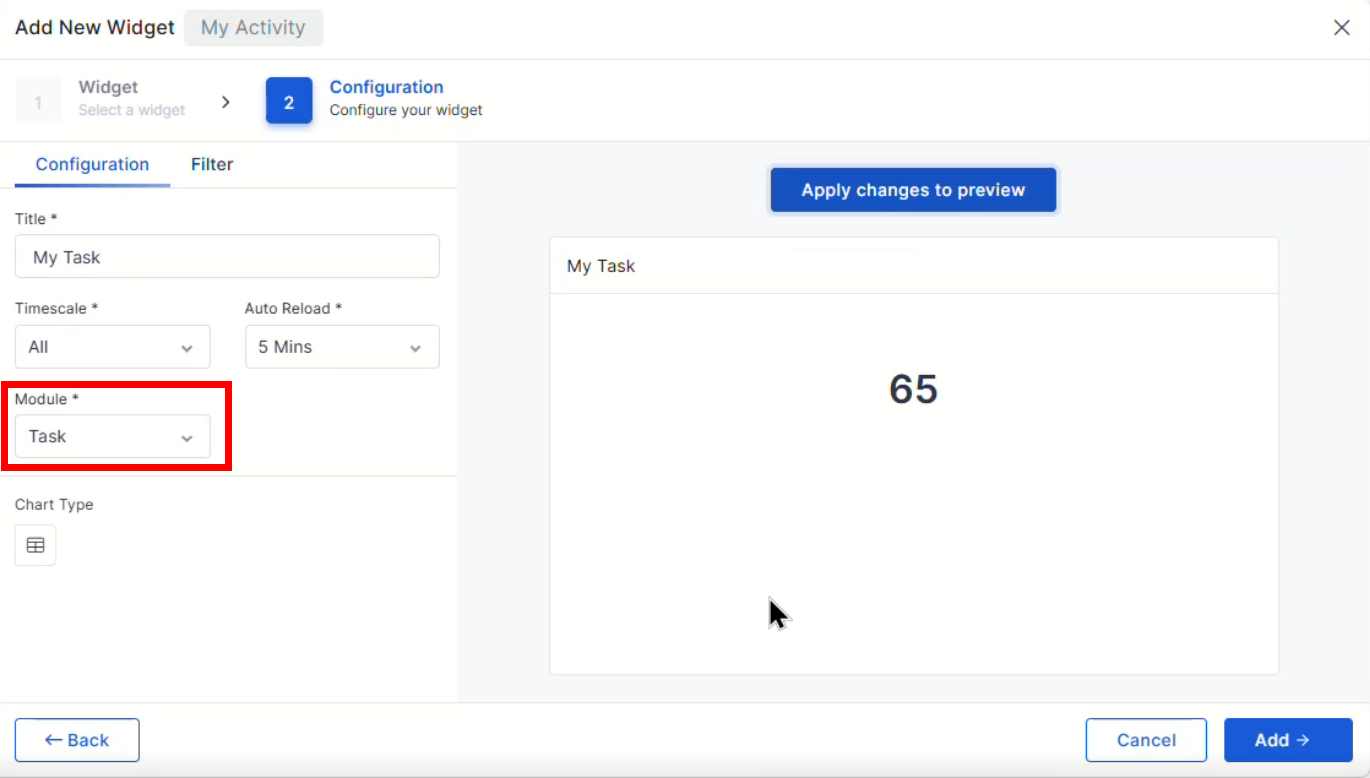
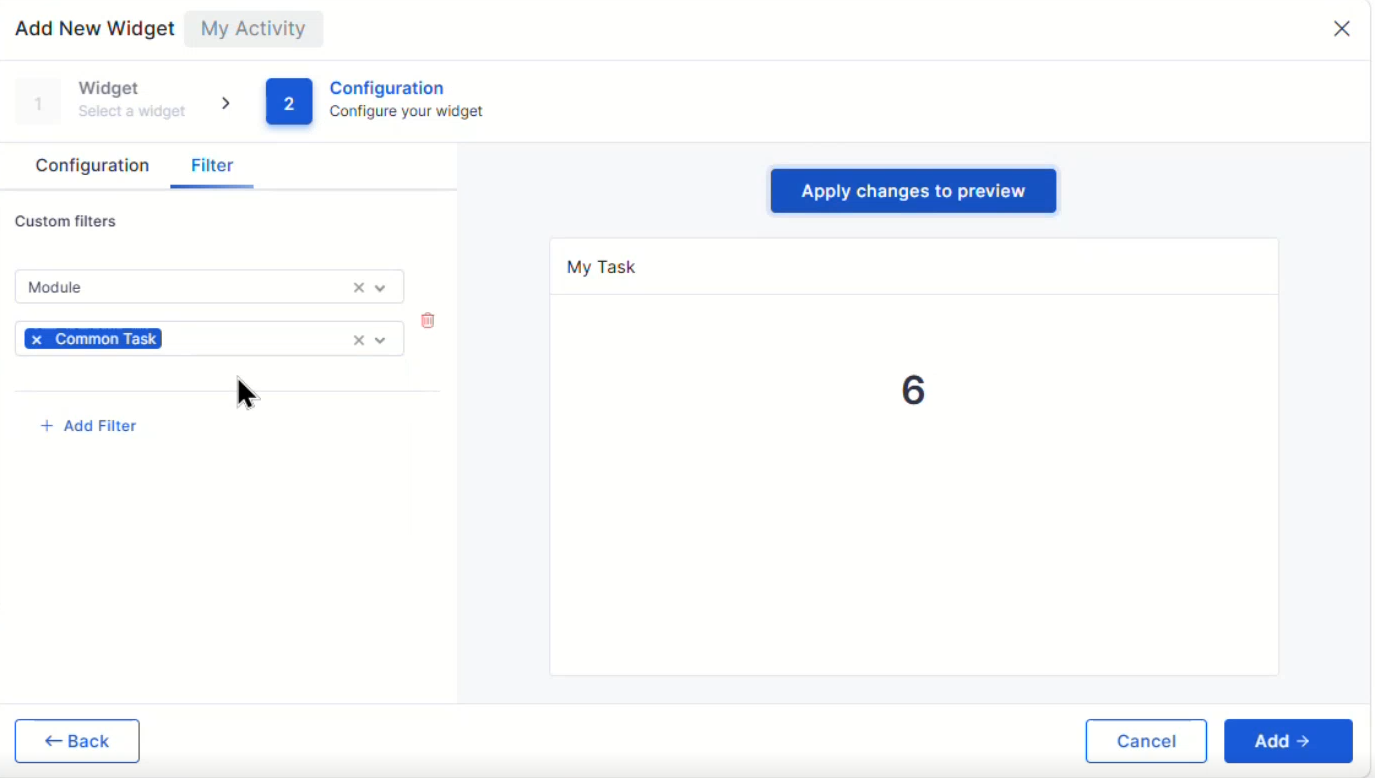
Project Dashboard – Task Summary Widget Added the Task Summary widget in the Project Dashboard
Displays total task count and workflow status-wise counts
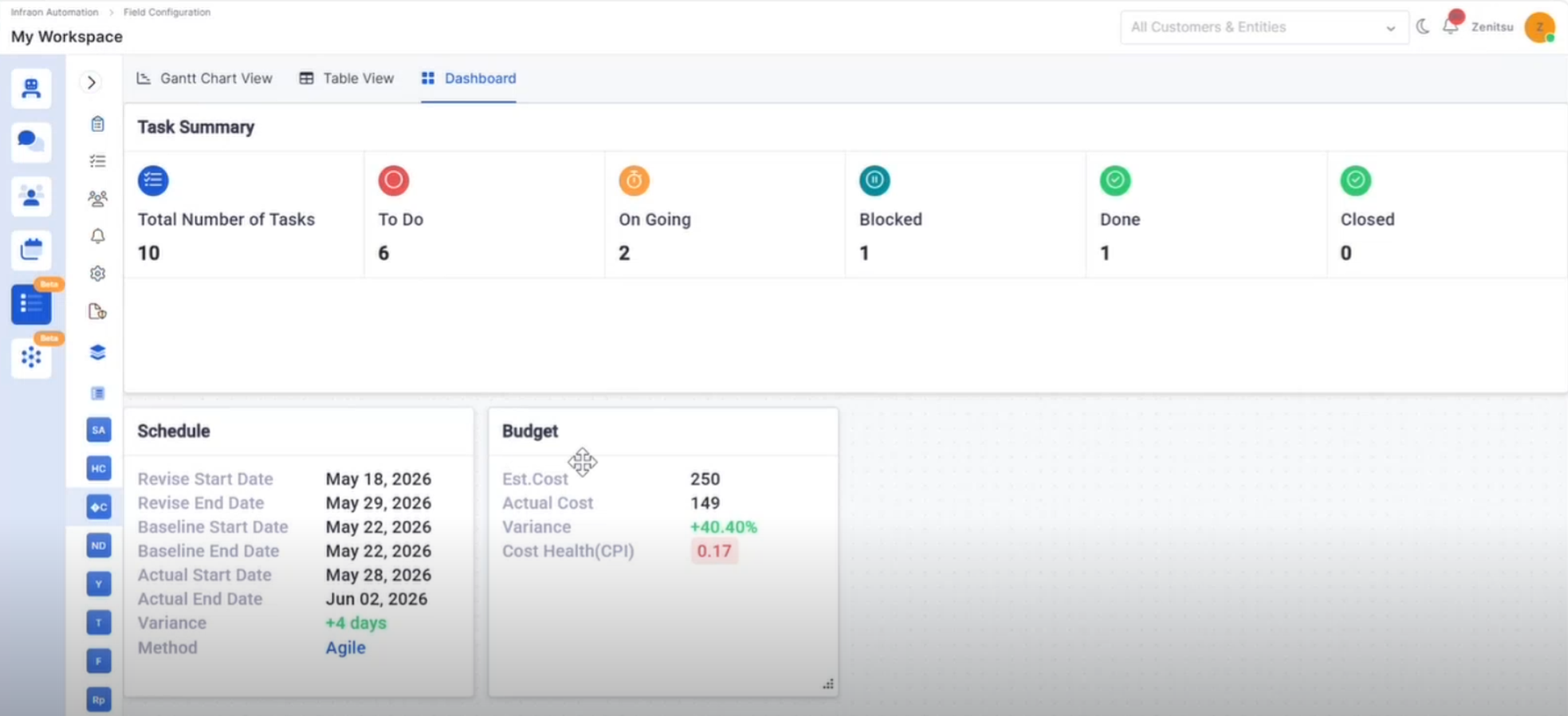
Project Management Project Dashboard – Schedule & Budget Widgets Added Schedule and Budget widgets in Project Dashboard
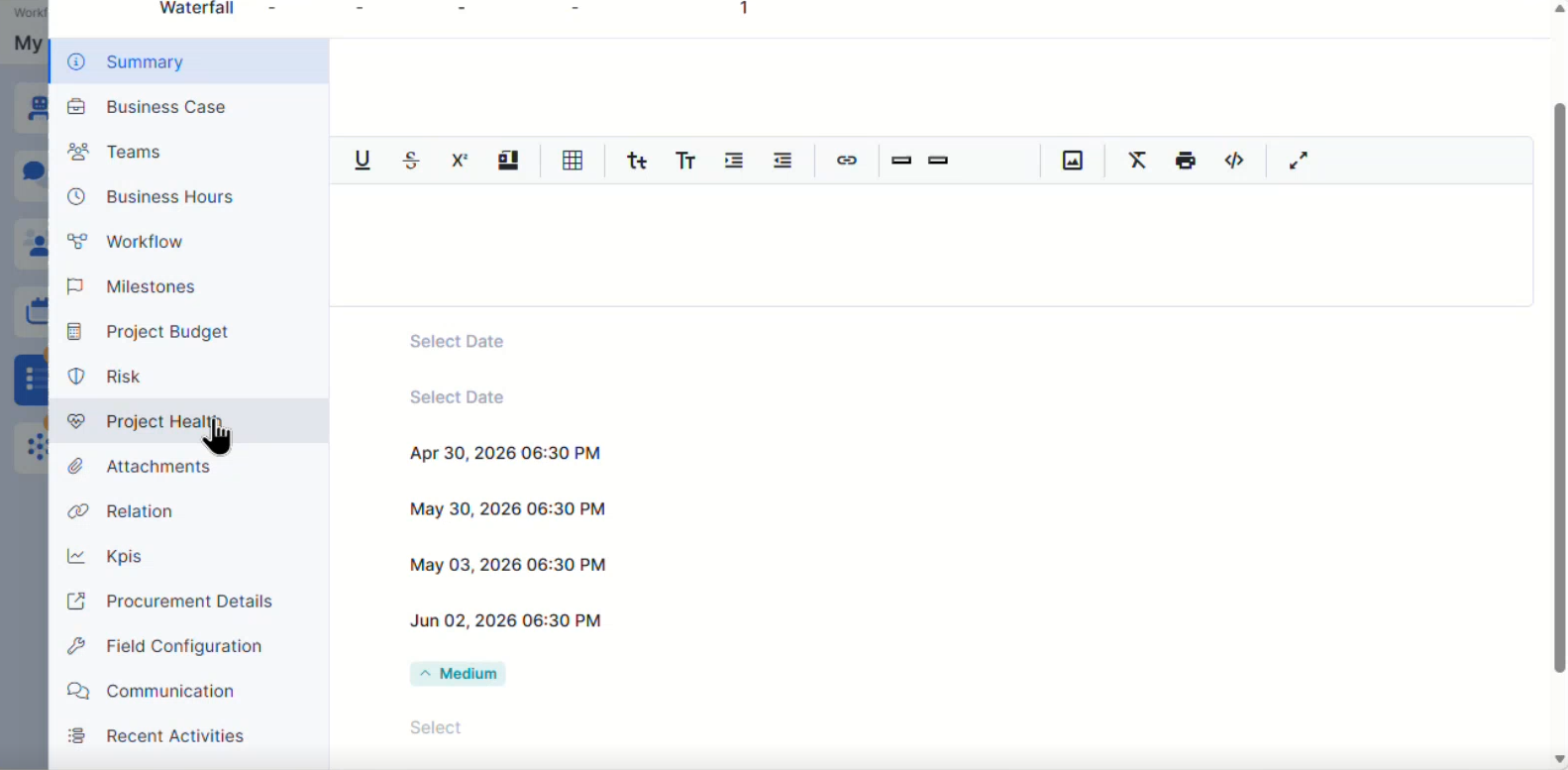
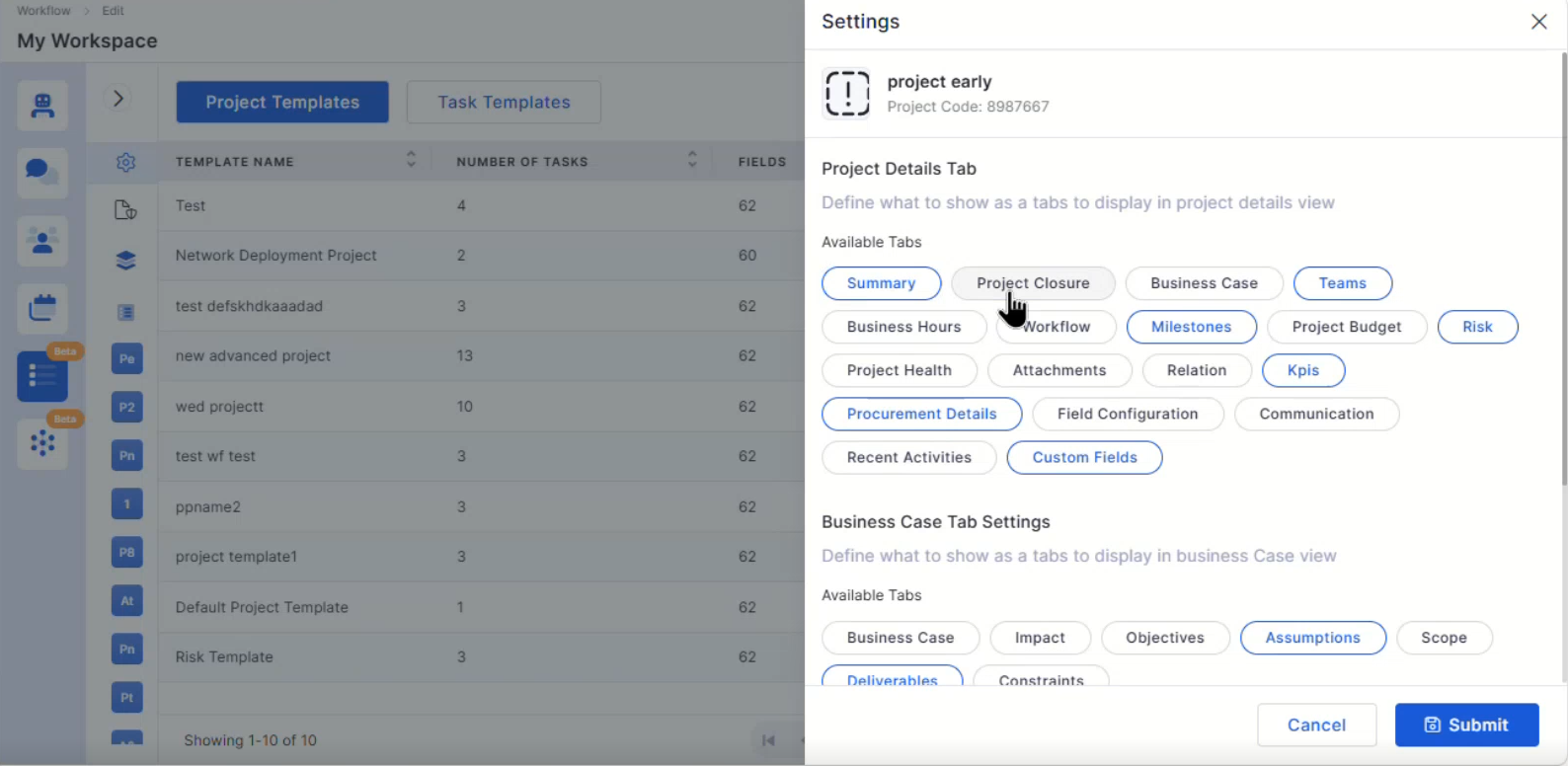
Project Left Menu Settings and Advanced Settings Added configurable Project Left Menu settings
Improved advanced project configuration controls
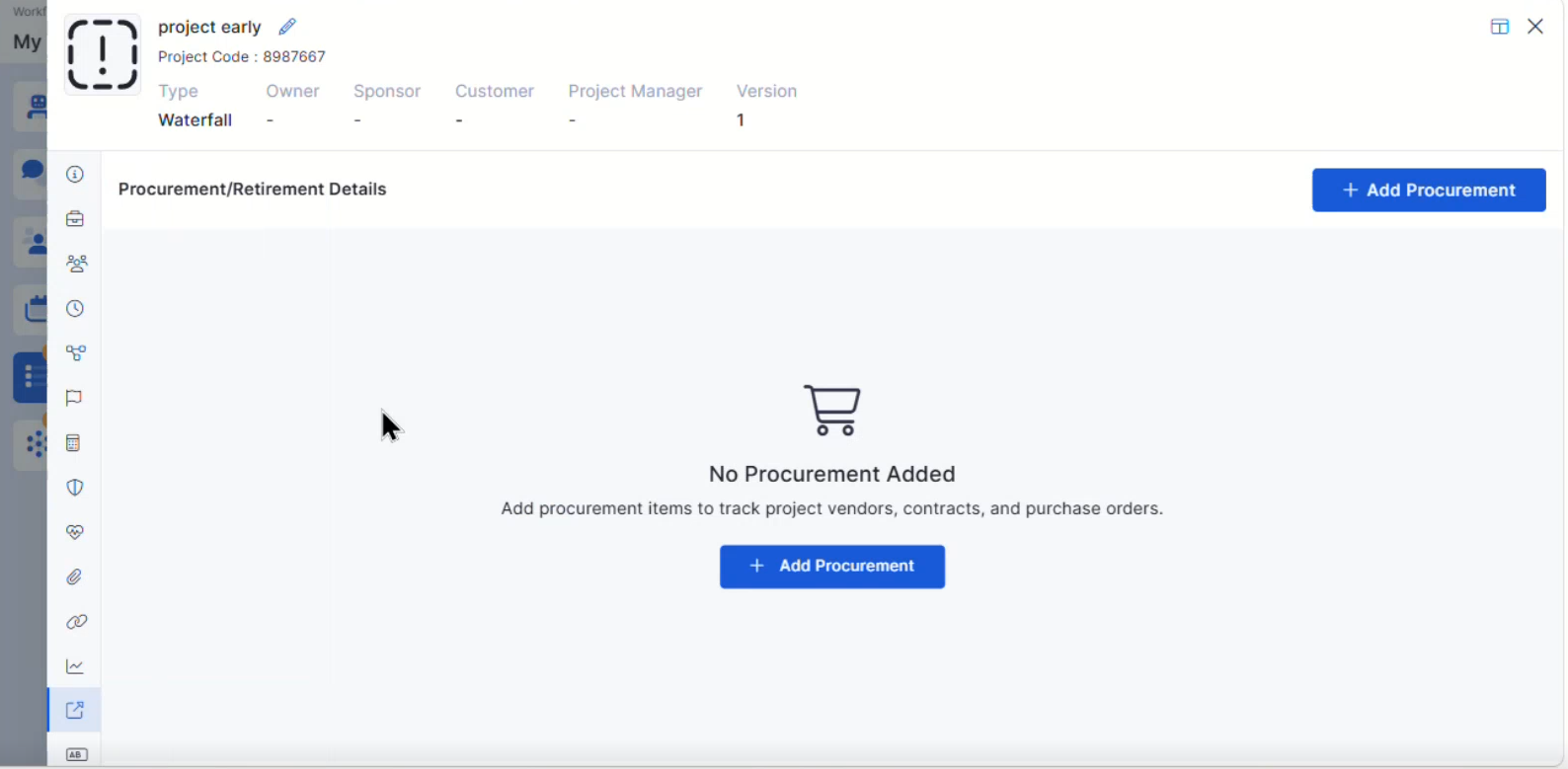
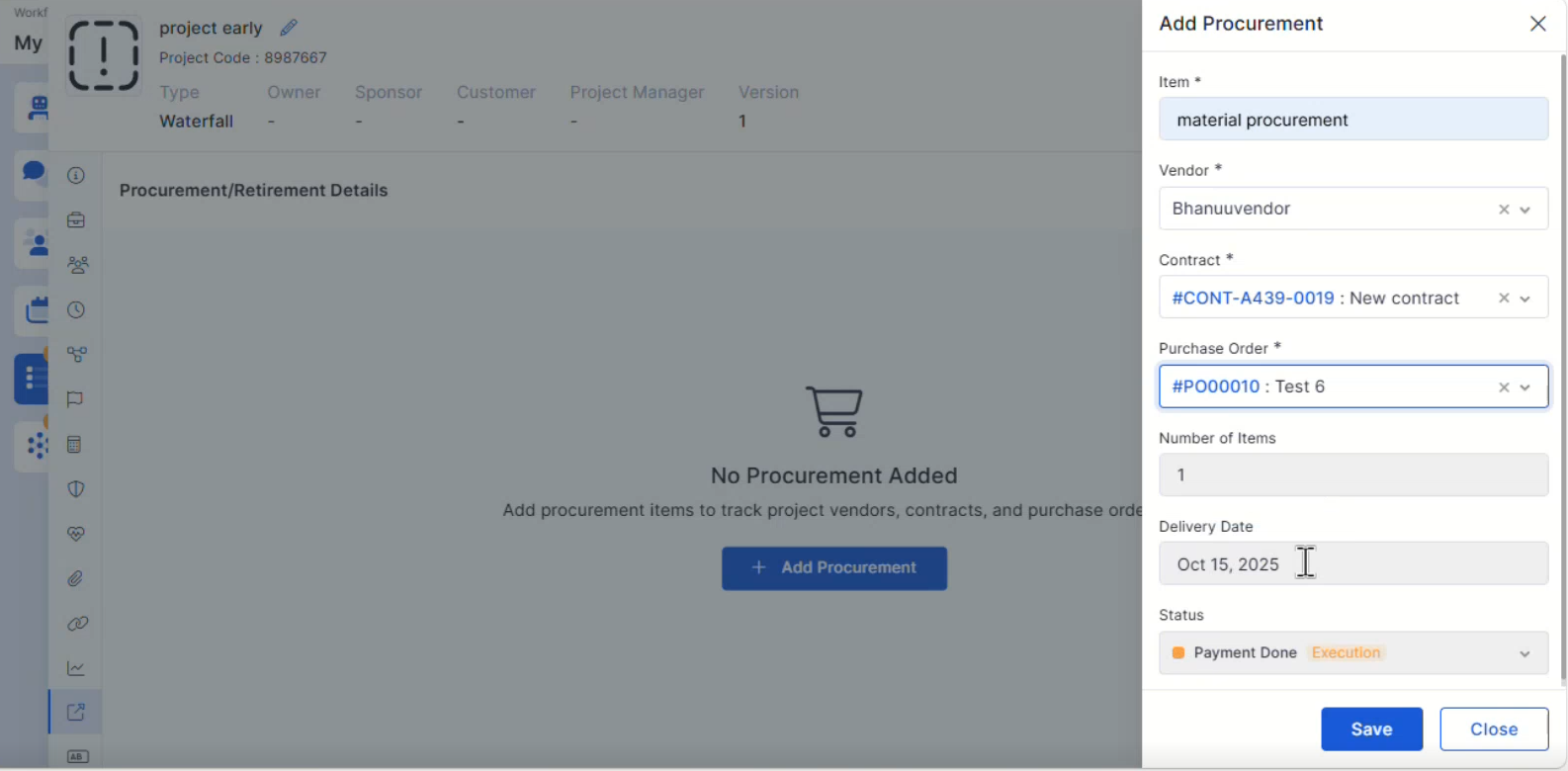
Project Procurement Details Added Procurement Details support within Project Management
Improves project procurement visibility and tracking
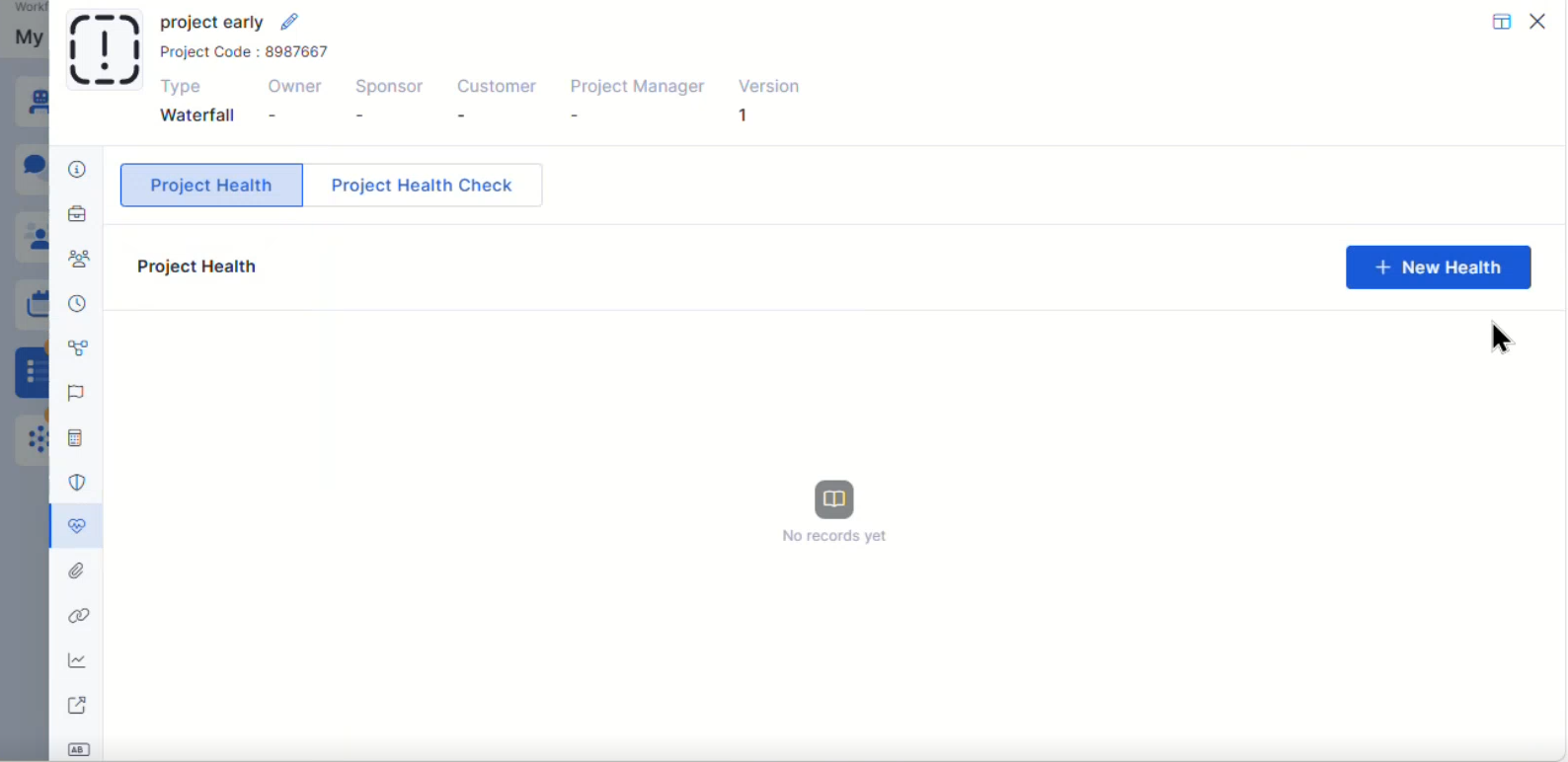
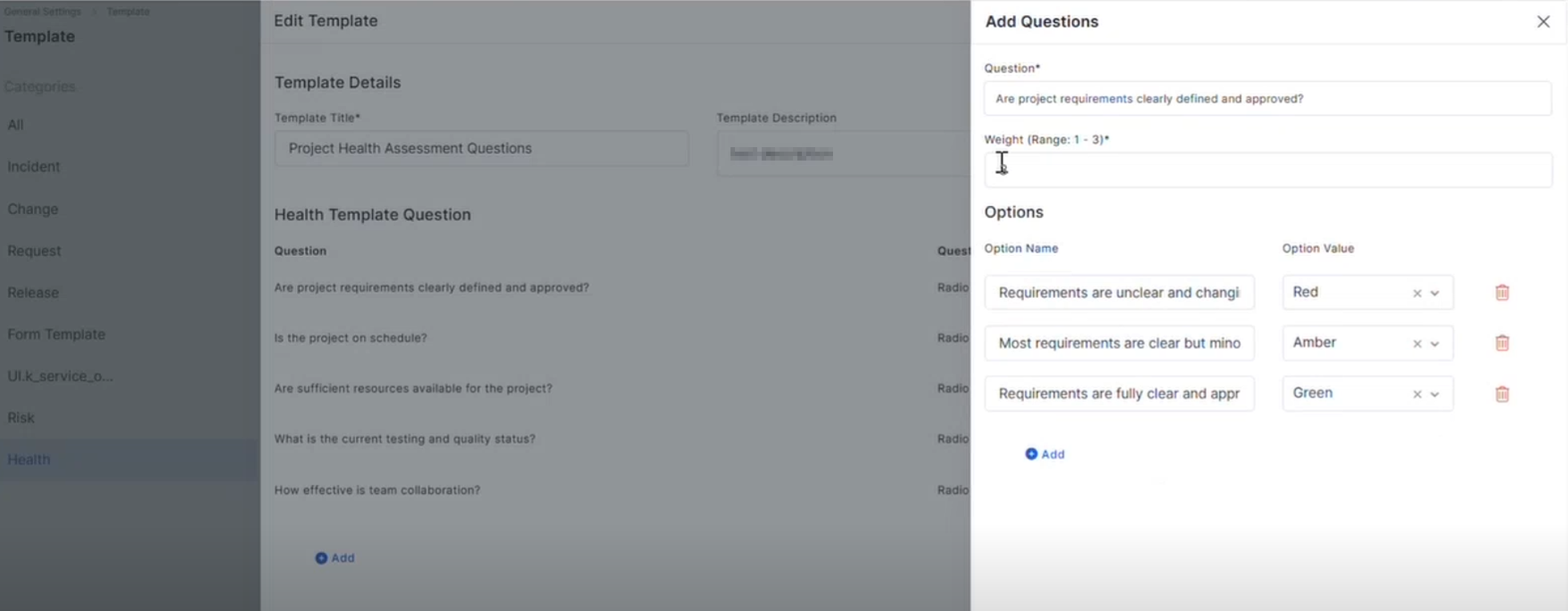
Project Health Template Added Project Health Template configuration support
Supports project health monitoring and evaluation
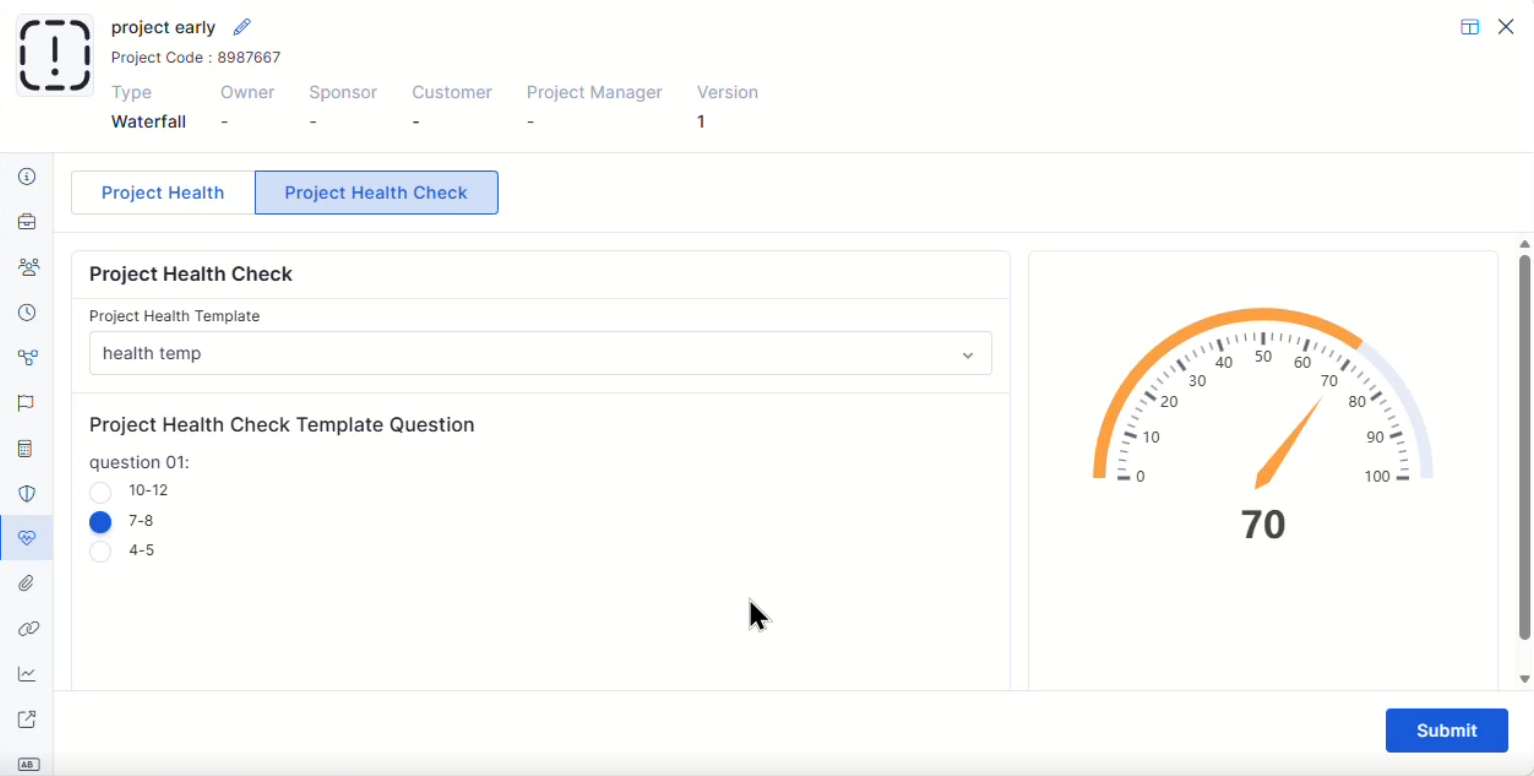
Health Template Integration in Project Added Health Template integration within Projects
Enables project-level health assessment workflows
Mobile Enhancements iOS Common Feature for Request Improved request handling capabilities in the iOS application
Enhanced request workflow consistency
Android – Relation View & Filter Mapping Added relation view support for Ticket, Request, and Release modules
Improved filter mapping and relation visibility
Android – Task Creation Form with Metadata Selection Added metadata selection support during task creation
Improves task configuration flexibility in Android applications
iOS – Request-Specific Task List API Added request-specific task list fetching and mapping support
Improved request-based task visibility in the iOS application
Bugs Fixed General stability and performance improvements across modules
Fixed UI inconsistencies and validation issues
Improved report rendering and synchronization handling
Minor fixes across workflow and dashboard operations.