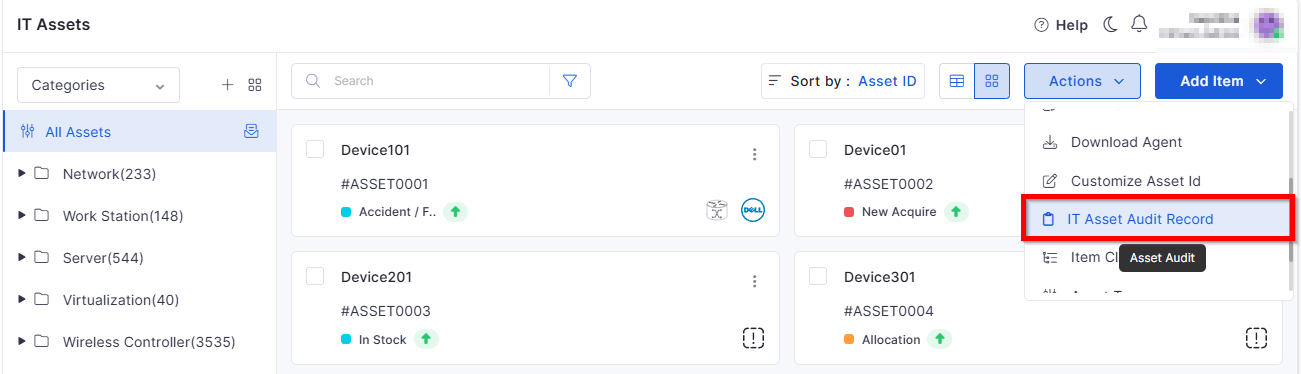
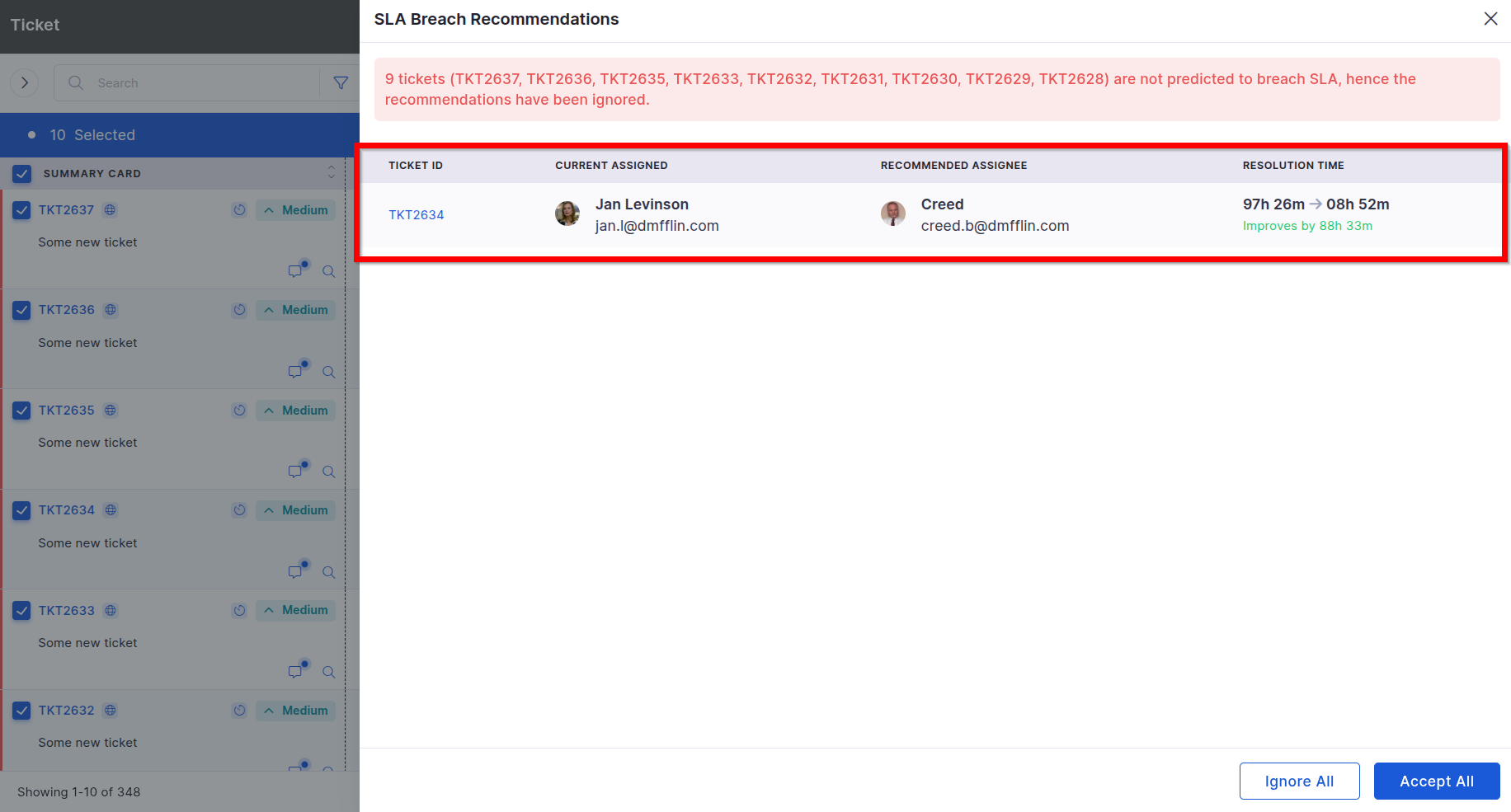
View the latest features, enhancements, and fixes by release.
Version: v7.3.14
Date: 12th October
Overview
This release introduces multiple new capabilities and refinements across Marketplace, Patch Management, Project Management, Contract Management, Asset Management, SLA Metrics, Knowledge Base (KB), Mobile App, and Reporting modules.
The updates focus on improved visibility, configuration flexibility, AI-driven automation, and user-experience enhancements across the Infraon Suite.
Key Updates
Marketplace
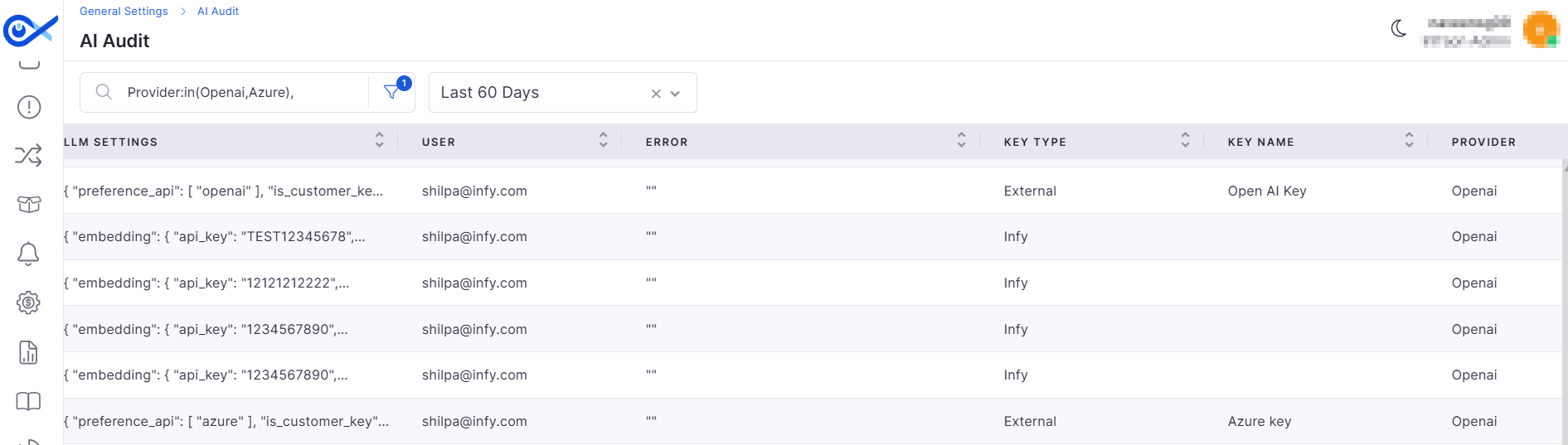
GenAI Marketplace App Enhancement
Improved API key management and validation for GenAI integrations:
API Key Auditing – Logs every key used for AI operations, ensuring compliance tracking.
API Key Validation – Validates API keys with the provider before saving; invalid keys are rejected with an error message.
Centralized Marketplace
Enables multi-instance environment setup by passing a centralized monitoring URL:
Each API instance registers its unique URL (IP: Port) in the marketplace.
Requests and responses are correctly routed to the right instance.
Patch Management
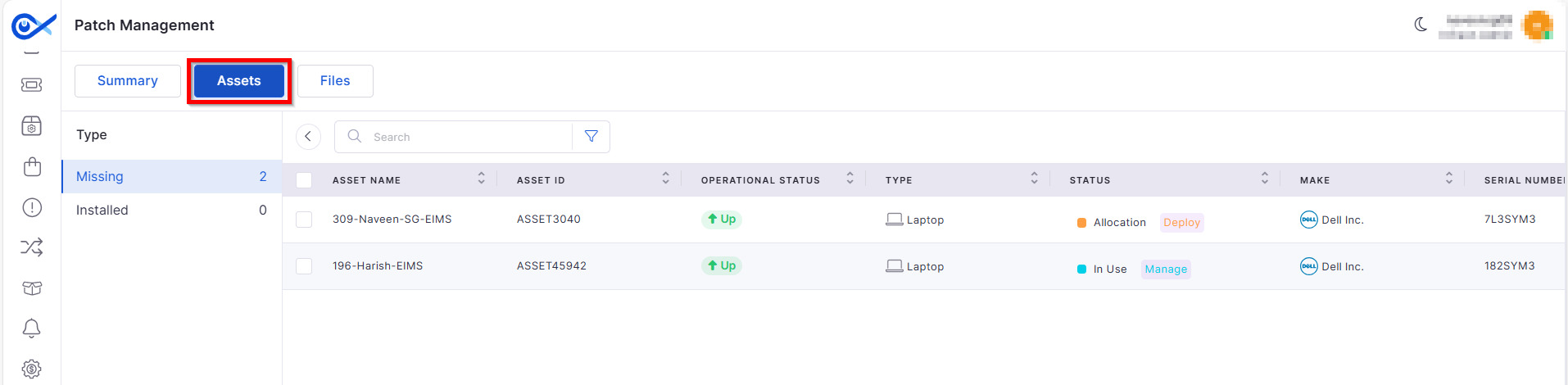
Patch Asset Relation Functionality
Dedicated Patch Details page showing related assets by patch type.
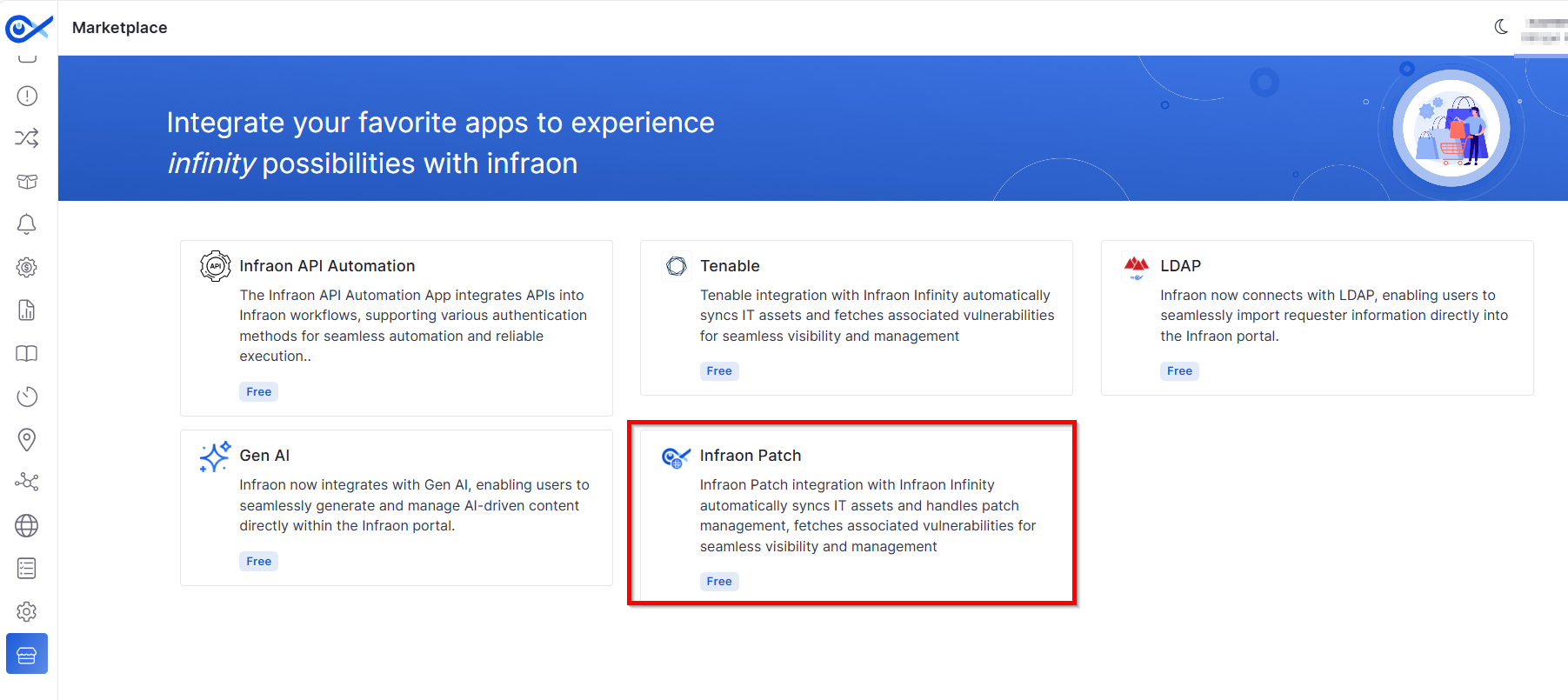
Rebranded “Zirozen” to “Infraon Patch App” within the Marketplace, updating the app name, icon, and imagery.
Project Management
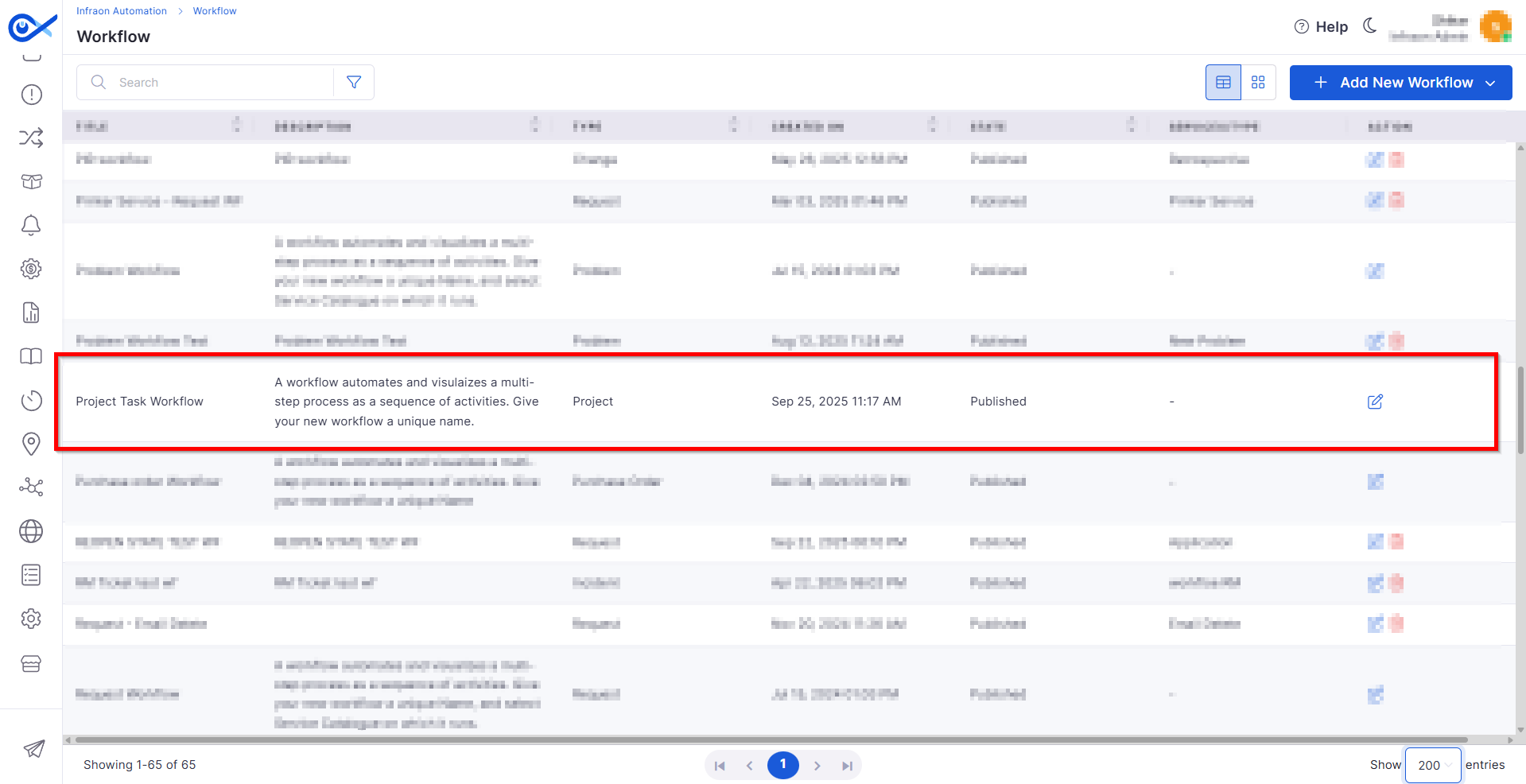
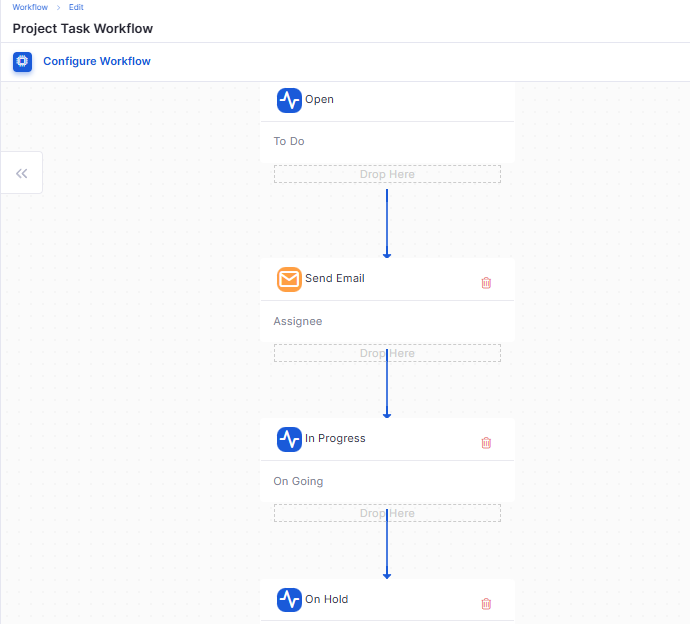
Project Task Workflow
Introduces customizable task workflow creation for projects:
Users can design and publish their own workflow sequences.
Built-in validations ensure logical state transitions before publishing.
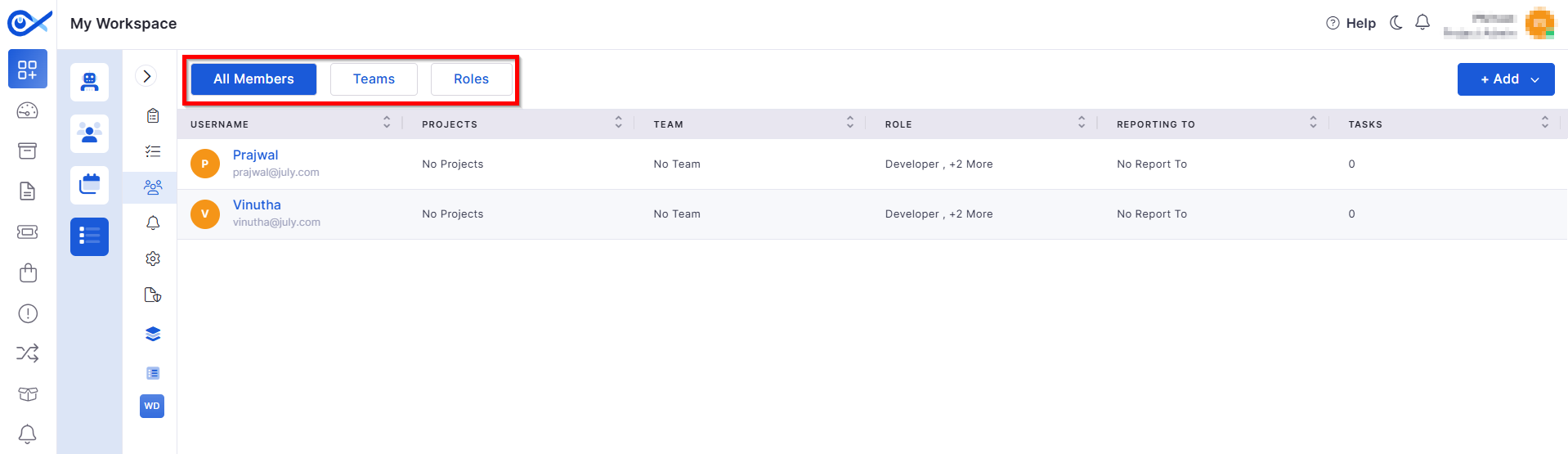
Teams & Roles — Project Members
Enhances member and role management within projects:
Add, remove, and view members in a unified grid view.
Tracks all member- and role-related activities in Audit logs for transparency.
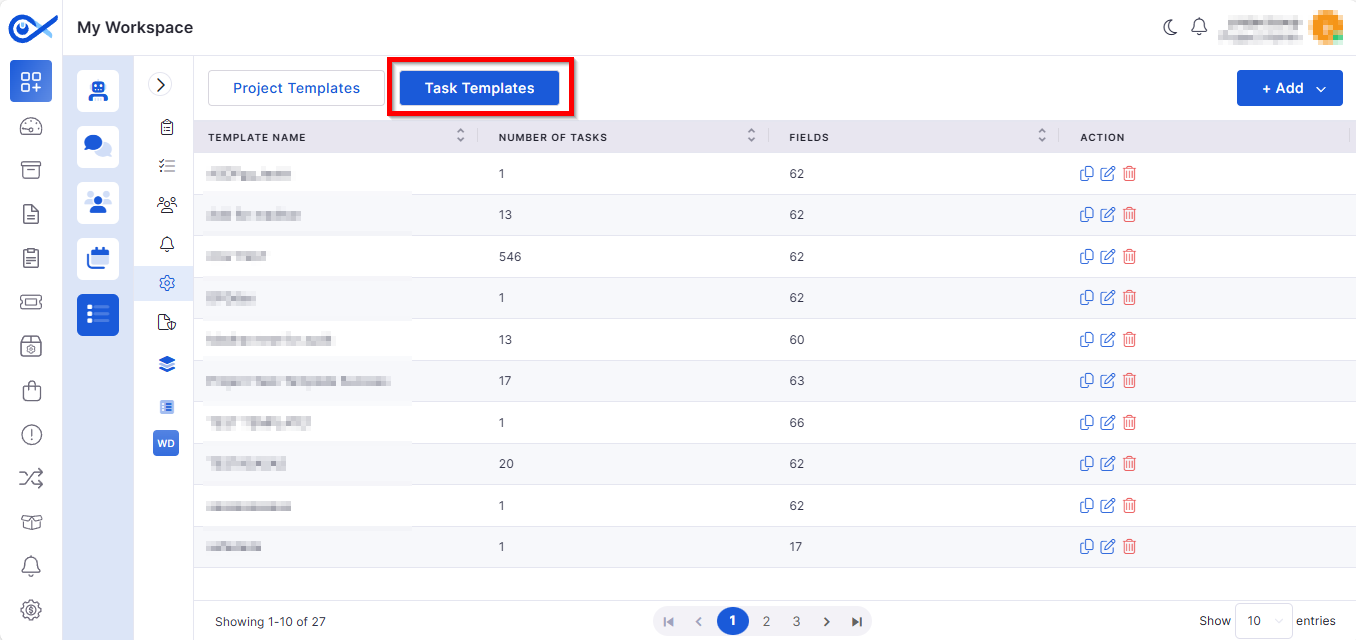
Task Template — Edit, Clone & Delete
Streamlines task template handling:
Edit: Modify template name, fields, and tasks.
Clone: Create duplicates for reuse.
Project Admin & Member Visibility
Introduces granular visibility controls:
New Project Admin role governs access to the Project Management icon.
Role-based filtering ensures only authorized users can view or edit members and roles.
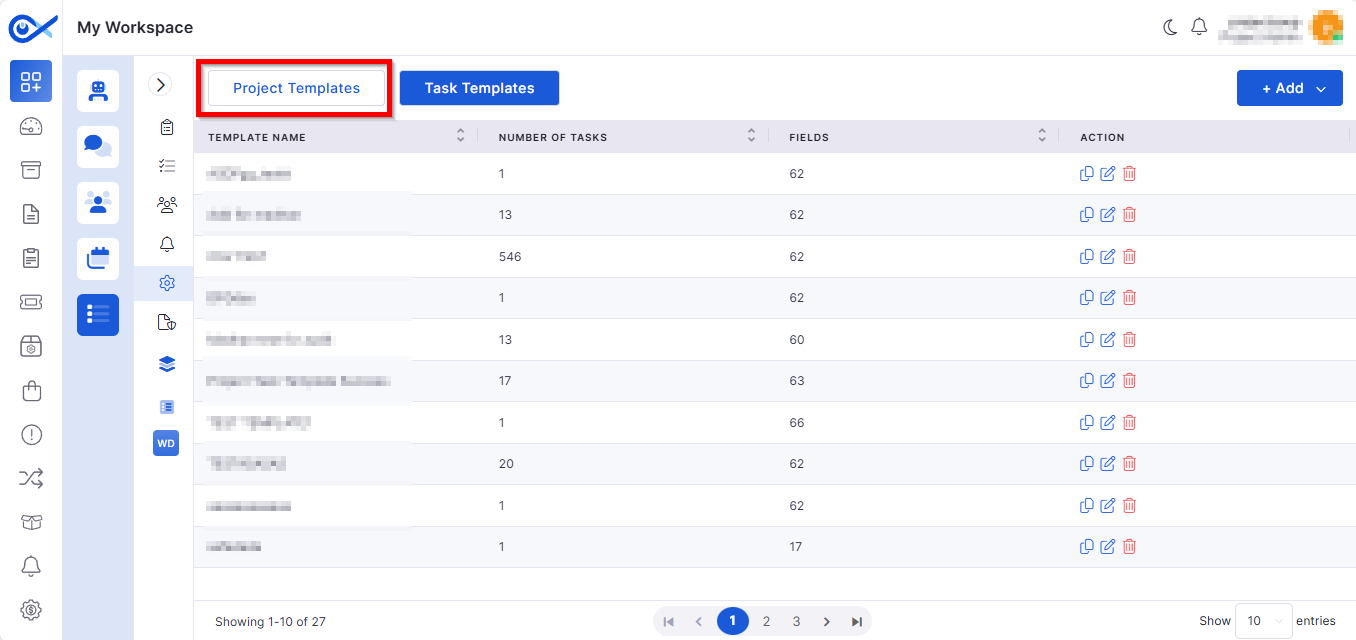
Project Template — Project Details
Adds a structured Project Details tab for creating and managing project templates: