This release introduces enhancements across Dashboard, Procurement, Project Management, IT Asset Management, Mobile Applications, Business Rules, AI Ops, and the Self-Service Portal. The updates focus on improving operational visibility, procurement workflows, project governance, asset management, automation, and mobile usability.
Key Updates
Dashboard
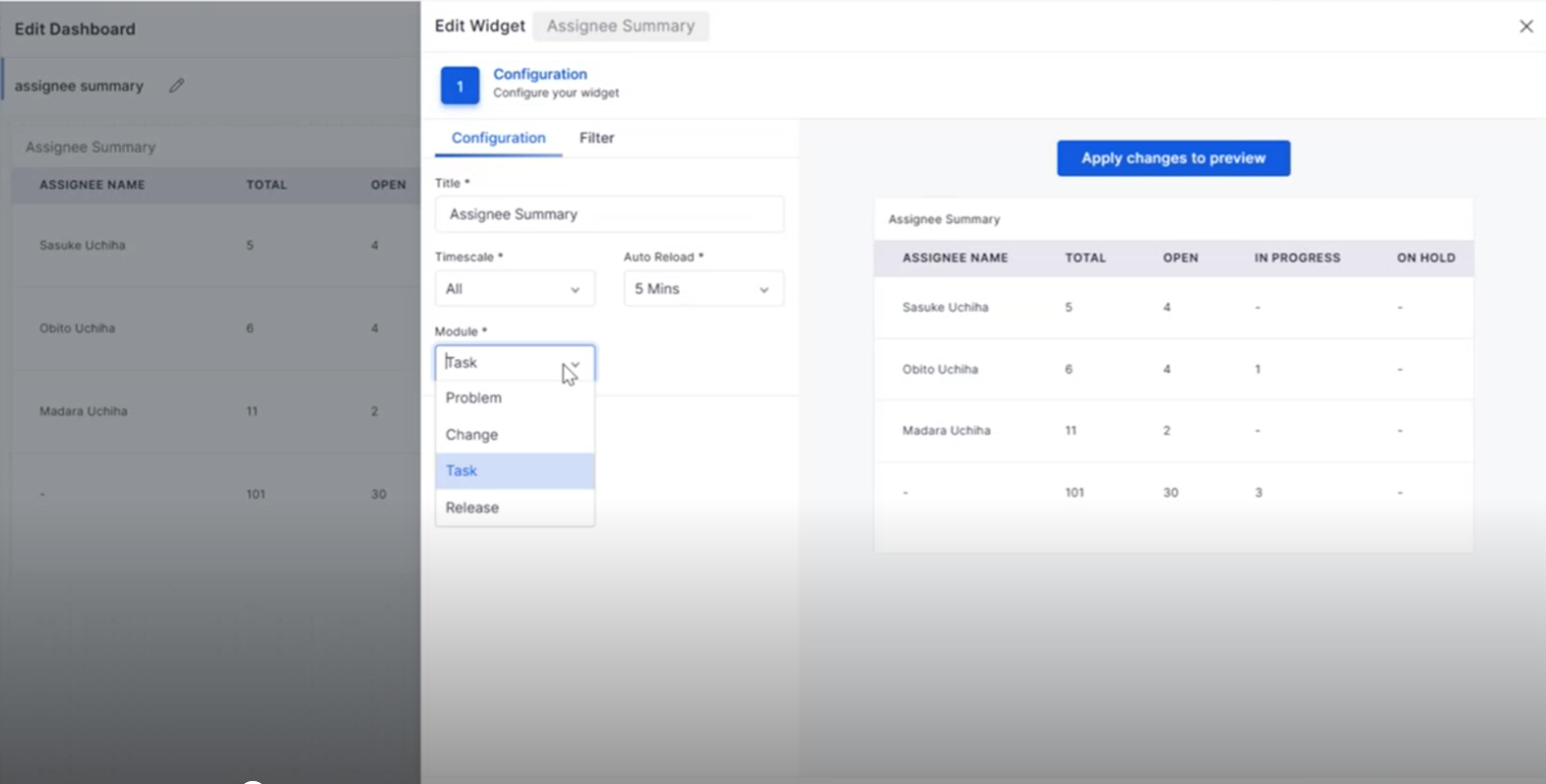
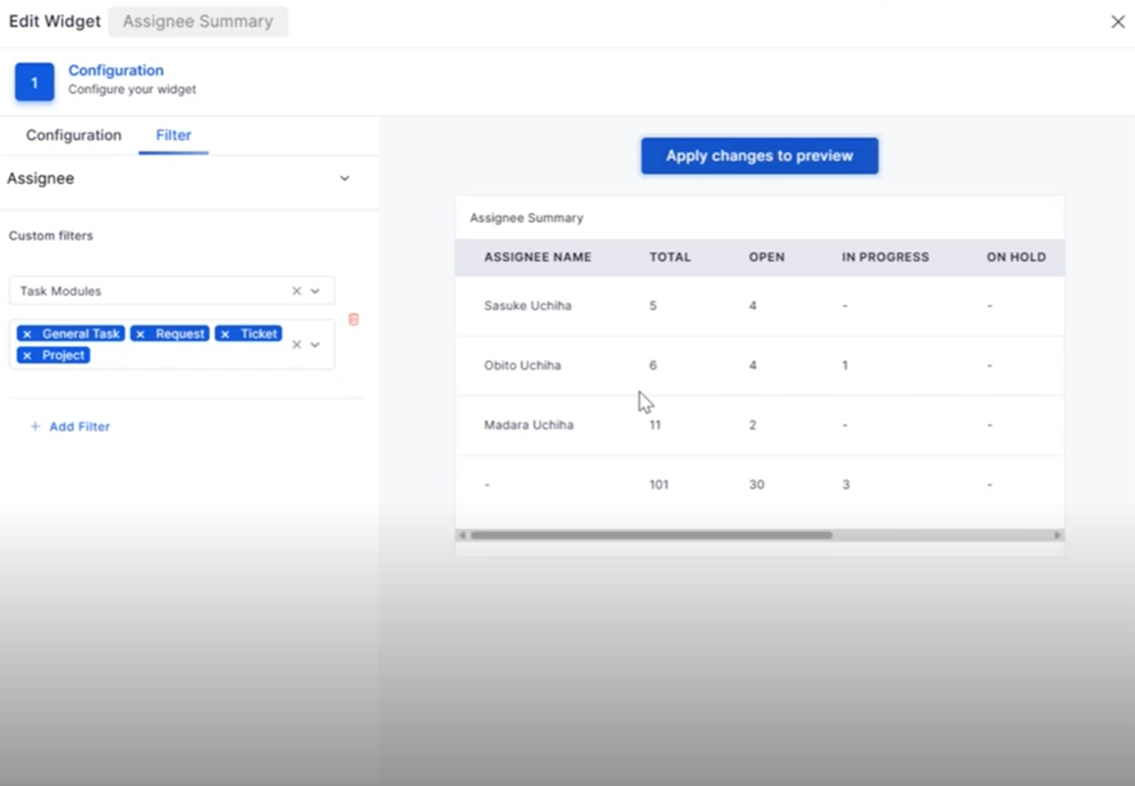
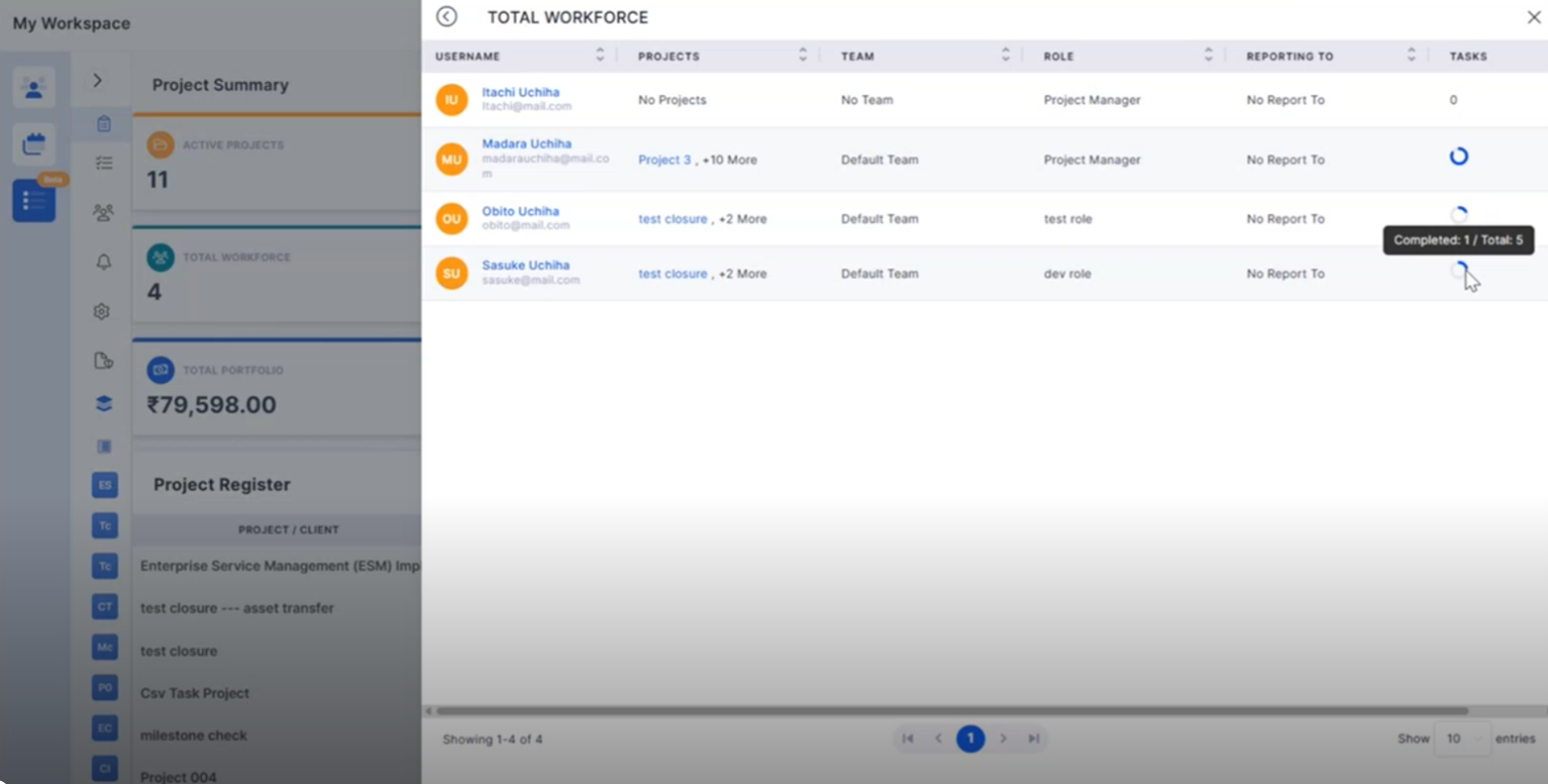
Assignee Summary: Task Module Integration
The Assignee Summary widget now includes Task Management, providing better visibility into task assignments and workload distribution.
View task assignments directly from the dashboard.
Filter tasks based on workflow status and assignee.
Purchase Requisition
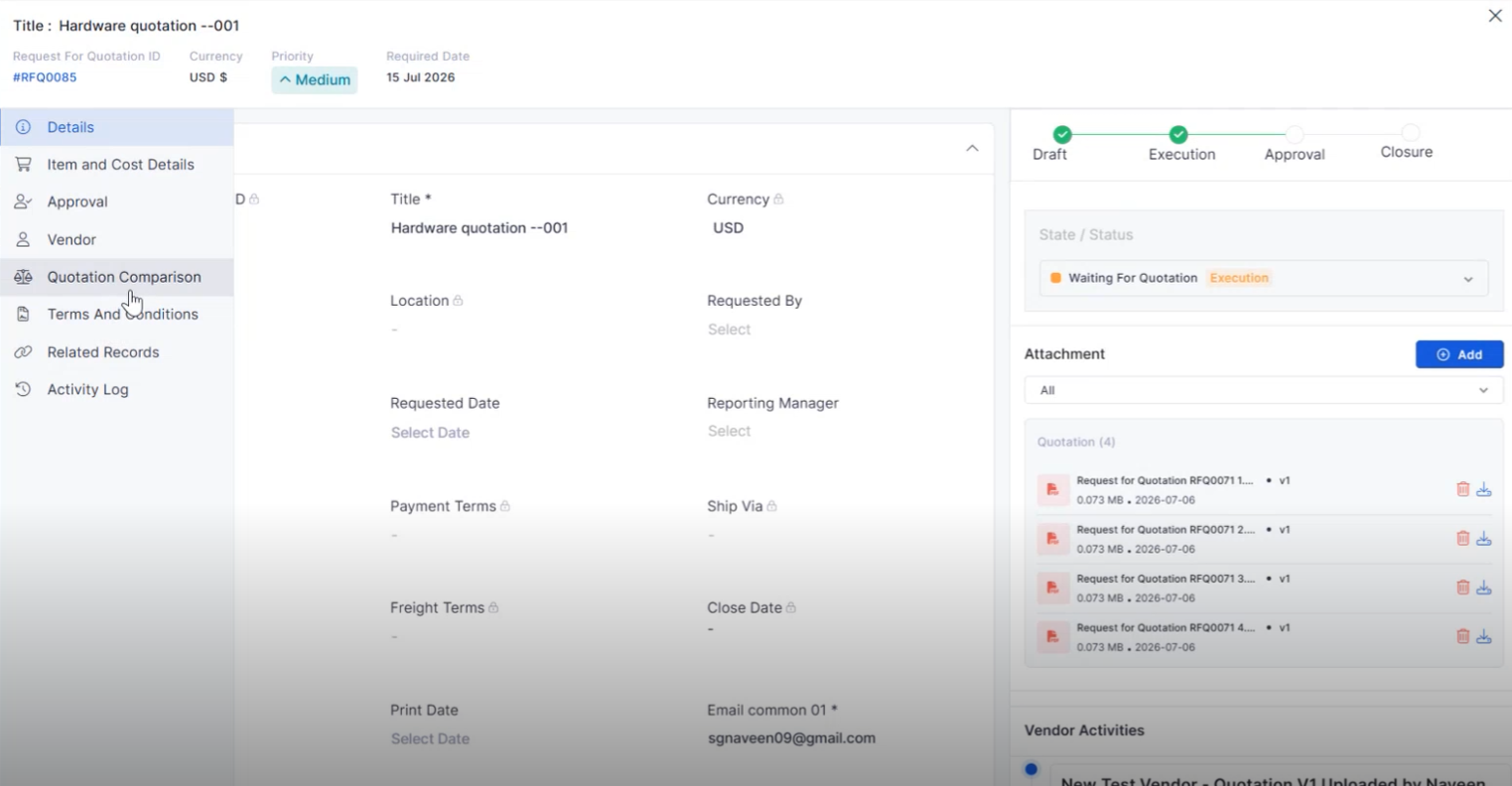
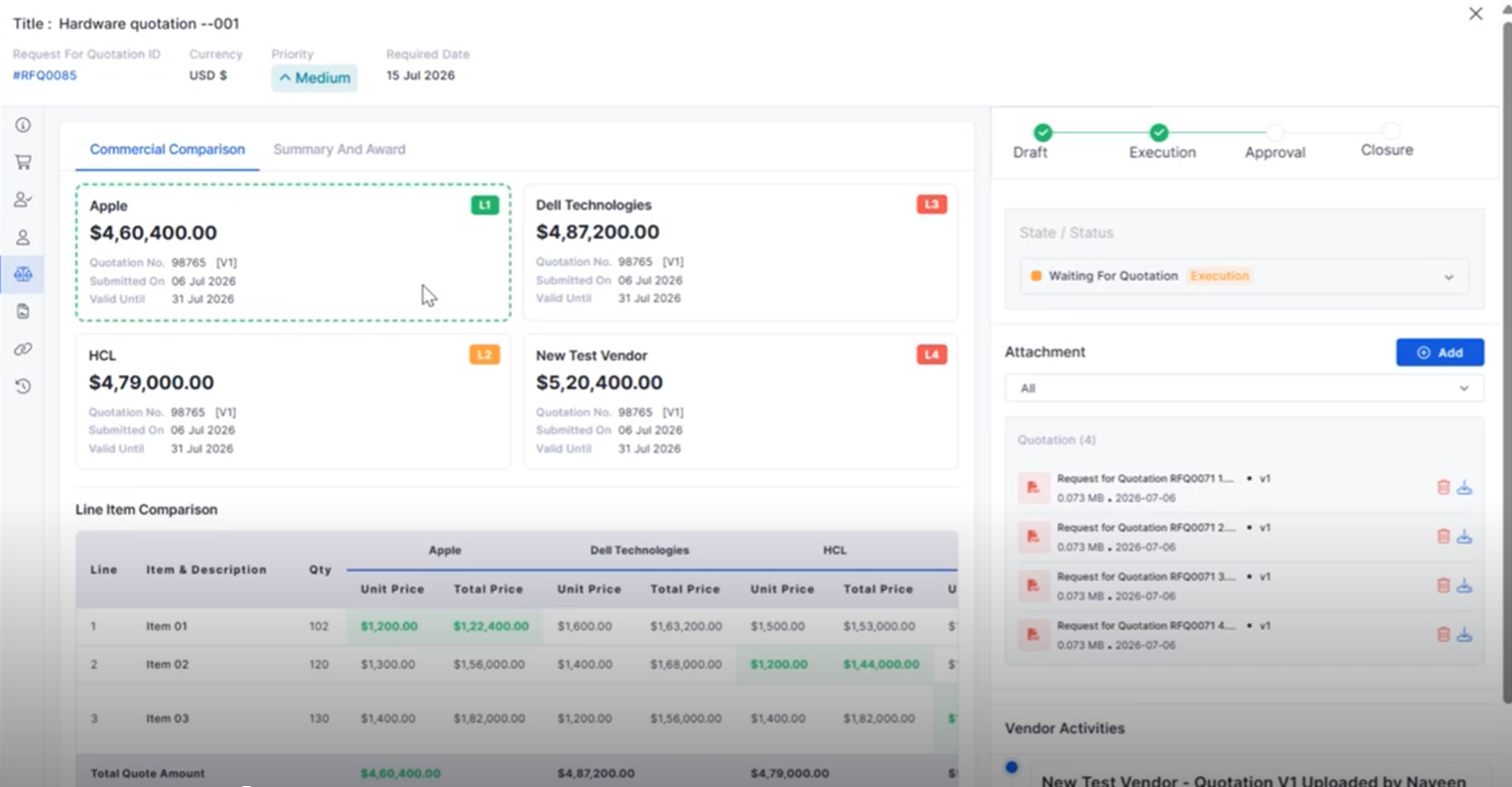
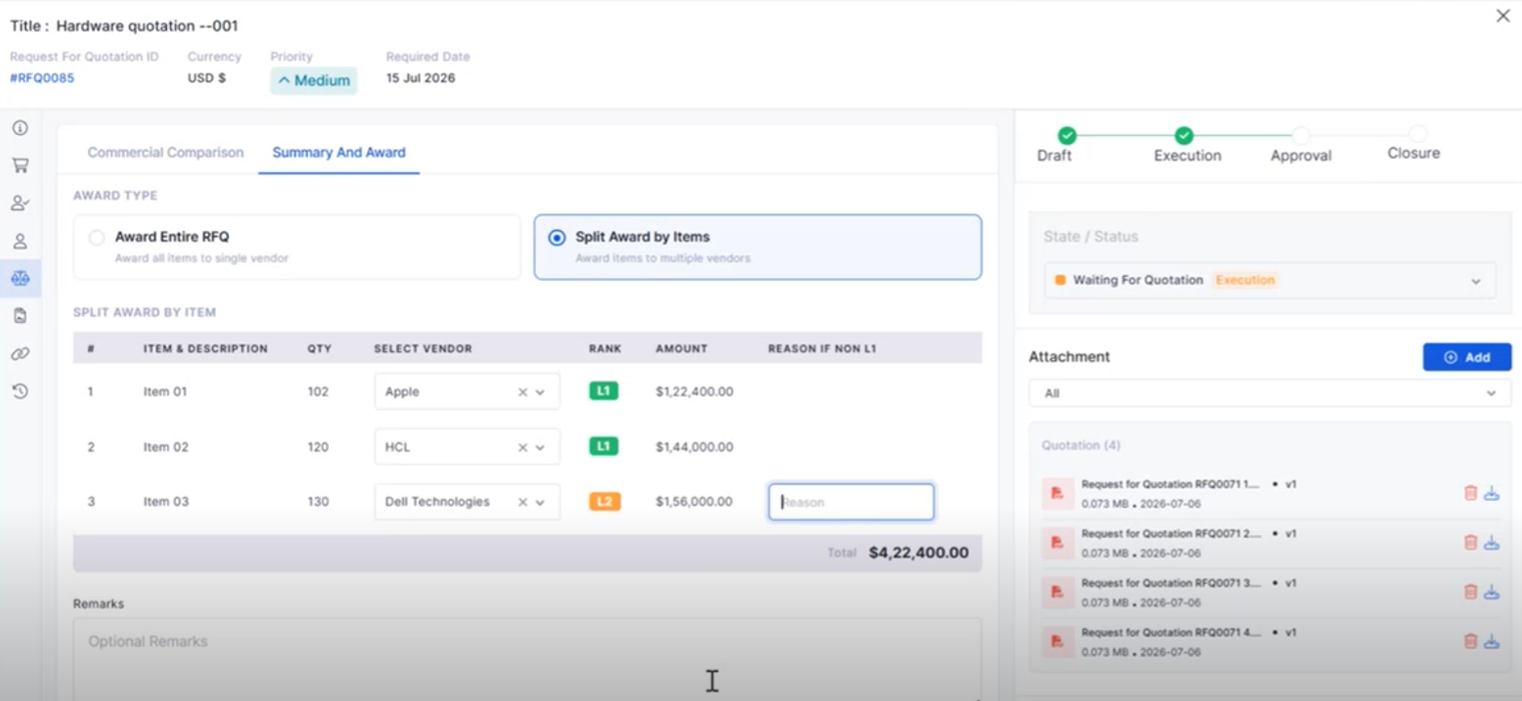
RFQ Vendor Quotation Comparison
Compare vendor quotations from a single interface to simplify procurement decisions.
View quotations from multiple vendors side by side.
Business Rule
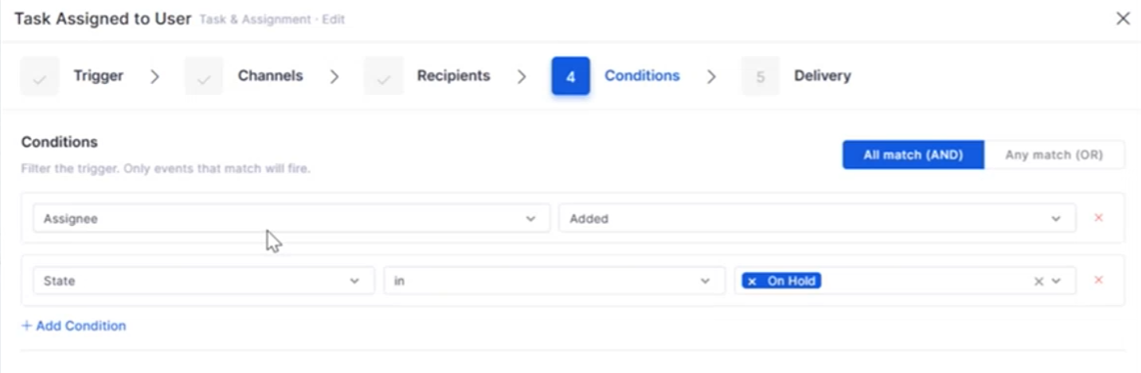
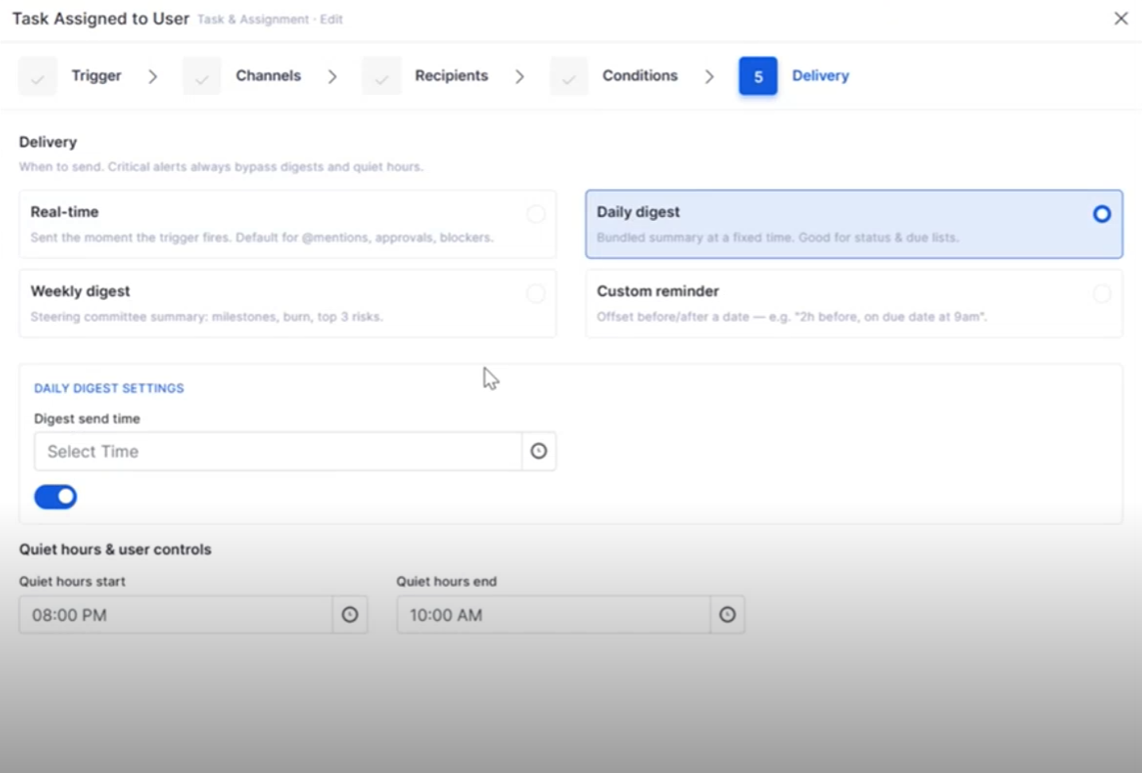
Notification on Asset Add/Delete
Business Rules can now automatically trigger notifications whenever assets are added or removed.
Notify stakeholders about asset lifecycle events.
Improve visibility into asset changes.
Self-Service Portal
Attachments While Reopening Tickets and Requests
Users can now upload supporting files when reopening Tickets or Requests from the Self Service Portal.
Attach documents while reopening records.
Provide additional context for faster resolution.
AI Ops
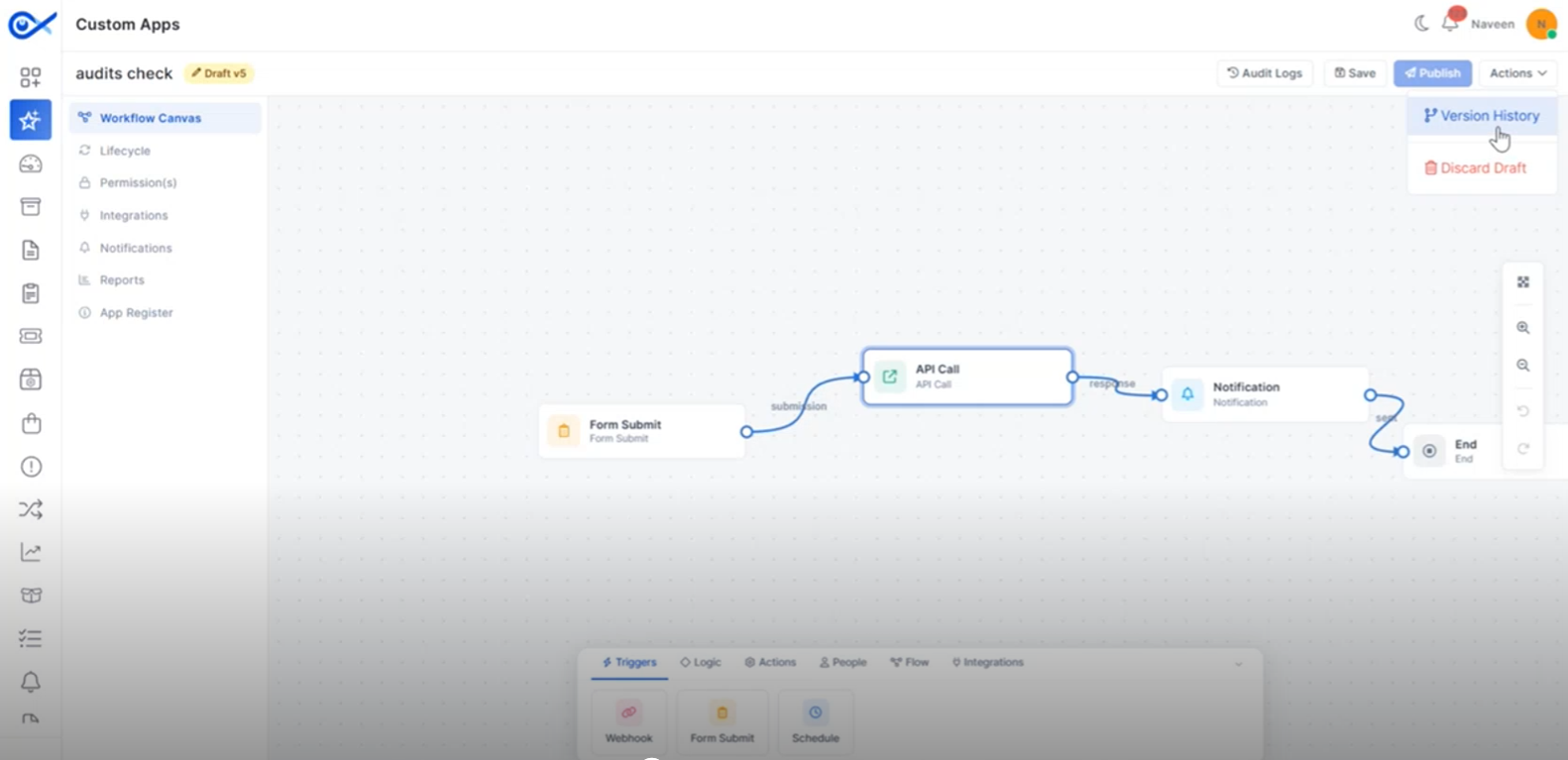
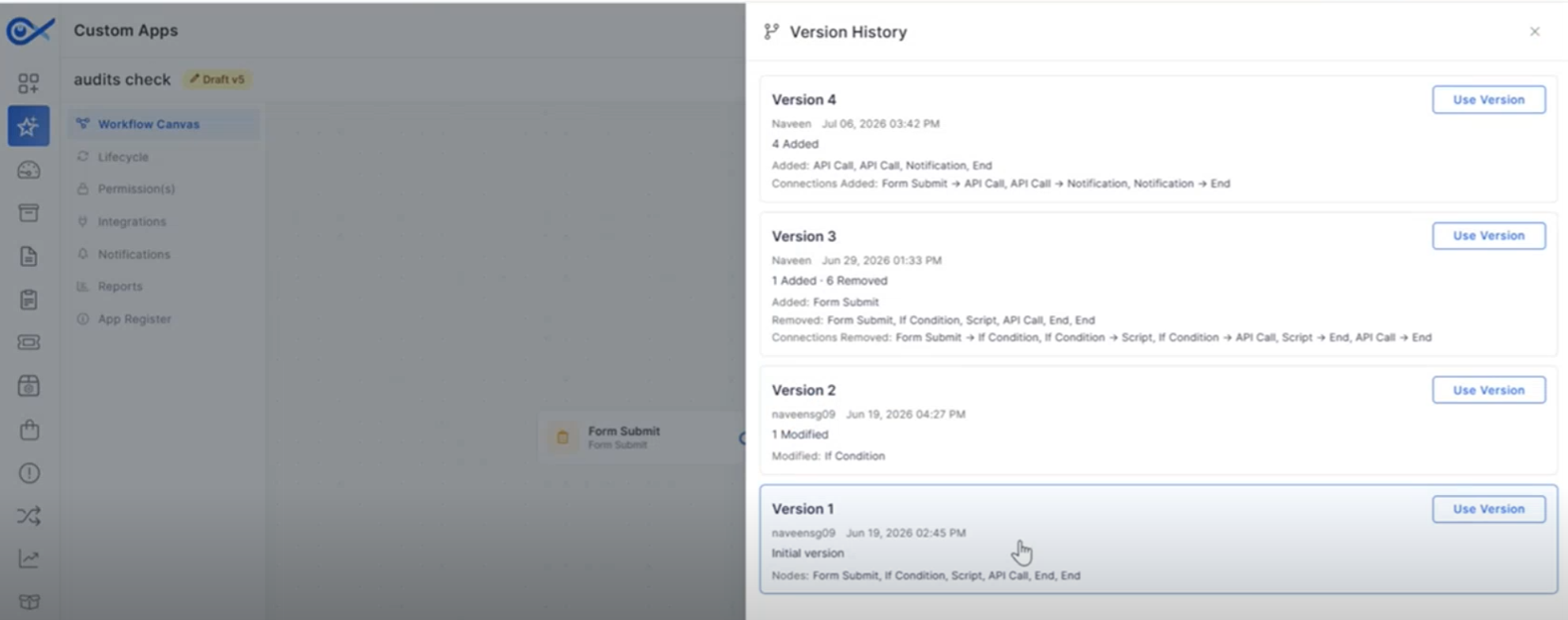
Audits and Versioning Enhancements for Custom Apps
Enhanced audit and version management improve visibility into Custom App changes.
Track changes made to Custom Apps.
Project Management
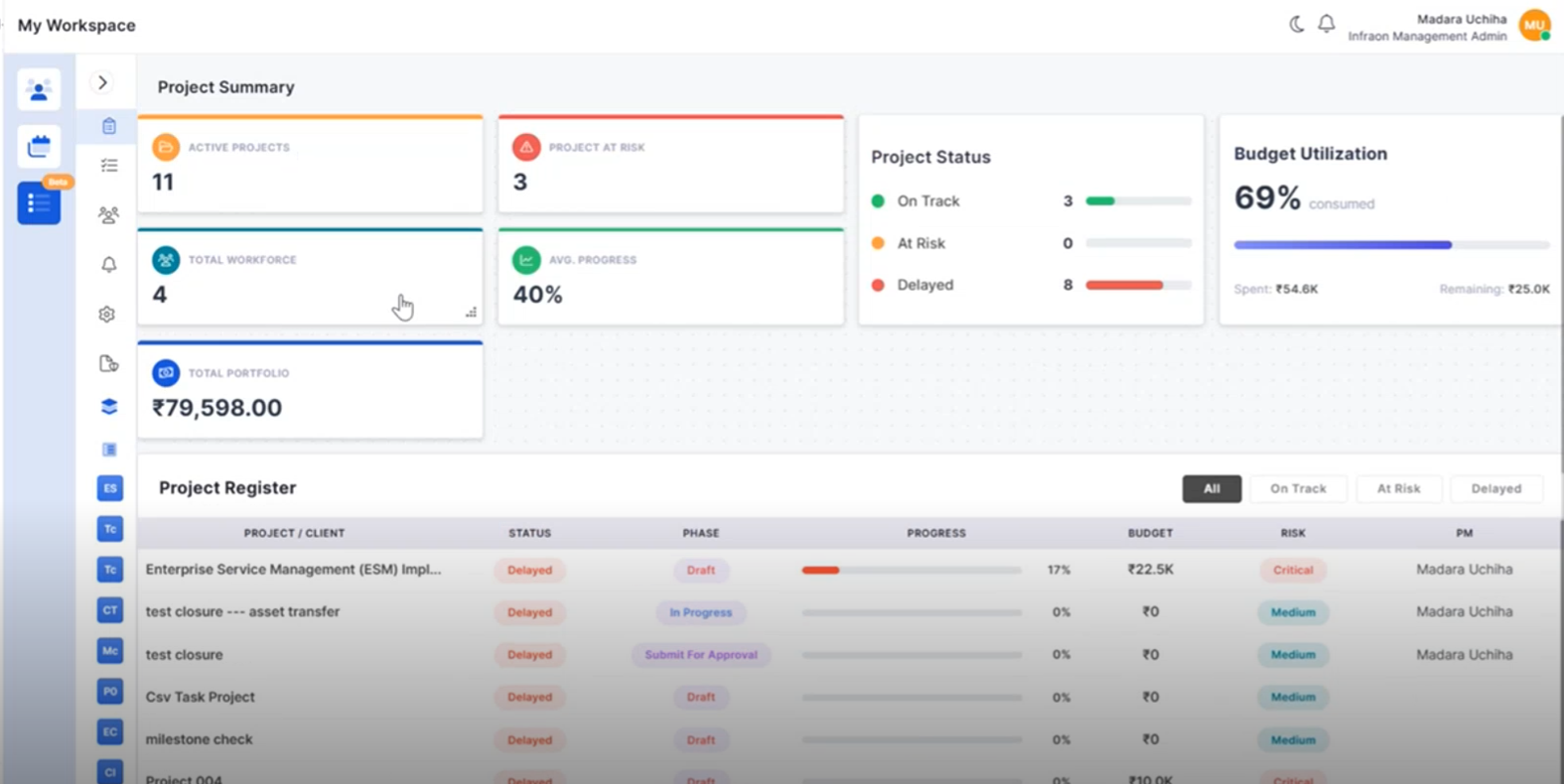
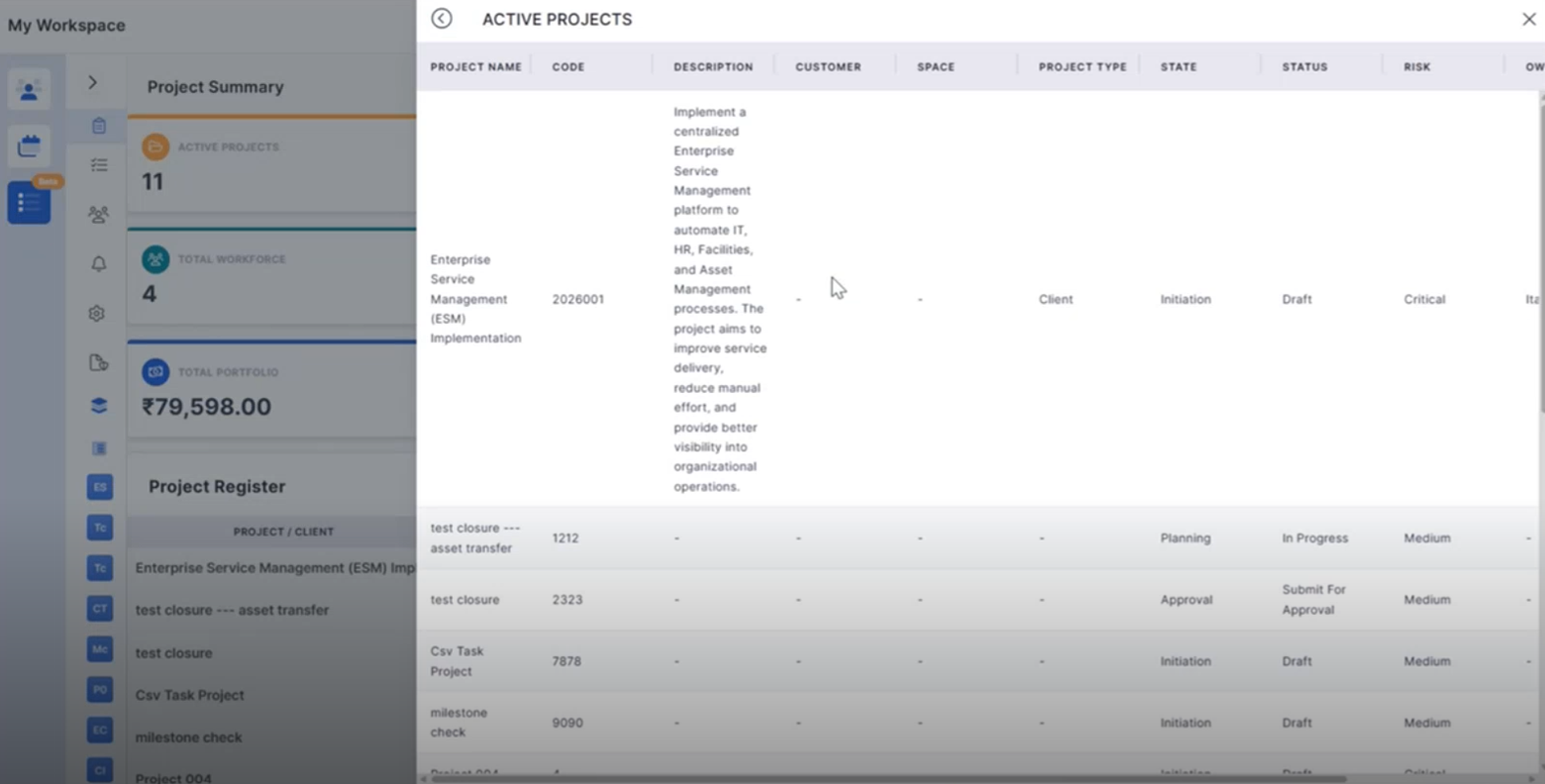
Project Summary Widget Click Functionality
Project Summary widgets now support direct navigation to detailed project information.
Open filtered project lists directly from dashboard widgets.
View relevant project information based on selected metrics.
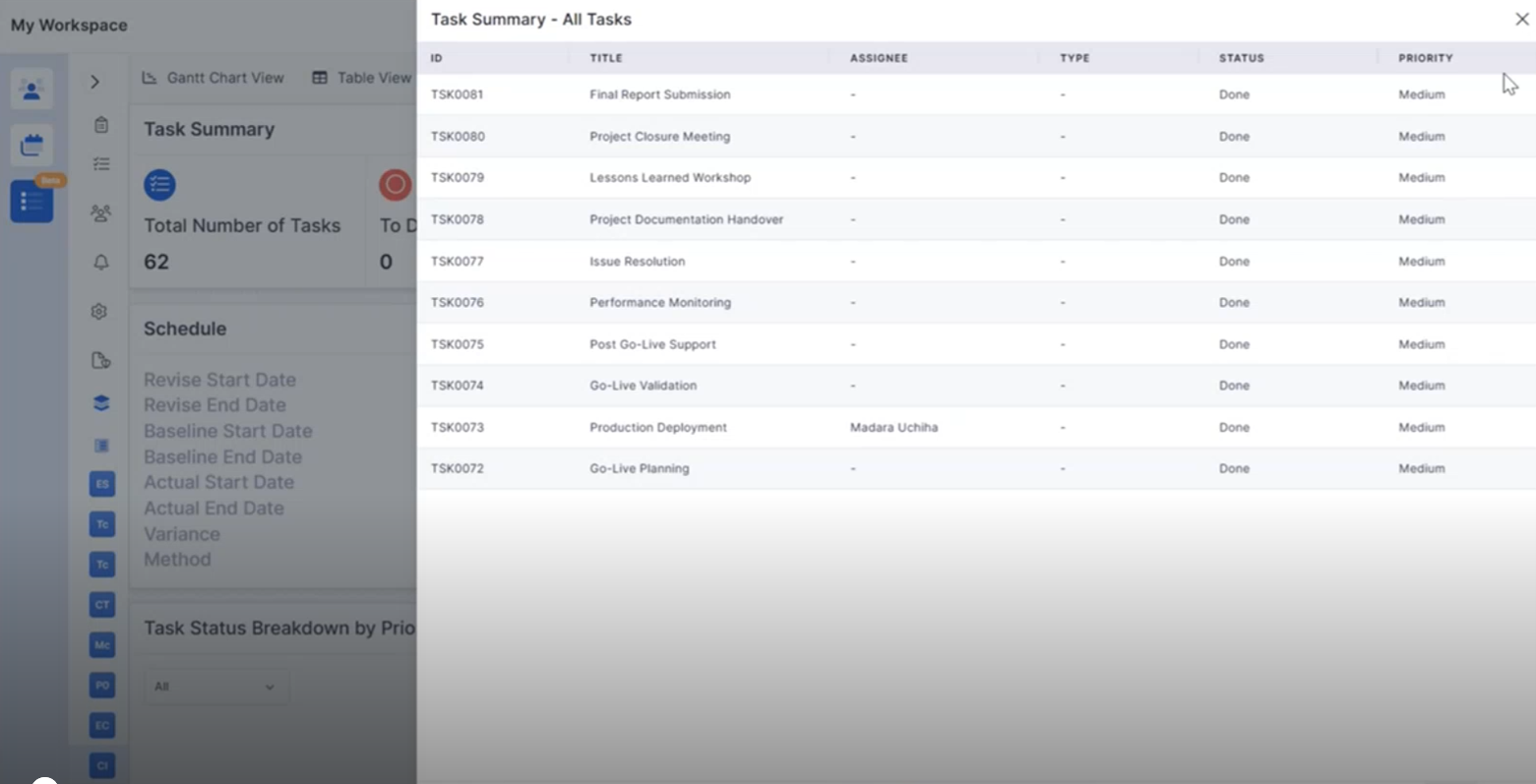
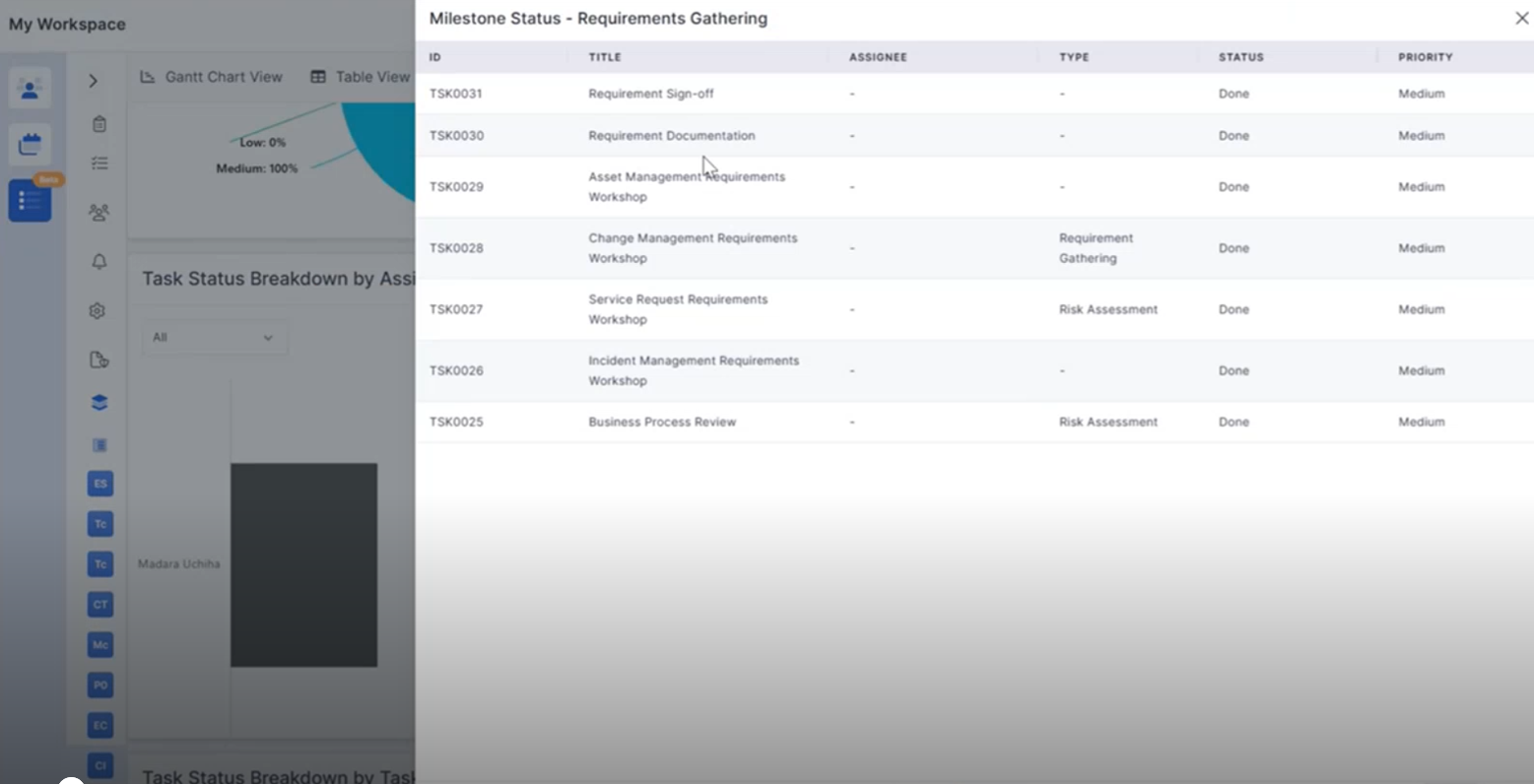
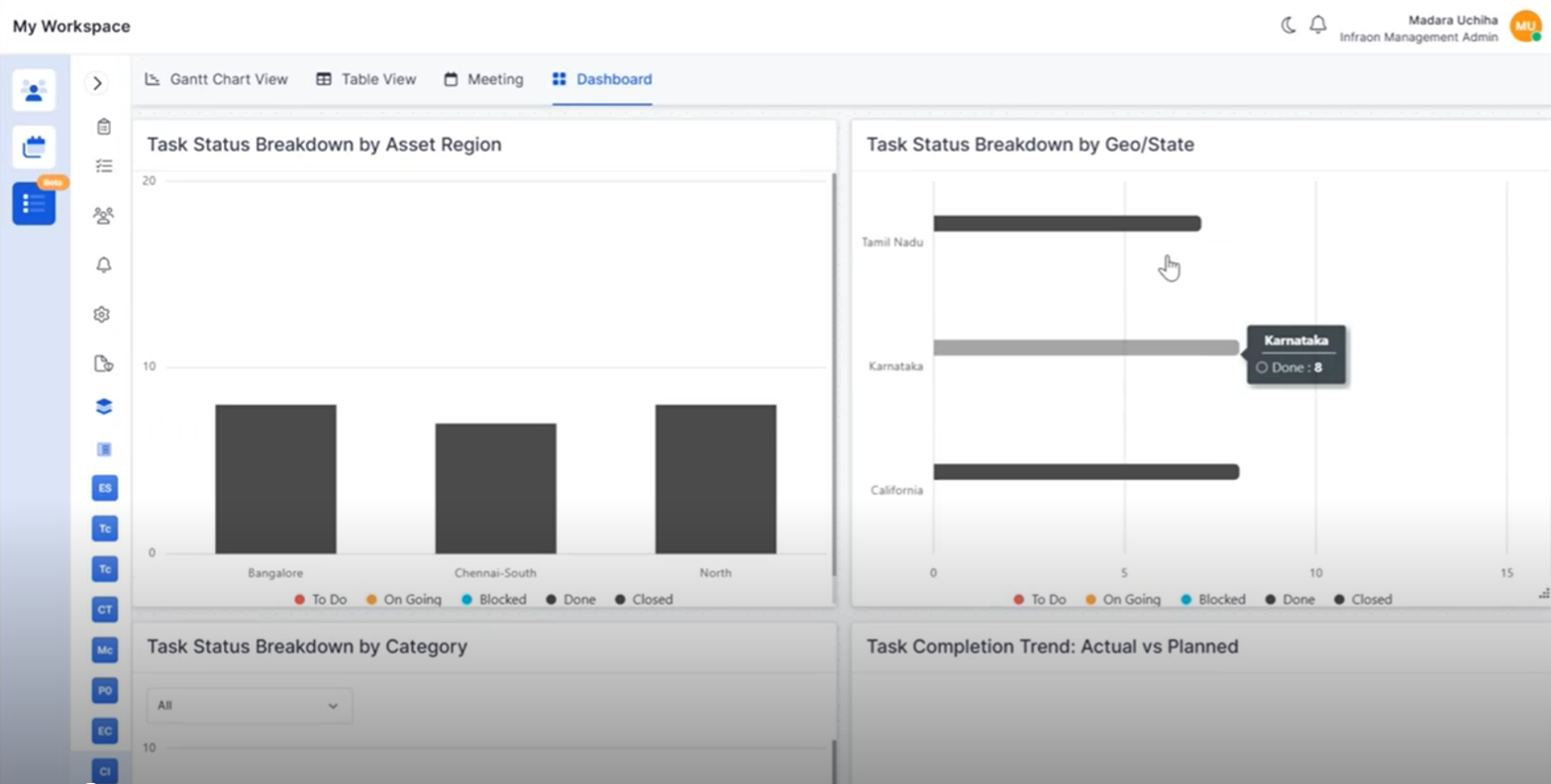
Project Widget Click Functionality
Interactive project dashboard widgets provide quick access to related project records.
Drill down into task and milestone information.
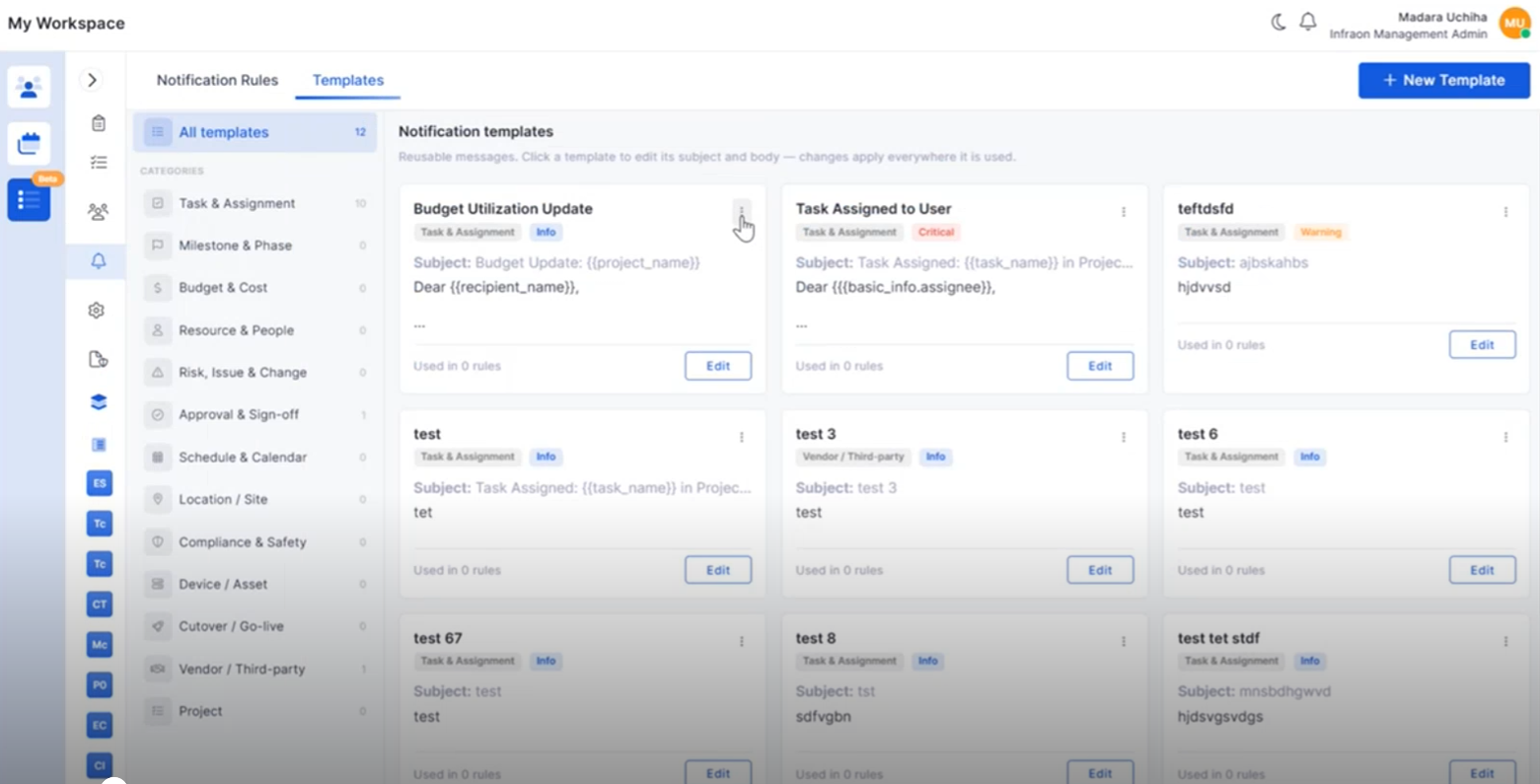
Project Notification Template Management
Notification Templates can now be created and managed within Project Management.
Create reusable notification templates.
Configure project-specific notification content.
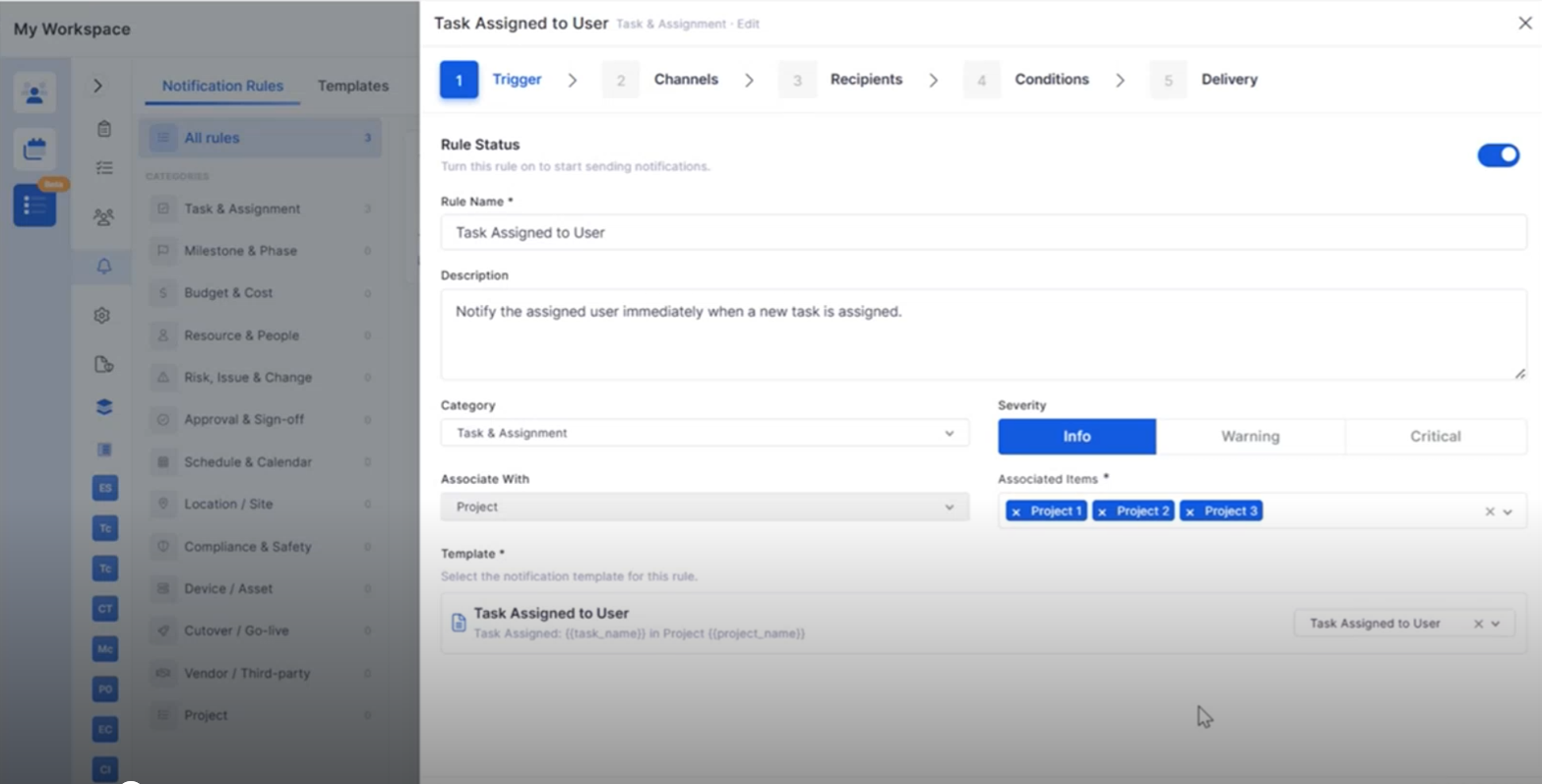
Project Notification Rules
Notification Rules provide greater flexibility for project communications.
Configure automated project notifications.
Associate templates with project events.
Project Closure Enhancements
Project Closure now includes additional capabilities for completing project activities.
Transfer project teams and associated assets during closure.
Review project financial summaries.
Portfolio Overview Enhancements
Additional portfolio insights help monitor project performance more effectively.
Track project registers from the portfolio view.
Monitor budget utilization across projects.
Milestone CSV Enhancements
Milestone identification has been improved during CSV editing.
Highlight milestone rows within CSV files.
Improve visibility of milestone-task relationships.
IT Assets
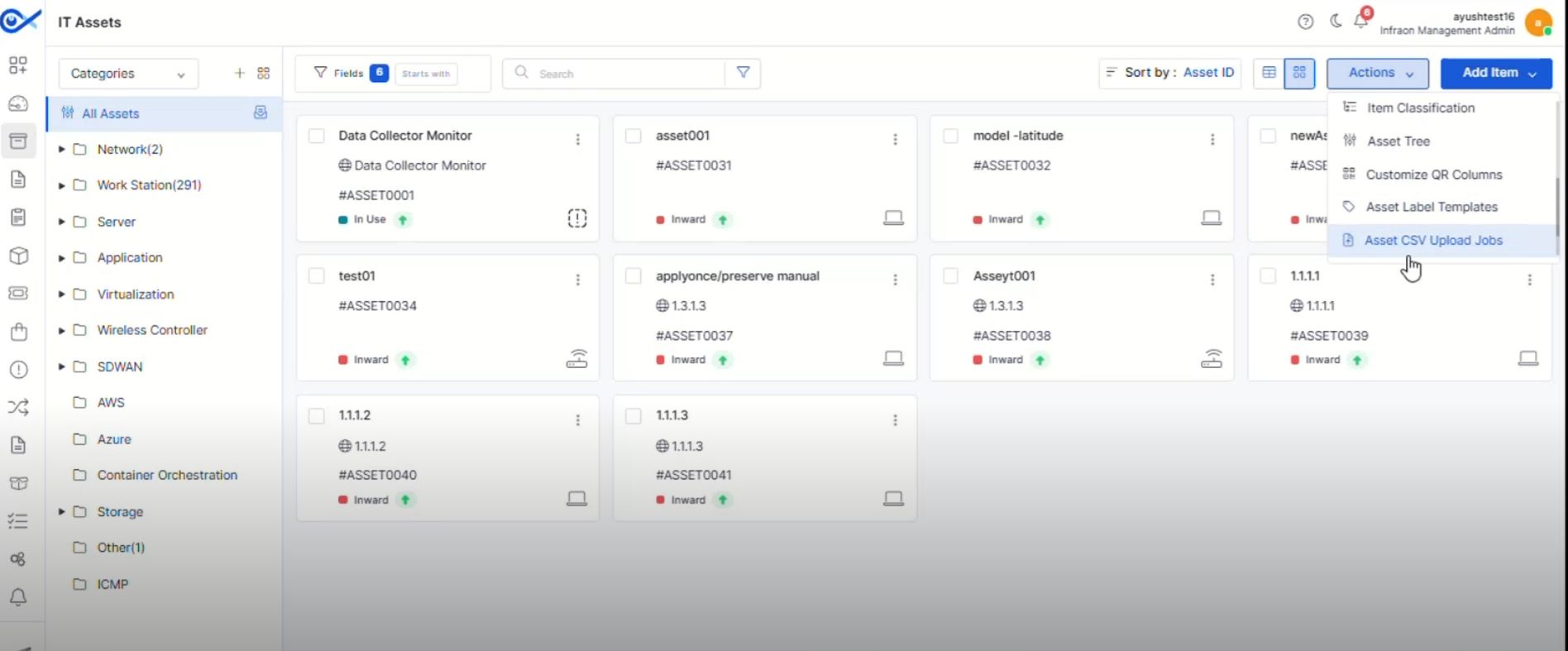
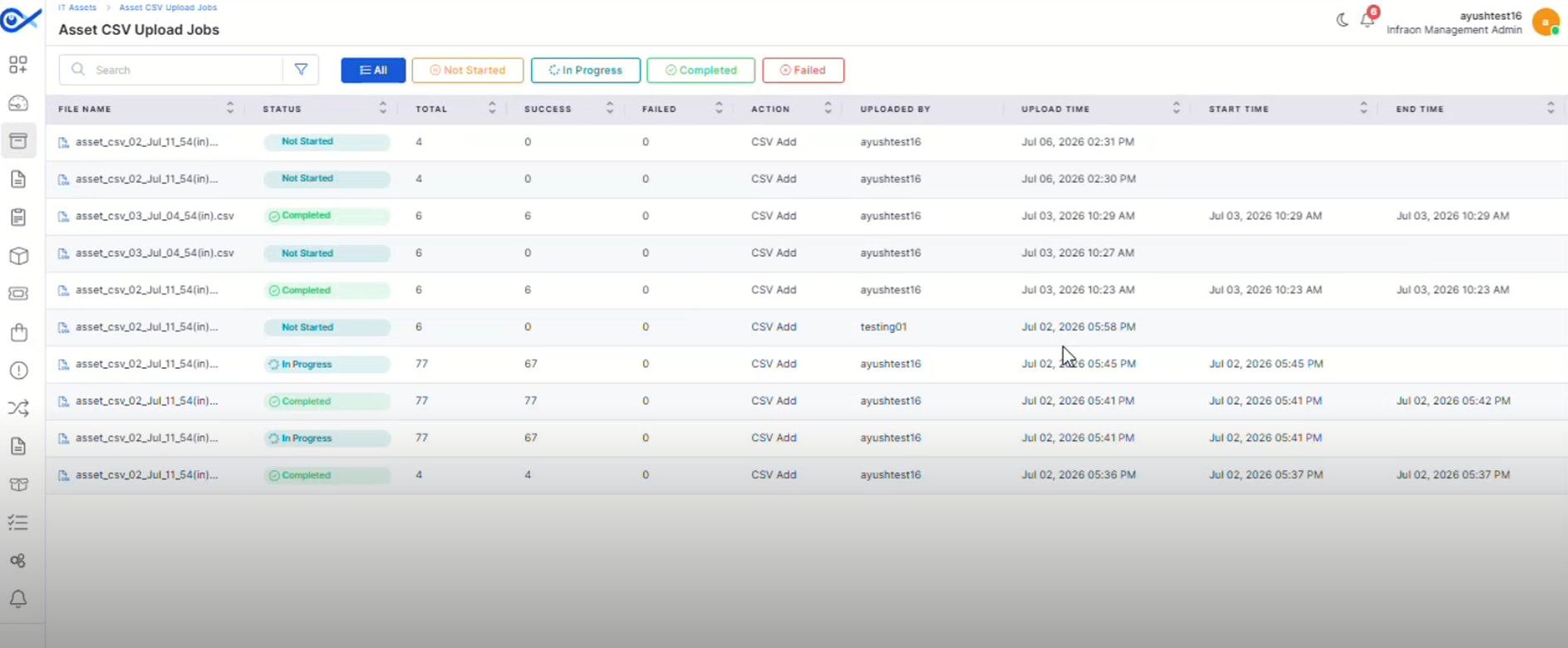
Asset CSV Upload Jobs
A dedicated page now provides visibility into Asset CSV upload and bulk edit activities.
Track upload progress and job status.
View successful and failed records.
Asset QR Code Print Custom Template
Create reusable QR and barcode label templates for different asset types.
Design customizable print templates.
Configure headers, footers, logos, and asset fields.
Hardware Change Notification Optimization
Hardware change notifications have been refined for improved accuracy.
Reduce unnecessary hardware change alerts.
Improve notification relevance.
Asset Bulk Edit Optimization
Bulk editing has been enhanced to improve efficiency when managing assets.
Improve processing of bulk updates.
Reduce execution time for large operations.
Mobile Enhancements
Android – Multi-View for Impact Service
Android users can now switch between multiple Impact Service views for improved visibility.
Access different Impact Service layouts.
Improve navigation between related services.
iOS – Multi View for Impact Service
The iOS application now supports multiple Impact Service views.
Switch between different service views.
Improve visibility into impacted services.
🐛 Bugs Fixed
General stability and performance improvements across modules.
Fixed UI inconsistencies and validation issues.
Improved synchronization and workflow handling.
Minor fixes across reports, dashboards, and integrations.
Drill down into task details from widget counts.
Improve workload monitoring across teams.
Compare pricing and procurement details efficiently.
Simplify vendor evaluation before creating a Purchase Order.
Improve procurement decision-making.
Reduce manual communication efforts.
Support automated asset notifications.
Improve collaboration between users and technicians.
Streamline the reopening process.
Maintain version history for application updates.
Improve governance and audit visibility.
Simplify application maintenance.
Improve navigation across project summaries.
Simplify project monitoring.
Open filtered project views directly from dashboard charts.
Improve dashboard usability and analysis.
Enable faster access to project data.
Edit and organize templates from a centralized view.
Improve notification consistency across projects.
Simplify notification management.
Improve communication throughout the project lifecycle.
Capture project completion details.
Improve project handover and documentation.
Improve portfolio-level reporting.
Support informed project decisions.
Simplify bulk project updates.
Reduce editing errors.
Search and filter upload jobs easily.
Improve monitoring of bulk asset operations.
Support multiple label layouts and paper formats.
Generate QR and barcode labels using saved templates.