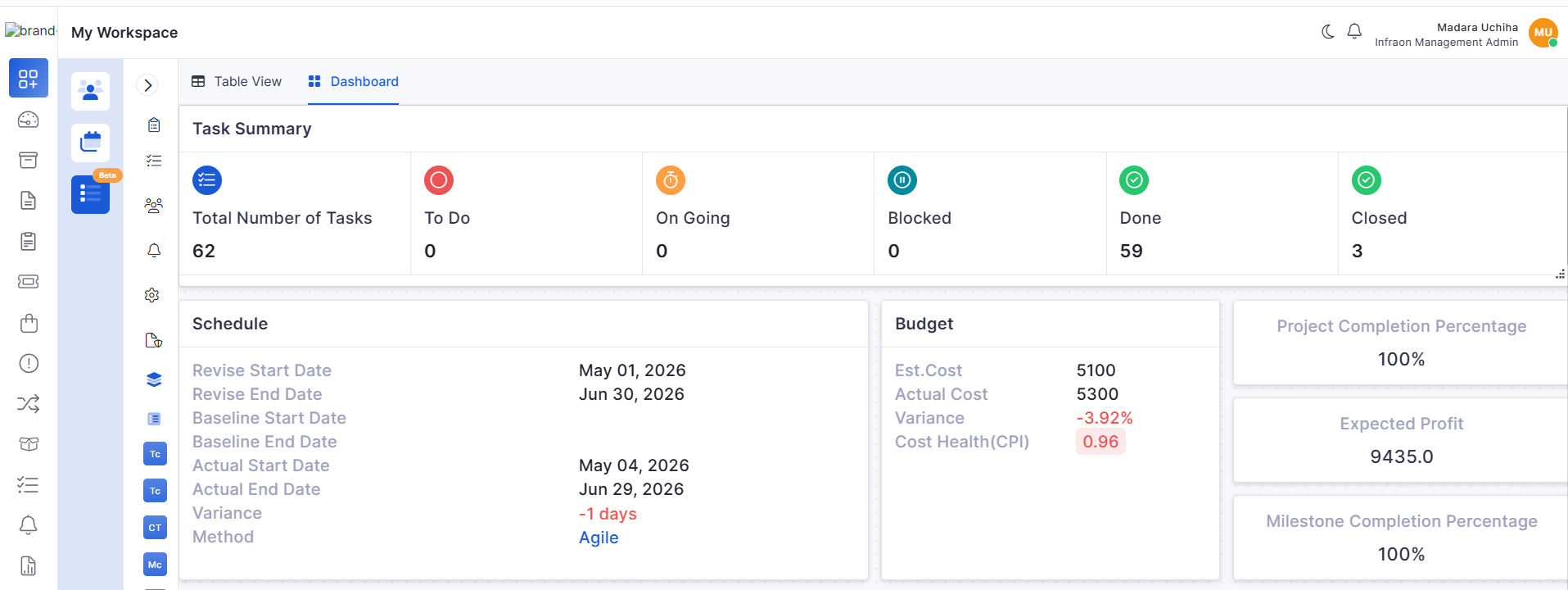
All pages
Powered by GitBook
1 of 1

Loading...

v7.4.6 - June 2026

Release Cycle: 19th June 2026

Build: Pre-Release Documentation

Overview

This release introduces enhancements across Mobile Applications, Project Management, Enterprise Asset Management, Workflow Automation, Procurement, Reporting, Business Rules, Agentic AI, and Notifications. The updates focus on improving user experience, workflow flexibility, project visibility, asset management, and operational efficiency across the platform.

Key Updates

Mobile Applications

Mobile users can now approve or reject requests directly from the application, enabling faster decision-making and request processing.
  • Approve and reject requests directly from mobile devices.

  • Improves response time for approval workflows.

A dedicated Request Dashboard provides better visibility into request performance and trends.
  • View request status distribution and summaries.

  • Track request creation and resolution trends.

Enhanced request creation with improved support for images and attachments.
  • Add images directly within request descriptions.

  • Upload and manage multiple attachments when creating a request.

Custom fields are now displayed consistently throughout the request lifecycle.
  • Supports custom fields during request creation and updates.

  • Displays relevant fields during assignment, resolution, and closure stages.

Business Rule

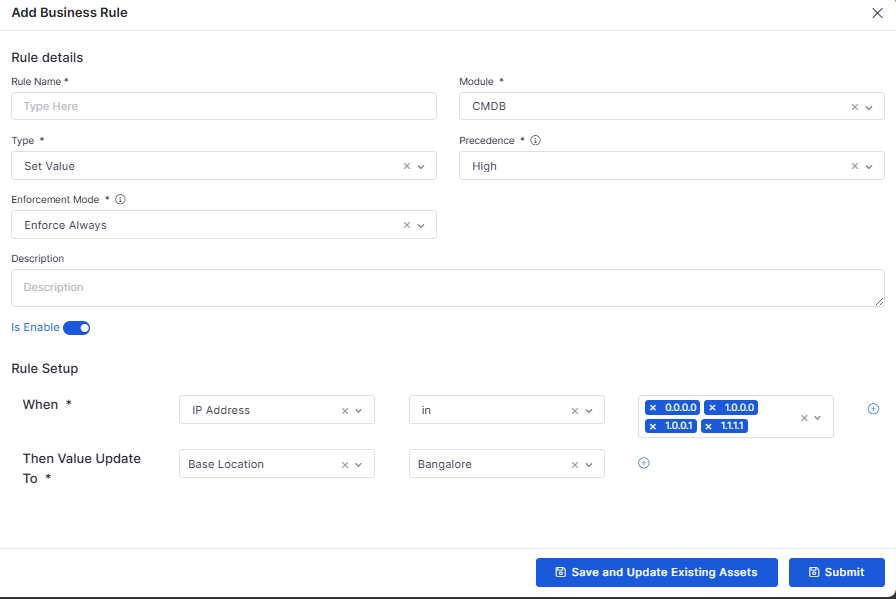
Business Rules can now dynamically respond to asset updates and changes.
  • Automatically re-evaluates rules when asset data changes.

  • Supports configurable enforcement behaviors.

Report

Enhanced SLA reporting provides improved visibility into compliance and penalty calculations.
  • Improves accuracy of SLA penalty calculations.

  • Enhances compliance reporting visibility.

Notifications

Notifications are automatically marked as read when viewed.
  • Reduces manual notification management.

  • Improves notification tracking.

Agentic AI

The Agentic AI experience has been refined to provide a more intuitive and user-friendly interaction model.
  • Improved AI conversation experience.

  • Enhanced visibility of AI-generated responses.

Enterprise Asset Management

New template-based configuration simplifies storeroom setup and standardization.
  • Create reusable storeroom templates.

  • Edit existing template configurations.

Expanded storeroom management capabilities improve inventory administration.
  • Create storerooms using predefined templates.

  • Manage inventory storage locations efficiently.

Workflow

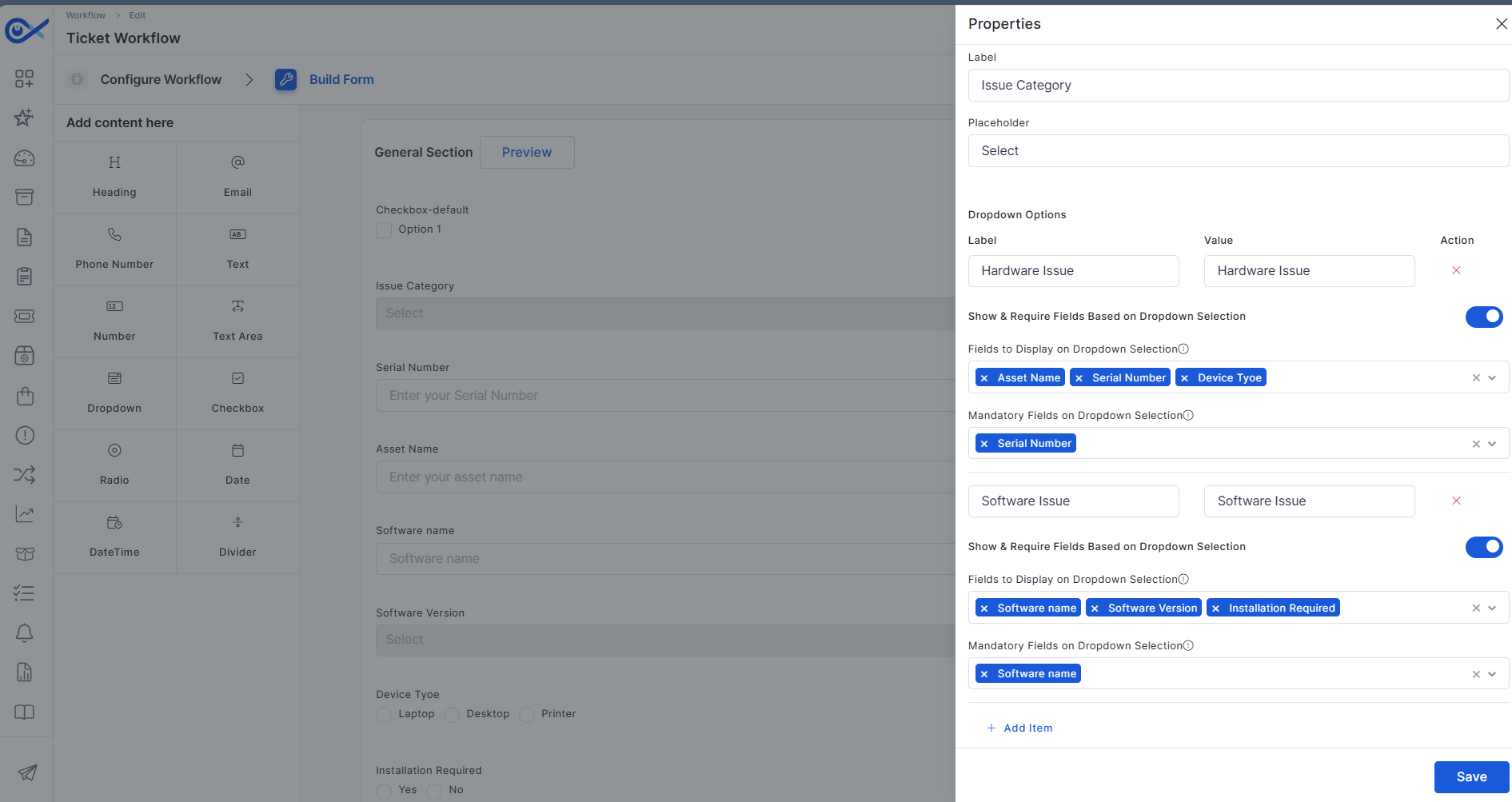
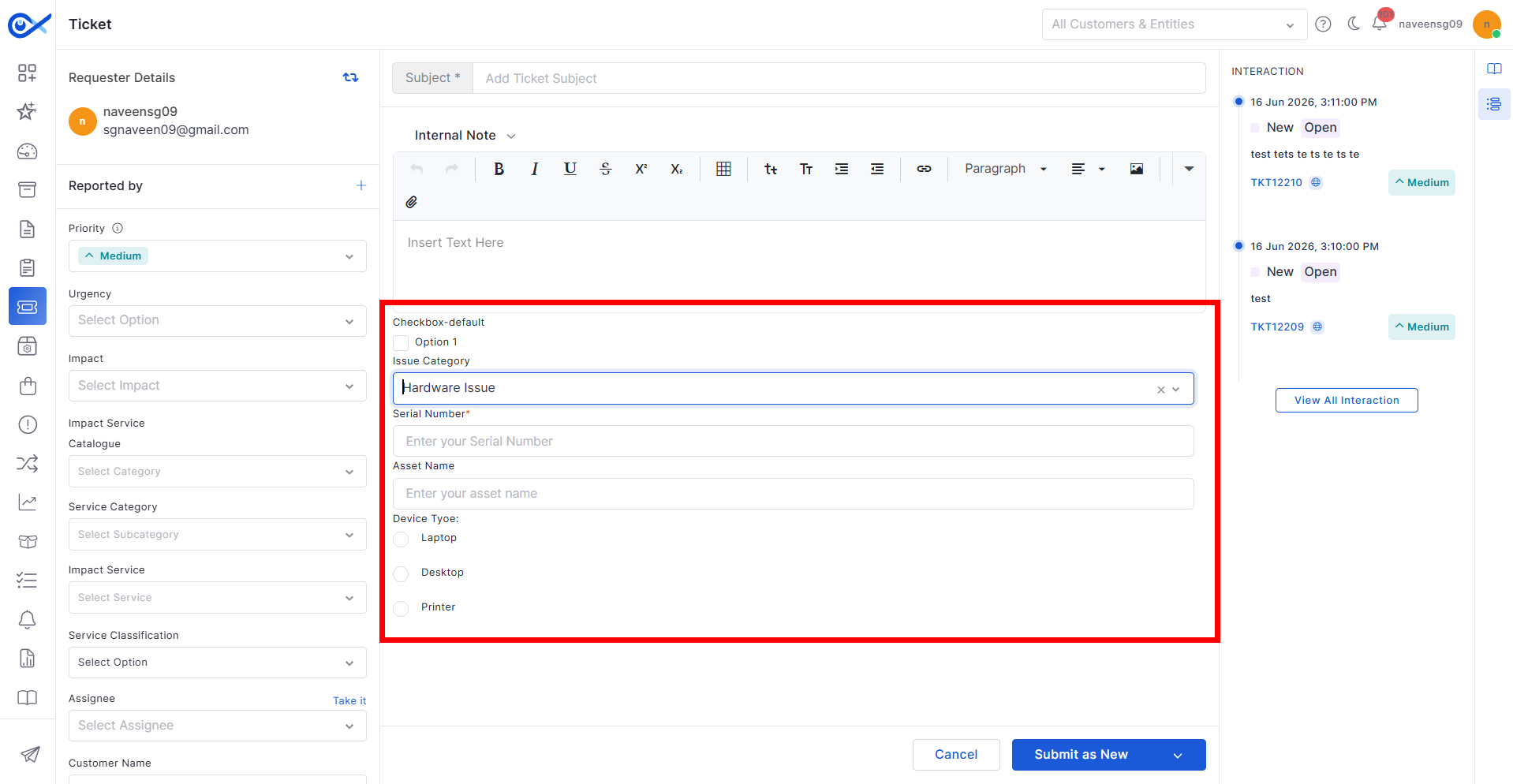
Workflow forms now support dynamically visible dependent dropdown fields.
  • Displays fields based on user selections.

  • Simplifies service request forms.

Purchase Requisition

Procurement workflows are enhanced with integrated vendor communication capabilities.
  • Centralize RFQ communication activities.

  • Improve collaboration with vendors.

Project Management

New portfolio-level widgets provide greater visibility into project performance.
  • Monitor active projects across the portfolio.

  • Track workforce utilization and project progress.

Project milestones can now be managed through CSV-based updates.
  • Update milestone relationships in bulk.

  • Reduce manual project administration effort.

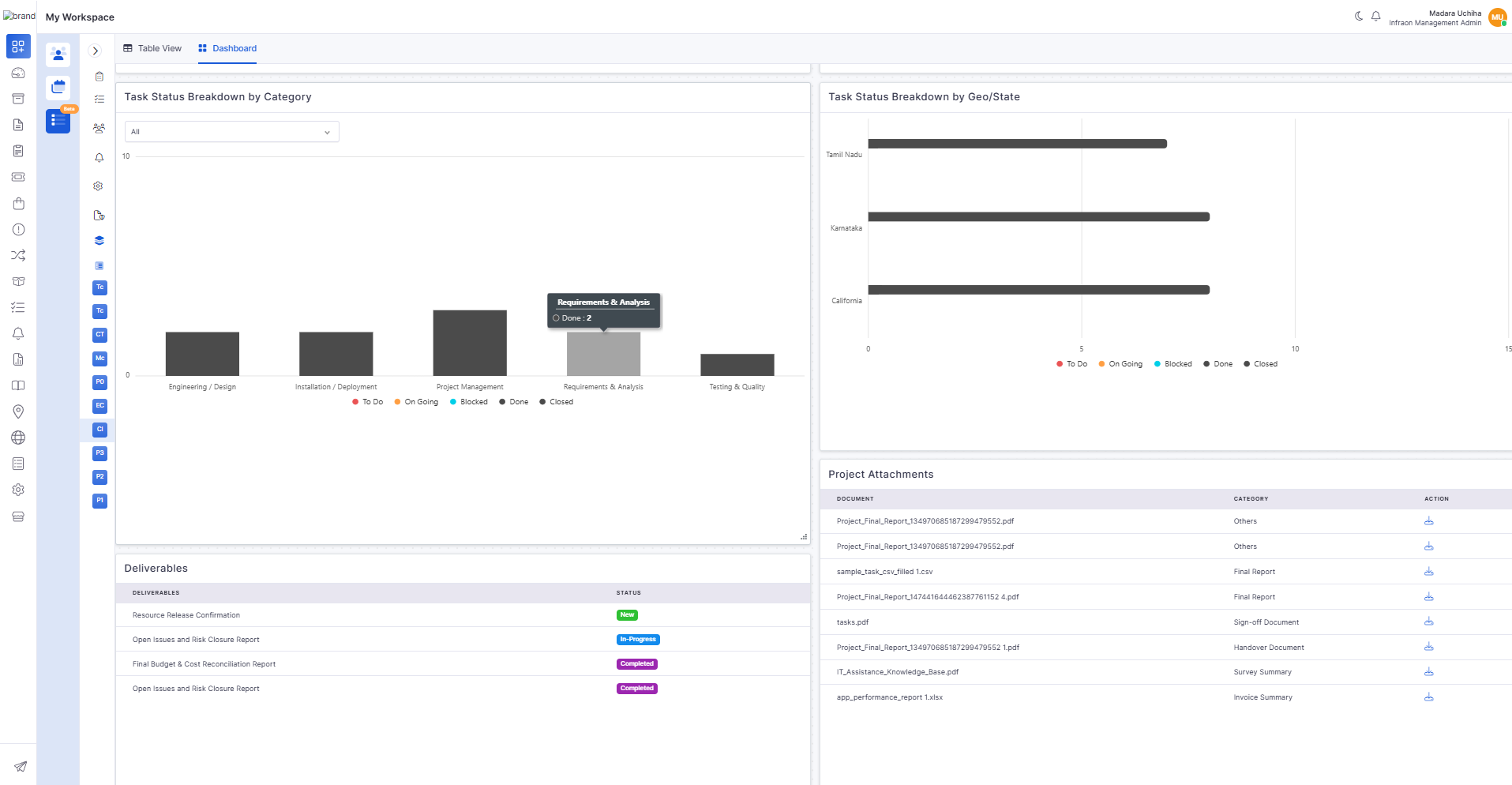
Project dashboards now include asset-related reporting and visualizations.
  • Analyze projects using asset-related insights.

  • Improve visibility into asset-linked activities.

Expanded dashboard widgets provide deeper project insights.
  • Monitor project budgets and utilization.

  • Track project status distributions.

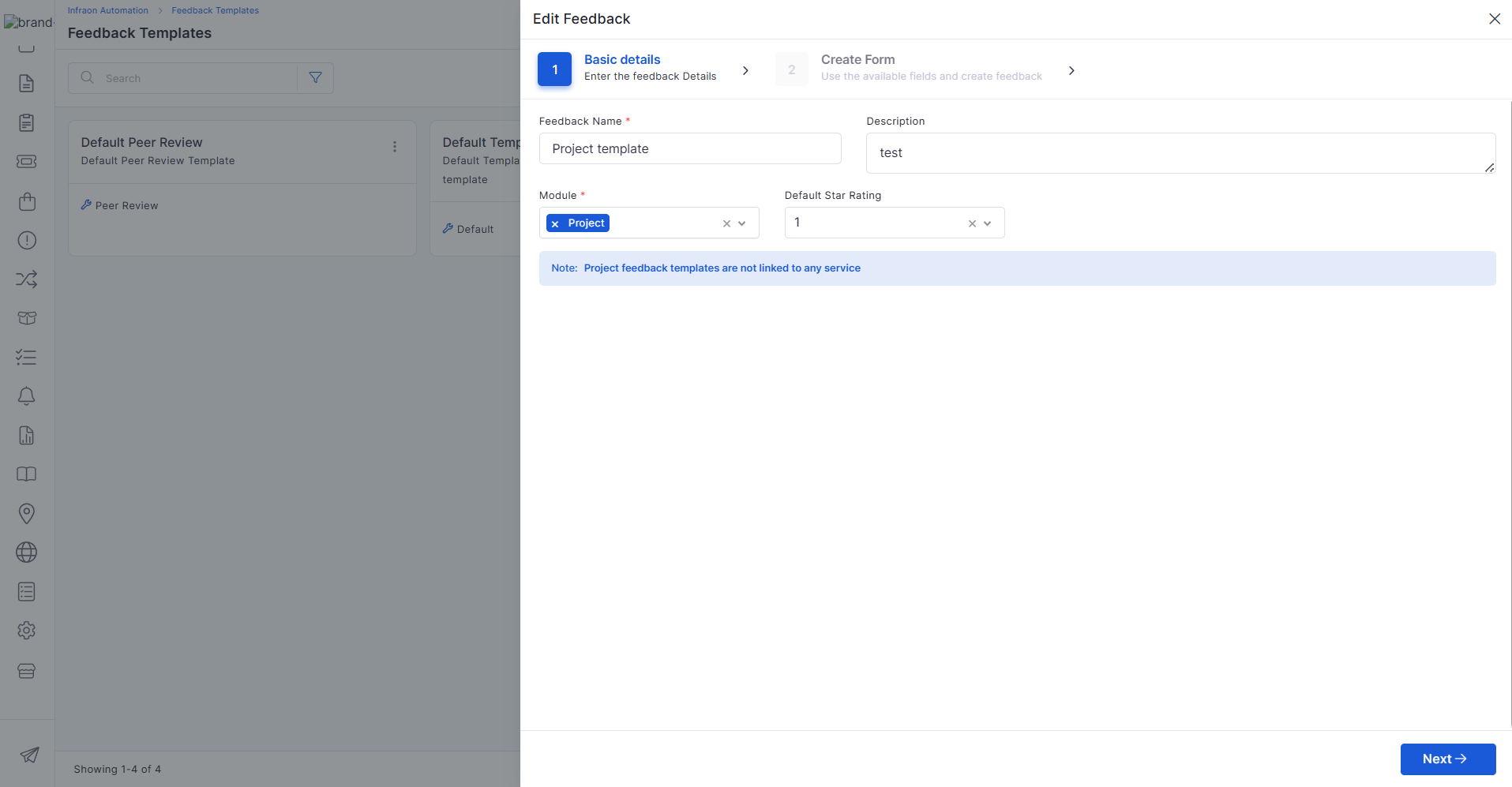
Configurable feedback templates help standardize project review processes.
  • Create reusable feedback templates.

  • Improve project evaluation consistency.

Project closure activities now include enhanced review and reporting capabilities.
  • Capture project outcomes during closure.

  • Support project review processes.

Additional widgets improve project tracking and visibility into performance.
  • Monitor task and milestone progress.

  • Track deliverables and completion trends.

AI Ops

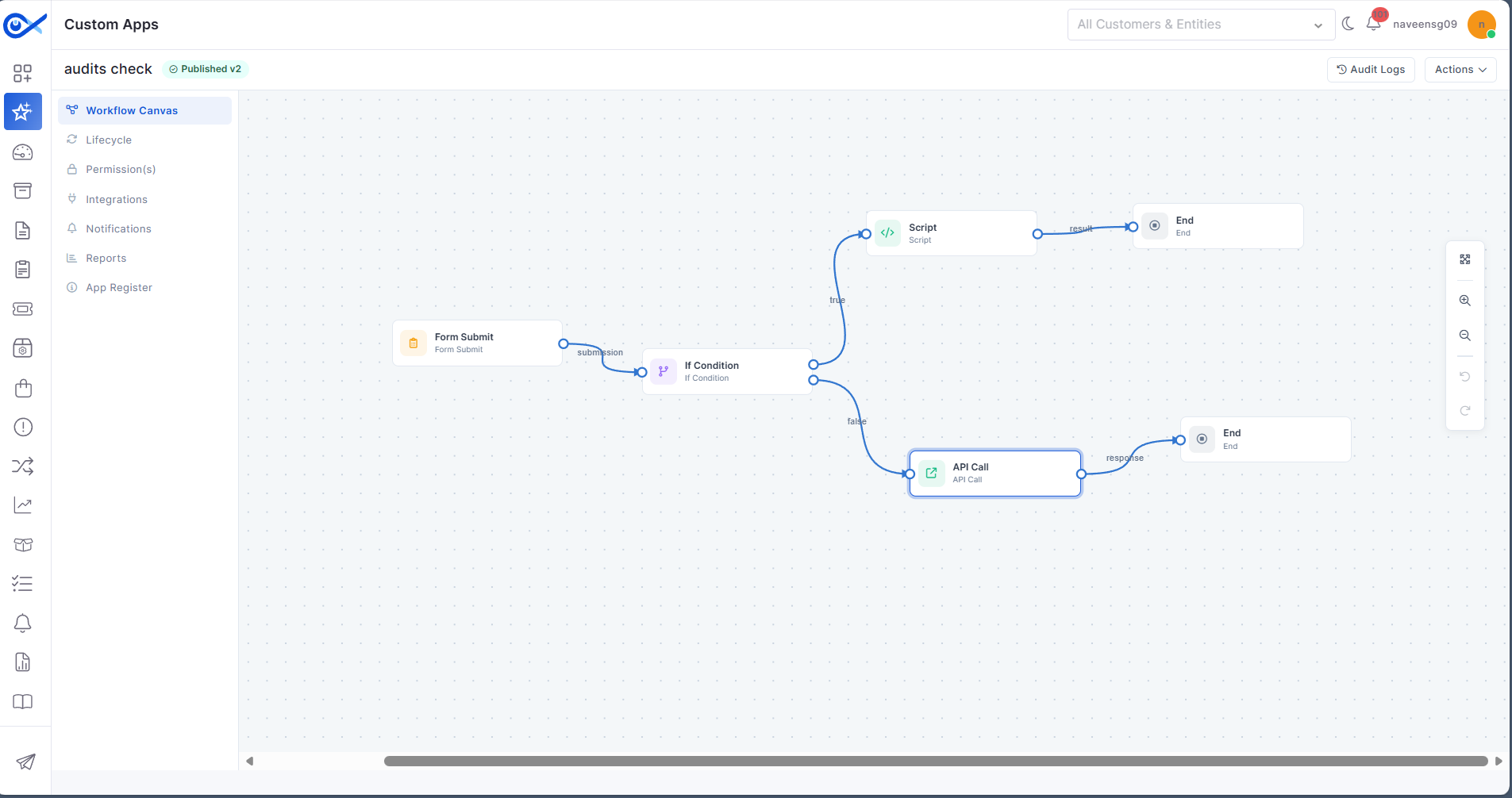
Custom Apps now support configurable form-building capabilities within workflows.
  • Simplifies custom application creation.

  • Supports dynamic data collection.

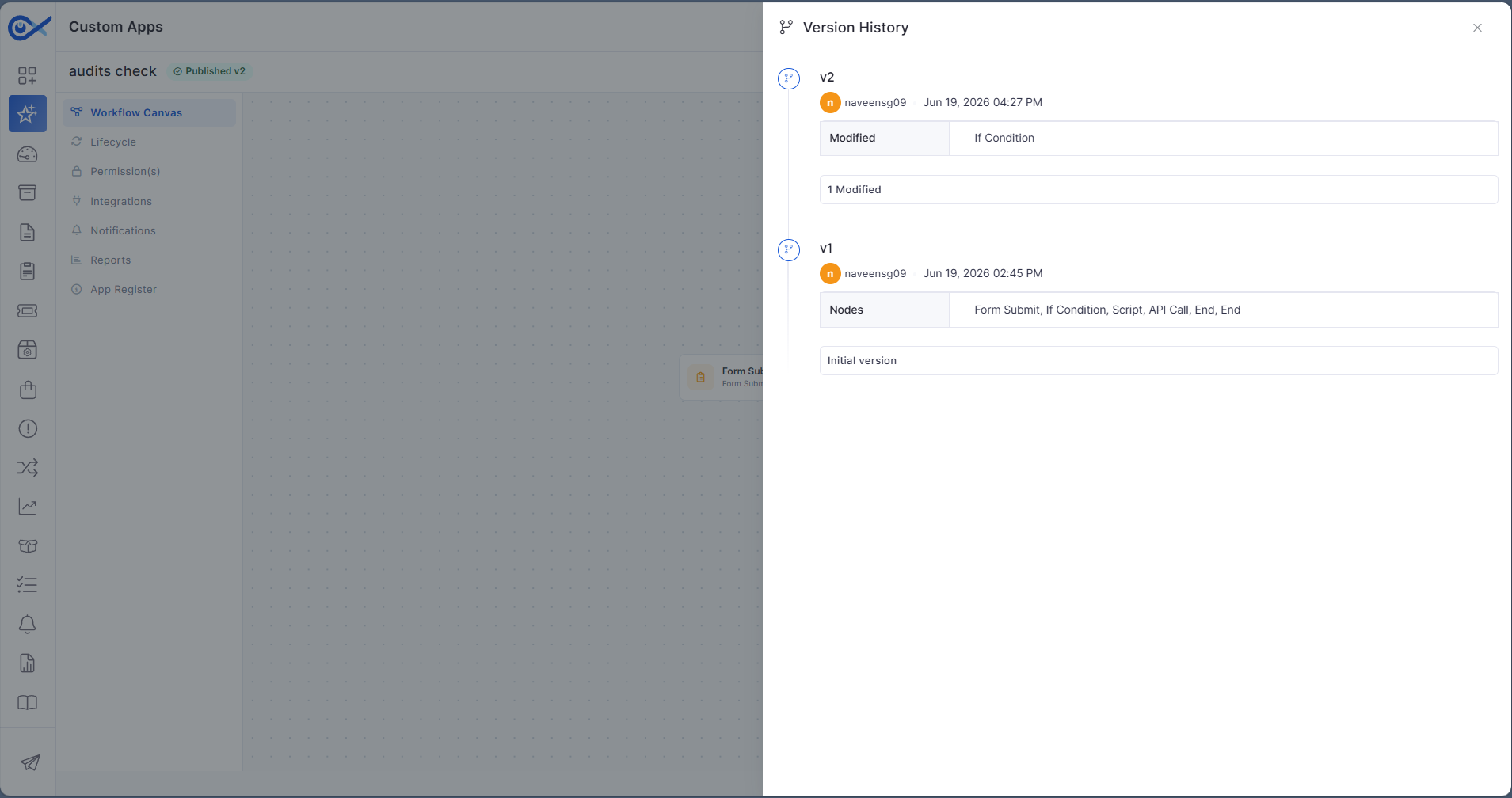
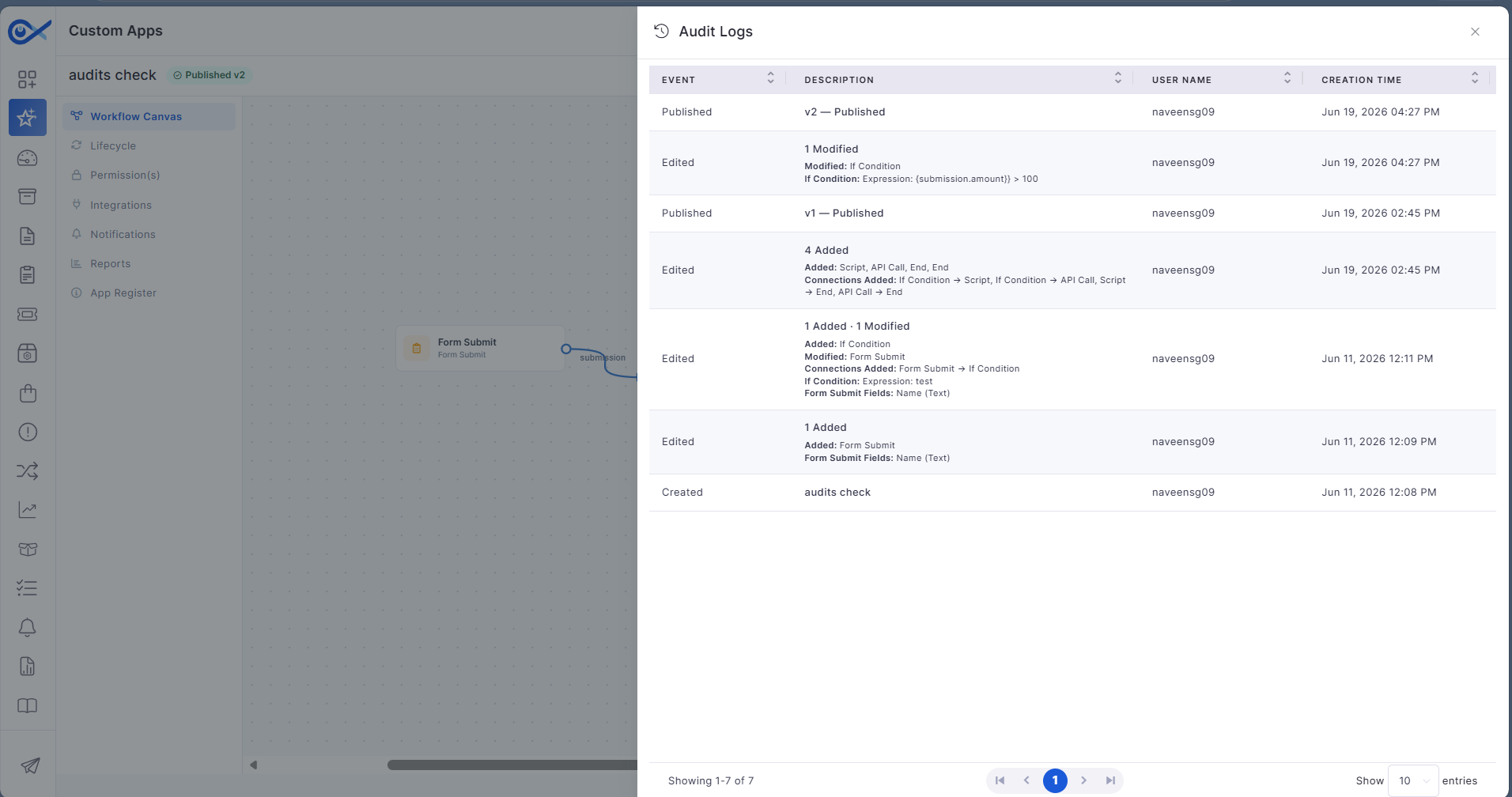
Enhanced lifecycle management capabilities provide better control over custom applications.
  • Maintain version history for custom apps.

  • Improve audit visibility and tracking.

🐛 Bugs Fixed

  • General stability and performance improvements across modules.

  • Fixed UI inconsistencies and validation issues.

  • Improved synchronization and workflow handling.

  • Minor fixes across reports, dashboards, and integrations.

Provides a seamless approval experience on the go.

  • Ensures consistent request status updates.

  • Supports multiple time-based views for analysis.
  • Improves operational visibility and monitoring.

  • View and remove attachments with ease.
  • Improves collaboration and information sharing.

  • Improves access to request-specific information.
  • Enhances workflow consistency.

  • Improves automation accuracy and consistency.
    • Enhances asset data governance.

    Supports detailed performance analysis.
  • Simplifies SLA auditing and tracking.

  • Provides a cleaner user experience.
  • Helps users focus on pending actions.

  • Better presentation of AI actions and outcomes.
  • Improves overall usability of Agentic AI features.

  • View templates from a centralized interface.
  • Standardize inventory location setup.

  • Improve inventory organization and visibility.
  • Simplify storeroom administration.

  • Reduces unnecessary field visibility.

  • Improves user experience and form completion.

  • Simplify procurement tracking.
  • Enhance procurement workflow efficiency.

  • Identify projects requiring attention.
  • Improve portfolio-level decision-making.

  • Improve project data maintenance.

  • Simplify large-scale milestone updates.

  • Support location and asset-based reporting.
  • Enhance project monitoring capabilities.

  • Improve project governance visibility.
  • Support informed project decisions.

  • Support structured stakeholder feedback.
    • Simplify review management.

    Generate final project reports.
  • Improve project completion documentation.

  • Improve project performance analysis.

  • Enhance dashboard reporting capabilities.

  • Enhances workflow flexibility.

  • Improves low-code customization capabilities.

  • Support governance and compliance requirements.

  • Simplify application maintenance activities.